
AgentX
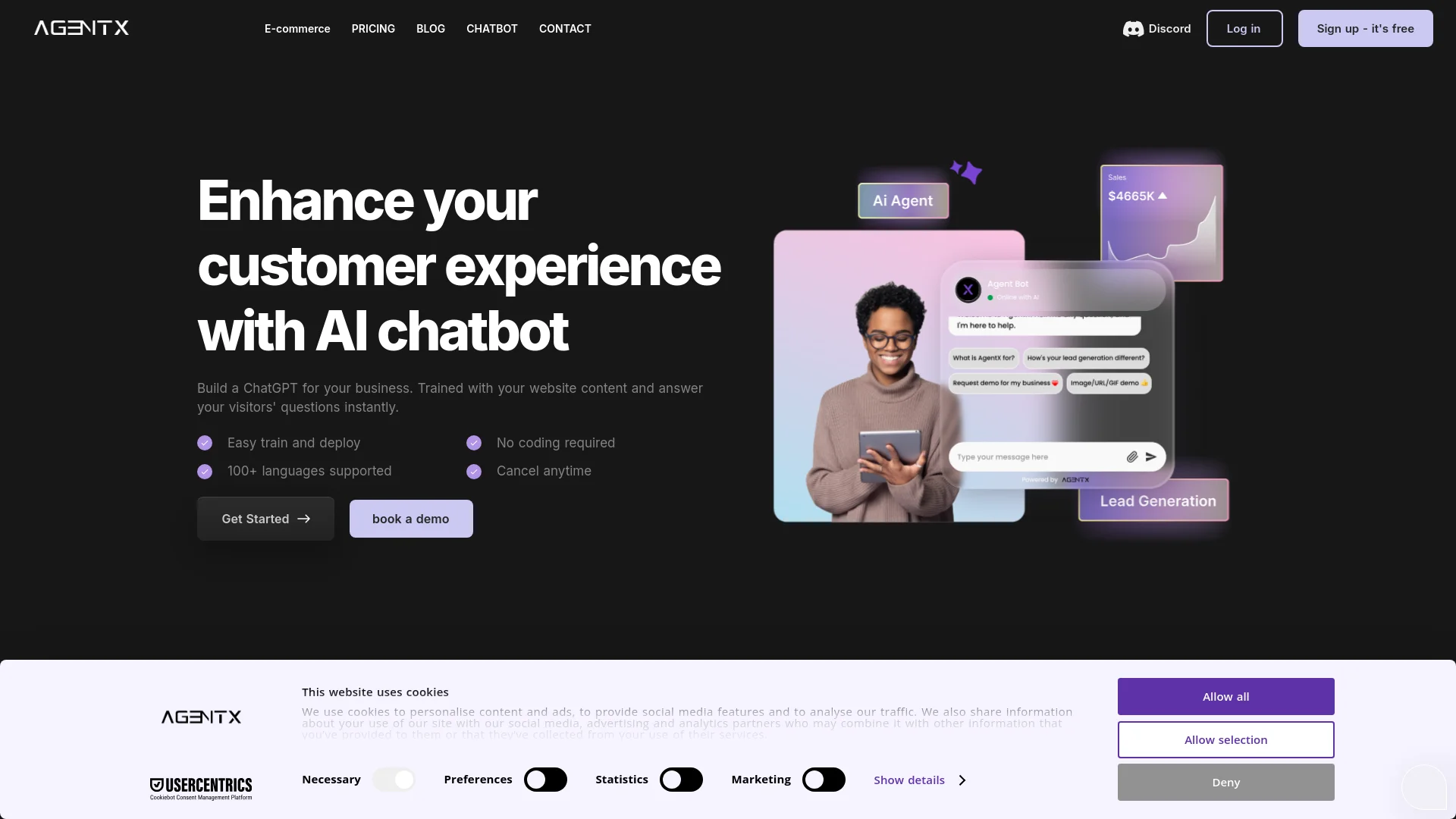
Enhance customer engagement with intelligent, customizable AI chatbots.
Watch AgentX in Action
Key Takeaways
- What it is
- Enhance customer engagement with intelligent, customizable AI chatbots.
- Pricing
- Freemium · $23 per month
- Best for
- Advanced NLP Algorithms
- Customizable Chatbot Templates
- Multi-Channel Support
- Rating
- 4.5/5
What is AgentX?
AgentX revolutionizes customer interaction through its state-of-the-art AI chatbot solutions. Designed for businesses of all sizes, AgentX simplifies customer service and engagement by offering intelligent, automated responses that cater to user inquiries efficiently. With its advanced natural language processing (NLP) capabilities, AgentX aims to enhance user experience, reduce response times, and streamline operational workflows.
AgentX stands out with its advanced NLP capabilities, which enable it to understand and respond to user queries with remarkable accuracy. Its ability to offer customizable chatbot templates tailored to specific business needs sets it apart from other AI chatbot solutions. Additionally, the multi-channel support feature ensures that businesses can engage their customers across various platforms seamlessly.
AgentX excels in providing intelligent, automated customer service solutions, making it an essential tool for businesses aiming to enhance customer engagement and streamline operations. Its advanced NLP capabilities, customizable templates, and multi-channel support offer an unmatched advantage in the AI chatbot market.
Who is Using AgentX?
E-commerce Businesses
Utilizing the tool to enhance customer support and streamline order management.
Digital Marketing Agencies
Employing the chatbot for automating client interactions and lead generation.
Customer Service Teams
Leveraging the tool to handle high volumes of customer inquiries efficiently.
Healthcare Providers
Using the chatbot to manage patient appointments and provide preliminary medical advice.
Uncommon Use Cases
Adopted by educational institutions for automating student queries; used by real estate agencies to offer virtual property tours and respond to client inquiries.
Key Features
Rating Breakdown
Pricing Plans
Free Tier
Free
- Experience AgentX with a freemium plan
Pro Tier
$23 per month
Which AgentX plan should you pick?
Start with Free for learning and testing, move to Solo Builder for production workloads, and upgrade to Professional, Business, or Enterprise for seats, client workspaces, white-labeling, or enterprise controls.
Free
Good for learning, testing, and building a first agent with one workspace, up to five agents, and 200 one-time credits.
Solo Builder
Good for solo builders shipping real workloads who need more agents, recurring credits, production deployment, and API access.
Professional
Good for first client projects that need multiple seats, client workspaces, white-label deployment, and higher credit limits.
Business
Good for agencies scaling client work that need unlimited agents, additional seats, priority support, and priority SLA.
Enterprise
Good for organizations needing unlimited seats, SSO, dedicated infrastructure, security and compliance support, full evaluation, or on-premise deployment.
AgentX Use Cases
Document processing
Extract, validate, and route information from invoices, contracts, orders, and forms.
Outcome: Reduce or eliminate manual document handling.
Customer operations
Classify inbound emails, support tickets, status requests, and follow-ups, then answer or route them.
Outcome: Automatically handle a substantial share of inbound customer requests.
Client onboarding
Collect data, verify information, and coordinate tasks across multiple systems.
Outcome: Move clients from signed to live in hours rather than days.
Lead generation
Collect lead information during conversations and connect the flow to HubSpot, Wix CRM, or a custom webhook.
Outcome: Capture and route qualified lead data automatically.
E-commerce support
Use agents to answer product questions, track orders, handle returns, and support Shopify-related inquiries.
Workflow Ideas with AgentX
Automated invoice processing
- 1Receive invoices or forms through an agent channel
- 2Extract and validate document fields
- 3Post the structured information to an ERP or connected system
Customer support triage
- 1Receive inbound emails, tickets, or messages
- 2Classify the request and retrieve relevant knowledge
- 3Answer automatically or escalate the case to a human
Multi-agent client onboarding
- 1Collect required client information
- 2Assign verification and coordination tasks to specialist agents
- 3Complete handoffs across connected systems and report status
How AgentX fits into your stack
Slack Integration
Easily integrate AgentX with Slack to enhance team collaboration and customer support.
CRM Integration
Connect AgentX with popular CRM systems for streamlined customer relationship management.
Zapier Support
Utilize Zapier to connect AgentX with a multitude of third-party applications.
API Access
Developers can harness AgentX's API for custom integrations and functionalities.
Pros
- +Time Efficiency: Significantly reduces response times, allowing businesses to handle more inquiries in less time.
- +Cost-Effective: Lowers operational costs by automating customer service tasks.
- +User-Friendly Interface: Intuitive design makes it easy for businesses to set up and customize their chatbots.
- +Scalability: Can be scaled to handle increasing volumes of customer interactions as the business grows.
Cons
- −Initial Learning Curve: Requires some time to get accustomed to the advanced features and customization options.
- −Limited Offline Support: Primarily designed for online interactions, with limited functionalities for offline customer service.
- −Integration Complexity: Integrating with certain third-party platforms can be complex and may require additional technical support.
Limitations & when to consider alternatives
Known limitations
- Agents cannot currently be created through the API. Agents must be created in the AgentX platform; the API is used to interact with or manage existing agents.
- Digital PDF knowledge sources are limited to 200 pages. The documentation says larger PDFs require contacting AgentX.
- File uploads have a 20 MB default limit. The Text Extraction tool documents a default maximum of 20 MB per uploaded file.
- Some deployment channels are not yet available. Instagram, SMS, and email are listed as coming soon in the API getting-started documentation, although newer deployment pages describe broader channel support.
- Free-plan capacity is limited. The Free plan includes one workspace, up to five agents, one seat, and 200 one-time credits.
Look elsewhere when
- You need a dedicated native mobile application.
- You need a downloadable desktop application.
- You need agents created programmatically through an API.
How to Use AgentX
- 1
Explore the comprehensive tutorial series on the AgentX website, covering everything from basic setup to advanced features. These tutorials are designed to help users get the most out of their AI chatbot experience.
Who is AgentX For?
Solo builders
AgentX provides a free and paid builder path for people designing and deploying their own AI agents.
Internal teams
Internal teams can use shared workspaces, role-based access, multi-agent workflows, and production deployments.
AI agencies and service teams
Professional and Business plans support client workspaces, white-label deployment, and multiple seats.
Enterprise organizations
Enterprise customers can use SSO, dedicated infrastructure, security controls, evaluation programs, and on-premise deployment.
Non-technical users
AgentX offers chat-to-create workflows that let users describe an agent in natural language instead of configuring everything manually.
Frequently Asked Questions
Do I need a credit card to start?
No. AgentX says its free plan does not require a credit card.
What file types can AgentX process?
AgentX can process Word, text, PDF, scanned PDF, and image files. PDFs are parsed or OCR-processed as needed.
Can I use AgentX through an API?
Yes. AgentX provides API keys, documented endpoints, and API access for interacting with built agents.
Can AgentX create agents through its API?
No. The documentation says agents currently must be created in the AgentX platform; the API can interact with, track, look up, or chain existing agents.
Where can agents be deployed?
Deployment options include websites, Discord, Slack, WhatsApp, email, and other channels. Some channels are marked as coming soon in the documentation.
How large can uploaded PDFs be?
The documentation states that digital PDFs are limited to 200 pages unless a larger limit is arranged.
Community reviews
2 reviews from people who use AgentX.
Sign in to leave a review for AgentX.
Marcin M
Xuelai W (Robin)
AgentX Alternatives
Looking for alternatives to AgentX? Here are similar tools in the same category:
Learn to Master AgentX
With Skill Leap courses
Get in-depth training on AgentX and 50+ other AI tools with our expert-led video courses.
Start 7-Day Free Trial