
Texta
Unleash AI to rapidly generate, optimize, and scale content creation.
Key Takeaways
- What it is
- Unleash AI to rapidly generate, optimize, and scale content creation.
- Best for
- AI Blog Writer
- Email Writer
- Writing Assistant
- Rating
- 4.5/5
What is Texta?
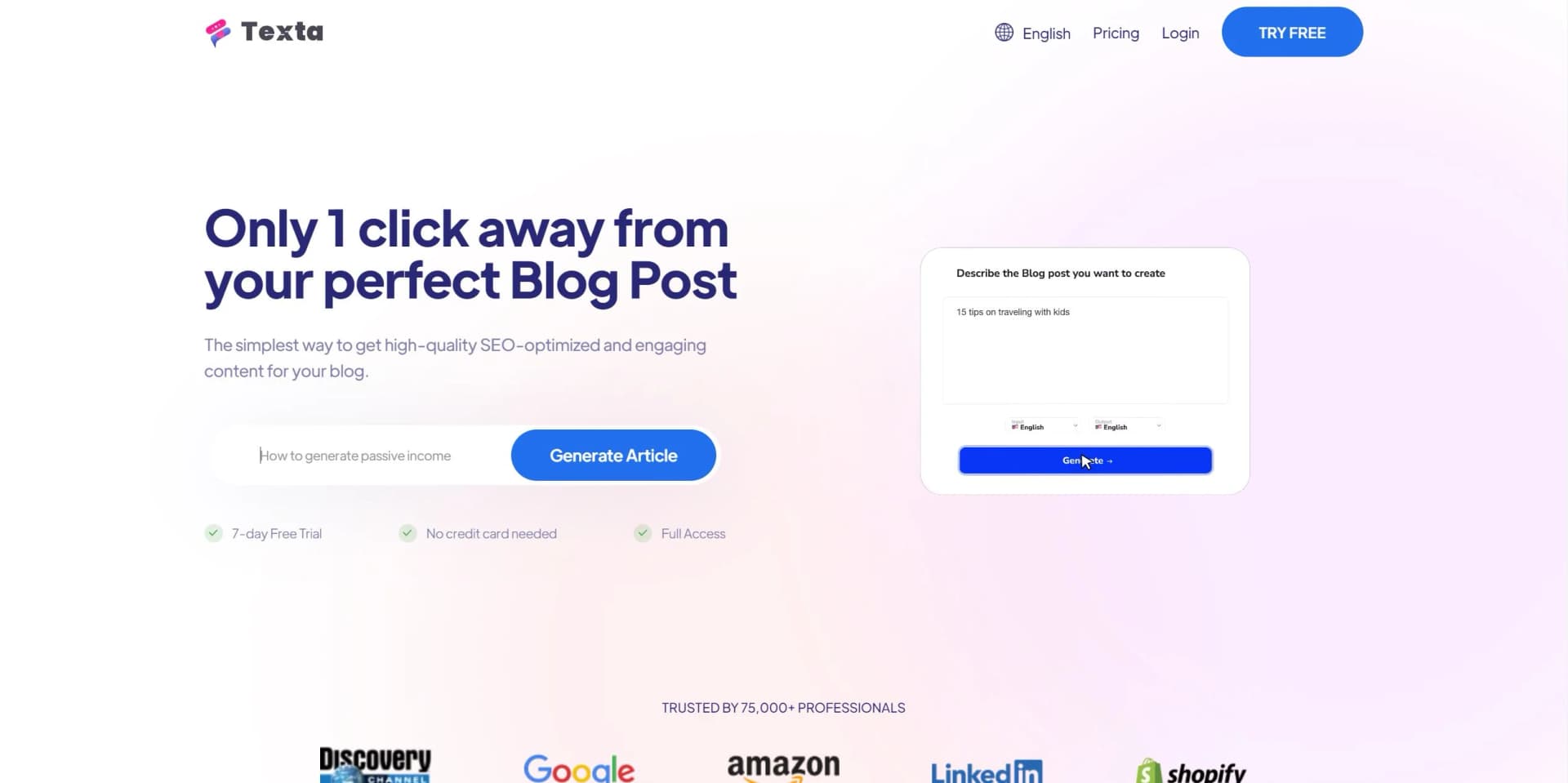
Texta emerges as a transformative tool in the realm of content creation, prioritizing efficiency and time-saving measures. Powered by AI, Texta revolutionizes the process of generating written content across various formats, from blogs to emails. It leverages advanced algorithms to swiftly generate, paraphrase, and optimize content, drastically reducing the time required for such tasks.
Texta stands out with its user-friendly interface and rapid content generation capabilities driven by AI. Not only does it expedite the writing process, but it also ensures content is SEO-optimized, a crucial aspect for digital marketing success.
Texta proves to be an invaluable asset in content creation, offering a seamless blend of efficiency, user-friendliness, and diverse feature sets. Its rapid content generation capabilities, coupled with SEO optimization, make it indispensable for marketers, agencies, freelancers, and businesses seeking to elevate their digital presence. With Texta, users can achieve more in less time, making it a potent tool in the arsenal of content creators.
Who is Using Texta?
Marketing Professionals
Streamlining content creation for campaigns and SEO strategies.
Entrepreneurs and Agencies
Automating content production to scale online presence.
HR Departments
Enhancing internal communications and documentation processes.
Freelancers
Improving efficiency and productivity in content delivery.
Uncommon Use Cases
Academics utilizing Texta for drafting research articles; Non-profits leveraging the tool for grant writing and outreach materials.
Key Features
Rating Breakdown
Pricing Plans
Free Trial
- Access Texta with a 7-day free trial
- No credit card required
Subscription Plans
- Multiple tiers available to cater to different user needs and operational scales
Which Texta plan should you pick?
Start with Starter for focused brand tracking, then upgrade to Pro or Advanced as prompt volume, workspaces, and reporting needs grow.
Starter
Good for focused brand teams who need a single workspace, 50 tracked prompts, basic mention scoring, and source analysis.
Pro
Good for growth teams who need two workspaces, 150 tracked prompts, and advanced mention scoring.
Advanced
Good for multi-brand teams who need five workspaces, 350 tracked prompts, and advanced source analysis.
Enterprise GEO Teams
Good for complex organizations that need custom monitoring, governance, and workflows.
Texta Use Cases
AI visibility monitoring
Track prompts, mentions, citation quality, and model-specific trends across answer engines.
Outcome: Teams identify visibility gains, losses, and emerging opportunities.
Citation diagnostics
Analyze which sources AI systems cite and identify citation gaps.
Outcome: Teams prioritize source and content improvements.
Competitor monitoring
Monitor competitor visibility and receive alerts when competitive positioning changes.
Outcome: Teams respond more quickly to competitor gains.
Document analysis
Upload supported documents and ask questions, summarize content, or extract insights.
Outcome: Users obtain answers and structured insights from source documents.
Code and utility generation
Describe a utility request and generate code snippets, formulas, or other small outputs.
Outcome: Users receive reusable utility content from a clear prompt.
Workflow Ideas with Texta
Monitor and diagnose AI visibility
- 1Track prompts, responses, and citations across major answer engines
- 2Review mention share, citation quality, and source gaps
- 3Prioritize next-step optimization work
Route visibility issues to owners
- 1Detect important prompt or citation changes
- 2Route insights to SEO, content, or PR owners
- 3Implement and verify corrective changes
Automate recurring GEO operations
- 1Connect Texta with tools such as Slack or Make
- 2Automate reporting, content tasks, and alerts
- 3Review outcomes in shared workflows
How Texta fits into your stack
Zapier Integration
Seamlessly connect Texta with other apps and services for workflow automation.
SEO Tools Compatibility
Works in tandem with SEO tools to ensure content is primed for ranking.
Content Management System Integration
Easily integrates with popular CMS platforms for direct publishing.
API Access
Offers API for custom integrations, catering to developers' requirements.
Pros
- +Speed and Efficiency: Texta significantly reduces the time needed for drafting content, boosting overall productivity.
- +SEO Optimization: Enhances content for improved search engine visibility and organic traffic generation.
- +User-Friendly Interface: Intuitive and straightforward interface, making it accessible for users of all proficiency levels.
- +Versatility: Suitable for a wide array of content needs, ranging from marketing to HR communications.
Cons
- −Learning Curve: New users may require some time to fully grasp the tool's extensive capabilities.
- −Content Originality: While efficient, the output may necessitate additional customization to ensure uniqueness.
- −Feature Limitations: Advanced users might seek more granular control over content generation options.
Limitations & when to consider alternatives
Known limitations
- Starter has one project workspace. The Starter plan includes 1 project workspace.
- Starter tracks 50 prompts. The Starter plan includes 50 tracked prompts.
- Pro has two project workspaces. The Pro plan includes 2 project workspaces.
- Pro tracks 150 prompts. The Pro plan includes 150 tracked prompts.
- Advanced tracks 350 prompts. The Advanced plan includes 350 tracked prompts.
How to Use Texta
- 1
Texta provides users with comprehensive tutorials and resources to leverage the tool effectively, covering everything from basic setup to advanced feature utilization.
Who is Texta For?
Marketing leaders
Track brand visibility and control how AI answers represent the company.
SEO and GEO specialists
Monitor prompts, mentions, citations, source gaps, and competitive visibility.
Product marketing teams
Identify inaccurate or incomplete AI representations of products and features.
Developer relations teams
Improve the accuracy of AI answers about technical products, APIs, and documentation.
Content and PR teams
Route citation and visibility issues to owners for corrective content work.
Frequently Asked Questions
What does Texta AI track?
Texta tracks brand visibility, prompt coverage, and citation patterns across major answer engines.
How quickly can we launch?
The pricing page identifies launch speed as a common question, while the product is designed for prompt tracking, citation diagnostics, and reporting.
Can we monitor competitors too?
Texta includes competitor visibility monitoring and alerts with contextual analysis.
Does Texta AI work with our existing stack?
Texta lists integrations including Vercel, Slack, Gemini, Make, Claude, and Supabase.
What document types can I use?
The document chat tool supports TXT, Markdown, CSV, JSON, XML, HTML, RTF, PDF, and DOCX files.
Community reviews
Be the first to share your experience.
Sign in to leave a review for Texta.
Texta Alternatives
Looking for alternatives to Texta? Here are similar tools in the same category:
Learn to Master Texta
With Skill Leap courses
Get in-depth training on Texta and 50+ other AI tools with our expert-led video courses.
Start 7-Day Free Trial