
ResumeTrick
Revolutionize your resume creation with AI-powered efficiency and professional flair.
Key Takeaways
- What it is
- Revolutionize your resume creation with AI-powered efficiency and professional flair.
- Best for
- AI-Powered Builder
- Customizable Templates
- Online Management
- Rating
- 4.6/5
What is ResumeTrick?
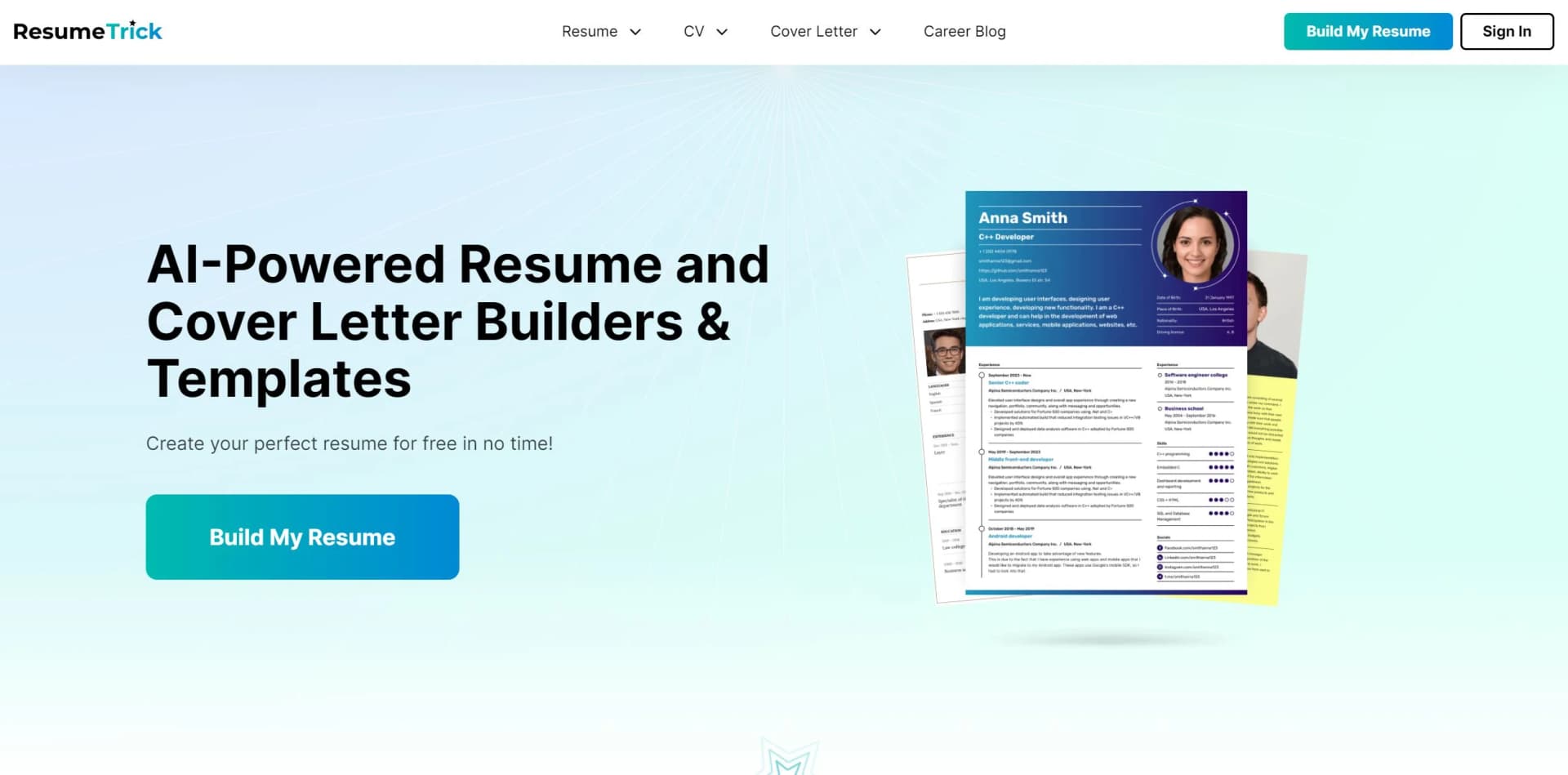
ResumeTrick is an AI-powered online tool designed to streamline the process of creating professional resumes, CVs, and cover letters. Emphasizing its core purpose, ResumeTrick provides job seekers with a variety of templates, writing tips, and automated suggestions to ensure that their first impression on potential employers is impactful. With its user-friendly interface and intelligent features, ResumeTrick caters to a wide audience, from recent graduates to seasoned professionals, simplifying the often-daunting task of resume writing.
ResumeTrick stands out due to its commitment to providing a completely free service, ensuring that all job seekers have access to quality resume-building tools. Its AI-driven guidance system distinguishes it from basic template providers by offering tailored writing assistance throughout the process.
ResumeTrick excels in providing job applicants with an accessible and intuitive platform for crafting professional resumes. With its AI assistance, a range of templates, and the convenience of online management, it serves as a valuable tool for anyone looking to polish their job application documents. The free access model is particularly commendable, ensuring that all users, regardless of their financial situation, can benefit from this service.
Who is Using ResumeTrick?
Job Seekers
Individuals actively looking for new employment opportunities.
Career Changers
Professionals aiming to transition into new industries or roles.
Recent Graduates
New entrants to the job market needing to craft their first professional resume.
Academics
Scholars and educators creating detailed CVs for academic positions.
Uncommon Use Cases
Used by non-profit organizations to assist clients in job preparation; Utilized in career workshops for resume building exercises.
Key Features
Rating Breakdown
Pricing Plans
Free Access
- All features and templates are available without charge
Which ResumeTrick plan should you pick?
Start with Free for a single resume and basic downloads; upgrade to Monthly, Quarterly, or Yearly when you need premium PDFs, unlimited documents, and extended job-search use.
Free
Good for users creating one resume and cover letter who can use free PDF templates or unlimited TXT downloads.
Monthly
Good for short-term job searches needing premium PDF templates, unlimited documents, examples, and AI generation.
Quarterly
Good for users searching for work over several months who want premium features at a discounted monthly rate.
Yearly
Good for longer job searches requiring unlimited documents, premium PDFs, examples, and AI generation at the lowest monthly rate.
ResumeTrick Use Cases
Create an AI-assisted resume
Select a role-focused template, enter contact and career information, and let AI write summaries and experience descriptions.
Outcome: A formatted resume ready to download or upload online.
Build a CV in multiple languages
Enter CV details and use localized formatting and multilingual support for languages such as Spanish, German, and French.
Outcome: A multilingual CV tailored to the selected language.
Write a cover letter
Use the cover-letter builder, templates, examples, and AI writing assistance to describe achievements.
Outcome: A professional cover letter for job applications.
Tailor application documents
Customize colors, reorder sections, add sections, and adjust skills and experience to match a job description.
Outcome: A more targeted resume or CV for a specific application.
Workflow Ideas with ResumeTrick
Create and download a resume
- 1Select a resume template tailored to the role
- 2Enter contact information, experience, education, and skills
- 3Customize the content and download the resume as PDF or TXT
Create a multilingual CV
- 1Choose a CV template
- 2Enter personal, education, experience, and skills information
- 3Apply multilingual formatting and download or share the CV
Prepare a complete job application
- 1Generate a resume with AI assistance
- 2Create a matching cover letter using the cover-letter builder
- 3Download the documents and submit them to employers
How ResumeTrick fits into your stack
Cross-Platform Accessibility
Accessible via any web browser on various devices.
PDF Compatibility
Resumes and cover letters can be downloaded in universally accepted PDF format.
Email Integration
Simplifies the process of sending resumes directly to potential employers.
No Specific Third-Party Integrations
Currently, ResumeTrick focuses on standalone service without direct integrations into job boards or LinkedIn.
Pros
- +100% Free Service: No hidden fees for building and downloading resumes.
- +No Technical Skills Required: Intuitive platform that requires no prior design or technical expertise.
- +Time-Saving: Quick and easy resume building, potentially reducing the time spent on this task significantly.
- +Helpful Content Suggestions: The AI offers content suggestions that can enhance the quality of the resume.
Cons
- −Template Limitations: While there is a variety of templates, some users may seek more creative or industry-specific options.
- −Internet Dependency: Being an online platform, it requires a stable internet connection for access and use.
- −Potential for Generic Phrasing: Automated suggestions might risk resumes sounding similar; customization is key.
Limitations & when to consider alternatives
Known limitations
- Free accounts are limited to one resume and cover letter. The Free plan includes one resume and one cover letter per account; paid plans provide unlimited documents.
- Premium PDF template downloads require a paid plan. Free users can use four free PDF templates, but cannot download premium resume templates in PDF.
- Free TXT downloads are unlimited, but PDF access is restricted. The Free plan includes unlimited TXT downloads while premium PDF downloads require an upgrade.
- The service is browser-based. Resume Trick is documented as an online builder accessed through a browser rather than an installed native application.
- Accounts and credentials are intended for individual use. The terms prohibit sharing login details, double accounts, and shared accounts.
Look elsewhere when
- You need a native iOS or Android application
- Your team needs shared accounts or collaborative workspaces
How to Use ResumeTrick
- 1
While specific tutorials were not highlighted, the platform's intuitive design and AI assistance effectively guide users through each step, reducing the need for external tutorial resources.
Who is ResumeTrick For?
Job seekers
Resume Trick was created to help job seekers build professional resumes and cover letters while searching for a new role.
Professionals in every industry
Its templates and examples are presented as suitable for professionals across different industries.
New or inexperienced job seekers
The guided builder, templates, and AI suggestions help users who are not experienced with resume writing.
Frequently Asked Questions
Can I use Resume Trick for free?
Yes. The Free plan costs $0 per month and includes free templates, TXT downloads, examples, and the AI generator.
What is limited on the Free plan?
Free users can create one resume and cover letter per account. Premium template PDF downloads are unavailable.
Which paid plan should I choose?
Resume Trick says most people need three to six months to find a job, making Quarterly or Yearly plans suitable for longer searches.
Can I change or cancel my plan?
Yes. Plans can be upgraded or canceled directly from the user profile.
Can I use Resume Trick without an account?
The AI builder page says users can build and download a resume without signing up; an account saves progress.
Is there a native Resume Trick app?
No native installation is required. Resume Trick is described as an online, browser-based builder optimized for phones and computers.
Community reviews
3 reviews from people who use ResumeTrick.
Sign in to leave a review for ResumeTrick.
Gerson Mendez Guerra
sujan Adhikari
David Thompson
ResumeTrick Alternatives
Looking for alternatives to ResumeTrick? Here are similar tools in the same category:
Learn to Master ResumeTrick
With Skill Leap courses
Get in-depth training on ResumeTrick and 50+ other AI tools with our expert-led video courses.
Start 7-Day Free Trial