
Ocoya
Revolutionize social media with AI content, scheduling, and analytics in one.
Watch Ocoya in Action
Key Takeaways
- What it is
- Revolutionize social media with AI content, scheduling, and analytics in one.
- Best for
- Content Creation and Automation
- AI Copywriting
- Scheduling
- Rating
- 4.7/5
What is Ocoya?
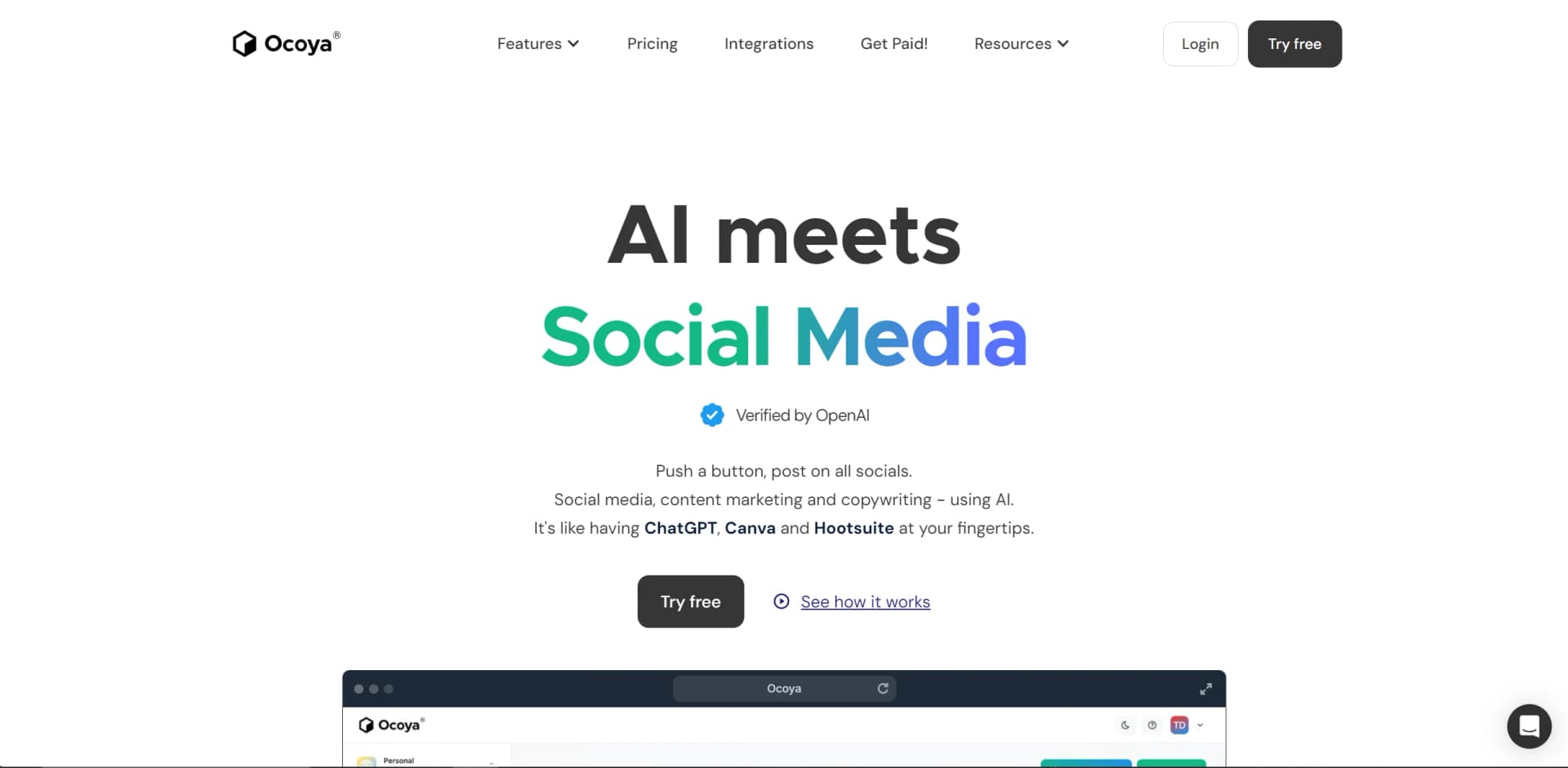
In the ever-evolving landscape of digital marketing, Ocoya emerges as a groundbreaking tool designed to streamline the way businesses and individuals manage their social media content. At its core, Ocoya is an AI-driven platform that amalgamates the functionalities of content creation, scheduling, copywriting, and analytics into a single, user-friendly interface. Imagine having the capabilities of ChatGPT, Canva, and Hootsuite, all at your fingertips. This is what Ocoya offers, making it an indispensable tool for anyone looking to elevate their social media game.
Ocoya stands out in the crowded field of social media management tools by integrating AI-driven content creation, copywriting, and scheduling in one platform. Its unique selling point lies in its ability to automate the entire content lifecycle, from creation to analysis, making it a powerful ally for anyone looking to boost their social media presence efficiently.
Ocoya excels in providing a comprehensive and efficient solution for social media management. Its ability to combine AI-driven content creation and copywriting with robust scheduling and analytics tools makes it an essential platform for marketers, entrepreneurs, and businesses aiming to maximize their online presence. With its affordable pricing, ease of use, and powerful features, Ocoya is poised to revolutionize how we approach social media strategy, making it an unmatched asset in the digital marketing toolbox.
Who is Using Ocoya?
E-commerce Businesses
For automating social media content that showcases products.
Digital Marketing Agencies
To create and manage campaigns efficiently.
Social Media Managers
For scheduling and analyzing content across multiple platforms.
Graphic Designers
To quickly produce professional-grade visuals for social media.
Uncommon Use Cases
Educational institutions for marketing courses; Freelancers in creative fields for streamlining project workflows.
Key Features
Rating Breakdown
Pricing Plans
Starts at $15 per month for comprehensive access to all of Ocoya's features.
Which Ocoya plan should you pick?
Start with Bronze for individual scheduling, move to Silver for small teams and ecommerce, and upgrade to Diamond when you need larger collaboration or REST API access.
Bronze
Good for individuals who need basic scheduling, one workspace, one user, and limited AI credits.
Silver
Good for small teams or growing agencies that need multiple workspaces, team members, ecommerce integrations, and more AI credits.
Gold
Good for larger teams or agencies that need more workspaces, users, storage, RSS feeds, and advanced analytics features.
Diamond
Good for large organizations and agencies that need up to 50 team members, unlimited workspaces, unlimited AI credits, and REST API access.
Ocoya Use Cases
Automated social posting
Generate captions and images, then publish posts automatically on a schedule.
Outcome: Maintain a consistent social-media presence.
Client campaign management
Use separate workspaces to organize client social profiles, campaigns, and approvals.
Outcome: Manage multiple client accounts from one platform.
Ecommerce promotion
Connect Shopify or WooCommerce and turn product information into social posts.
Outcome: Promote new products through automated content.
AI copywriting
Generate captions, hashtags, blog text, and marketing copy in multiple languages.
Outcome: Produce marketing text faster.
Engagement automation
Use comment-to-DM and chatbot workflows to respond to social interactions.
Outcome: Automate lead capture and customer responses.
Workflow Ideas with Ocoya
Scheduled AI social poster
- 1Create a workflow with a scheduled trigger
- 2Use an AI agent to generate caption and image
- 3Publish the generated post to selected social profiles
RSS-to-social publishing
- 1Connect a blog or RSS content feed
- 2Trigger the workflow when a new RSS item appears
- 3Use an AI agent and publish the resulting social post
Comment-to-DM promotion
- 1Select a published social post
- 2Filter comments for a chosen keyword
- 3Reply publicly and send a direct message with the offer or link
How Ocoya fits into your stack
Major Social Media Networks
Facebook, Instagram, Twitter, LinkedIn, TikTok, Pinterest, Google, and YouTube.
E-commerce Platforms
Shopify and WooCommerce.
Productivity and Design Tools
Zapier, Make (formerly Integromat), Airtable, and Canva.
Ocoya boasts over 30 integrations, ensuring compatibility with a wide range of platforms, including:
Pros
- +Efficiency: Ocoya significantly reduces the time and effort required to create and manage social media content.
- +Versatility: The platform's wide range of features makes it suitable for various content types and marketing strategies.
- +Ease of Use: With an intuitive interface, Ocoya is accessible to users of all skill levels.
- +Cost-Effective: Starting at just $15, Ocoya offers an affordable solution for high-quality social media management.
Cons
- −Learning Curve: New users may need time to fully grasp the extent of Ocoya's features and functionalities.
- −Scheduled Maintenance: Users might experience temporary service interruptions during scheduled maintenance upgrades.
Limitations & when to consider alternatives
Known limitations
- Trial rather than permanent free plan. Ocoya offers a 7-day free trial, while the listed plans are paid subscriptions.
- API access is plan-limited. The help-center pricing documentation places REST API access on the Diamond plan.
- Discord conversation management is limited. Ocoya documents that replying to messages, threads, conversation management, reactions, moderation, and Discord-specific analytics are unavailable.
- Social-platform limitations apply. Publishing capabilities depend on the connected platform and its supported post types, account permissions, and limits.
Look elsewhere when
- You need a permanent free plan.
- You need native mobile or desktop applications.
- You need SSO or SAML authentication.
- You need image understanding or visual analysis.
How to Use Ocoya
- 1
Ocoya offers comprehensive tutorials covering everything from basic setup to advanced features, available directly on their website and through their help center.
Who is Ocoya For?
Freelancers
Centralize social-media planning and use AI content creation and automation.
Brands
Create AI-powered content using brand kits, templates, ecommerce connections, and scheduling.
Marketing agencies
Manage multiple clients through workspaces, team members, approvals, and social profiles.
Small teams
Coordinate content creation, scheduling, and campaign review across shared workspaces.
Frequently Asked Questions
Do you have a free trial?
Yes. Ocoya offers a 7-day free trial with access to all features.
What happens at the end of the 7-day trial?
The pricing page identifies the trial as 7 days and then directs users to subscription plans.
What are the credits?
Credits are included monthly in paid plans and are used for Ocoya’s AI features.
What are workspaces?
Workspaces let users manage separate brands, clients, or social-media activities.
Can I change my plan after subscribing?
Ocoya lists plan changes as a pricing FAQ topic and provides multiple upgrade tiers.
Community reviews
Be the first to share your experience.
Sign in to leave a review for Ocoya.
Ocoya Alternatives
Looking for alternatives to Ocoya? Here are similar tools in the same category:
Learn to Master Ocoya
With Skill Leap courses
Get in-depth training on Ocoya and 50+ other AI tools with our expert-led video courses.
Start 7-Day Free Trial