Noah
Revolutionize legal documentation with AI-crafted demand letters.
Key Takeaways
- What it is
- Revolutionize legal documentation with AI-crafted demand letters.
- Pricing
- Freemium
- Best for
- AI-Powered Demand Letters
- Full Injury Documentation
- Customized Legal Narratives
- Rating
- 4.6/5
What is Noah?
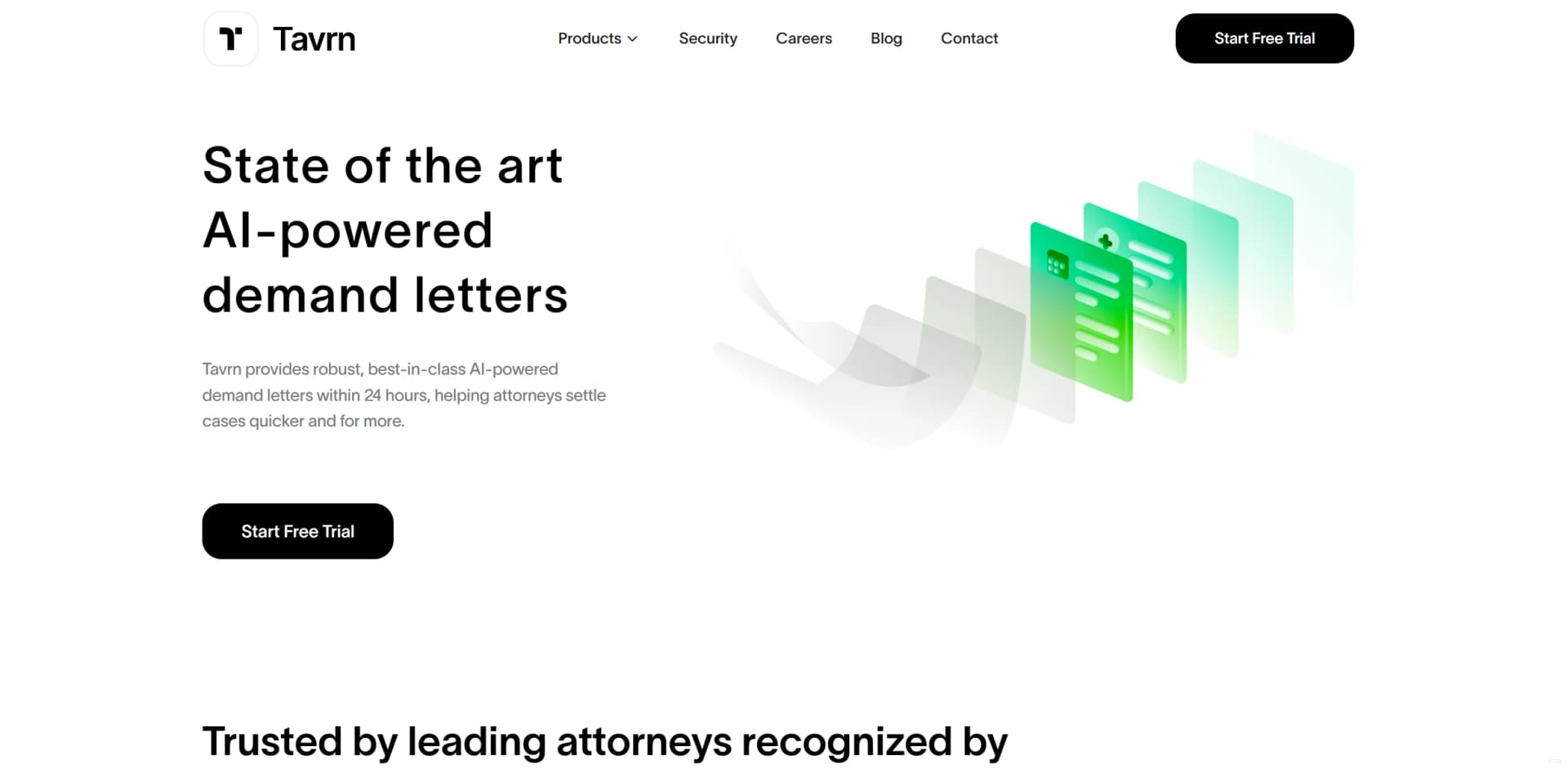
Noah AI by Tavrn is a cutting-edge tool designed specifically for the legal industry, offering AI-powered demand letters and medical chronologies. Tailored for attorneys, Noah AI streamlines the preparation of comprehensive demand packages, helping cases to settle more quickly and with higher compensation. By leveraging state-of-the-art AI technology, Noah AI delivers expertly crafted documents within 24 hours, offering efficiency and precision for legal professionals.
Noah AI stands out for its ability to generate AI-powered demand letters with a rapid 24-hour turnaround, making it a game-changer for legal professionals. Its comprehensive analysis, which includes injury documentation and customized legal narratives, helps attorneys craft powerful, high-impact legal documents that improve settlement outcomes.
Noah AI by Tavrn offers a groundbreaking solution for attorneys who want to expedite and enhance their demand letter preparation processes. The AI-driven capabilities not only save time but also significantly improve the accuracy and impact of legal documentation. Tailored to the specific needs of legal professionals, Noah AI is a powerful tool for achieving higher settlements with ease and confidence.
Who is Using Noah?
Personal Injury Attorneys
Utilizing the tool for creating accurate and impactful demand letters.
Insurance Companies
Streamlining their review processes and expediting settlements.
Legal Assistants
Reducing workload and enhancing the accuracy of case documentation.
Medical Legal Consultants
Creating detailed medical chronologies for legal cases.
Uncommon Use Cases
Adopted by educational institutions for teaching legal documentation processes, and freelance paralegals using it for independent casework.
Key Features
Rating Breakdown
Pricing Plans
Free Tier
Free
- Offers a free trial to explore the features of Noah AI by Tavrn
Which Noah plan should you pick?
Start with the Free Trial to test document connections and core assistance; upgrade to Plus when you need higher message, file, page, and synchronization limits.
Free Trial
Good for evaluating Noah with limited messages, Google Drive files, Notion pages, and synchronizations.
Plus
Good for regular individual use requiring unlimited messaging and larger Google Drive and Notion limits.
Enterprise
Good for organizations seeking expanded access and enterprise-oriented support.
Noah Use Cases
Ask questions about documents
Connect Google Drive or Notion and ask Noah to find relevant information.
Outcome: Faster retrieval of information from personal or work documents.
Summarize content
Use Noah to condense large amounts of synchronized document content.
Outcome: A shorter, easier-to-review summary.
Draft emails
Ask Noah to create email drafts using instructions and relevant connected context.
Outcome: A starting draft that can be reviewed and edited.
Search across work materials
Sync selected files or pages and ask questions across the connected sources.
Outcome: One conversational interface for information from multiple repositories.
Workflow Ideas with Noah
Research from connected documents
- 1Connect Google Drive or Notion
- 2Synchronize relevant files or pages
- 3Ask Noah targeted questions about the sources
Turn source material into an email
- 1Connect the documents containing the relevant context
- 2Ask Noah to summarize the key points
- 3Ask Noah to draft an email using those points
Review a large document set
- 1Select the files or pages to synchronize
- 2Ask Noah for a summary or key findings
- 3Follow up with questions about specific details
Pros
- +Time Efficiency: Automates the process of preparing demand letters, saving attorneys valuable time and allowing them to focus on other essential tasks.
- +Higher Settlements: Increases the likelihood of reaching policy limits and achieving higher settlements.
- +Comprehensive Analysis: Automatically extracts key details from accident reports and other documents to build a concise, compelling narrative.
- +User-Friendly Process: Features a secure portal for uploading case files, ensuring no critical information is overlooked.
Cons
- −Initial Learning Curve: Attorneys may need some time to get comfortable with the advanced features of the platform.
- −Limited Integration: Primarily focuses on demand letters and medical chronologies, with potential for expanded functionalities in the future.
- −Dependence on Document Quality: The effectiveness of AI analysis depends on the quality and completeness of uploaded documents.
How to Use Noah
- 1
Open Noah
Access Noah through its web product and begin the setup process.
- 2
Connect a source
Authorize Google Drive or Notion so Noah can use your selected documents as context.
- 3
Select content
Choose the files or pages Noah should synchronize and search.
- 4
Ask a question
Enter a natural-language request to retrieve information, summarize content, or complete a work task.
- 5
Review the response
Check the answer, summary, or email draft against the connected source material.
Who is Noah For?
Knowledge workers
Noah fits people who need to search, summarize, and work with information spread across connected documents.
Professionals
Professionals can use Noah to retrieve work information and draft emails from their connected sources.
Personal users
The product is also positioned for everyday personal tasks, not only workplace use.
Frequently Asked Questions
What is Noah?
Noah is a personal AI work assistant that connects to Google Drive and Notion, then uses that context to answer questions and assist with everyday work.
What can Noah do?
Noah can answer questions, find information, summarize content, draft emails, and help with personal or work-related tasks.
Which services can Noah connect to?
The product page specifically identifies Google Drive and Notion as supported connected sources.
Does Noah have a free option?
Noah offers a limited free trial with caps on messages, connected files, pages, and synchronizations.
What does the Plus plan provide?
The Plus plan provides expanded messaging, file, and synchronization limits compared with the free trial.
How does Noah use connected documents?
Noah retrieves relevant information from synchronized documents and uses it as context for answers, summaries, and drafts.
Community reviews
Be the first to share your experience.
Sign in to leave a review for Noah.
Noah Alternatives
Looking for alternatives to Noah? Here are similar tools in the same category: