Namecheap Logo Maker
Free AI logo design for small businesses launching a brand quickly.
Watch Namecheap Logo Maker in Action
Key Takeaways
- What it is
- Free AI logo design for small businesses launching a brand quickly.
- Pricing
- Freemium
- Best for
- AI Logo Generator
- Custom Color Palettes
- Free Icon Library
- Rating
- 4.1/5
What is Namecheap Logo Maker?
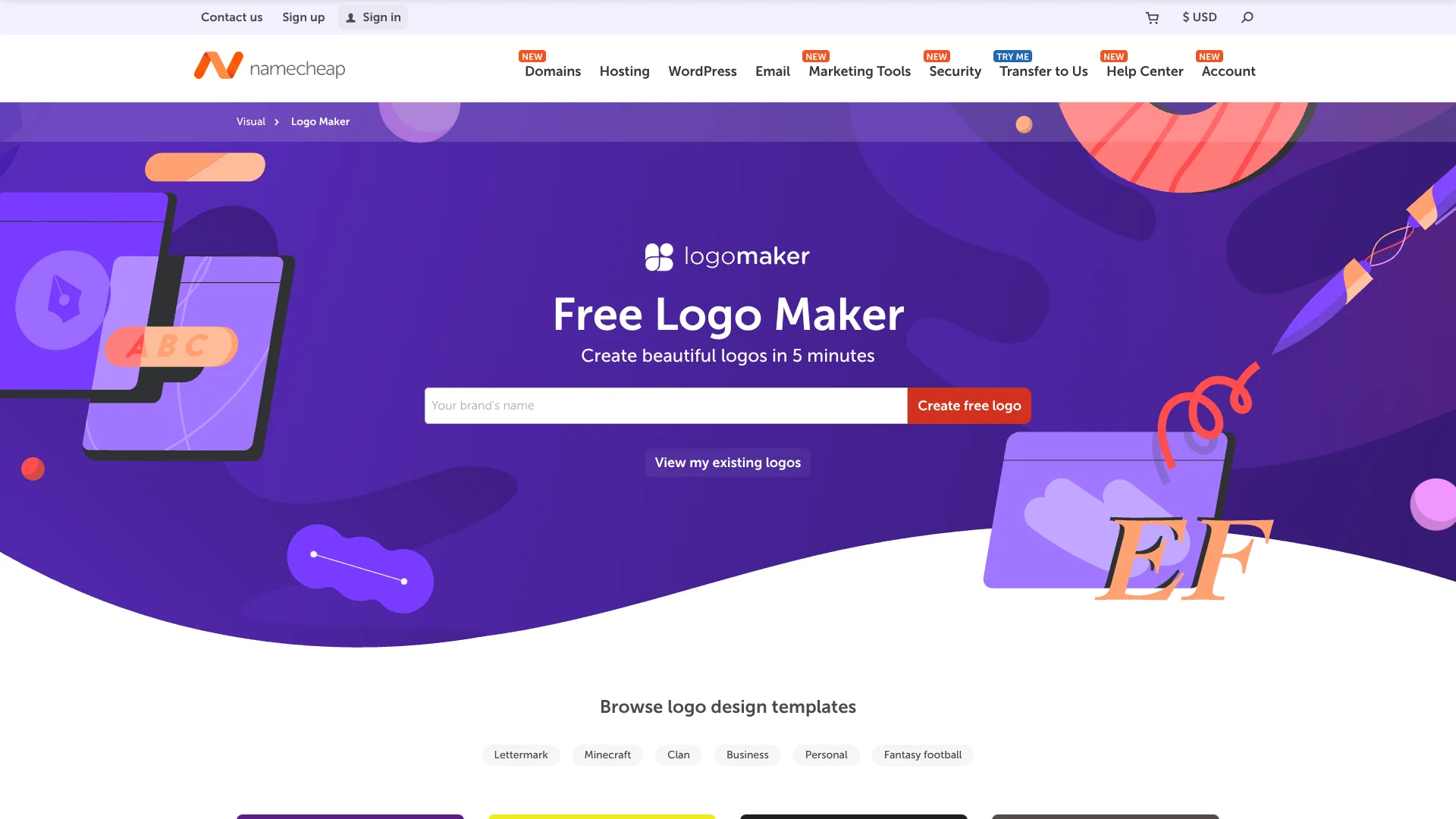
Namecheap Logo Maker helps small businesses, entrepreneurs, freelancers, and personal projects create a usable logo in minutes. You choose fonts, colors, and icons, then its AI generates logo variations around those choices. The editor lets you adjust the result before downloading files for websites, social profiles, business cards, or other marketing materials.
A finished design includes both PNG and SVG files at no charge, with no watermarks and no limit on how many logos you create or download. That makes it practical for testing several brand directions before choosing one.
Logo Maker is best for people who need a fast starting point rather than custom work from a professional designer. Its templates, icons, and automated layouts can produce a polished basic mark, but the tool does not provide copyright or trademark advice. For a quick brand identity you can move into other Namecheap Visual tools, it delivers the essential files without a paid plan.
Who is Using Namecheap Logo Maker?
Startup Founders
A finished logo gives an early business a visual identity for its website and launch materials.
Freelance Designers
Quick AI-generated directions can help with early concepts or simple personal branding.
Small Business Owners
Editable colors, fonts, slogans, and icons support a logo that matches an existing business style.
Content Creators
PNG files can support profile images, social graphics, and other online brand placements.
Website Builders
Site Maker users can import a saved logo directly into their website branding.
Uncommon Use Cases
Gaming clans can create themed marks from the logo idea library; local groups can preview a design on shirts and business cards before ordering materials.
Key Features
Rating Breakdown
Pricing Plans
Free Logo Maker
Free
- Unlimited logo designs and downloads.
- PNG and SVG files included.
- No watermarks.
- No subscription required.
- Free Namecheap account required to save, share, or download.
Which Namecheap Logo Maker plan should you pick?
Start with the free Logo Maker because the tool includes unlimited designs and downloads; look elsewhere only if you need custom design work or legal brand protection.
Free Logo Maker
Good for small businesses, entrepreneurs, freelancers, and personal projects that need PNG and SVG logo files without a design subscription.
Namecheap Logo Maker Use Cases
New Business Branding
A new company gets a logo direction from its name, preferred fonts, colors, and selected icons.
Outcome: A downloadable logo for early websites and marketing materials.
Website Logo Creation
Website owners create a mark sized for banner imagery, profile photos, and other web placements.
Outcome: PNG and SVG files for flexible website use.
Brand Direction Testing
Several AI-generated variations make it easier to compare different visual directions before settling on one.
Outcome: Multiple logo concepts without design software or paid downloads.
Marketing Mockups
A logo appears on T-shirts, business cards, and websites so you can judge how the design translates to real materials.
Outcome: A clearer view of the logo before using it publicly.
Namecheap Visual Branding
Saved logos move into Site Maker or Card Maker when the rest of a small brand presence is built with Namecheap.
Outcome: A connected logo-to-website or logo-to-business-card workflow.
Workflow Ideas with Namecheap Logo Maker
Create and Compare Logo Directions
- 1Enter your brand name.
- 2Choose preferred fonts, colors, and three icons.
- 3Review AI-generated variations and save the strongest options.
Prepare a Website Brand Asset
- 1Edit the selected logo and add a slogan if needed.
- 2Preview it on a website mockup.
- 3Download the PNG and SVG files or import the logo into Site Maker.
Check a Print-Ready Concept
- 1Select colors and an icon that match the intended business style.
- 2Preview the design on a T-shirt and business card.
- 3Download the preferred version for further production or ordering.
How Namecheap Logo Maker fits into your stack
Browser-Based Design
Logo Maker runs online across devices and operating systems, so it fits a lightweight branding workflow without a desktop installation.
Brand Assets
PNG files cover common online and marketing uses, while SVG files provide a vector version for scalable layouts.
Namecheap Visual
The tool sits inside Namecheap Visual alongside Site Maker and Card Maker, with direct logo import into both.
Review and Sharing
Mockups and shareable links make it possible to collect feedback before downloading or placing the logo on a site.
Pros
- +No-cost downloads: PNG and SVG files are available without payment or watermarks.
- +Fast results: AI generates logo options in a process Namecheap says takes less than five minutes.
- +Brand controls: Exact colors, fonts, icons, and slogans give you control beyond a fixed template.
- +Useful previews: Mockups show how the mark may look on common business materials.
- +Namecheap Visual connection: Logos move directly into Site Maker and Card Maker.
Cons
- −Basic creative control: Automated layouts may not replace a custom designer for distinctive brand work.
- −Account requirement: Saving, sharing, or downloading a logo requires a free Namecheap account.
- −No legal guidance: Namecheap does not handle copyright or trademark questions.
Limitations & when to consider alternatives
Known limitations
- Account Needed for Downloads. You can experiment without signing up, but saving, sharing, or downloading logos requires a free Namecheap account.
- No Copyright or Trademark Service. Namecheap says users should work with a lawyer for copyright or trademark matters.
- Template-Based Results. The tool generates designs from selected fonts, icons, colors, and layouts rather than providing a custom identity service.
Look elsewhere when
- You need legal help with registering or protecting a logo.
- You need a custom identity developed by a professional designer.
How to Use Namecheap Logo Maker
- 1
Start with the Brand Name
Enter the name that should appear in the logo so the generated designs have the correct text.
- 2
Choose the Visual Direction
Select font styles, color preferences, and three icons that represent the brand.
- 3
Review AI Variations
Let the generator create multiple combinations, then compare the options that best match the intended audience.
- 4
Refine the Favorite
Adjust the colors, fonts, icons, layout, or slogan before saving the design.
- 5
Check Real-World Mockups
Preview the logo on websites, T-shirts, and business cards to catch choices that may not work outside the editor.
- 6
Save and Download
Sign in to a Namecheap account to save, share, or download the final PNG and SVG files.
Who is Namecheap Logo Maker For?
Small Businesses
A quick way to create a usable mark for a new company, website, or marketing material.
Entrepreneurs
Useful when a new business idea needs a visual identity before launch.
Freelancers
Provides a free logo option for personal branding and client-facing work.
Personal Projects
Works for clubs, gaming groups, creators, and other projects that need a recognizable design.
Namecheap Visual Users
Fits people building a website or business card with Namecheap's related design tools.
Frequently Asked Questions
Is Namecheap Logo Maker free?
Yes. Logo Maker is free to use, and Namecheap says you can create and download as many logos as you want without being charged.
What file formats do logo downloads include?
Downloads include PNG and SVG files. PNG works well for common digital and print uses, while SVG provides a vector version.
Do I need a Namecheap account?
You can create logos for fun without signing up, but a free Namecheap account is required to save, share, or download them.
Can I preview the logo before downloading it?
Yes. Logo Maker shows previews on websites, T-shirts, and business cards, and it supports shareable links for feedback.
Can I use the logo in Site Maker or Card Maker?
Yes. Namecheap says both Site Maker and Card Maker support one-click import for logos created in Logo Maker.
Can Namecheap trademark or copyright my logo?
No. Namecheap says it cannot provide legal help with copyright or trademark matters and recommends working with a lawyer familiar with the laws in your country.
Community reviews
7 reviews from people who use Namecheap Logo Maker.
Sign in to leave a review for Namecheap Logo Maker.
Jit Soft
Soumik Bose
tm shen
Mylène V.
Viktor Rozsa (Klavutso)
Sciences Space
Oyeyemi Hamed
Namecheap Logo Maker Alternatives
Looking for alternatives to Namecheap Logo Maker? Here are similar tools in the same category: