
mnml AI
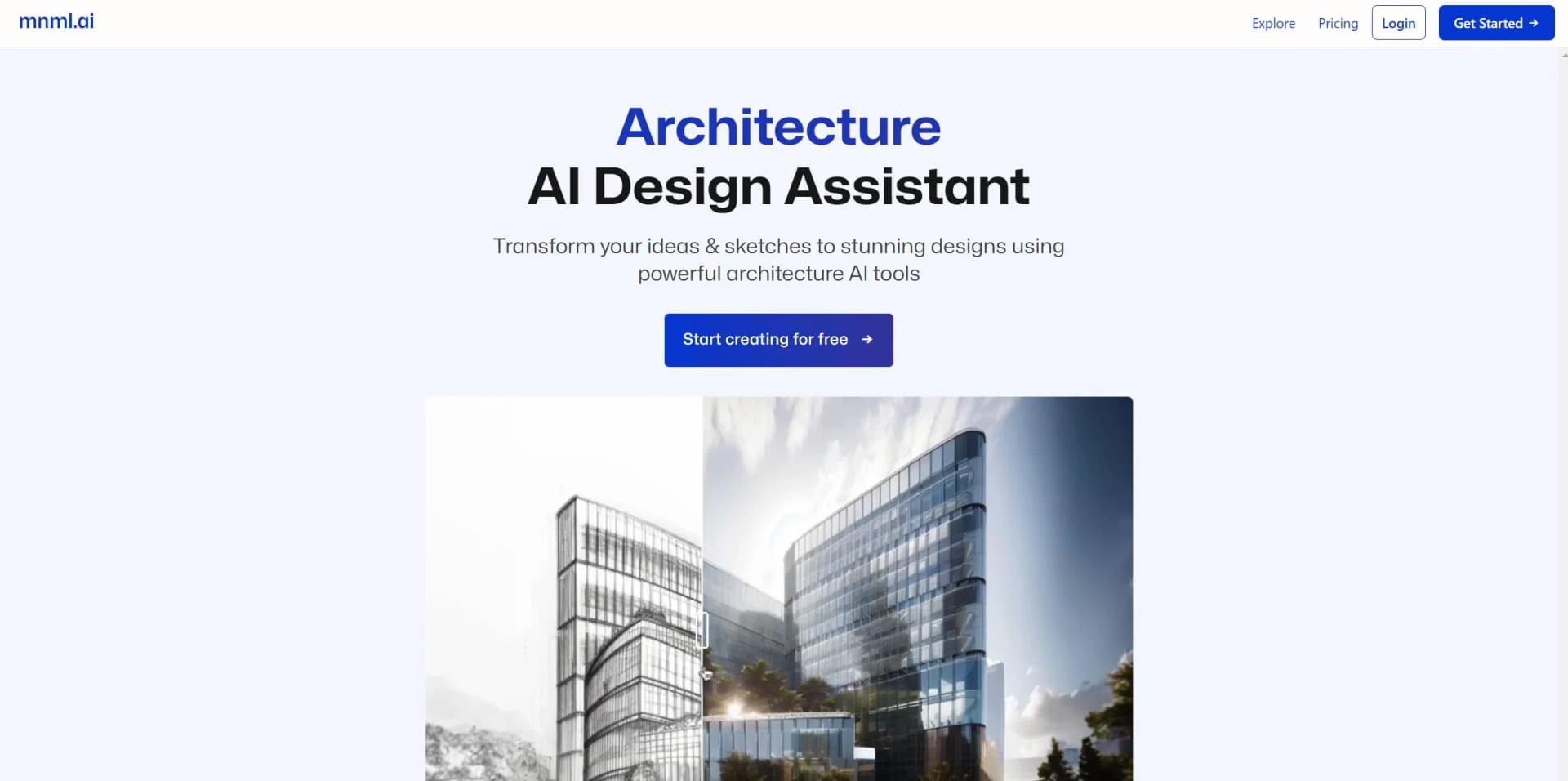
Transform sketches to detailed renders instantly with AI-powered design magic.
Key Takeaways
- What it is
- Transform sketches to detailed renders instantly with AI-powered design magic.
- Pricing
- Freemium
- Best for
- Architecture AI Render Tools
- 1-Click AI Sketch to Render
- Design Variation Generation
- Rating
- 4.6/5
What is mnml AI?
mnml AI is a groundbreaking tool in the realms of architecture and interior design, offering an AI-powered design assistant that swiftly transforms sketches into fully rendered images. Tailored for architects, interior designers, and enthusiasts, mnml AI revolutionizes traditional workflows, making design more accessible and efficient.
mnml AI seamlessly integrates into existing design workflows, offering architects and designers a robust solution to rapidly produce and iterate on visual concepts. Its standout feature, the 1-click AI sketch to render, saves time and enhances creativity.
mnml AI excels in transforming rendering into a swift and enjoyable process, indispensable for professionals and enthusiasts alike. Its ability to render multiple design styles rapidly offers an unmatched advantage. Whether you're an experienced designer or just starting out, mnml AI empowers you to bring architectural visions to life with ease and precision.
Who is Using mnml AI?
Architectural Firms
Utilizing for quick exterior and interior renderings during the design phase.
Interior Designers
Visualizing and iterating on room designs with ease.
Students and Educators
Using for educational purposes, from learning design concepts to presenting projects.
Real Estate Agents
Creating compelling visualizations for property listings.
Uncommon Use Cases
Hobbyists experimenting with home decor redesigns; Event planners visualizing venue arrangements.
Key Features
Rating Breakdown
Pricing Plans
Free Tier
Free
- New users start with free credits to try out mnml AI
Pro Tier
- Additional features and credits available through Pro plans
- Specific pricing on the website
Which mnml AI plan should you pick?
Start with Lite for occasional rendering, move to Plus or Studio for heavier individual use, and choose a team plan when you need shared workspaces, seats, administration, or SSO.
Lite
Good for individual users who need a lower monthly credit allowance and basic access to mnml.ai design tools.
Plus
Good for individual professionals who need more monthly credits and broader rendering capacity.
Studio
Good for high-volume individual production and advanced use of the full Studio workflow.
Team Starter
Good for small studios that need three team seats, shared credits, collaborative projects, role controls, and SSO support.
Team Growth
Good for growing design teams that need five seats, a larger shared credit pool, collaboration, administration, and SSO support.
Team Scale
Good for larger teams that need fifteen seats, higher-volume rendering, shared projects, administrative controls, and SSO support.
Enterprise
Good for large firms requiring thirty seats, SSO/SAML, dedicated account management, a 99.9% uptime SLA, and procurement support.
mnml AI Use Cases
Interior redesign
Upload a room photo, choose a style, configure furnishings and lighting, and generate redesign variations.
Outcome: Photorealistic interior concepts for planning or presentation.
Sketch-to-render visualization
Upload a hand-drawn or digital architectural sketch and apply rendering modes, styles, and prompts.
Outcome: A realistic architectural visualization from an early concept.
Exterior rendering
Process SketchUp, Revit, Blender, 3ds Max, or other viewport captures into exterior visualizations.
Outcome: Photorealistic building and façade renders.
Render enhancement
Upload an existing Lumion, Enscape, V-Ray, or other render and enhance its lighting, textures, and detail.
Outcome: Improved render quality and resolution, up to 8K.
Architectural animation
Upload or create a render, select camera movements, add an animation prompt, and generate a video.
Outcome: Short cinematic architectural animations in 1080p.
Workflow Ideas with mnml AI
Sketch to presentation render
- 1Upload a hand-drawn or digital sketch
- 2Choose an architectural expert type and render mode
- 3Apply a prompt and generate the photorealistic render
Interior redesign workflow
- 1Upload a room photo or screenshot
- 2Choose the room type, style, furnishing, and lighting settings
- 3Generate, compare, and download redesign variations
Render to animated walkthrough
- 1Create or upload an architectural render
- 2Select camera movement and animation settings
- 3Add an animation prompt and generate the video
How mnml AI fits into your stack
Modeling Software Compatibility
Works with Autodesk 3ds Max, Revit, Sketchup, Blender, and more.
No Special Software Required
Access mnml AI's functionalities without additional software.
User-Friendly Platform
Intuitive for users of all expertise levels.
Versatile Design Applications
Suitable for various design tasks, from detailed interiors to expansive landscapes.
Pros
- +Speed and Efficiency: Significantly reduces rendering time from hours to seconds.
- +Ease of Use: Simple interface requires no special software or coding knowledge.
- +Versatility: Compatible with popular modeling software like Sketchup, Blender, and 3ds Max.
- +Free Credits on Registration: Users receive free credits to test the tool before upgrading to Pro plans.
Cons
- −Learning Curve: New users may need time to explore the tool's full capabilities.
- −Pro Plan Dependence: Continuous and commercial use requires upgrading to a Pro plan.
- −Limited Customization: While offering various styles, customization options may be limited.
Limitations & when to consider alternatives
Known limitations
- Image upload limit. Studio documents a maximum upload size of 10MB.
- Supported upload formats. The Studio guide documents JPG, PNG, and WebP image uploads.
- Video duration. Video AI generates short videos under 20 seconds, with documented 10-second and 15-second options.
- Credit expiration. Top-up credits remain valid only until the end of the current billing cycle.
- Ultra mode composition changes. The documentation notes that Ultra mode can alter the composition slightly.
Look elsewhere when
- You need a native iOS or Android app.
- You need a downloadable desktop installer.
- You need traditional software integrations such as Slack, Zapier, or Notion.
- You need programming-code generation.
How to Use mnml AI
- 1
mnml AI offers a straightforward platform, but there are resources and community-driven platforms like Discord for users seeking tips and tricks.
Who is mnml AI For?
Architects
Generate architectural visualizations, explore design concepts, and turn sketches or 3D models into presentation-ready renders.
Interior designers
Redesign rooms, test materials and styles, and create photorealistic interiors for client presentations.
Visualization artists
Enhance, upscale, edit, and animate architectural imagery with specialized rendering tools.
Real estate professionals
Create virtual staging, property visuals, and presentation imagery from room or building photos.
Students and beginners
Use guided workflows, presets, and beginner documentation to explore architectural visualization without a steep learning curve.
Frequently Asked Questions
What is mnml.ai?
mnml.ai is an AI-powered architecture and interior-design visualization workspace that turns sketches, 3D models, and prompts into photorealistic renders.
Is mnml.ai free to use?
Yes. New users receive free credits at signup, with no credit card required.
Do I need to install anything?
No. mnml.ai runs entirely in the browser without an app download, software installation, or plugins.
Can I use mnml.ai for client work?
Yes. The site positions the product for client presentations, portfolios, marketing visuals, and commercial projects.
What can I upload?
You can upload building or site photos, 3D-model screenshots, hand sketches, and digital drawings. Studio documents JPG, PNG, and WebP inputs up to 10MB.
Can teams collaborate on projects?
Yes. Studio projects can be shared with clients, stakeholders, or teammates using view, view-and-download, or full-edit permissions.
Community reviews
1 review from people who use mnml AI.
Sign in to leave a review for mnml AI.
Thibault BM
mnml AI Alternatives
Looking for alternatives to mnml AI? Here are similar tools in the same category:
Learn to Master mnml AI
With Skill Leap courses
Get in-depth training on mnml AI and 50+ other AI tools with our expert-led video courses.
Start 7-Day Free Trial