
Docus
AI-driven health platform for personalized insights and expert advice.
Key Takeaways
- What it is
- AI-driven health platform for personalized insights and expert advice.
- Pricing
- Freemium
- Best for
- Personal AI Doctor
- Lab Test Interpretation
- Top Doctors Access
- Rating
- 4.5/5
What is Docus?
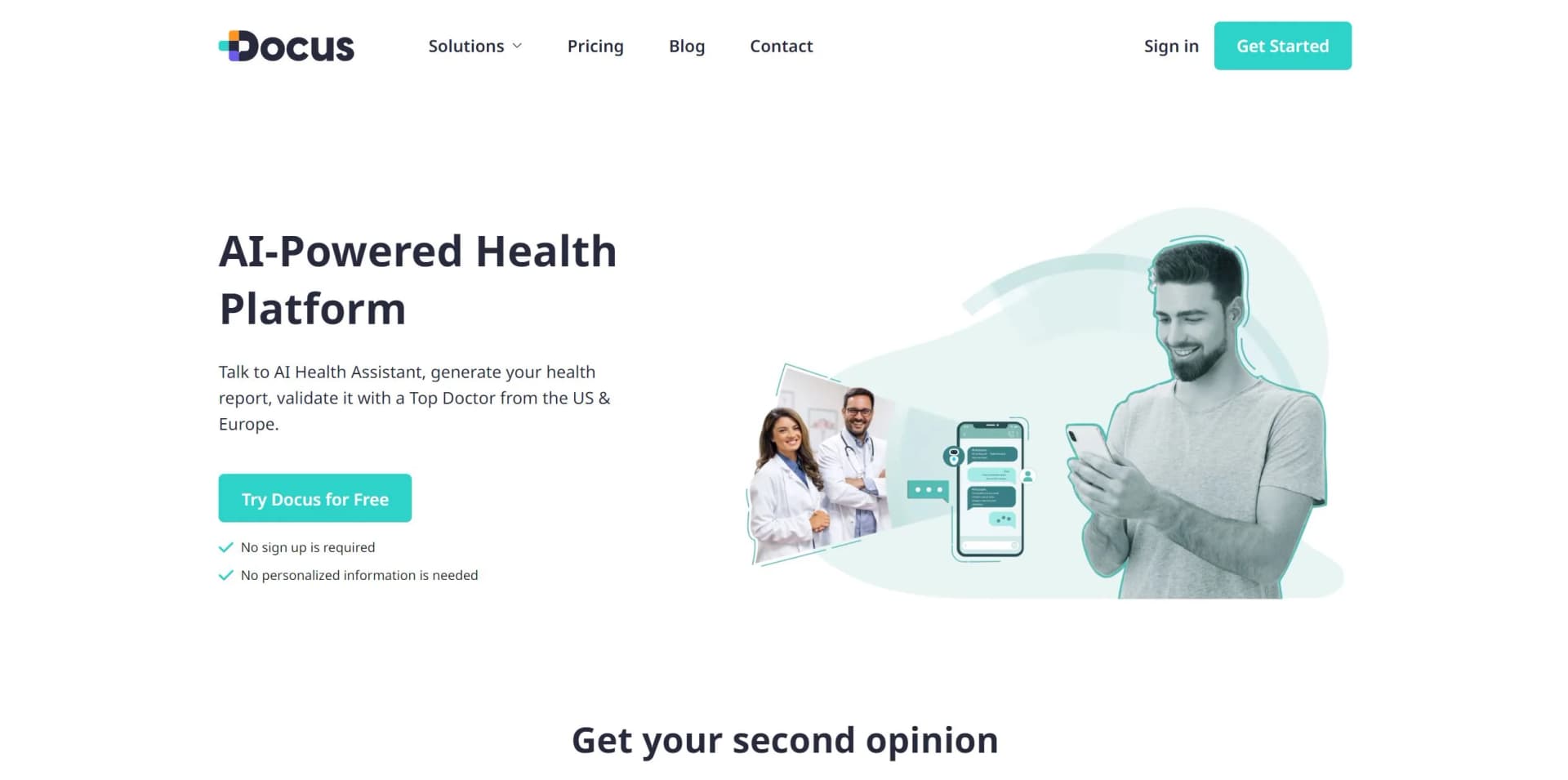
Docus is a cutting-edge AI-powered health platform designed to revolutionize personal health management. By offering a suite of tools such as the AI Doctor, lab test interpretations, and access to top US and European doctors, Docus empowers individuals to make informed health decisions. Tailored for those seeking proactive healthcare solutions, Docus simplifies the complexities of health management through personalized insights and expert advice.
Please note that pricing information may not be up to date. For the most accurate and current pricing details, refer to the official Docus website.
Docus stands out with its integration of AI technology and human expertise, offering a comprehensive health management solution. Its unique ability to provide both AI-driven insights and access to over 350 top doctors sets it apart, ensuring users receive the best of both worlds in healthcare.
Docus offers a transformative approach to personal health management, blending AI-driven insights with expert medical guidance. Its robust features and commitment to data security make it a trustworthy companion for anyone looking to take charge of their health. Whether you're managing chronic conditions, optimizing your wellness, or simply seeking peace of mind, Docus is an invaluable tool in navigating your health journey.
Who is Using Docus?
Health-Conscious Individuals
Leveraging the platform for personalized health management and preventive care.
Chronic Condition Patients
Using the AI Doctor for symptom tracking and expert consultations.
Athletes
Optimizing training regimens and nutrition through tailored health insights.
Families
Managing health for multiple members with customized profiles and advice.
Uncommon Use Cases
Employed by health coaches for client assessments; utilized by travel enthusiasts for on-the-go health management.
Key Features
Rating Breakdown
Pricing Plans
Free Tier
Free
- Experience Docus with a complimentary introduction to its features
Which Docus plan should you pick?
Start with the applicable Free plan to test Docus, then upgrade when patient capacity or message and interpretation limits require it.
Free
Good for patients or doctors who want to try Docus with limited usage and patient capacity.
Lite
Good for patients who need more than the Free plan's three weekly messages and one interpreted test.
Pro
Good for patients needing substantially higher monthly AI Doctor and lab-interpretation limits.
Starter
Good for doctors managing up to 50 patients while needing unlimited access to the listed AI tools.
Pro
Good for doctors managing up to 500 patients and needing unlimited access to the listed AI tools.
Ultimate
Good for doctors managing up to 2,000 patients and needing the highest published doctor-plan capacity.
Docus Use Cases
Interpret lab results
Upload blood, urine, or other test results for biomarker analysis, abnormality detection, and personalized explanations.
Outcome: A clearer report with health insights and suggested next steps.
Support clinical decisions
Doctors ask patient-specific clinical questions and receive answers informed by medical literature, guidelines, and patient context.
Outcome: Faster, more structured clinical decision support.
Generate medical notes and reports
Doctors use AI-generated notes, including SOAP notes, and medical reports based on patient data.
Outcome: Less manual documentation work.
Automate follow-up testing
Labs use patient history and results to identify follow-up needs, schedule reminders, and trigger notifications.
Outcome: More consistent follow-up engagement and continuity of care.
Validate requisitions
Labs use digital requisitions with guided inputs, medical-necessity text generation, and validation checks.
Outcome: Faster order completion and fewer medical-necessity or data-quality issues.
Workflow Ideas with Docus
Patient lab-result review
- 1Sign up and complete your health profile
- 2Upload a PDF, image, screenshot, or photograph of the lab results
- 3Review the biomarker explanations and follow-up recommendations
Doctor clinical-support workflow
- 1Create the first patient in the Doctor Platform
- 2Ask a patient-specific clinical question or upload lab results
- 3Use the generated guidance, report, or SOAP note in the clinical workflow
Automated laboratory follow-up
- 1Send lab data through the supported lab interface or API/HL7 connection
- 2Let Docus identify follow-up needs from results and patient history
- 3Use scheduled reminders and notifications to reconnect patients
How Docus fits into your stack
Browser
Docus provides browser-accessible interfaces for patients, doctors, and diagnostic labs, including AI health assistance and clinical workflows.
Knowledge and files
Users upload lab reports, prescriptions, and other medical documents; Docus applies OCR, medical knowledge retrieval, and context-aware memory.
Automation and APIs
Diagnostic labs can send data through API/HL7 and receive structured outputs in LIS, CRM, or EHR systems.
Pros
- +Data Security: Compliant with HIPAA and GDPR standards, ensuring your health data is protected.
- +Comprehensive Insights: Offers detailed health reports and checkup plans, facilitating informed decision-making.
- +Accessibility: Provides 24/7 access to AI-driven health support and expert consultations.
- +Ease of Use: User-friendly interface that simplifies complex health information for better understanding.
Cons
- −Initial Learning Curve: Users may need time to familiarize themselves with the comprehensive features.
- −Supplementary Role: Designed to supplement, not replace, professional medical advice.
- −Limited Integration: May not seamlessly integrate with all third-party health apps.
Limitations & when to consider alternatives
Known limitations
- Not a replacement for medical care. Docus states that its insights are not a substitute for professional medical advice, diagnosis, or treatment.
- No emergency use. Docus is not designed for emergencies; users are directed to contact emergency services for urgent care.
- Patient free-plan limits. The Patient Free plan includes three AI Doctor messages per week and one interpreted test result.
- Second opinions cost extra. Medical second opinions are not included in subscriptions and are priced separately at $490 per consultation.
- Some follow-ups require doctors. For reference and in-house labs, doctors manually schedule follow-up consultations rather than using fully automated follow-up scheduling.
Look elsewhere when
- You need official diagnoses or prescriptions.
- You need emergency medical care.
- Your lab needs full laboratory operations software.
How to Use Docus
- 1
Create an account
Sign up for the Patient or Doctor Platform. Doctors can start with their first patient on the Free plan.
- 2
Complete the health or specialty profile
Patients provide health context, while doctors select a primary specialty so tools adapt to their use case.
- 3
Ask the AI Doctor or Medical Assistant
Enter a health or clinical question to receive context-aware insights and recommendations.
- 4
Upload lab results
Add PDF files, images, screenshots, or photographs of test results for biomarker analysis and interpretation.
- 5
Review reports and follow-ups
Read the generated findings, explanations, and recommended next steps; labs can configure automated follow-up reminders.
- 6
Seek human medical review when needed
Use Docus's second-opinion service or consult a local healthcare professional because Docus does not replace clinical care.
Who is Docus For?
Direct-to-consumer laboratories
Docus helps labs provide patient-friendly reports, recommend follow-up testing, and improve patient retention.
Reference laboratories
Reference labs can deliver clinical interpretations, simplify ordering and review, and support referring providers.
In-house labs and clinics
These organizations can reduce interpretation workload and support faster internal clinical decisions.
Doctors
Doctors get AI-assisted clinical questions, research, lab interpretation, documentation, and patient communication tools.
Patients
Patients can ask health questions, interpret lab results, check symptoms, and seek medical second opinions.
Frequently Asked Questions
What is Docus AI Health Assistant?
It is a personalized patient platform combining an AI Doctor, symptom checker, lab-test interpretation, and access to expert second opinions.
How can I use Docus to manage my health?
Sign up, complete your health profile, then chat with the AI Doctor, upload lab results, check symptoms, or request an expert second opinion.
Can Docus provide a medical diagnosis or prescribe medication?
No. Docus provides health insights and recommendations but does not provide official diagnoses or prescriptions.
How are patients notified about follow-ups?
For direct-to-consumer labs, Docus notifies the lab so it can contact patients through existing channels. For reference and in-house labs, Docus can email patients about doctor-scheduled consultations.
Can follow-ups be fully automated?
Yes, for direct-to-consumer labs. Docus identifies follow-up needs, schedules reminders, and triggers notifications automatically.
Does Docus integrate with existing systems?
Docus supports API or HL7 integration and can also be used through standalone interfaces without integration.
Community reviews
8 reviews from people who use Docus.
Sign in to leave a review for Docus.
Thibault BM
Suren Martirosyan
Shavarsh Abrahamyan
Robert Sargsyan
Anna Nersisyan
Lilit Barseghyan
Hayk Davtyan
Lilith
Docus Alternatives
Looking for alternatives to Docus? Here are similar tools in the same category:
Learn to Master Docus
With Skill Leap courses
Get in-depth training on Docus and 50+ other AI tools with our expert-led video courses.
Start 7-Day Free Trial