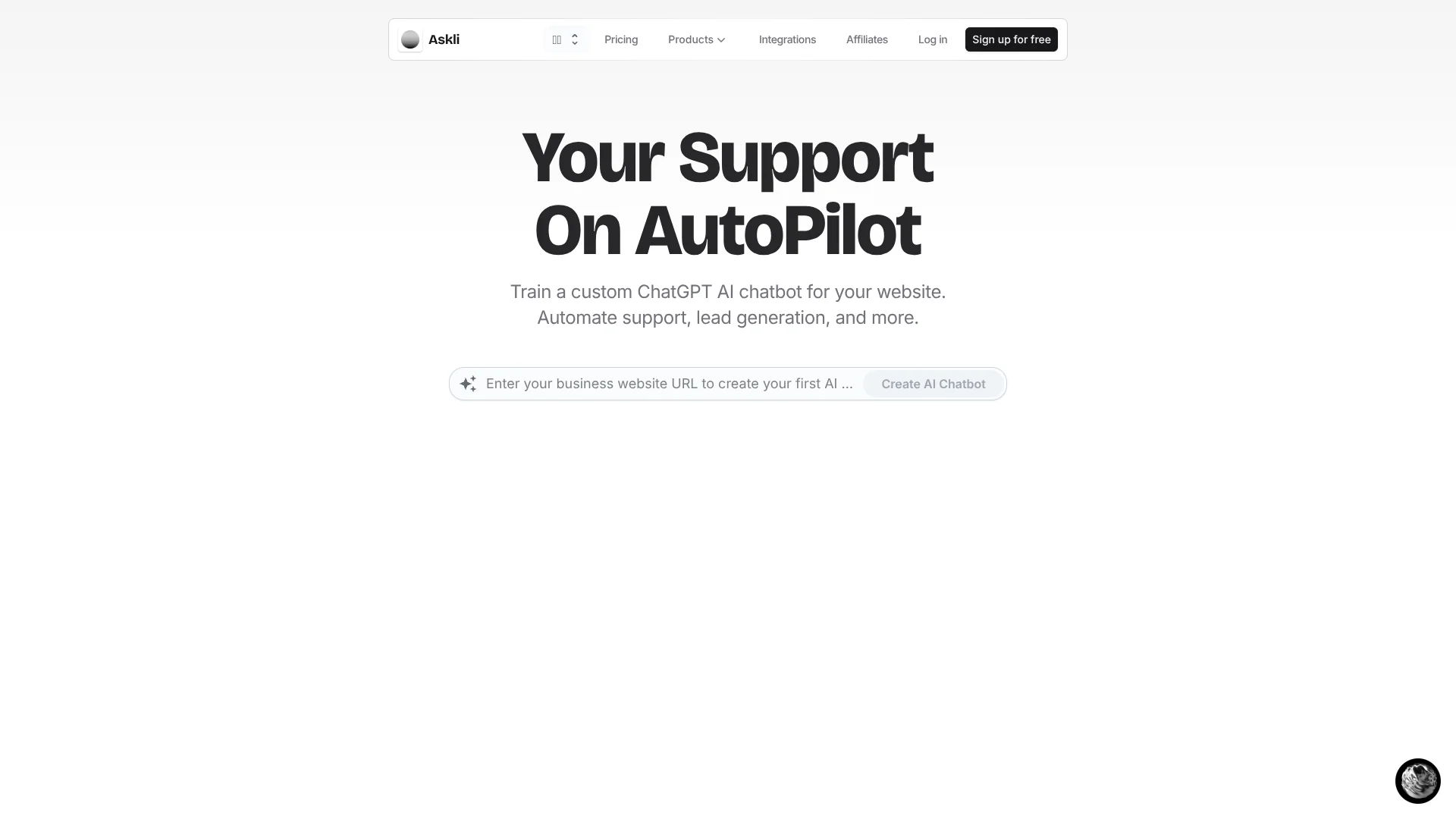
Chaindesk
Customer support chatbots trained on business content for every channel.
Watch Chaindesk in Action
Key Takeaways
- What it is
- Customer support chatbots trained on business content for every channel.
- Pricing
- Freemium · $49 per month · $99 per month · $499 per month
- Best for
- Custom AI Agents
- Knowledge-Based Answers
- Auto-Sync Data Sources
- Rating
- 4.1/5
What is Chaindesk?
Chaindesk creates custom ChatGPT chatbots from a company’s website, files, Notion pages, Google Drive content, and other sources. Support teams can shape the agent’s persona, place it on a website, and monitor conversations from a shared workspace. The main problem it solves is answering repeat customer questions without adding more support staff.
Its strongest differentiator is the ability to deploy the same company-trained agent across website widgets, WhatsApp, Slack, Telegram, Zendesk, Shopify, and WordPress while keeping data sources synchronized on paid plans.
Chaindesk fits small and midsize support, sales, and customer-success teams that want a working knowledge chatbot without coding. It is less suitable when you need deep CRM administration, a native mobile app, or a documented developer API. The product is at its best as a customer-facing AI layer built around your existing content.
Who is Using Chaindesk?
Support Managers
A shared inbox gives them a place to monitor AI conversations, assign chats, and take over when needed.
Customer Support Agents
AI-generated replies grounded in company data help them resolve repetitive questions faster.
Knowledge Managers
Website pages, PDFs, office documents, Notion content, and Google Drive files become sources for the agent.
Sales Representatives
Lead-generation and conversational-form features collect useful customer details during website chats.
Ecommerce Operators
Shopify deployment gives stores a way to answer product and order-related questions through an AI chatbot.
Uncommon Use Cases
Internal Slack knowledge lookup; conversational forms for collecting qualified leads
Key Features
Rating Breakdown
Pricing Plans
Free
Free
- 200 message credits per month with gpt-4o-mini
- 1 agent and 1 datastore
- 20,000 words of storage
- File upload and website loader limited to 25 pages
- Agents and datastores are deleted after 14 days of inactivity
Growth
$49 per month
- 20,000 message credits per month with gpt-4o-mini
- 2 agents and 2 datastores
- 30,000,000 words of storage
- Website loader limited to 250 pages
- 10 team seats and dedicated support
Pro
$99 per month
- 40,000 message credits per month with gpt-4o-mini
- 5 agents and 5 datastores
- 60,000,000 words of storage
- Website loader limited to 1,000 pages
- 25 team seats and dedicated support
Enterprise
$499 per month
- 400,000 message credits per month with gpt-4o-mini
- 100 agents and 100 datastores
- 300,000,000 words of storage
- Website loader limited to 10,000 pages
- 200 team seats and dedicated support
Which Chaindesk plan should you pick?
Start with Free to test one agent and one datastore, then move to Growth when you need automatic retraining, team seats, more content, and higher message limits.
Free
Good for testing a small website chatbot with 200 monthly message credits and one knowledge source.
Growth
Good for a growing support team that needs 20,000 monthly message credits, two agents, two datastores, and 10 team seats.
Pro
Good for power users managing five agents, five datastores, 40,000 monthly message credits, and 25 team seats.
Enterprise
Good for larger support operations needing 100 agents, 100 datastores, 400,000 monthly message credits, and 200 team seats.
Chaindesk Use Cases
Website Support Deflection
A website chatbot answers common questions from your help content at any hour.
Outcome: Fewer repetitive support requests reach the team.
Document Q&A
PDF, Word, PowerPoint, Excel, and other uploaded content becomes searchable through conversation.
Outcome: Customers and staff can find information without manually scanning documents.
Help Desk Assistance
Zendesk content and conversations give the AI agent a knowledge source for customer support.
Outcome: Routine tickets can receive immediate answers.
Lead Capture
Conversational forms collect customer information in a chat flow rather than a static form.
Outcome: More useful lead details are gathered during the first interaction.
Multichannel Support
The trained agent answers across website widgets, WhatsApp, Slack, Telegram, and other supported channels.
Outcome: Customers can reach the same company knowledge through the channel they already use.
Workflow Ideas with Chaindesk
Website Support Agent
- 1Connect the company website and support documents as data sources.
- 2Set the agent persona, goals, and response boundaries.
- 3Embed the widget and review conversations through the shared inbox.
Lead Qualification Chat
- 1Create a conversational form for the information sales needs.
- 2Place the agent on the website or Shopify store.
- 3Review captured customer details and continue promising conversations by hand.
Knowledge Updates
- 1Connect a changing source such as Notion or Google Drive.
- 2Enable auto-sync on a paid plan.
- 3Check updated answers after the agent retrains.
How Chaindesk fits into your stack
Website and Storefront
The embeddable widget fits directly into a website, while Shopify support brings the same AI agent into an online store.
Knowledge and Files
Chaindesk sits on top of company content from websites, PDFs, Microsoft Office files, Notion, Google Drive, YouTube, and Zendesk Help Center pages.
Support Channels
Website chat, WhatsApp, Slack, Telegram, Crisp, and Zendesk provide customer or internal access to the trained agent.
Team Operations
The shared inbox lets support staff monitor conversations, assign chats, and take over from the AI agent.
Custom Actions
Function calling lets an agent reach custom API endpoints when a conversation needs an action beyond retrieving information.
Pros
- +Fast no-code setup: A website URL can become the starting point for a custom support chatbot.
- +Wide channel coverage: Website, WhatsApp, Slack, Telegram, Zendesk, Shopify, and WordPress are supported.
- +Knowledge controls: Built-in safeguards keep answers tied to the connected knowledge base.
- +Team handoff: Staff can assign and take over conversations through the shared inbox.
- +Free entry plan: The $0 plan includes one agent, one datastore, file upload, and 200 monthly message credits.
Cons
- −Usage ceilings: Message credits, agents, datastores, storage, and website pages vary sharply by plan.
- −Limited developer surface: The product documents custom API calls for agents, but not a public developer API.
- −Free-plan retention: Agents and datastores are deleted after 14 days of inactivity on the free plan.
Limitations & when to consider alternatives
Known limitations
- Free-Plan Inactivity Rule. Agents and datastores are deleted after 14 days of inactivity on the free plan.
- Plan-Based Website Limits. The website loader allows 25 pages on Free, 250 on Growth, 1,000 on Pro, and 10,000 on Enterprise.
- Plan-Based Message Credits. Monthly message credits range from 200 on Free to 400,000 on Enterprise.
- Automatic Retraining Availability. Automatic weekly retraining starts with the first paid plan; free users can manually trigger retraining.
Look elsewhere when
- You need a native mobile or desktop app.
- You need a public developer API with documented endpoints and keys.
- Your team needs SSO or SAML administration.
- Your support operation depends on deep CRM features rather than a knowledge chatbot.
How to Use Chaindesk
- 1
Start with a Data Source
Add your website, files, Notion content, Google Drive documents, or another supported source so the agent has trusted material to reference.
- 2
Shape the Agent
Set its persona and goals, then define how it should represent your brand and handle customer questions.
- 3
Choose a Channel
Deploy the agent as a website widget or connect it to a supported channel such as WhatsApp, Slack, Telegram, Zendesk, Shopify, or WordPress.
- 4
Add Human Coverage
Give team members access to the shared inbox so they can monitor conversations, assign chats, and take over when needed.
- 5
Review and Update
Monitor conversations and refresh the knowledge base manually or use auto-sync on a paid plan.
Who is Chaindesk For?
Customer Support Teams
Repeat questions can be answered from your help content before a human needs to step in.
Small and Midsize Businesses
The no-code builder supports a branded chatbot without requiring a dedicated AI engineering team.
Ecommerce Stores
Shopify support and lead conversations can run through a chatbot trained on store information.
Sales and Marketing Teams
Conversational forms and lead generation features help collect customer information during chats.
Teams Using Multiple Support Channels
A trained agent can serve customers through a website, messaging apps, help desks, and collaboration tools.
Frequently Asked Questions
Does Chaindesk have a free plan?
Yes. Free includes 200 monthly message credits with gpt-4o-mini, one agent, one datastore, 20,000 words of storage, file upload, and a 25-page website loader.
Can Chaindesk answer in languages other than English?
Yes. The chatbot can work with websites in other languages and answer questions asked in different languages.
Which integrations does Chaindesk support?
Officially listed integrations include WordPress, Notion, YouTube, Google Drive, Slack, Zendesk, Crisp, Zapier, WhatsApp, Messenger, Shopify, and Telegram.
Can Chaindesk connect to custom systems?
Its function-calling feature lets an agent call custom API endpoints when needed.
Does Chaindesk retrain automatically?
Automatic retraining is available starting with the first paid plan and is currently performed weekly. Manual retraining is also available.
Can a human take over a conversation?
Yes. Human handoff lets a team member take over an AI chatbot conversation, and the shared inbox supports conversation assignment.
Community reviews
1 review from people who use Chaindesk.
Sign in to leave a review for Chaindesk.
Abdullah Shahid
Chaindesk Alternatives
Looking for alternatives to Chaindesk? Here are similar tools in the same category: