
AutoRegex
Effortlessly generate and understand regex with natural language.
Key Takeaways
- What it is
- Effortlessly generate and understand regex with natural language.
- Pricing
- Freemium
- Best for
- Natural Language Processing
- Regex Explanation
- Cross-Platform Compatibility
- Rating
- 4.5/5
What is AutoRegex?
AutoRegex is a cutting-edge AI tool designed to simplify the creation and understanding of regular expressions (regex). By leveraging advanced natural language processing algorithms, it enables users to generate regex patterns effortlessly. Whether you're a developer, data analyst, or IT professional, AutoRegex streamlines the often complex and time-consuming task of regex creation, making it accessible even to those with minimal technical expertise.
AutoRegex stands out with its intuitive natural language processing capabilities, making regex accessible to non-programmers. Its ability to convert everyday language into precise regex patterns is a game-changer for those who have traditionally struggled with the complexity of regex syntax.
AutoRegex offers a valuable solution for anyone dealing with regular expressions. Its ability to simplify complex tasks and make regex accessible to a broader audience is commendable. With its user-friendly interface and robust feature set, AutoRegex is a must-have tool for professionals looking to enhance their productivity and efficiency in managing regex tasks.
Who is Using AutoRegex?
Software Developers
Streamline code development with efficient regex creation.
Data Analysts
Utilize regex for data cleaning and pattern matching in datasets.
IT Professionals
Enhance system administration tasks with quick regex solutions.
QA Testers
Automate test case generation with regex-based scenarios.
Uncommon Use Cases
Adopted by legal firms for document parsing; used by librarians for cataloging and metadata management.
Key Features
Rating Breakdown
Pricing Plans
Free Tier
Free
- Experience AutoRegex with a limited access free plan
AutoRegex Use Cases
Generate a regex from a description
Describe the desired matching behavior in English and generate a corresponding regular expression.
Outcome: A starting regex pattern is produced.
Learn regular-expression syntax
Use natural-language descriptions to explore how requirements map to regex syntax.
Outcome: Regex construction becomes easier to understand.
Create patterns for development tasks
Translate requirements such as matching emails, phone numbers, or structured text into regex.
Outcome: Less manual regex authoring is required.
Workflow Ideas with AutoRegex
Generate a validation pattern
- 1Describe the required text format in English
- 2Generate the corresponding regular expression
- 3Copy the pattern into an application or validator
Understand an existing regex
- 1Paste an existing regular-expression pattern
- 2Translate it into plain English
- 3Review and refine the pattern before using it
How AutoRegex fits into your stack
Browser
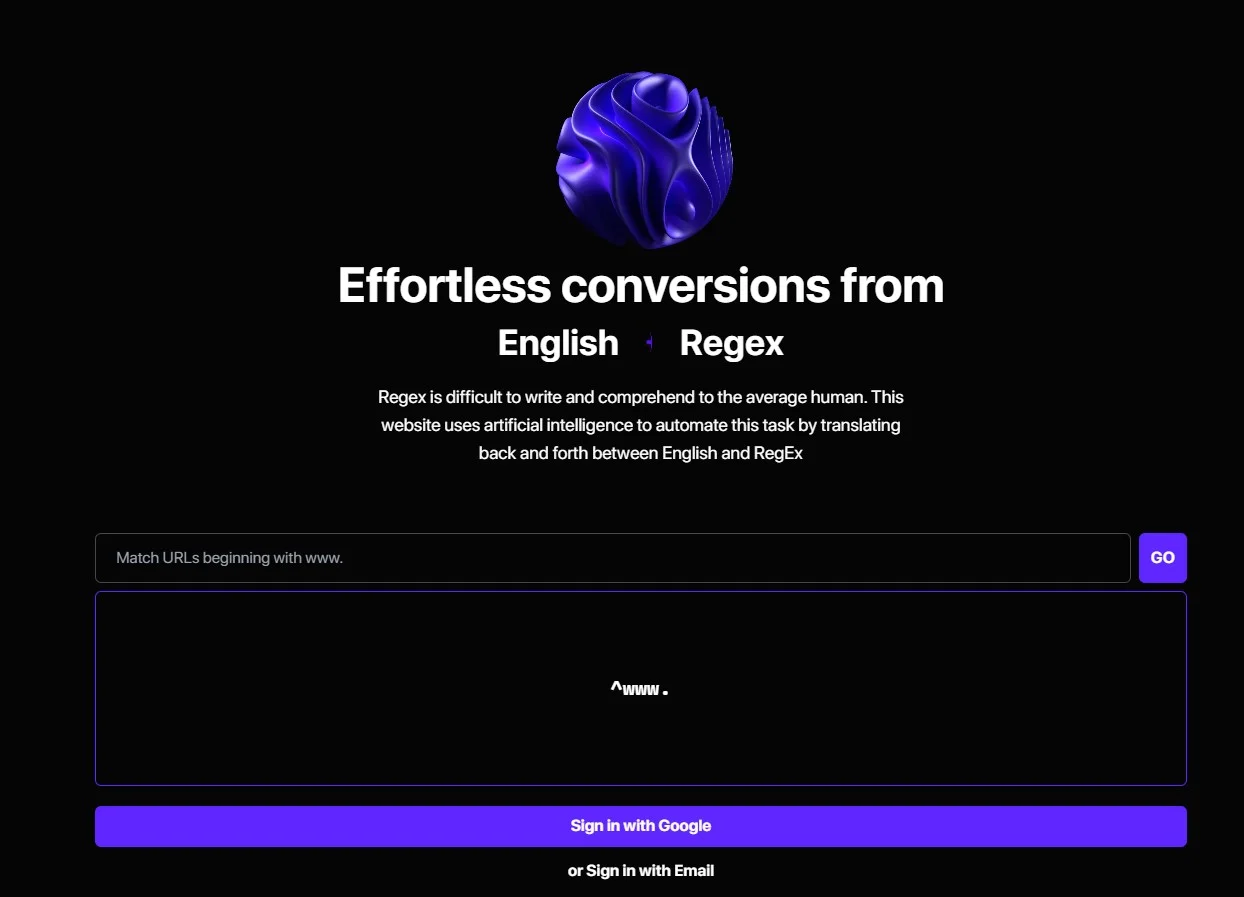
AutoRegex sits in the browser as a web tool for converting English descriptions into regex and explaining existing patterns.
Docs and writing
Users can copy generated regex patterns into technical documentation, text editors, validation rules, or implementation notes.
Automation and APIs
The product publishes API documentation for programmatic English-to-regex conversion.
Desktop / IDE
AutoRegex is not a native IDE or desktop application; generated patterns can be copied into development tools.
Pros
- +User-Friendly: Simplifies regex creation for users of all skill levels, reducing the learning curve significantly.
- +Time-Saving: Automates the regex writing process, drastically cutting down development time.
- +Comprehensive Support: Offers extensive documentation and customer support to assist users in maximizing the tool's potential.
- +Versatile Application: Suitable for a wide range of industries and applications, from data validation to text processing.
Cons
- −Limited Customization: Some users might find the customization options for complex regex patterns somewhat limited.
- −Dependency on Internet: Requires an internet connection for full functionality, which might be restrictive in offline environments.
Limitations & when to consider alternatives
Known limitations
- English-centered input. The core workflow is based on describing requirements in English and converting them into regular expressions.
- Web-based access. AutoRegex is presented as a browser-based web application rather than a native mobile or desktop application.
- Generated patterns require review. Generated regular expressions should be tested against representative input before production use.
Look elsewhere when
- You need a native mobile app.
- You need a desktop installer.
- You need file, image, or document analysis.
How to Use AutoRegex
- 1
Open AutoRegex
Use the official web application in a browser.
- 2
Describe the pattern
Enter an English description of the text that should match.
- 3
Generate the regex
Submit the description to receive a generated regular-expression pattern.
- 4
Review and test the result
Inspect the generated syntax and validate it against representative input before using it in production.
Who is AutoRegex For?
Developers
Generate regular expressions from natural-language requirements without manually writing complex regex syntax.
Data analysts
Create patterns for text extraction, filtering, and data-cleaning tasks.
Regex learners
Translate between English and regular expressions to understand what patterns mean.
Frequently Asked Questions
What does AutoRegex do?
AutoRegex converts plain-English descriptions into regular-expression patterns.
Who is AutoRegex for?
It is intended for people who need regex patterns without writing the syntax manually.
Does AutoRegex provide an API?
AutoRegex publishes API documentation for programmatic English-to-regex conversion.
Community reviews
Be the first to share your experience.
Sign in to leave a review for AutoRegex.
AutoRegex Alternatives
Looking for alternatives to AutoRegex? Here are similar tools in the same category:
Learn to Master AutoRegex
With Skill Leap courses
Get in-depth training on AutoRegex and 50+ other AI tools with our expert-led video courses.
Start 7-Day Free Trial