Zylon
Private AI helps regulated organizations keep sensitive data on-premises.
Key Takeaways
- What it is
- Private AI helps regulated organizations keep sensitive data on-premises.
- Best for
- Zylon AI Core
- Zylon Workspace
- Agent Flows
- Rating
- 4.2/5
What is Zylon?
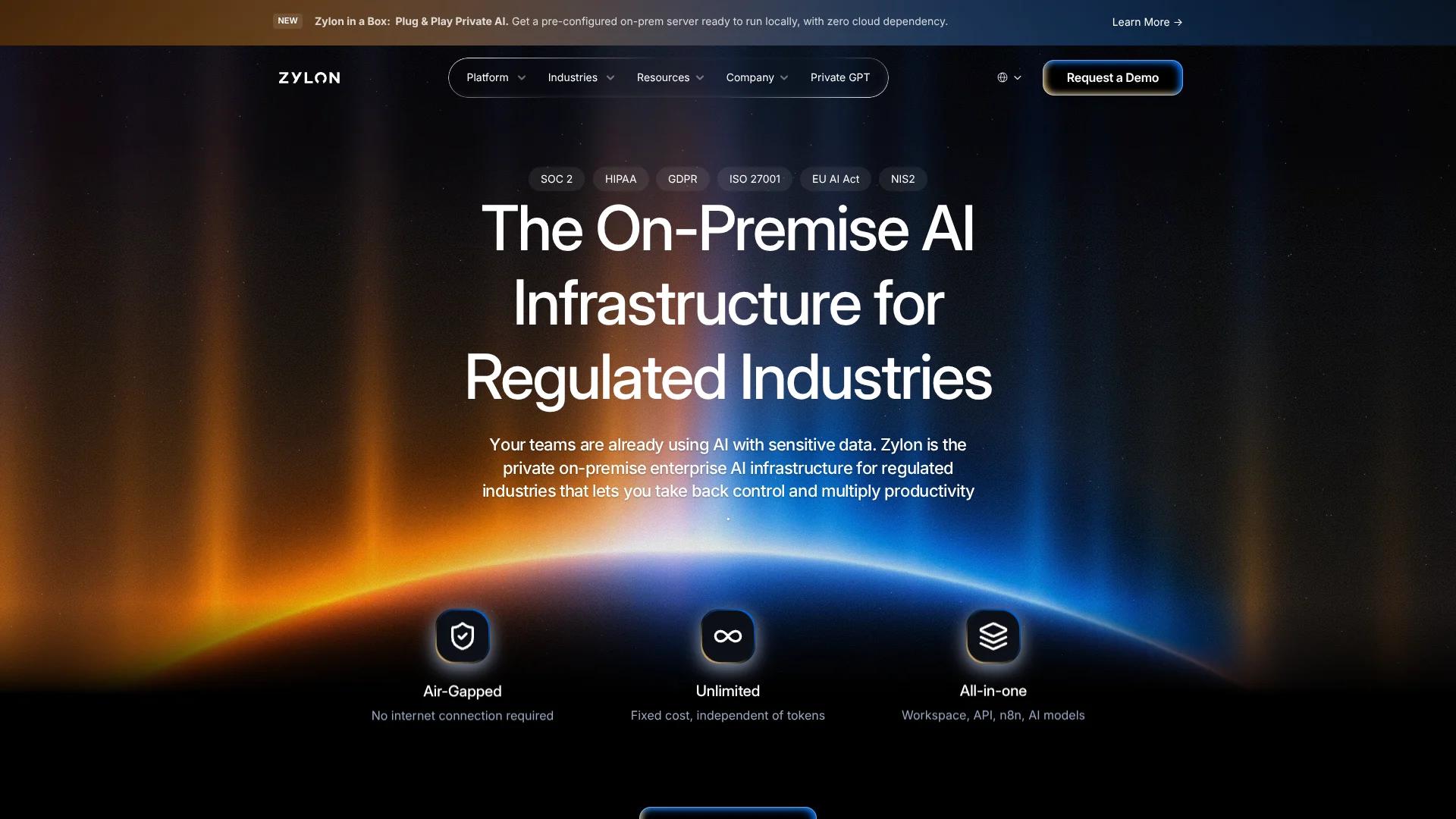
Zylon runs AI inside an organization’s own data center, private cloud, or air-gapped network, so teams can search internal documents and get AI-generated answers without sending that information to an external AI service. Its platform brings together local AI models, a shared workspace, and an API gateway for organizations in regulated fields that need control over where data and AI work happen.
Unlike a hosted AI service, Zylon can run its full AI stack in a disconnected environment, including the models, document search, team workspace, and developer API. That lets organizations offer AI grounded in internal information while keeping processing within infrastructure they control.
It is aimed at financial services, healthcare, government, defense, and other organizations with strict data-control needs. The tradeoff is that customers need suitable infrastructure, including GPU capacity, and the site does not publish a standard platform price.
Who is Using Zylon?
Compliance officers
Audit logs and project-level permissions help them review AI use and control access to internal information.
Proposal and RFP teams
Agent Flows can search internal knowledge and prepare source-cited responses to questionnaires and proposals.
Software developers
The API Gateway lets them connect private AI to existing applications using familiar OpenAI- and Anthropic-compatible endpoints.
Knowledge managers
Connected knowledge bases and semantic search help employees find answers across internal documents.
Data analysts
Workspace and API tools can analyze structured data and answer questions grounded in internal sources.
Uncommon Use Cases
Preparing audit documentation from regulatory updates; extracting invoice details for accounting workflows.
Key Features
Rating Breakdown
Pricing Plans
Pricing model
- The platform license is fixed-cost, with no per-token fees or usage limits stated on the site.
- Contact Zylon for the license price and deployment details.
Which Zylon plan should you pick?
Start by requesting a demo and a scoped quote; the site does not publish self-serve tiers or a standard price.
Zylon Use Cases
Search internal knowledge
Employees can ask questions across connected documents and receive answers grounded in authorized project sources.
Outcome: Find relevant internal information with contextual answers.
Prepare RFP responses
Proposal teams can have Agent Flows find relevant company information and draft cited answers.
Outcome: Produce technically grounded responses while reducing repetitive document work.
Review contracts and policies
Teams can search for clauses, summarize documents, and compare information across internal files.
Outcome: Locate relevant details and create summaries from internal documents.
Automate document extraction
Document workflows can extract structured details, such as invoice information, for downstream work.
Outcome: Turn document contents into structured information.
Build private AI applications
Developers can connect existing tools or custom applications to Zylon’s governed API endpoints.
Outcome: Use AI capabilities from applications while keeping processing within the deployment environment.
Workflow Ideas with Zylon
Draft an RFP response
- 1Connect the relevant internal documents to a project knowledge base.
- 2Run an Agent Flow to find supporting information and draft answers.
- 3Review the cited responses with the proposal team.
Process internal invoices
- 1Make invoice documents available to the relevant project.
- 2Run a document workflow to extract accounting details.
- 3Review the extracted information before it moves to the next step.
Add private AI to an application
- 1Create a governed API connection for the application.
- 2Set access and data-source permissions for the connection.
- 3Send requests to Zylon’s compatible endpoints from the application.
How Zylon fits into your stack
Private infrastructure
AI Core runs in a data center, private cloud, or air-gapped environment. It provides the local models and document processing used by the rest of the platform.
Team knowledge work
Workspace gives employees project-based AI chat, document tools, and semantic search across connected sources.
Existing data sources
Connectors can make systems such as SharePoint, Confluence, databases, and file storage available to knowledge bases without moving data to an external AI service.
Applications and automation
The API Gateway connects private AI to custom applications and tools such as LangChain and n8n, with access controls and audit visibility.
Pros
- +Data stays in your environment: AI processing can run on infrastructure your organization controls.
- +Shared project work: Teams can collaborate in group chats and use shared projects with access permissions.
- +Useful audit trail: Admins can review logged user activity, AI interactions, files, and permission changes.
- +Predictable usage costs: The site describes fixed-cost pricing without per-token fees or usage limits.
Cons
- −Infrastructure burden: Your organization needs suitable hardware or a private-cloud environment to run the platform.
- −Price is not posted: Evaluating the license cost requires contacting Zylon.
Limitations & when to consider alternatives
Known limitations
- GPU infrastructure is required. Zylon’s deployment comparison says the platform requires GPU infrastructure and upfront hardware investment.
- Some tools need internet access. The API Gateway page says tools that need external access, such as web search, can be disabled for air-gapped deployments.
- No public platform price. The site directs organizations to contact its team for platform-license pricing.
Look elsewhere when
- You need a hosted AI service with a publicly listed self-serve subscription.
- Your team cannot provide or arrange suitable GPU infrastructure.
- Your deployment must use external web search while remaining fully air-gapped.
How to Use Zylon
- 1
Choose a deployment environment
Decide whether Zylon will run in your data center, private cloud, or an air-gapped environment.
- 2
Confirm infrastructure needs
Review your workload and hardware requirements, including GPU capacity, with Zylon.
- 3
Set up AI Core
Deploy the infrastructure that runs local models, document processing, and search.
- 4
Connect internal sources
Add supported systems and documents to make organization knowledge available to authorized projects.
- 5
Organize work in Workspace
Create projects for teams or work areas, then set project permissions and instructions.
- 6
Choose a team or developer workflow
Work in Workspace for chat and document tasks, or connect applications and automations through the API Gateway.
Who is Zylon For?
Financial services
Banks, credit unions, insurers, and investment firms can work with sensitive financial information inside their own infrastructure.
Government and public sector
Public organizations can deploy private AI in controlled environments, including disconnected networks.
Healthcare
Healthcare organizations can use AI for internal knowledge and document work while keeping data within their infrastructure.
Defense and critical infrastructure
Teams with strict security needs can run AI in fully air-gapped environments.
Engineering and manufacturing
Organizations can search technical materials and prepare document-heavy responses using private AI.
Frequently Asked Questions
Does Zylon have a free plan?
The site does not list a free plan. Its legal terms describe a 30-day free trial for new users.
How much does Zylon cost?
Zylon describes its license as fixed-cost with no per-token fees, but does not publish a standard price. Contact the company for pricing.
Can Zylon run without an internet connection?
Yes. Zylon supports fully air-gapped deployments, though tools that need external access, such as web search, can be disabled.
Can Zylon connect to existing tools and data?
Yes. Listed data sources include SharePoint, Confluence, PostgreSQL, Salesforce, and S3, while n8n and LangChain are listed for extending workflows.
Does Zylon provide an API?
Yes. Its API Gateway offers OpenAI- and Anthropic-compatible endpoints, and Zylon documents APIs for workspace functions.
Community reviews
Be the first to share your experience.
Sign in to leave a review for Zylon.
Zylon Alternatives
Looking for alternatives to Zylon? Here are similar tools in the same category: