
Zentor
Recurring cross-tool work, handled inside the apps your team already uses.
Key Takeaways
- What it is
- Recurring cross-tool work, handled inside the apps your team already uses.
- Pricing
- $20 per month
- Best for
- Persistent Cloud Workspace
- Owned Personal Memory
- Browser Control
- Rating
- 4.2/5
What is Zentor?
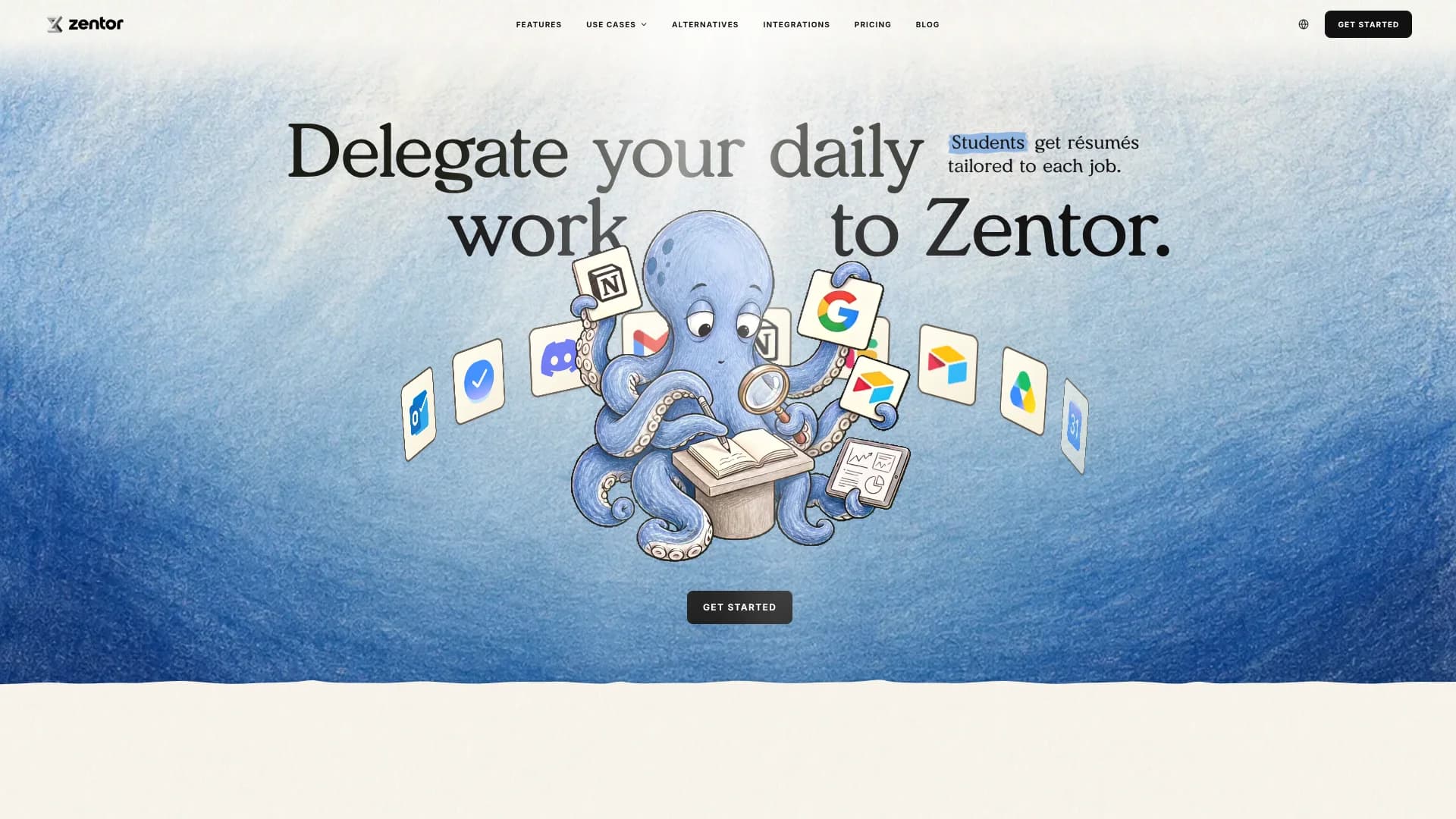
Zentor runs AI tasks in a cloud workspace that can read your files, browse websites, and work inside tools such as Gmail, Notion, Airtable, Slack, and Google Drive. It is built for people who want recurring work completed in the systems they already use, rather than receiving another answer to copy and paste.
The memory Zentor builds about your tone, formats, and repeat work can be exported and taken to another AI, including Claude or ChatGPT.
Zentor fits solo operators, researchers, students, sales teams, and operations roles that manage work across several tools. It is less suitable if you need a native mobile or desktop app today, since those are listed as coming soon.
Who is Using Zentor?
Operations Managers
Recurring status checks and cross-tool updates can run on a schedule while exceptions are surfaced for review.
Researchers and Analysts
They compare PDFs and web sources, extract evidence, and return cited drafts or tables.
Sales Representatives
Prospect research, reply drafts, follow-ups, and pipeline updates can be prepared from inbox and CRM context.
Customer Support Leads
Incoming requests can be sorted, summarized, and turned into draft replies before a representative sends them.
Students and Career Seekers
Resumes, cover letters, application trackers, schedules, and course deadlines can be coordinated from uploaded files.
Uncommon Use Cases
Turn several syllabi into calendar events and a sortable schedule sheet; rebuild reports and spreadsheets into editable PowerPoint presentations.
Key Features
Rating Breakdown
Pricing Plans
Zentor Pro
$20 per month
- 1,000 credits each billing period
- Cloud workspace, AI models, and task tools
- Browser control, scheduled tasks, research, documents, media, and code tools
- Renews monthly and can be canceled at any time
- Credits expire at the end of each billing period and do not roll over
Optional Credit Packs
- $10.00 for 1,000 credits
- $50.00 for 5,000 credits
- $100.00 for 10,000 credits
- $200.00 for 20,000 credits
- One-time purchase with packs available in $10 increments
- Credits expire after 365 days and do not renew
Which Zentor plan should you pick?
Start with Zentor Pro if you need recurring cross-tool work, then add a credit pack only when your task volume exceeds the included 1,000 credits.
Zentor Pro
Good for solo operators and small teams who need a persistent cloud workspace, connected tools, scheduled tasks, and built-in AI models.
Optional Credit Packs
Good for months when research, document processing, browser work, or other metered tasks use more than the included credits.
Zentor Use Cases
Cited Research Reports
A research question, uploaded PDFs, and live web sources become a structured report with evidence behind each claim.
Outcome: A cited draft that is ready for review or handoff.
Inbox and Follow-Up Management
Email threads, overdue invoices, and renewal dates are reviewed together so follow-up drafts and reminders match the current context.
Outcome: Fewer missed replies and less manual inbox triage.
Document to PowerPoint
Word files, PDFs, spreadsheets, notes, and scanned documents can be combined into a presentation with editable text and live charts.
Outcome: An editable PowerPoint deck built from several source files.
Scheduled Business Monitoring
A recurring task can check a website, API, inbox, or spreadsheet and report changes to a connected chat channel.
Outcome: Routine monitoring that runs without repeated manual checks.
Course and Application Planning
Syllabi or job descriptions are read alongside personal information to update trackers, prepare application materials, and schedule reminders.
Outcome: A connected calendar, tracker, and set of tailored documents.
Workflow Ideas with Zentor
Weekly Sales and Inventory Review
- 1Connect sales sheets and supplier messages.
- 2Have Zentor compare sales velocity with stock and lead times.
- 3Send a summary and restock risks to Slack or email.
Research-to-Report Pipeline
- 1Upload PDFs and provide the research question.
- 2Let Zentor extract claims, evidence, and source details.
- 3Review the cited report before sharing or filing it.
Scheduled Inbox Follow-Up
- 1Connect the inbox and define the follow-up conditions.
- 2Run the check on a recurring schedule.
- 3Review draft replies and approve the messages that should be sent.
How Zentor fits into your stack
Email and Chat
Gmail, Slack, Telegram, and other chat channels can provide instructions, receive results, or hold draft replies.
Documents and Files
PDFs, Word files, spreadsheets, presentations, scanned pages, and cloud documents can become inputs or editable outputs.
Research and Browser Work
Browser control, web search, and deep research cover websites and sources that do not fit a fixed integration.
Automation and APIs
Schedules, MCP servers, custom skills, Bash, and code let Zentor run repeatable work against connected services.
Pros
- +Cross-tool execution: Work can continue from email to documents, spreadsheets, chat, and calendars.
- +Portable memory: Export the working preferences Zentor learns instead of keeping them locked inside the product.
- +Browser access: Websites without an official integration can still be operated through browser control.
- +Human review: Drafts and proposed actions can be reviewed before sending or filing.
- +Single paid plan: The $20 monthly plan includes 1,000 credits without requiring a separate model API key.
Cons
- −Credit-based usage: Heavy tasks can use more credits than expected because consumption varies by task.
- −Limited native clients: Mobile and desktop apps are not currently available.
- −Setup varies by connector: Some services require MCP configuration instead of a one-click connection.
Limitations & when to consider alternatives
Known limitations
- Credits Expire. Included credits expire at the end of each billing period and do not roll over.
- Credit Packs Have a Validity Period. One-time credit packs expire after 365 days and do not extend the subscription.
- Interrupted Tasks Can Still Consume Credits. Usage already incurred may count even if a task is interrupted or does not finish.
- Google Workspace One-Click Connector Is Coming Soon. Gmail and Google Drive can connect through MCP now, while the broader one-click connector is still rolling out.
- Trial Access Is Limited. Eligible new accounts receive the 3-day trial and its credits once, and the trial does not renew into a paid subscription automatically.
Look elsewhere when
- You need a native iOS or Android app available today.
- You need a downloadable desktop application for local files.
- Your workflow is fully solved by fixed trigger-and-action rules.
- You need a documented developer API for direct application integration.
How to Use Zentor
- 1
Start the Trial
Create an account to access the limited 3-day trial with 1,000 credits and no credit card requirement.
- 2
Connect a Work Tool
Add Gmail, Google Drive, Notion, Slack, Airtable, Telegram, or another supported service so Zentor can work with live information.
- 3
Describe the Finished Result
State the goal, the source material, and where the finished work should go instead of designing a flow chart.
- 4
Review the First Run
Check the draft, citations, proposed edits, and requested actions before allowing the workflow to continue.
- 5
Schedule Repeat Work
Turn a reliable task into a recurring schedule for reports, monitoring, reminders, or follow-ups.
- 6
Manage Credits and Memory
Watch credit use, buy a pack when needed, and export or delete the memory Zentor has built about your work.
Who is Zentor For?
Solo Founders
Recurring research, inbox work, reporting, and follow-ups can run without building an internal automation system.
Professionals
Managers, recruiters, coordinators, and operators can move work between business tools using plain-language instructions.
Researchers and Analysts
Large PDF collections, web sources, and spreadsheets can become cited reports or structured tables.
Students
Course files, applications, calendars, and planning documents can be organized across connected tools.
Sales and Support Teams
Inbound messages, customer context, follow-ups, and ticket summaries can be prepared before a human approves them.
Frequently Asked Questions
Does Zentor have a free plan?
No. Zentor is a paid service, but eligible new accounts receive a limited 3-day trial with 1,000 credits and no card required.
How much does Zentor cost?
Zentor Pro costs $20 per month and includes 1,000 credits each billing period. Optional one-time credit packs start at $10.
Which tools does Zentor connect with?
Official integrations include Gmail, Google Drive, Notion, Slack, Telegram, Airtable, GitHub, Linear, Sentry, Supabase, Stripe, HubSpot, Asana, and Postgres through listed connectors or MCP servers.
Can Zentor read uploaded documents?
Yes. It can process PDF, Word, spreadsheet, presentation, plain-text, and scanned files, including photographed pages in supported workflows.
Can Zentor send messages without approval?
Review-first operation is available by default for drafts and proposed actions. Trusted workflows can be moved to autopilot.
Can unused credits roll over?
No. Subscription credits expire at the end of the billing period. Purchased credit packs expire after 365 days.
Community reviews
Be the first to share your experience.
Sign in to leave a review for Zentor.
Zentor Alternatives
Looking for alternatives to Zentor? Here are similar tools in the same category:
Learn to Master Zentor
With Skill Leap courses
Get in-depth training on Zentor and 50+ other AI tools with our expert-led video courses.
Start 7-Day Free Trial