
Xpress AI
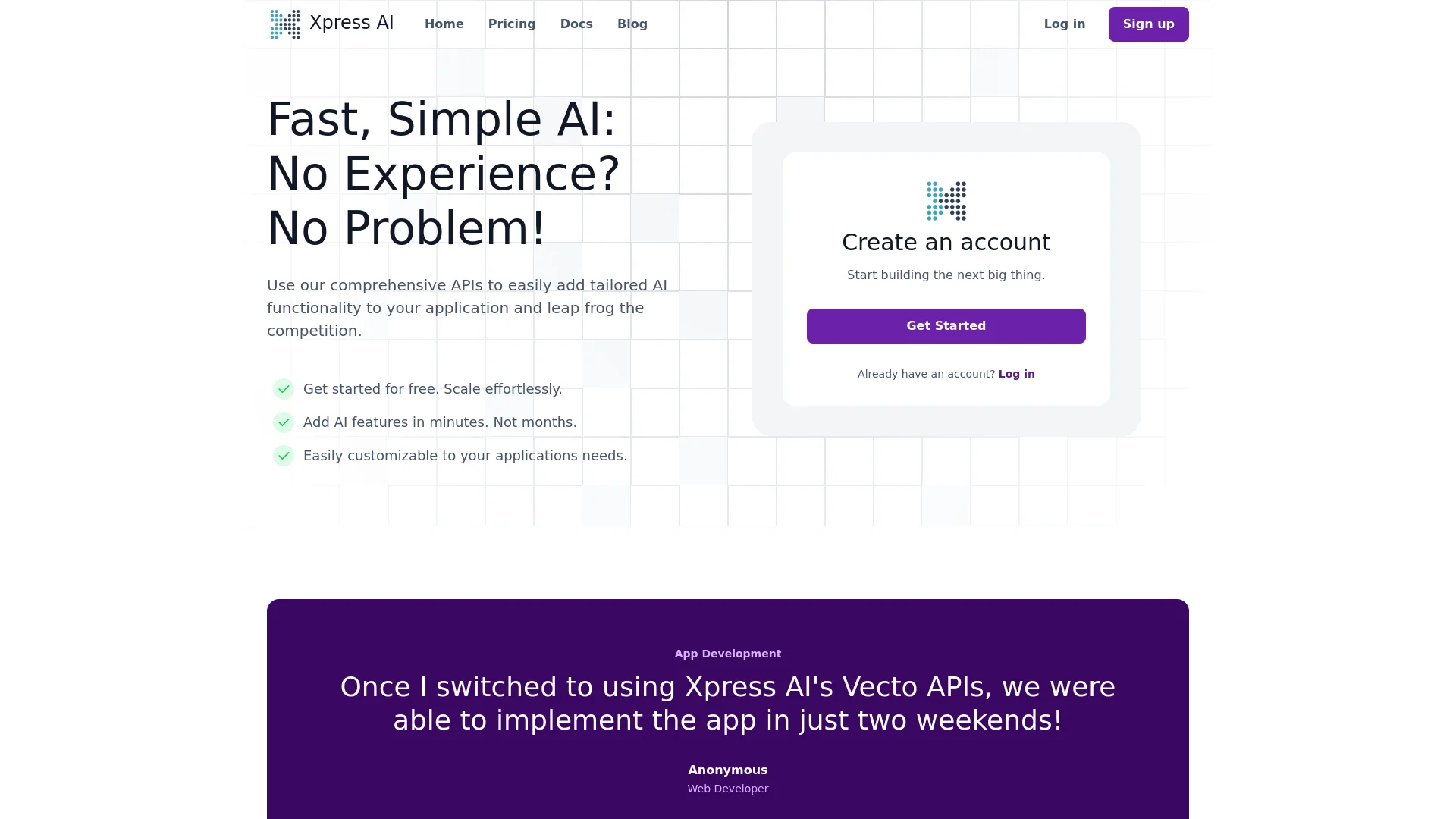
Empower apps with AI: fast integration, scalable, user-friendly.
Key Takeaways
- What it is
- Empower apps with AI: fast integration, scalable, user-friendly.
- Pricing
- Freemium · $250 per month
- Best for
- Diverse Tools, Single API
- Intelligent Data Processing with Vector Search
- Custom AI Agent Creation
- Rating
- 4.5/5
What is Xpress AI?
Xpress AI is an innovative platform designed to streamline the integration of artificial intelligence into applications. It aims to make advanced AI functionalities accessible to developers of all experience levels by providing a comprehensive suite of tools through a single API. Xpress AI is particularly noted for its ability to significantly reduce development time, enabling developers to incorporate AI features quickly and efficiently.
Xpress AI stands out by making AI integration straightforward and accessible, regardless of a developer's AI background. Its emphasis on rapid deployment and ease of use, combined with a wide array of tools and continuous updates, makes it a valuable asset for developers looking to enhance their applications efficiently.
Xpress AI excels in simplifying the integration of AI into applications, making it an essential tool for developers looking to enhance app functionalities efficiently. Its user-friendly design, rapid deployment capabilities, and robust feature set ensure that Xpress AI remains a top choice for AI application development.
Who is Using Xpress AI?
Web Developers
Enhancing app functionalities with AI features quickly.
Startups
Implementing scalable AI solutions without large resource investments.
Tech Educators
Using Xpress AI in educational settings to provide practical AI experience.
Innovative Businesses
Staying competitive by integrating cutting-edge AI features.
Uncommon Use Cases
Non-profits leveraging AI for data analysis; small businesses enhancing customer service with AI.
Key Features
Rating Breakdown
Pricing Plans
Free Plan
Free
- Basic access to start without cost
- Including community support
Business Plan
$250 per month
- Offering advanced features
- Additional integrations
- Priority support
Enterprise Plan
- Unlimited features and personalized service
Which Xpress AI plan should you pick?
Start with the Free tier for one agent, then upgrade to Pro for individual use, Team for starter teams, or Crew and Business for larger coordinated workforces.
Free
Good for evaluating the platform with one agent and no credit card.
Pro
Good for individual professionals who need three Standard Agent slots, integrations, task management, and knowledge storage.
Team
Good for organizations deploying starter teams, shared knowledge, and desktop automation.
Crew
Good for teams coordinating across multiple departments with advanced workflows.
Business
Good for larger digital workforces needing more agent capacity, priority support, and custom integrations.
Xpress AI Use Cases
Sales development
Qualify leads, send personalized outreach, schedule meetings, and update CRM systems.
Outcome: More automated lead handling and pipeline updates.
Content marketing
Draft content, manage editorial calendars, conduct content audits, and research SEO keywords.
Outcome: Streamlined content production and optimization.
Desktop automation
Use cloud Linux or Windows desktops to fill forms, operate legacy software, perform data entry, and test user interfaces.
Outcome: Automation of graphical workflows without an API.
Knowledge management
Upload business documents into vector spaces so agents can search and retrieve relevant information.
Outcome: Agents can answer questions using organizational documents.
Scheduled operations
Create recurring jobs using cron expressions, custom commands, and execution history.
Outcome: Automated recurring work with trackable runs.
Workflow Ideas with Xpress AI
Deploy a knowledge-enabled agent
- 1Create a vector space
- 2Upload PDF, TXT, Markdown, or DOCX documents
- 3Ask an agent to search the indexed knowledge base
Automate a recurring task
- 1Create a recurring schedule with a cron expression
- 2Assign the scheduled work to an agent
- 3Review execution history and task status
Build an API-driven workflow
- 1Create a platform API token with task scopes
- 2Create and assign tasks through the REST API
- 3Monitor, update, or delete tasks programmatically
How Xpress AI fits into your stack
API Access
Simplifies integration with existing applications through a comprehensive API.
Multiple SDKs
Supports languages such as Python, JavaScript, and is expanding to PHP, Ruby, .Net, and more.
CI/CD Pipeline Integration
Includes custom actions for AI training and validation.
Third-Party Integrations
Extensive support for platforms like Slack, Google Drive, and Firebase.
Pros
- +Rapid Integration: Enables quick addition of AI features to applications, reducing development time from months to minutes.
- +Ease of Use: Designed to be user-friendly, even for those without prior AI experience.
- +Scalability: Scales seamlessly with application needs, supporting growth without compromising performance.
- +Customization: Offers extensive customization options to tailor AI features to specific requirements.
Cons
- −Learning Curve: New users may need time to fully understand and utilize all available tools.
- −Integration Limitations: While extensive, integration options are currently more tailored to popular programming environments.
- −Dependency on Updates: Effectiveness can be influenced by the frequency and quality of updates from Xpress AI.
Limitations & when to consider alternatives
Known limitations
- Free tier agent limit. The Free tier includes one agent slot. Deploying a four-agent starter team requires at least the Team tier.
- Task turn limit. Tasks can fail when an agent reaches the documented 10-turn limit, so complex work may need smaller subtasks.
- Desktop automation iteration limit. The computer-use loop has a default safety limit of 25 iterations per task.
- Supported upload formats. The documented knowledge-base uploader supports PDF, plain text, Markdown, and DOCX files.
- Separate cloud desktop billing. Cloud desktops are billed separately from the core platform subscription.
Look elsewhere when
- You need a native mobile application.
- You need a downloadable desktop client.
- Your use case requires fine-tuning model weights.
How to Use Xpress AI
- 1
Xpress AI provides detailed tutorials on their website, covering everything from basic setups in Python to advanced functionalities with Vecto, helping users maximize the platform's capabilities.
Who is Xpress AI For?
Solo founders
Xpress AI provides persistent AI coworkers, task tracking, configured tools, and durable project context.
Customer success teams
Teams can coordinate with AI agents in shared projects, conversations, tasks, and workspaces.
Developers
Developers can build custom agents, Python tools, visual workflows, and integrations using the platform API.
Enterprise organizations
Enterprise customers can use on-premise or private-cloud deployment, custom integrations, dedicated support, and compliance features.
Frequently Asked Questions
How do team projects work?
Team projects are shared with collaborators and live inside a workspace. Members can work with shared agents, tasks, conversations, and data.
Why might an agent fail to complete a task?
A task can fail when the agent reaches the 10-turn limit, a tool returns an unrecoverable error, or an LLM call times out.
What happens when the trial ends?
The account falls back to the Free tier with one agent. Agents above that limit are stopped automatically.
How do I authenticate with the API?
Platform API requests use bearer tokens. Agent calls use project-specific API headers.
How do integrations become available to agents?
Integration credentials are configured at the workspace level, and agents must be restarted after a new integration is added.
Community reviews
Be the first to share your experience.
Sign in to leave a review for Xpress AI.
Xpress AI Alternatives
Looking for alternatives to Xpress AI? Here are similar tools in the same category:
Learn to Master Xpress AI
With Skill Leap courses
Get in-depth training on Xpress AI and 50+ other AI tools with our expert-led video courses.
Start 7-Day Free Trial