
Writeseed
Harness AI to craft SEO-optimized, multilingual content effortlessly.
Key Takeaways
- What it is
- Harness AI to craft SEO-optimized, multilingual content effortlessly.
- Pricing
- $39/month · $24/month · $49/month
- Best for
- AI-Driven Content Creation
- SEO & NLP Editor
- Multilingual Support
- Rating
- 4.4/5
What is Writeseed?
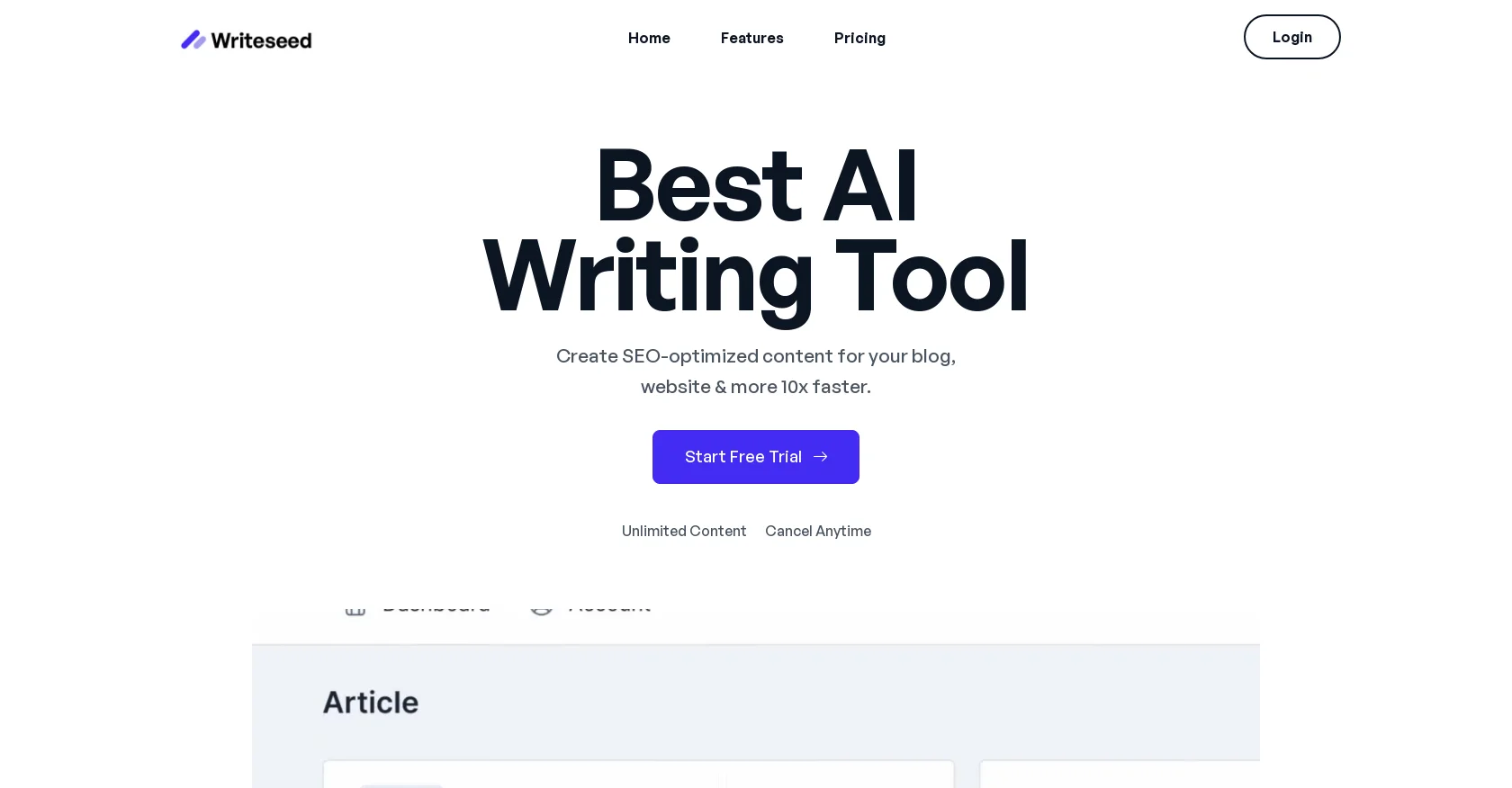
Writeseed presents itself as a transformative AI writing tool aimed at revolutionizing content creation. It positions itself as versatile software dedicated to swiftly and effectively producing SEO-optimized content. Tailored for marketers, bloggers, and digital content creators, Writeseed promises to simplify the generation of blog posts, ad copy, and sales content through AI-powered assistance.
Writeseed stands out for its combination of affordability and functionality. Its swift generation of SEO-optimized content in multiple languages, alongside an extensive template library, makes it a robust solution for content creators across diverse markets and industries.
Writeseed impresses with its efficient, cost-effective approach to AI-driven content creation. It's a valuable asset for individuals and businesses seeking to scale content output without compromising quality or SEO performance. Its standout feature of multilingual support and user-friendly interface offers a significant advantage in a global marketplace.
Who is Using Writeseed?
Entrepreneurs
Crafting business-related content and marketing materials.
Content Marketers
Generating high volumes of SEO-friendly content efficiently.
Bloggers
Creating diverse blog posts and articles.
Social Media Managers
Crafting engaging social media copy.
Uncommon Use Cases
Academics for educational content drafting; Non-profits for grant writing and outreach materials.
Writeseed caters to a diverse user base including
Key Features
Rating Breakdown
Pricing Plans
Starter Plan
$39/month
- 30,000 words and one user
Standard Plan
$24/month
- Unlimited words and up to three users
Business Plan
$49/month
- Unlimited words and ten users
Which Writeseed plan should you pick?
Start with Starter for limited individual use, choose Standard for unlimited content and three users, and upgrade to Business for ten users.
Starter
Good for individual users who need 30,000 words, core writing tools, WordPress, images, templates, Chrome access, and document export.
Standard
Good for small teams needing unlimited words and up to three users.
Business
Good for larger teams needing unlimited words and up to ten users.
Writeseed Use Cases
SEO article creation
Enter a topic or niche, select topics and keywords, review the outline, and generate an article.
Outcome: Create SEO-optimized long-form content.
Marketing copy generation
Use templates to create ad copy, sales copy, social posts, and website content.
Outcome: Produce marketing content faster.
WordPress publishing
Generate articles and automatically synchronize them with WordPress blogs.
Outcome: Streamline blog publishing.
Brand-voice content
Upload texts or provide a website link to train the AI on a preferred voice.
Outcome: Generate content aligned with the supplied writing style.
SEO content optimization
Track SEO metrics and optimize writing using semantic NLP keyword recommendations.
Outcome: Improve content relevance and search visibility.
Workflow Ideas with Writeseed
Create and publish an SEO article
- 1Enter a topic or niche
- 2Select topics, keywords, and outline
- 3Generate the article and synchronize it with WordPress
Create brand-aligned content
- 1Upload writing samples or provide a website link
- 2Select a content template
- 3Generate content using the custom-trained AI
Optimize an article for search
- 1Generate or import article content
- 2Review SEO metrics and NLP terms
- 3Edit the article using semantic keyword recommendations
How Writeseed fits into your stack
WordPress Integration
Simplifies content creation and publishing for WordPress sites.
AI Image Designer Integration
Offers image design tools for a comprehensive content creation suite.
Chrome Extension
Enhances web-based applications with Writeseed's AI capabilities.
Export Options
Allows easy content management by exporting texts in .doc format.
Pros
- +Efficiency: Promises rapid content generation, boasting the ability to produce a full article in 10 seconds.
- +Cost-Effectiveness: Noted for competitive pricing, considered by users as one of the most affordable tools available.
- +User-Friendly: Intuitive interface facilitates easy rewriting or summarizing of existing texts.
- +Content Diversity: Enables creation of various content types, from blog posts to ad copy.
Cons
- −Learning Curve: New users may require time to fully grasp the tool's features and functionalities.
- −Content Originality: While ensuring SEO-safe content, users may need to verify uniqueness and alignment with brand voice.
- −Template Limitations: Reliance on templates could restrict creative freedom for more nuanced writing tasks.
Limitations & when to consider alternatives
Known limitations
- Trial is time-limited. The service provides a 7-day free trial rather than a permanent free plan.
- Usage is subject to fair-use limits. The terms limit users to 500 requests per 24-hour period.
- Plan limits vary. The Starter plan includes 30,000 words and one user, while Standard and Business provide unlimited words with three and ten users.
- No native mobile app is documented. The site describes online access and a Chrome extension, but does not document an iOS or Android app.
- No developer API is documented. The official pricing and product pages describe user-facing features and integrations, not API keys or endpoints.
Look elsewhere when
- You need a documented developer API.
- You need a native iOS or Android application.
- You need shared team workspaces with roles and invitations.
- You need image understanding or vision analysis.
How to Use Writeseed
- 1
Writeseed provides tutorials to help users navigate features and maximize the tool's potential, likely accessible through the platform or customer support.
Who is Writeseed For?
Bloggers
Create SEO-focused blog posts and long-form articles more quickly.
Content creators
Generate social media, website, and marketing content using templates.
Digital marketers
Produce marketing copy, optimize content for SEO, and publish to WordPress.
SEO professionals
Research topics, evaluate search volumes and competitor difficulty, and optimize with NLP terms.
Businesses and agencies
Create customer content and connect multiple WordPress blogs for streamlined publishing.
Frequently Asked Questions
What is Writeseed?
Writeseed is an AI writer for creating ad copy, blog posts, and SEO content.
What features does Writeseed offer?
It offers more than 70 templates, including an article writer that can create long-form articles with stock photos.
How many languages does Writeseed support?
Writeseed supports writing in more than 35 languages.
Can Writeseed create SEO articles?
Its article writer supports SEO optimization, semantic NLP editing, topic research, and WordPress synchronization.
Can Writeseed bypass AI detectors?
The site describes a mode that paraphrases and changes semantic structure to produce human-like content.
Community reviews
Be the first to share your experience.
Sign in to leave a review for Writeseed.
Writeseed Alternatives
Looking for alternatives to Writeseed? Here are similar tools in the same category:
Learn to Master Writeseed
With Skill Leap courses
Get in-depth training on Writeseed and 50+ other AI tools with our expert-led video courses.
Start 7-Day Free Trial