WriteHybrid
Refine AI-assisted drafts into audience-matched writing without losing their meaning.
Key Takeaways
- What it is
- Refine AI-assisted drafts into audience-matched writing without losing their meaning.
- Pricing
- $19 per month · $49 per month · $99 per month
- Best for
- Four writing modes
- Side-by-side review
- Recurring free allowance
- Rating
- 4.0/5
What is WriteHybrid?
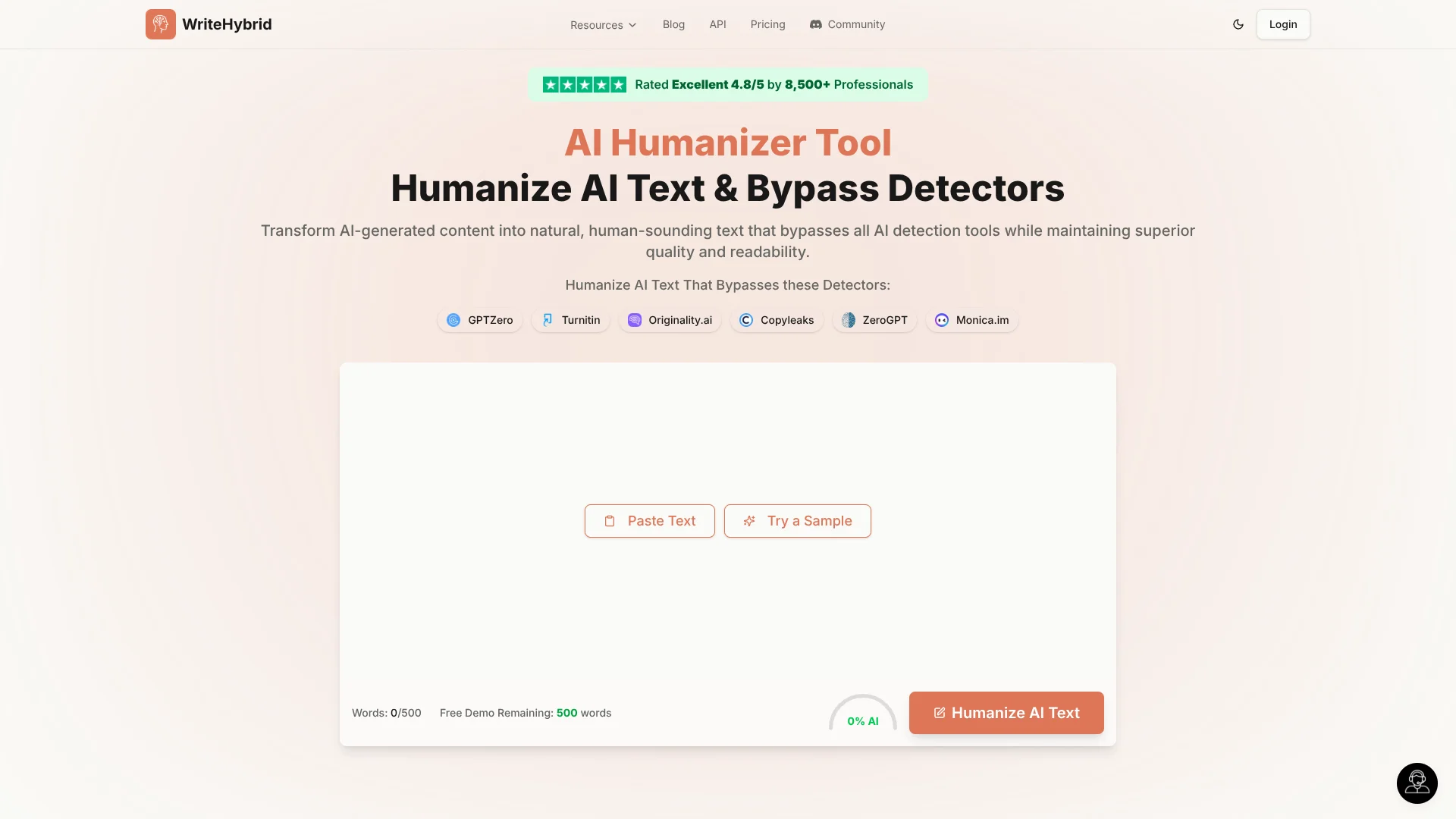
WriteHybrid rewrites AI-assisted drafts into more natural-sounding text while aiming to preserve the original claims and meaning. Its four modes, Academic, Marketing, Casual, and Technical, let students, editors, and content teams match a draft to its intended audience. A side-by-side view makes it easier to check what changed before copying the rewrite.
The editor pairs those four register-specific modes with a side-by-side comparison, and the same rewriting service is available through a documented API for developers who want to add it to their own tools.
WriteHybrid suits people refining AI-assisted writing for a particular audience, including editors working on translations or summaries. It cannot guarantee how any AI detector will score a rewrite, so treat the output as a draft to review, not proof of authorship or a reliable way around a detector.
Who is Using WriteHybrid?
Academic editors
A side-by-side comparison helps them review whether an Academic-mode rewrite keeps the original argument intact.
Content marketers
Marketing mode helps shape AI-assisted copy for its intended readers.
Translators
A second pass can help bring an AI-assisted translation closer to the intended register.
Developers
The documented API lets them add text rewriting to a product or internal workflow.
Uncommon Use Cases
Editors checking register in AI-assisted summaries; professionals revising reports that began as AI outlines.
Key Features
Rating Breakdown
Pricing Plans
Starter
$19 per month
- 20,000 words per month
- Basic processing
- Email support
Pro
$49 per month
- 60,000 words per month
- Priority processing
- Multiple rewrite tones
- Email support
Agency
$99 per month
- 150,000 words per month
- Priority processing
- Multiple rewrite tones
- Team access
- Dedicated support
- Custom tones
Which WriteHybrid plan should you pick?
Start with the free 500-word monthly allowance to review a real passage, then upgrade if your monthly writing volume exceeds it.
Starter
For individuals who need basic processing and up to 20,000 words per month.
Pro
For professionals who need priority processing, multiple rewrite tones, and up to 60,000 words per month.
Agency
For teams needing team access, custom tones, and up to 150,000 words per month.
WriteHybrid Use Cases
Polishing academic drafts
For a draft that needs a more natural academic register, Academic mode provides a rewrite to inspect against the original.
Outcome: A revised draft with its claims and argument available for side-by-side review.
Preparing marketing copy
AI-assisted copy can be rewritten in Marketing mode before a human editor reviews it for brand fit.
Outcome: Marketing-register copy ready for editorial review.
Reviewing translations and summaries
When an AI-assisted translation or summary sounds out of register, another pass can help smooth its tone.
Outcome: A rewrite to check for register and meaning.
Adding text rewriting to a product
Developers can call the API to send text for rewriting and receive a response containing the revised text.
Outcome: A text-rewriting step in a developer-built tool.
Workflow Ideas with WriteHybrid
Review an AI-assisted draft
- 1Paste the draft into the humanizer.
- 2Choose the mode that matches the intended audience.
- 3Compare the rewrite with the original and edit any meaning changes.
Refine marketing copy
- 1Start with the AI-assisted copy.
- 2Select Marketing mode and review the rewrite.
- 3Make a final human edit for brand fit and accuracy.
Add rewriting through the API
- 1Request an API key from WriteHybrid.
- 2Send text to the documented humanizer endpoint.
- 3Review the returned text before using it.
How WriteHybrid fits into your stack
Web editor
The editor is the direct route for rewriting a passage, choosing a register, and reviewing the result beside the original.
Writing and editing
WriteHybrid fits as a revision step after an AI-assisted draft and before a person checks the final copy.
Developer API
The documented API provides a way to add text rewriting to a developer-built tool; access is requested from WriteHybrid.
Pros
- +Register choices: Four named modes help match a rewrite to its intended audience.
- +Meaning check: Side-by-side review makes changes easier to inspect before copying.
- +Recurring free use: The 500-word monthly allowance gives you a way to try the editor without paying.
- +API option: Developers can connect to a documented text-rewriting endpoint.
Cons
- −Small free allowance: 500 words a month may not cover a longer draft.
- −Detector uncertainty: Results can vary by text and detector, so a rewrite is not a guaranteed score.
- −API access requires a request: The API docs direct users to email WriteHybrid to obtain access.
Limitations & when to consider alternatives
Known limitations
- Detector results are not guaranteed. WriteHybrid says detectors can update, disagree, and behave differently on different writing, so it cannot promise a particular result.
- Free use is capped. The free allowance is 500 words per month.
- Paid plans have word limits. Starter includes 20,000 words per month, Pro includes 60,000, and Agency includes 150,000.
- API keys require a request. The API documentation directs users to contact WriteHybrid for an API key.
Look elsewhere when
- You need a guaranteed result from a specific AI detector.
How to Use WriteHybrid
- 1
Start with a short draft
Paste a passage into the web editor; the free allowance includes 500 words each month.
- 2
Choose a writing mode
Select Academic, Marketing, Casual, or Technical to match the passage's intended register.
- 3
Review the comparison
Check the original beside the rewrite and confirm that the claims and meaning still match.
- 4
Check the result yourself
If detector behavior matters to your situation, test the revised text with the specific detector you need to understand; WriteHybrid does not guarantee a result.
- 5
Choose a paid plan if needed
Compare the monthly word limits and processing features on Starter, Pro, and Agency before subscribing.
Who is WriteHybrid For?
Students and academics
Academic mode can help polish a draft while keeping its claims and argument available for review.
Content and marketing teams
Marketing mode gives AI-assisted first drafts a register suited to publication.
Editors and translators
A second rewrite pass can help address register drift in AI-assisted translations or summaries.
Professionals
Technical and other register choices can help refine reports and client-facing copy.
Frequently Asked Questions
Does WriteHybrid have a free option?
Yes. The free allowance is 500 words each month after signup, with no credit card required.
What writing modes does WriteHybrid offer?
The humanizer lists Academic, Marketing, Casual, and Technical modes.
Can WriteHybrid guarantee a text will pass an AI detector?
No. The site says detectors change and can produce different results, so check the output with the detector relevant to your situation.
Does WriteHybrid offer an API?
Yes. Its API documentation describes a text-humanizing endpoint and says to email WriteHybrid to request an API key.
How many words are included in each paid plan?
Starter includes 20,000 words per month, Pro includes 60,000, and Agency includes 150,000.
Community reviews
Be the first to share your experience.
Sign in to leave a review for WriteHybrid.
WriteHybrid Alternatives
Looking for alternatives to WriteHybrid? Here are similar tools in the same category: