
WorkFusion
AI-driven platform revolutionizing business process automation and efficiency.
Key Takeaways
- What it is
- AI-driven platform revolutionizing business process automation and efficiency.
- Pricing
- Freemium
- Best for
- Intelligent Automation
- Machine Learning Models
- Robust Analytics
- Rating
- 4.4/5
What is WorkFusion?
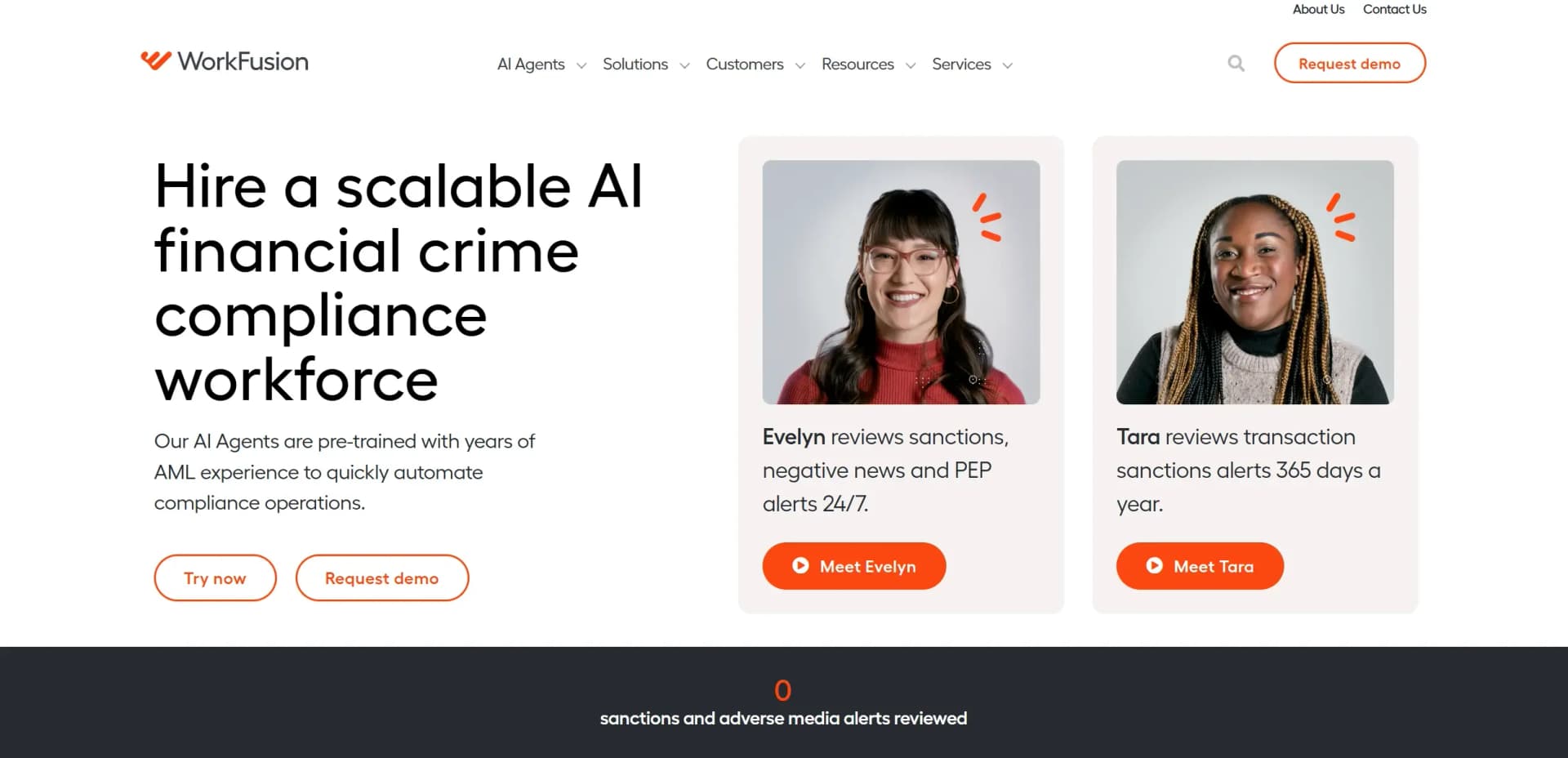
WorkFusion is a cutting-edge AI-driven platform designed to revolutionize business process automation. By harnessing the power of machine learning and intelligent automation, WorkFusion enables organizations to streamline operations, reduce costs, and enhance productivity. Ideal for businesses looking to automate repetitive tasks, WorkFusion simplifies complex workflows and optimizes resource allocation.
WorkFusion stands out with its comprehensive approach to intelligent automation. By integrating machine learning with process automation, WorkFusion provides a unique solution that not only automates tasks but also learns and improves over time. Its ability to handle complex and data-intensive processes sets it apart in the automation industry.
WorkFusion offers immense value to businesses seeking to enhance efficiency through AI-driven automation. Its robust features and adaptability make it a powerful tool for various industries, from finance to healthcare. While there is a learning curve, the benefits of reduced costs and increased productivity make it a worthwhile investment for companies aiming to stay competitive in an increasingly automated world.
Who is Using WorkFusion?
Financial Institutions
Automating risk assessments and customer service tasks.
Healthcare Providers
Streamlining patient data management and billing processes.
Manufacturing Companies
Optimizing supply chain operations and inventory management.
Government Agencies
Enhancing data processing and regulatory compliance workflows.
Used by legal firms for document review automation.
Adopted by research organizations for data analysis automation.
Key Features
Rating Breakdown
Pricing Plans
Free Tier
Free
- Experience WorkFusion with a 30-day free trial
Which WorkFusion plan should you pick?
Start with Starter for small-volume Evelyn LT testing, then upgrade to Standard or Standard+ as monthly transaction volume grows.
Starter
Good for teams processing up to 100 transactions monthly who need an initial AI-Agent deployment.
Standard
Good for teams processing up to 500 transactions monthly who need more volume.
Standard+
Good for teams processing up to 1,000 transactions monthly who need the highest publicly listed Evelyn LT volume tier.
WorkFusion Use Cases
Sanctions screening
Automatically review name and PEP screening alerts and escalate cases requiring human attention.
Outcome: Fewer false positives and reduced alert backlogs.
Adverse media monitoring
Search and investigate negative news, highlight high-risk articles, and support analyst review.
Outcome: Faster investigations and reduced regulatory risk.
Know Your Customer
Collect and analyze customer information and documents during onboarding and due diligence.
Outcome: Reduced manual work and faster customer onboarding.
Transaction monitoring
Investigate suspicious transaction alerts and escalate potentially high-risk cases.
Outcome: Earlier escalation and more efficient investigations.
Customer lifecycle management
Classify emails and attachments and route customer inquiries to internal teams.
Outcome: Prompt resolution of customer inquiries.
Workflow Ideas with WorkFusion
Automate a document-review process
- 1Upload source documents to WorkFusion object storage
- 2Run OCR and the configured Business Process
- 3Route exceptions to WorkSpace for human review
Train and validate an extraction model
- 1Data Analyst uploads documents and defines fields
- 2Subject Matter Experts label documents in WorkSpace
- 3Data Analyst validates results and trains the model
Operationalize an alert-review agent
- 1Ingest alerts through a connector or REST API
- 2Have the AI Agent apply review logic and generate a decision narrative
- 3Escalate unresolved or high-risk alerts to human analysts
How WorkFusion fits into your stack
Browser
WorkFusion provides browser-based WorkSpace and browser-automation actions for interacting with web applications. Source: https://doc.workfusion.com/business/docs/iac-business/user-guide/workspace/; https://doc.workfusion.com/platform/docs/automate/ia-cloud-developer/web/
Automation and APIs
Control Tower orchestrates multi-step Business Processes, schedules, triggers, connectors, and REST API executions. Source: https://doc.workfusion.com/platform/docs/automate/connectors/connectors-library/; https://doc.workfusion.com/digital-workers/docs/api-overview/
Knowledge and files
WorkFusion processes documents, email attachments, PDFs, images, spreadsheets, and other input files through OCR and AutoML workflows. Source: https://doc.workfusion.com/platform/docs/10.3.1/automate/automl/input-docs-characteristics/
Desktop / IDE
WorkFusion Studio and RPA Builder support desktop and browser automation development, including generated editable automation code. Source: https://doc.workfusion.com/business/docs/iac-business/user-guide/installation/; https://doc.workfusion.com/enterprise/docs/9.4/iac/rpa/rpa-builder/
Pros
- +Time Efficiency: Automates routine tasks, significantly reducing the time spent on manual processes.
- +Cost-Effective: Minimizes operational costs by decreasing the need for manual labor.
- +Enhanced Productivity: Frees up employees to focus on higher-value tasks, increasing overall productivity.
- +Scalability: Easily adapts to the growing needs of businesses, supporting expansion without additional costs.
Cons
- −Initial Learning Curve: Users may need time to fully understand and utilize all the advanced features.
- −Integration Complexity: Some users might find integrating WorkFusion with existing systems challenging.
Limitations & when to consider alternatives
Known limitations
- Enterprise-oriented deployment. The documented platform requires configured infrastructure, services, credentials, and administrative setup rather than simple consumer onboarding.
- OCR licensing is metered. OCR licensing depends on page volume and supported-language category, and licenses must be obtained through WorkFusion support.
- Manual-task files require online storage. Files used in Manual Tasks must be stored in online or cloud storage supporting HTTP access; local files are not allowed.
- Some workflows require human review. WorkFusion is designed to route exceptions and human-in-the-loop tasks to WorkSpace rather than fully automate every decision.
- Cloud Manager customer SSO limitation. The Cloud Manager documentation states that SSO for customer accounts is unavailable.
Look elsewhere when
- You need a native mobile app.
- You need a browser extension.
- You need a general-purpose coding assistant.
How to Use WorkFusion
- 1
Choose an AI Agent or use case
Select a documented agent or solution such as sanctions screening, adverse media, KYC, or transaction monitoring.
- 2
Connect data sources
Use connectors, REST APIs, email ingestion, file polling, or supported storage to provide alerts and documents.
- 3
Configure the workflow
Build or configure a Business Process containing bot tasks, AI processing, and any required manual tasks.
- 4
Train or configure models
Provide labeled documents and training data when a custom extraction or classification model is required.
- 5
Add human review
Route exceptions and unresolved work to WorkSpace, where assigned users can review, label, and submit tasks.
- 6
Monitor outcomes
Review process results, logs, analytics, narratives, and audit trails to validate operational performance and compliance.
Who is WorkFusion For?
Banks
WorkFusion names banks as core users of its financial-crime compliance AI Agents and automation solutions.
Financial institutions
Financial institutions can use AI Agents for AML, sanctions, KYC, transaction monitoring, and related compliance operations.
AML compliance teams
AML teams can use trained digital analysts to review alerts, document decisions, and escalate higher-risk cases.
Subject Matter Experts
Subject Matter Experts collaborate with Data Analysts by labeling documents and explaining business rules for automation.
Data Analysts
Data Analysts collect datasets, train users, validate labels, and support model-training workflows.
Frequently Asked Questions
What does WorkFusion automate?
WorkFusion AI Agents automate financial-crime compliance work including sanctions screening, adverse media monitoring, transaction monitoring, enhanced due diligence, and KYC.
Does WorkFusion support human review?
Yes. WorkSpace handles human-in-the-loop tasks, including document labeling, exception handling, review, and submission.
Can WorkFusion integrate with external systems?
Yes. WorkFusion provides connectors and APIs for REST, SOAP, messaging, FTP, email, file ingestion, and third-party systems.
Does WorkFusion support model training?
Yes. Users can create training datasets from labeled documents and train models for information extraction or classification.
How is WorkFusion deployed?
WorkFusion documentation describes on-premises, cloud, and private-cloud deployment options for its platform and AI Agents.
What pricing is publicly available?
The publicly listed Evelyn LT plans are Starter at $150/month, Standard at $675/month, and Standard+ at $1,250/month; the first month is free.
Community reviews
Be the first to share your experience.
Sign in to leave a review for WorkFusion.
WorkFusion Alternatives
Looking for alternatives to WorkFusion? Here are similar tools in the same category:
Learn to Master WorkFusion
With Skill Leap courses
Get in-depth training on WorkFusion and 50+ other AI tools with our expert-led video courses.
Start 7-Day Free Trial