
Wondershare Recoverit
Recover lost, deleted, corrupted, and inaccessible files from computers and storage devices.
Key Takeaways
- What it is
- Recover lost, deleted, corrupted, and inaccessible files from computers and storage devices.
- Pricing
- Freemium · $69.99/year · $79.99/year · $99.99/year
- Best for
- AI-accelerated scanning
- Enhanced Recovery
- Bootable Computer Recovery
- Rating
- 4.4/5
What is Wondershare Recoverit?
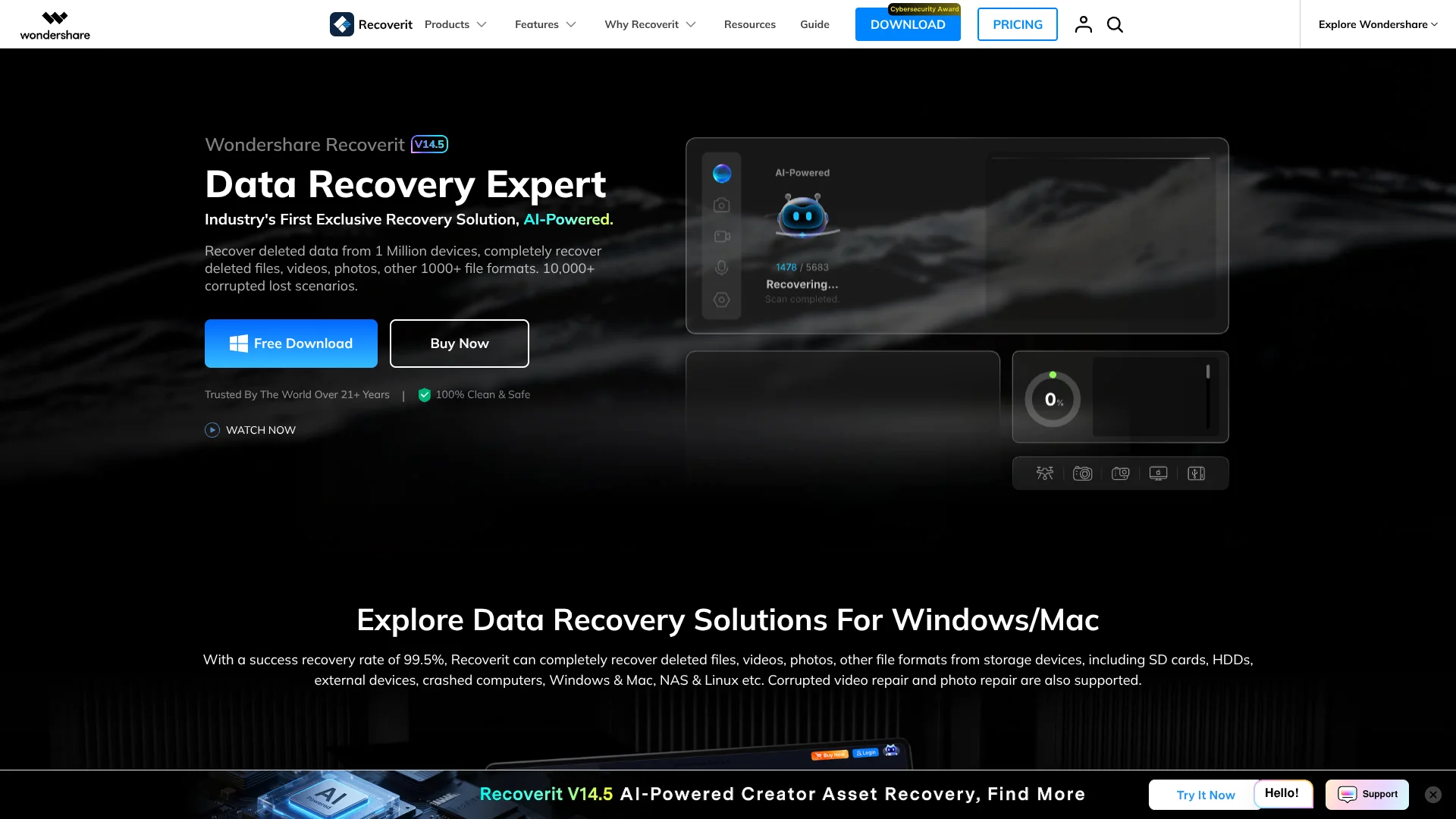
Wondershare Recoverit is desktop data recovery software for Windows and macOS. It scans computers, internal and external drives, USB devices, SD cards, cameras, NAS systems, Linux devices, disk images, and crashed computers to locate lost or deleted files. The standard workflow is to select a location, scan it, preview the results, and recover selected files to another destination. Recoverit supports more than 1,000 file formats and includes dedicated recovery paths for photos, videos, documents, audio, partitions, RAID systems, BitLocker drives, and other storage scenarios.
Recoverit's current product experience combines AI-accelerated scanning, AI-boosted device recognition, and AI-powered custom recovery for supported media devices. Its Enhanced Recovery feature scans and matches fragmented video files, while Version 14 adds Corrupted Video Repair, Corrupted Photo Repair, Corrupted Document Repair, Blurry Photo Enhancer, and Facial Detail Enhancer. Bootable media recovery is available for crashed or unbootable computers, and NAS recovery can connect remotely without removing the NAS drives.
Recoverit is a practical fit for photographers, videographers, drone and GoPro users, students, office users, and people recovering files from formatted drives, emptied recycle bins, damaged partitions, or crashed computers. The free edition is limited to 100MB of recovered files on Windows, and recovery success depends on factors such as overwriting, file fragmentation, directory damage, and the condition of the storage media.
Who is Using Wondershare Recoverit?
Photographers
Use Recoverit to restore camera-card photos, RAW images, and other photo assets.
Videographers
Use Enhanced Recovery and video repair for lost, fragmented, or damaged footage.
Students
Use the student-focused offering to recover coursework and personal files.
White-collar professionals
Recover critical business data, documents, email files, spreadsheets, and presentations.
Extreme sports enthusiasts
Recover lost skydiving, skiing, climbing, and action-camera videos.
Key Features
Rating Breakdown
Pricing Plans
Free
Free
- Recoverit Essential feature set
- Recoverable files capped at 100MB on Windows
Essential
$69.99/year
- Recover unlimited files for 1 PC
- Restore 1000+ file formats
- Recover 2000+ devices
- Recover disk image
- Deep scan and file preview
- Recover from SD Card
- Recover from USB Drive
Standard
$79.99/year
- Computer Crash Recovery for 1 PC
- Restore 1000+ file formats
- Recover 2000+ devices
- Recover disk image
- Deep scan and file preview
- Recover from SD Card
- Recover from USB Drive
- Create bootable disk or USB
- Recover from crashed PC
Premium
$99.99/year
- Files Recovery and Repair for 1 PC
- Restore 1000+ file formats
- Recover 2000+ devices
- Recover disk image
- Deep scan and file preview
- Recover from SD Card
- Recover from USB Drive
- Create bootable disk or USB
- Recover from crashed PC
- Recover from Linux PC, NAS server, and RAID corruption
Which Wondershare Recoverit plan should you pick?
Start with Free to test whether files are discoverable, choose Essential for standard drive recovery, upgrade to Standard for crashed computers, and use Premium for NAS, Linux, RAID, repair, and advanced media recovery.
Free
Good for testing recovery on small amounts of data before purchasing.
Essential
Good for users who need unlimited recovery from drives, USB devices, SD cards, and disk images.
Standard
Good for users who need bootable-media recovery for a crashed or unbootable computer.
Premium
Good for users who need NAS, Linux, RAID, advanced photo and video recovery, or corrupted-file repair.
Wondershare Recoverit Use Cases
Recover deleted files
Scan a computer, recycle bin, hard drive, USB drive, or memory card for deleted files and preview them before recovery.
Outcome: Selected files are restored to another drive or folder.
Recover formatted storage
Scan a formatted drive, partition, SD card, or external device for recoverable files.
Outcome: Previously stored photos, videos, documents, and other files can be retrieved when they have not been overwritten.
Recover crashed computers
Create bootable media on a working computer and use it to access data from a crashed or unbootable computer.
Outcome: Files can be recovered even when the original operating system cannot start.
Recover fragmented video
Use Enhanced Recovery to deep-scan storage, collect video fragments, and match them into playable files.
Outcome: Large or fragmented videos have a better chance of being restored and played.
Repair corrupted media and documents
Add damaged videos, photos, or documents to the File Repair module, run repair, preview the result, and save the repaired copy.
Outcome: Corrupted files can be restored or enhanced when the source data is sufficiently intact.
Workflow Ideas with Wondershare Recoverit
Recover deleted files from a drive
- 1Launch Recoverit and select the affected drive or location.
- 2Run the scan and filter the results by file type, path, or file system.
- 3Preview the files and recover them to a different drive.
Restore footage from an SD card
- 1Connect the SD card, camera, GoPro, drone, or USB device.
- 2Open SD Card Recovery and let AI-boosted device recognition identify the device.
- 3Scan, preview the photos and videos, and save recovered files locally.
Recover data from a crashed computer
- 1Install Recoverit on a working computer and connect a blank USB drive.
- 2Create bootable recovery media and connect it to the crashed computer.
- 3Boot from the USB media and recover files to a separate storage location.
How Wondershare Recoverit fits into your stack
Desktop
Recoverit runs as a Windows or macOS application that scans local disks, external storage, memory cards, cameras, NAS devices, and disk images.
Knowledge and files
It sits directly on the file-recovery layer, restoring documents, photos, videos, audio, email files, archives, and other supported formats.
Crashed systems
Bootable USB or disk media lets Recoverit operate when the normal Windows or macOS installation cannot start.
Pros
- +Free edition available
- +Supports Windows and macOS
- +Supports more than 1,000 file formats
- +Supports drives, USB devices, SD cards, NAS, Linux, RAID, and disk images
- +Includes bootable recovery, file repair, and media enhancement tools
Cons
- −Free Windows recovery is limited to 100MB
- −Paid plans are subscription-oriented on the primary pricing page
- −Recovery can fail when data is overwritten or storage damage is severe
- −Bootable recovery requires a separate working computer and USB drive
- −Files should be saved to a different destination to avoid overwriting lost data
Limitations & when to consider alternatives
Known limitations
- 100MB free recovery limit on Windows. The free Windows edition caps the total size of recoverable files at 100MB.
- Recovery depends on overwriting. Files may not be recoverable when their original storage sectors have been overwritten by new data.
- Physical or directory damage can reduce results. Severe physical storage damage or damaged directory information can prevent full recovery or remove original names and folder structures.
- Recovered files should not be saved to the source drive. Saving recovered files to the same drive can overwrite lost data and cause permanent data loss.
- Bootable recovery requires extra media. Crashed-computer recovery requires a working computer and a blank USB drive or other bootable media.
Look elsewhere when
- You need a browser-only recovery service.
- You need recovery with no free-plan size limit.
- You need an API for programmatic recovery.
How to Use Wondershare Recoverit
- 1
Install the desktop app
Download Recoverit for Windows or Mac and launch it on a working computer.
- 2
Choose a recovery location
Select the affected computer volume, recycle bin, external drive, SD card, NAS, Linux device, or disk image.
- 3
Run the scan
Start the scan and use filtering, file paths, file types, or file systems to narrow the results.
- 4
Preview recoverable files
Review filenames, paths, sizes, thumbnails, or previews before committing to recovery.
- 5
Recover to another destination
Choose a separate drive or folder and save the selected files there to avoid overwriting the source.
- 6
Use specialized tools when needed
Open Enhanced Recovery for fragmented media, File Repair for corrupted files, or bootable recovery for crashed computers.
Who is Wondershare Recoverit For?
Photographers
Recover photos and camera-card data, including RAW images, from readable but deleted, formatted, or inaccessible storage.
Videographers and content creators
Recover large videos and fragmented footage from cameras, drones, GoPro devices, SD cards, and external drives.
Students
Recover lost documents, presentations, spreadsheets, and other coursework files from computers and removable storage.
Office users
Restore business documents, email files, PDFs, Word files, Excel workbooks, and PowerPoint presentations.
Extreme sports enthusiasts
Recover lost action-camera footage and photos from devices and memory cards used for outdoor activities.
Frequently Asked Questions
How does Recoverit recover lost files?
Select the storage location, scan it for lost data, preview the results, and recover the files to a safe destination.
Can Recoverit recover files from a crashed computer?
The Standard and Premium plans include crashed-computer recovery and the ability to create bootable disks or USB media.
What is the Recoverit free edition limit?
The Windows free edition limits total recoverable files to 100MB.
Can recovered files be saved to the original drive?
Recoverit recommends saving recovered files to another drive or location to reduce the risk of overwriting the original data.
Can Recoverit repair corrupted files?
Version 14 provides repair tools for corrupted videos, photos, and documents, plus advanced repair for severely damaged videos and photos.
Can Recoverit recover data from NAS and Linux devices?
The Premium plan includes NAS and Linux recovery, including remote NAS recovery and support for Linux file systems.
Community reviews
Be the first to share your experience.
Sign in to leave a review for Wondershare Recoverit.
Wondershare Recoverit Alternatives
Looking for alternatives to Wondershare Recoverit? Here are similar tools in the same category:
Learn to Master Wondershare Recoverit
With Skill Leap courses
Get in-depth training on Wondershare Recoverit and 50+ other AI tools with our expert-led video courses.
Start 7-Day Free Trial