
Wonder Studio
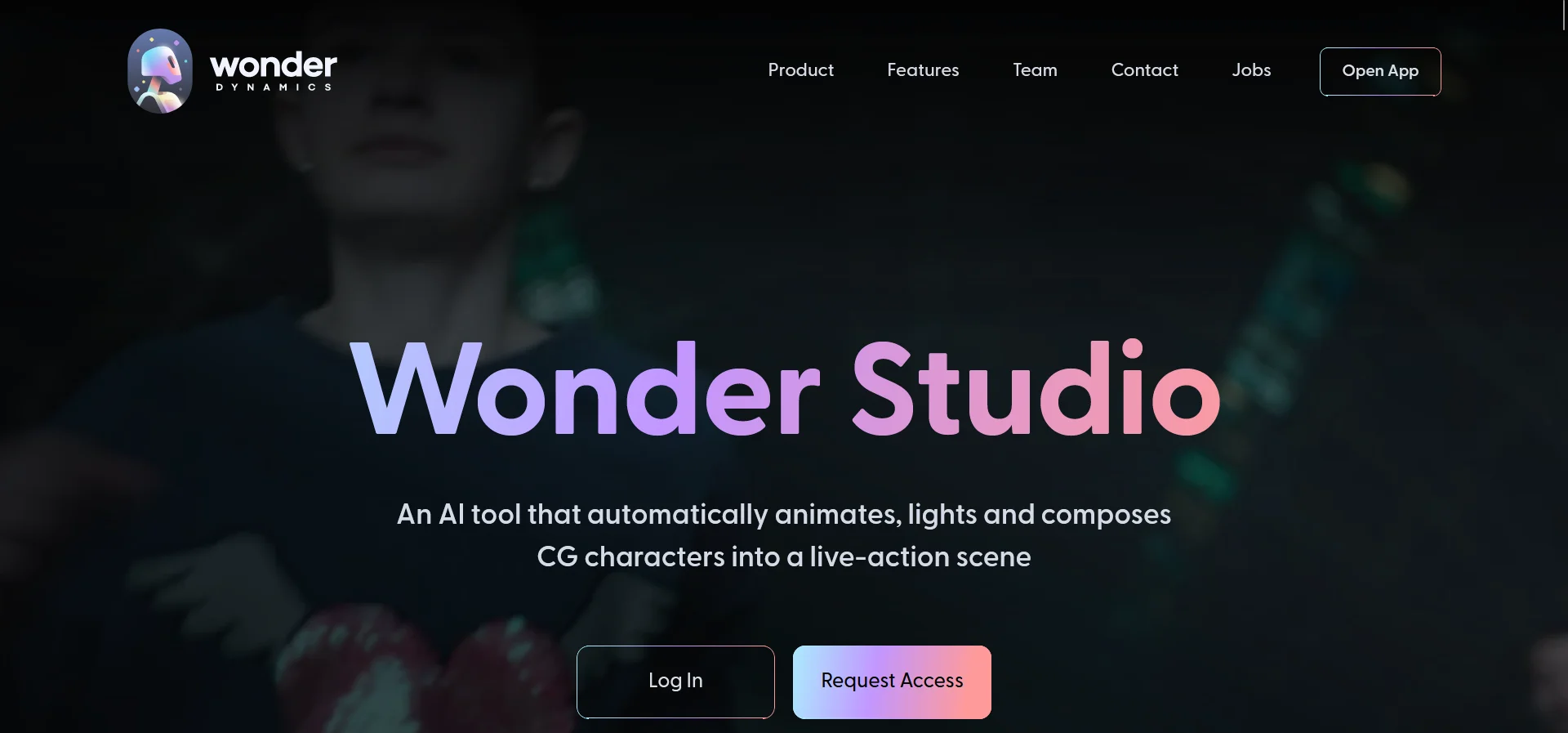
Revolutionize VFX: automate animation, lighting, composition in your browser.
Key Takeaways
- What it is
- Revolutionize VFX: automate animation, lighting, composition in your browser.
- Pricing
- Freemium
- Best for
- Automated Animation and Lighting
- Advanced Retargeting
- Seamless Composition
- Rating
- 4.4/5
What is Wonder Studio?
Wonder Studio is an AI-powered platform that is revolutionizing the world of visual effects (VFX) by automating the animation, lighting, and composition of CG characters into live-action scenes. Aimed at filmmakers, VFX artists, and content creators, this tool simplifies the previously complex and time-consuming process of integrating CG elements into real-world footage. By eliminating the need for motion capture (MoCap), complicated 3D software, and expensive production hardware, Wonder Studio positions itself as the VFX studio accessible right from your browser.
Wonder Studio stands out by democratizing the VFX process, making it accessible to a broader audience. Its technology that automatically detects an actor's performance and applies it to a CG character without the need for motion capture or frame-by-frame animation is truly groundbreaking. This capability allows creators at all levels to produce content that was previously only possible with significant investment in VFX resources.
Wonder Studio excels in transforming the VFX landscape by offering an innovative, accessible platform that automates the integration of CG characters into live-action footage. Its unique blend of automated animation, lighting, and composition tools, combined with its adaptability to existing workflows, makes it an essential tool for a wide range of creators. From independent filmmakers to VFX artists and beyond, Wonder Studio is empowering users to bring their creative visions to life with unprecedented ease and efficiency.
Who is Using Wonder Studio?
Independent Filmmakers
Creating visually stunning scenes without the budget for traditional VFX studios.
VFX Artists
Enhancing their workflow by automating the animation and lighting processes.
Content Creators
Producing high-quality content for platforms like YouTube and Twitch with integrated CG elements.
Educational Institutions
Teaching students about VFX and CG animation using an accessible, real-world tool.
Uncommon Use Cases
Used by novelists and scriptwriters for visualizing scenes and characters in their stories; Adopted by hobbyists for creating fan-made content with professional-level VFX.
Key Features
Rating Breakdown
Pricing Plans
Free Tier
Free
- Wonder Studio offers access to its platform with no credit card required
- Making it easy for anyone to start experimenting with its capabilities
Subscription Plans
- While specific pricing details were not provided
- Users are encouraged to sign up for more information on available plans
Which Wonder Studio plan should you pick?
Start with Free to test AI VFX workflows; upgrade to Lite, Standard, Pro, or Enterprise as you need more credits, resolution, storage, exports, or organizational support.
Free
Good for curious creators testing basic AI-powered VFX workflows.
Lite
Good for individual creators and short-form content workflows.
Standard
Good for creators who need more credits, storage, exports, and production capacity.
Pro
Good for professional creators requiring higher limits and more advanced production workflows.
Enterprise
Good for established studios needing enterprise-scale access, support, and organizational controls.
Wonder Studio Use Cases
Live-action VFX replacement
Upload footage, identify actors, assign CG characters, and process the shot.
Outcome: A rendered live-action shot with CG characters.
AI motion capture
Upload footage, assign a character, and generate body, hand, or facial motion data.
Outcome: Exportable animation data for downstream 3D workflows.
Video-to-3D scene reconstruction
Process a multi-cut video to reconstruct character and camera continuity in 3D.
Outcome: An editable 3D scene with reconstructed motion and camera data.
Image-to-3D asset creation
Upload an image containing an object or character and generate a 3D mesh.
Outcome: A downloadable 3D asset in formats such as OBJ, STL, USD, or GLB.
AI-assisted image and video workflows
Connect prompts, reference media, generated outputs, and renders in Canvas.
Outcome: Iterated image or video outputs through multi-step node workflows.
Workflow Ideas with Wonder Studio
Replace an actor with a CG character
- 1Upload live-action video
- 2Scan a frame and assign a CG character
- 3Choose export settings and start processing
Generate motion capture for Unreal
- 1Upload footage in the AI Motion Capture project
- 2Assign a character and process the video
- 3Download the USD output and import it into Unreal Engine
Create a 3D asset from an image
- 1Upload an image containing one clear object or character
- 2Generate and preview the 3D mesh
- 3Optionally remesh or texture, then download the asset
How Wonder Studio fits into your stack
Export Options
Compatible with major VFX software through the export of motion capture data, camera tracks, and Blender files.
Community Contributions
Supports the use of free characters and models provided by the artist community, fostering a collaborative environment.
Adaptability
Designed to fit into existing VFX pipelines, enhancing rather than replacing traditional tools.
Pros
- +Time Efficiency: Drastically reduces the time required to animate, light, and compose CG characters in live-action scenes.
- +Cost-Effective: Lowers production costs by automating what traditionally required expensive hardware and software.
- +Ease of Use: Simplifies the VFX process, making it accessible even to those with limited experience in 3D animation or VFX.
- +Flexibility: Supports uploading of custom 3D models and utilizes free characters provided by the artist community, offering creative freedom.
Cons
- −Internet Dependency: Being a browser-based platform, a stable and fast internet connection is required for optimal performance.
- −Learning Curve: Despite simplifying the VFX process, newcomers to VFX or 3D animation may still face a learning curve.
- −Limited to CG Characters: Focused on integrating CG characters, which may not cover all potential VFX needs of a project.
Limitations & when to consider alternatives
Known limitations
- Browser and mobile limitations. Flow Studio runs in a browser, supports Chrome and Safari, and is not yet optimized for mobile browsers.
- Timeline editing is unavailable. Editing clips and combining multiple shots in the timeline is currently not supported; footage should be edited before upload.
- Credits expire monthly. Credits reset every month and do not carry over.
- Image-to-3D quality depends on input. Complex backgrounds, transparent objects, reflective objects, or heavily occluded subjects may reduce reconstruction quality.
- Character uploads have strict requirements. Custom characters require supported file formats, metadata generated by a validation add-on, and limits on file size, textures, polygons, and hair strands.
Look elsewhere when
- You need a native mobile app.
- You need built-in timeline editing.
- You need pooled credits across users.
How to Use Wonder Studio
- 1
Wonder Studio offers a range of tutorials and product demos on its website, guiding users from basic setup to advanced features. These resources are invaluable for both new and experienced users looking to maximize the tool's capabilities.
Who is Wonder Studio For?
Aspiring filmmakers
The free tier and cloud workflow support creators working with limited budgets.
Emerging 3D professionals
Flow Studio provides motion capture, character, scene, and export workflows for developing 3D creators.
Established studios
Studios can use the platform to streamline production and maintain artistic control.
Storytellers
The unified workspace combines characters, worlds, animation, camera direction, and AI generation.
Filmmakers, artists, and creative technologists
Autodesk identifies these groups as part of the Flow Studio community and learning audience.
Frequently Asked Questions
What is Autodesk Flow Studio?
Flow Studio, formerly Wonder Studio, is a cloud-based 3D toolset that transforms live-action footage into editable CG scenes.
How do I use Flow Studio for free?
Flow Studio offers a free tier that can be accessed from the plan comparison page.
What AI features are available?
Core features include markerless motion capture, Video-to-3D Scene technology, camera tracking, clean plates, alpha masks, and character passes.
Can Flow Studio convert video sequences into 3D scenes?
Yes. Video-to-3D Scene reconstructs cameras, characters, and environments in 3D space.
What 3D software does Flow Studio work with?
Flow Studio exports to Maya, Blender, Unreal Engine, and 3ds Max through USD.
Can I use Flow Studio without motion-capture equipment?
Yes. Markerless AI motion capture captures body, face, and hand movements directly from footage.
Community reviews
Be the first to share your experience.
Sign in to leave a review for Wonder Studio.
Wonder Studio Alternatives
Looking for alternatives to Wonder Studio? Here are similar tools in the same category:
Learn to Master Wonder Studio
With Skill Leap courses
Get in-depth training on Wonder Studio and 50+ other AI tools with our expert-led video courses.
Start 7-Day Free Trial