
Wix Logo Maker
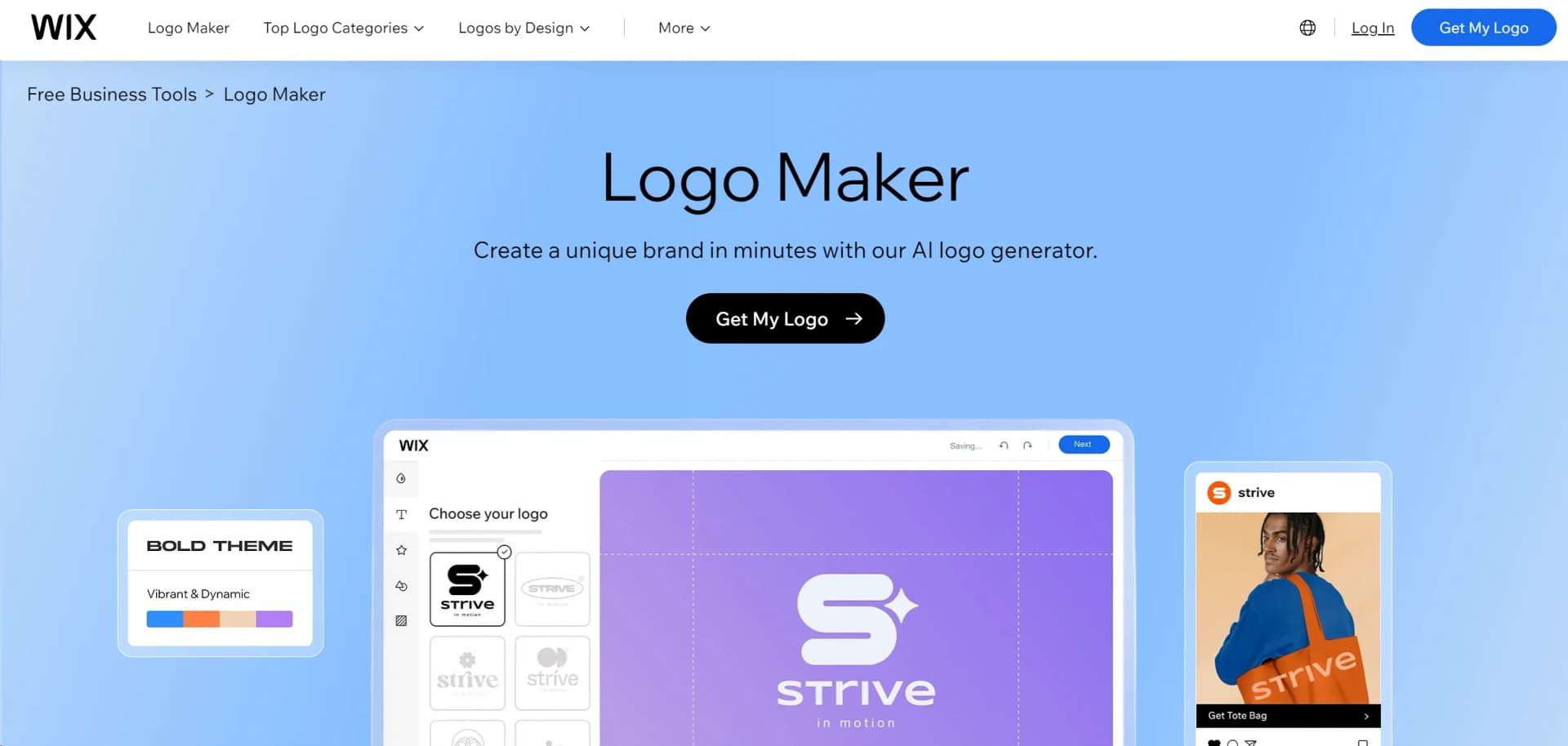
Effortlessly design custom logos with AI-driven creativity.
Watch Wix Logo Maker in Action
Key Takeaways
- What it is
- Effortlessly design custom logos with AI-driven creativity.
- Pricing
- Freemium
- Best for
- AI-Powered Design
- Endless Customization
- High-Quality Downloads
- Rating
- 4.6/5
What is Wix Logo Maker?
Wix Logo Maker is an intuitive, AI-powered tool designed to help individuals and businesses create professional logos effortlessly. This tool revolutionizes logo design by offering a seamless, user-friendly experience. Whether you're a startup, freelancer, or established business, Wix Logo Maker simplifies the process of crafting a unique logo that aligns perfectly with your brand identity.
Wix Logo Maker stands out with its powerful AI technology that simplifies the logo design process, making it accessible to users with no design background. Its ability to offer endless customization options combined with seamless integration into Wix's ecosystem makes it a preferred choice for comprehensive brand building.
Wix Logo Maker offers an exceptional blend of AI-driven design capabilities and user-friendly customization options, making it an invaluable tool for anyone looking to establish a strong brand identity. With its seamless integration, high-quality outputs, and cost-effective solutions, it empowers users to create logos that truly reflect their brand ethos without the hassle of traditional design processes.
Who is Using Wix Logo Maker?
Startups and Small Businesses
Utilizing the tool for creating affordable, professional branding.
Freelancers
Employing the tool to design logos for personal branding and client projects.
Marketing Agencies
Leveraging the tool to provide quick logo solutions for clients.
Non-Profit Organizations
Using it to create impactful logos without incurring high design costs.
Uncommon Use Cases
Adopted by educational institutions for teaching design principles; utilized by event planners for custom event branding.
Key Features
Rating Breakdown
Pricing Plans
Free Tier
Free
- Create and experiment with logo designs at no cost
Paid Plans
- Options available for purchasing high-resolution files and additional customization features
Which Wix Logo Maker plan should you pick?
Start with the free plan for logo exploration, then upgrade to Basic, Advanced, or Brand Plus when you need commercial downloads, SVG files, or expanded brand assets.
Basic
Good for users who need one logo design and high-resolution PNG files.
Advanced
Good for users who need scalable SVG files, social-media assets, email signatures, and watermarks.
Brand Plus
Good for users who need the Brand Kit, unlimited logo changes, social posts, covers, and printable business-card designs.
Wix Logo Maker Use Cases
Create a business logo
Enter a business name and description, then generate and customize logo concepts.
Outcome: A downloadable logo for the business.
Build a brand identity
Use the logo’s colors, fonts, and visual language to create a broader brand theme.
Outcome: More consistent branding across assets.
Prepare social media branding
Download logo files in formats and sizes suitable for profiles, headers, banners, and posts.
Outcome: Logo assets ready for social channels.
Create print-ready logo files
Use plans that include resizable SVG files and high-resolution logo exports.
Outcome: Scalable assets for merchandise and printed materials.
Create client logos
Start from templates or AI-generated concepts and customize them for different businesses.
Outcome: Logo designs suitable for client projects.
Workflow Ideas with Wix Logo Maker
Generate and refine a business logo
- 1Enter the business name and brand description
- 2Review and select an AI-generated logo concept
- 3Customize colors, fonts, icons, and layout
Turn a logo into a brand system
- 1Create or upload a logo
- 2Generate a brand from the logo
- 3Apply the brand theme across other designs
Prepare downloadable logo assets
- 1Select the finished logo
- 2Choose file type, background, and size
- 3Download the logo files for digital or print use
How Wix Logo Maker fits into your stack
Browser
Wix Logo Maker is primarily a browser-based design workspace accessed through the standalone wix.com/logo/maker URL or a Wix site dashboard. Users generate or select logo concepts, customize branding elements, and download designs from the web interface.
Website dashboard
The tool also appears inside a Wix site's dashboard under Site and App > Logo and Brand, where users can manage branding alongside their website.
Mobile
Wix provides a dedicated Android Wix Logo Maker app, and Wix's mobile app also includes Logo Maker functionality for creating and customizing logos.
Pros
- +User-Friendly Interface: The intuitive design makes it easy for anyone, regardless of design experience, to create a professional logo.
- +Time-Saving: Quickly generates logo options, significantly reducing the time spent on design iterations.
- +Cost-Effective: Offers a free version with the option to purchase high-resolution files, making it accessible for businesses of all sizes.
- +Seamless Integration: Easily integrates with other Wix tools, ensuring a cohesive brand presence across your website and marketing materials.
Cons
- −Limited Free Features: Access to high-resolution files and certain customization options requires a paid plan.
- −Initial AI Suggestions: Some users may find the initial AI-generated designs require further customization to meet specific needs.
Limitations & when to consider alternatives
Known limitations
- AI usage consumes credits. Generating or editing logos with AI uses credits, and free plans have daily and monthly limits.
- AI results are not guaranteed. Wix says generated outputs may vary and should be reviewed for quality, accuracy, and relevance.
- Post-download editing depends on the plan. Some plans limit post-download changes, while Brand Plus and Social provide broader editing access.
- Dashboard Logo Maker supports one brand per site. To create multiple brands, Wix directs users to the standalone Logo Maker.
- Animated logos are unavailable. Wix states that the Logo Maker cannot create animated logo files.
Look elsewhere when
- You need another tool for programmatic logo creation through an API.
- You need another tool for a dedicated desktop installer.
- You need another tool for automated multi-step workflows.
- You need another tool for code generation.
How to Use Wix Logo Maker
- 1
Open the Logo Maker
Open the standalone Logo Maker or access Logo and Brand from a Wix site dashboard.
- 2
Describe your brand
Enter your business name and a short description covering your industry, style, and desired visual direction.
- 3
Choose a concept
Review the generated logo options or start from a template, then select the direction you want to develop.
- 4
Customize the design
Adjust fonts, colors, graphics, icons, layout, background, and uploaded images until the logo fits your brand.
- 5
Create consistent brand assets
Use the logo’s theme to create additional branded designs such as social posts, business materials, or merchandise.
- 6
Download the finished files
Choose the file type, transparency, and size, then download the logo for digital, social, or print use.
Who is Wix Logo Maker For?
People launching a business
The tool helps create a business logo and establish a visual brand identity quickly.
Businesses refreshing their brand
Users can generate new concepts, customize existing directions, and build consistent brand visuals.
Small business advisors
The site highlights logo templates and suggestions as useful for professionals helping businesses create logos.
Graphic designers
Designers can use templates, AI suggestions, and manual editing to create logos for clients.
Frequently Asked Questions
Can I create a logo for free?
Yes. Wixel offers a free plan with AI credits for generating and editing logos; paid plans provide additional credits and features.
How do I create a logo with AI?
Enter your business name and description, review generated concepts, select one, customize it, and download the result.
What can I customize?
You can customize colors, fonts, icons, graphics, layout, background, and other logo elements.
What file types can I download?
Logo downloads can include formats such as PNG and SVG, with options for transparent backgrounds and different sizes.
Can I upload my own image?
Yes. You can upload an image or select one from your Wix Media Manager site files, then add it to the logo.
Can I edit a logo after downloading it?
Post-download editing depends on the plan. Brand Plus and Social plans provide broader post-download editing capabilities.
Community reviews
Be the first to share your experience.
Sign in to leave a review for Wix Logo Maker.
Wix Logo Maker Alternatives
Looking for alternatives to Wix Logo Maker? Here are similar tools in the same category:
Learn to Master Wix Logo Maker
With Skill Leap courses
Get in-depth training on Wix Logo Maker and 50+ other AI tools with our expert-led video courses.
Start 7-Day Free Trial