
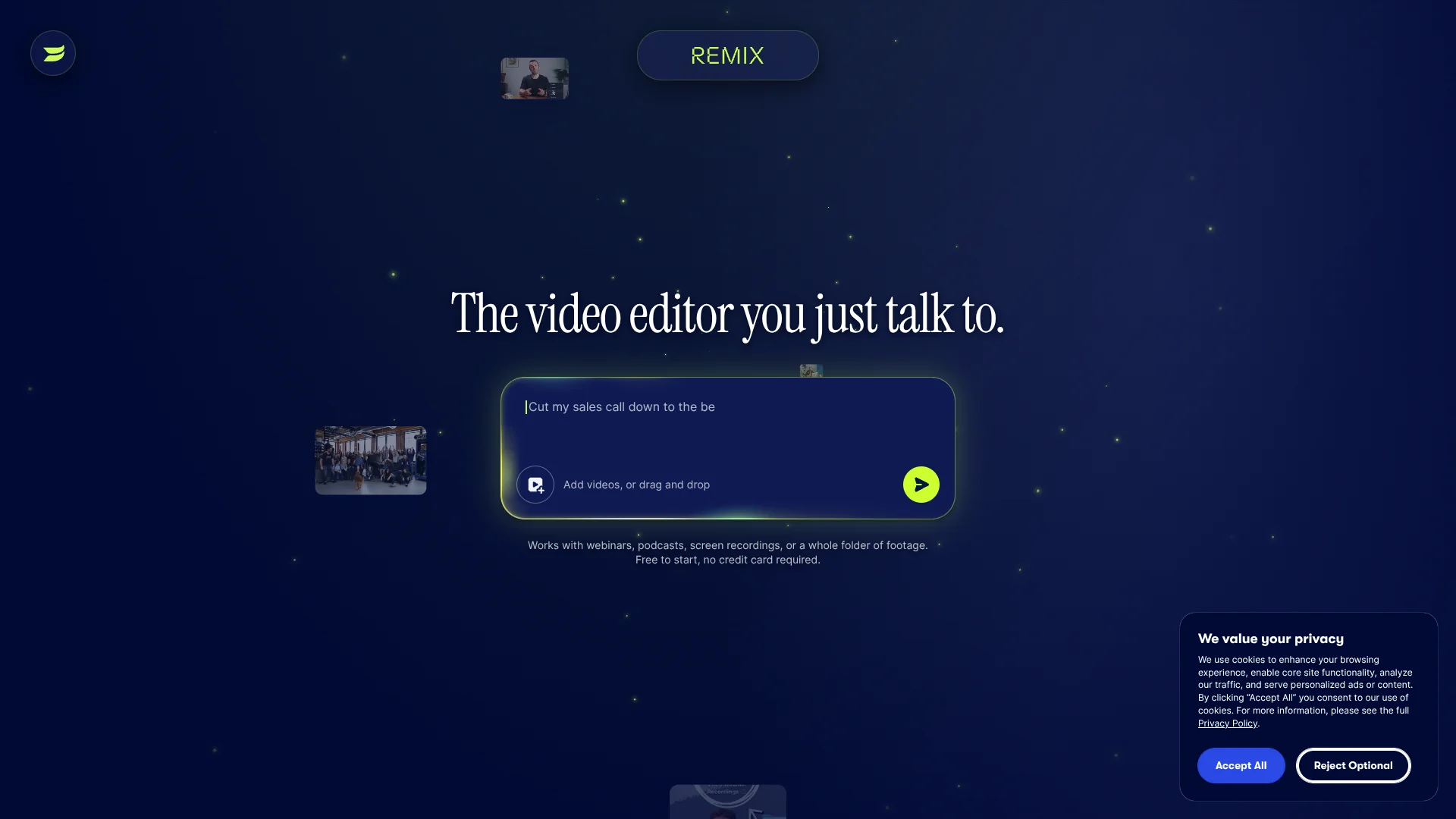
Wistia Remix
Turns Wistia recordings into chat-edited clips.
Key Takeaways
- What it is
- Turns Wistia recordings into chat-edited clips.
- Pricing
- Freemium · $79/month billed annually
- Best for
- Natural-language editing
- Multi-source editing
- Visual and transcript understanding
Who is Using Wistia Remix?
Webinar creators
Turn long webinar recordings into highlight reels, condensed versions, and chaptered content.
Video podcasters
Repurpose podcast footage into shorter clips and social-ready content.
Screen-recording creators
Refine screen and webcam recordings by tightening pauses, removing false starts, or rewriting and re-recording.
Training and course teams
Create recaps and shorter versions of course or training videos.
Marketing and content teams
Produce customer testimonials, event recaps, social clips, and other repurposed marketing videos.
Key Features
Pricing Plans
Free
Free
- 25 GB storage
- 1 user only
- Creation
- Hosting
- Basic Analytics
- AI creation tools
Business
$79/month billed annually
- 250 GB storage
- 3 users included
- Creation
- Hosting
- Analytics
- Marketing
- Agentic video editing
- Transcript-based editing
- AI highlights and social clips
- Team accounts
Enterprise
- 1TB storage
- Custom users
- Creation
- Hosting
- Analytics
- Marketing
- Webinars
- Governance
- Single sign-on (SSO)
- Advanced security
Which Wistia Remix plan should you pick?
Start with Free to test Wistia's video creation and editing workflow; upgrade to Business for multiple users, expanded storage, and broader marketing features, or Enterprise for custom users and governance.
Free
Good for individuals who need $0 video hosting, recording, editing, and basic analytics with one user and 25 GB of storage.
Business
Good for teams who need three included users, 250 GB or more of storage, analytics, marketing tools, and expanded creation features.
Enterprise
Good for larger organizations that need custom users, 1 TB of storage, governance, SSO, and enterprise-scale controls.
Wistia Remix Use Cases
Create highlight reels
Select existing footage and describe the topics or moments to include.
Outcome: A condensed highlight video.
Repurpose content for social media
Use Remix skills or prompts to create social clips and change the aspect ratio to vertical or square.
Outcome: Platform-ready short-form videos.
Clean up recordings
Ask Remix to remove pauses, false starts, background noise, or background music.
Outcome: A cleaner, more polished recording.
Create narrated slides
Record a webcam or screen video, approve a rewritten script, and convert the recording into slides with AI narration.
Outcome: A narrated slide video.
Add branded motion graphics
Ask Remix to add titles, lower thirds, captions, quote pulls, transitions, or end cards.
Outcome: A more polished and branded video.
Workflow Ideas with Wistia Remix
Turn a recording into a social clip
- 1Upload or record a video in Wistia
- 2Prompt Remix to create a short highlight or social clip
- 3Request a vertical or square aspect ratio and save the result as a new video
Create a cleaned-up tutorial
- 1Add the source recording to Remix
- 2Ask Remix to remove pauses, false starts, and background noise
- 3Add captions, motion graphics, and a suitable layout before exporting
Convert a recording into narrated slides
- 1Create a webcam or screen recording in Remix
- 2Choose the rewrite-and-re-record or narrated-slides option
- 3Approve the script and save the finished slide video to the Wistia library
How Wistia Remix fits into your stack
Browser
Remix runs inside the Wistia account and is accessed from the account navigation, folders, or media pages.
Knowledge and files
It works from existing videos and folders in Wistia, including multiple source videos, transcripts, recordings, and uploaded media.
Automation and APIs
Wistia's API, MCP server, and Zapier integration can connect Remix and media workflows to external tools and agents.
Team collaboration
Generated videos remain in the shared Wistia media library, where teams can use accounts, permissions, comments, folders, and sharing workflows.
Pros
- +Free plan available
- +Natural-language editing instead of timeline-based manual editing
- +Supports multi-source video projects
- +Creates multiple repurposing formats from existing footage
- +Includes preview, revisions, captions, graphics, narration, and music workflows
Cons
- −Remix is currently in beta
- −Only Account Owners and Managers can access Remix
- −Remix cannot generate entirely new video and only uses existing footage
- −Each Remix and revision consumes a monthly credit
- −Unused Remix credits do not carry over
Limitations & when to consider alternatives
Known limitations
- Existing footage only. Remix cannot generate new video footage; it works from uploaded or recorded source material.
- Access is restricted. Only Account Owners and Managers can access Remix.
- Monthly credits expire. Each Remix and revision uses a credit, and unused monthly credits do not carry over.
- Beta availability. Wistia currently describes Remix as an AI-powered editing tool in beta.
- Editor duration limit. Wistia's editor supports editing and exporting videos up to four hours long.
Look elsewhere when
- You need a dedicated native mobile application.
- You need AI-generated footage rather than editing of existing recordings.
- You need a dedicated desktop installer.
How to Use Wistia Remix
- 1
Open Remix
Choose Remix from the Wistia navigation, a folder, or a media page.
- 2
Select source footage
Choose one video or a folder containing multiple videos, then add additional source videos if needed.
- 3
Write a prompt
Describe the purpose, duration, pace, topics, or outline for the video you want Remix to create.
- 4
Review and revise
Preview the generated remix and use chat-based revisions to adjust clips, graphics, captions, audio, or narration.
- 5
Format the result
Use the Format controls to adjust layout, captions, aspect ratio, framing, and clip positioning.
- 6
Save or download
Click Save as new video to store the remix in Wistia, then edit, customize, share, or download it.
Who is Wistia Remix For?
Video marketers
Create repurposed clips, highlight reels, and social content from existing videos.
Content creators
Turn recordings and long-form footage into concise, polished videos using natural-language prompts.
Sales and marketing teams
Produce teasers, tutorials, compilations, and short-form content for campaigns and follow-up.
Training and communications teams
Convert recordings into concise videos, narrated slides, captions, and chaptered content.
Frequently Asked Questions
What is Wistia Remix?
Remix is an AI-powered video editing tool that creates highlight reels, condensed videos, chaptered content, and more from a text description.
Can Remix generate completely new video footage?
No. Remix uses existing footage and cannot generate new video footage.
Who can access Remix?
Only Wistia Account Owners and Managers can access Remix.
What can Remix create?
Remix can create highlight reels, social clips, compilations, narrated slides, captions, motion graphics, and reformatted videos.
Can Remix record video?
Yes. Users can create webcam and/or screen recordings directly within Remix and then refine them.
How does Remix billing work?
Each Remix and revision uses one monthly Remix credit. Unused credits do not carry over.
Community reviews
Be the first to share your experience.
Sign in to leave a review for Wistia Remix.
Wistia Remix Alternatives
Looking for alternatives to Wistia Remix? Here are similar tools in the same category:
Learn to Master Wistia Remix
With Skill Leap courses
Get in-depth training on Wistia Remix and 50+ other AI tools with our expert-led video courses.
Start 7-Day Free Trial