
Wegic
Revolutionize web design: AI-driven, chat-based, versatile, with supportive assistants.
Key Takeaways
- What it is
- Revolutionize web design: AI-driven, chat-based, versatile, with supportive assistants.
- Pricing
- Freemium
- Best for
- AI-Powered Design and Development
- Conversational Interface
- Versatile Project Scope
- Rating
- 4.5/5
What is Wegic?
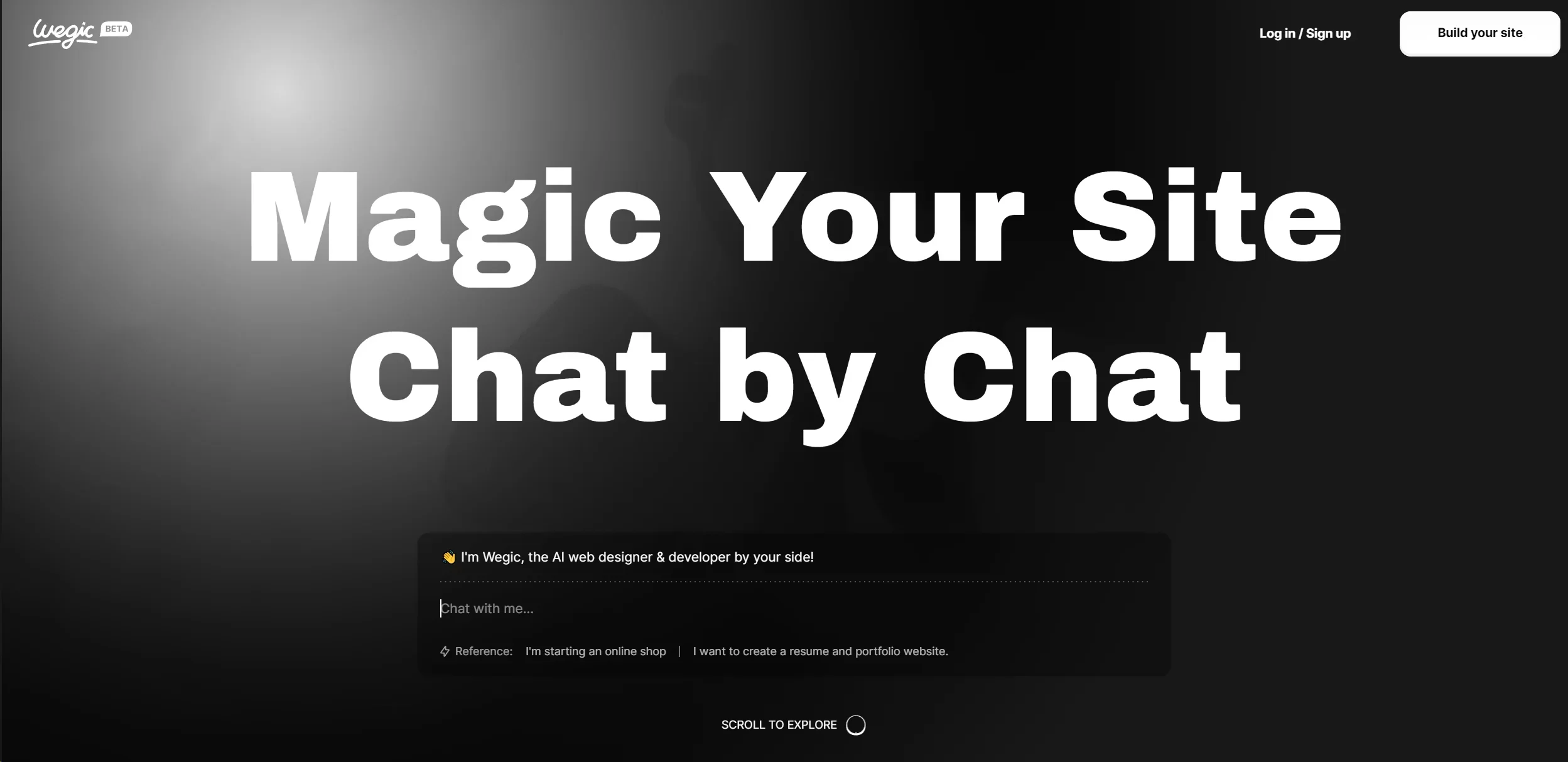
Wegic is a groundbreaking AI tool that is transforming the way we think about website design and development. At its core, Wegic is an AI web designer and developer that works alongside you, making the process of creating a website as easy as having a conversation. With the support of three amazing assistants, this tool promises to bring any website vision to life, whether it's for a small flower shop, a personal resume, or a professional photography studio. The concept of building your site through simple chat interactions is not just innovative but incredibly user-friendly, catering to both individuals with specific ideas and those seeking inspiration and guidance.
Wegic stands out in the crowded field of web development tools with its innovative chat-based interface, making website creation accessible to a broader audience. Its AI-driven design and development process, supported by additional assistant tools, offers a blend of simplicity, efficiency, and customization that is hard to find elsewhere.
Wegic is a revolutionary AI web design and development tool that democratizes website creation through its user-friendly, chat-based interface. It's an excellent choice for individuals and small businesses looking to establish an online presence without diving deep into coding or web development. The blend of AI efficiency, ease of use, and customizable design options makes Wegic a standout tool in its category, offering unique advantages to a wide range of users. Whether you're building a personal portfolio, a business site, or anything in between, Wegic provides a streamlined, accessible path to a professional online presence.
Who is Using Wegic?
Small Business Owners
From flower shops to cafes, small business owners utilize Wegic to create appealing, functional websites without the need for coding.
Professionals
Individuals seeking to showcase their professional portfolio or resume find Wegic's simplicity and effectiveness a perfect match.
Photographers
Photography professionals use the tool to build stunning online galleries and studio websites, enhancing their online presence.
Bloggers
Bloggers looking for a unique, easy-to-manage platform for their content turn to Wegic for its ease of use and customization options.
Uncommon Use Cases
Educational institutions are beginning to explore Wegic as a teaching tool for web design courses, while non-profits use it to quickly set up campaign websites.
Key Features
Rating Breakdown
Pricing Plans
Free Tier
Free
- Wegic offers a basic version free of charge
- Allowing users to explore its capabilities without financial commitment
Which Wegic plan should you pick?
Start with the Free Plan to preview a site, upgrade to Starter for publishing and code export, and choose Premium for custom domains, advanced design, unlimited visitors, or extra credits.
Free Plan
Good for users who want to explore Wegic, chat with the AI, and preview a generated website before paying.
Starter Plan
Good for users who need publishing, code download, basic custom design, mobile-optimized websites, and up to 10,000 monthly visitors.
Premium Plan
Good for users who need custom domains, advanced custom design, unlimited visitors, and the ability to buy extra credits.
Wegic Use Cases
Build a business website
Describe the business, audience, style, and required pages to Kimmy, then refine the generated site through chat.
Outcome: A responsive business website ready for publishing.
Create an online store
Describe products, categories, pricing, shipping, and checkout requirements to generate a storefront.
Outcome: A product catalog with cart and checkout functionality.
Turn a sketch into a website
Upload a hand-drawn sketch, screenshot, or UI reference and explain the desired implementation.
Outcome: A website design based on the uploaded visual reference.
Create a multilingual website
Request language versions and localized content for visitors in different regions.
Outcome: Localized website pages for multilingual audiences.
Collect customer leads
Add a Contact Us section with an AI Form that asks visitors questions and records submissions.
Outcome: Structured customer inquiries and email notifications for submissions.
Workflow Ideas with Wegic
Create and publish a website
- 1Create a website file from the Wegic homepage or workspace
- 2Describe the business, pages, content, and design requirements in chat
- 3Review the preview, refine the site, and publish it
Convert a visual reference into a design
- 1Upload a sketch, screenshot, or reference image
- 2Explain which layout, colors, or sections should be changed
- 3Review and refine the AI-generated design in the editor
Launch a lead-generation form
- 1Ask Kimmy to add a Contact Us section
- 2Configure questions and test the AI Form
- 3Publish the site and review submissions in the workspace
How Wegic fits into your stack
Browser Compatibility
Wegic is designed to work seamlessly across all major web browsers, ensuring a wide range of device compatibility.
Content Management Systems
While direct integrations are in development, Wegic's output can be adapted for use with popular CMS platforms.
API Access
Advanced users can look forward to API access for custom integrations, enhancing Wegic's flexibility and utility.
Social Media Integration
Future updates are expected to include direct integration with social media platforms, streamlining content sharing.
Pros
- +Ease of Use: The chat-based interface demystifies website development, making it accessible to users without any technical background.
- +Customization: Despite its simplicity, Wegic allows for a high degree of customization, enabling users to bring their unique visions to life.
- +Time-Saving: With AI handling the heavy lifting, users can expect to have their websites up and running in a fraction of the time it would take manually.
- +Support and Guidance: The additional assistants provide extra layers of support, from design tweaks to functional enhancements.
Cons
- −Learning Curve: Users unfamiliar with AI tools may need some time to get accustomed to conversational website building.
- −Feature Limitations: While powerful, the tool might have limitations when it comes to highly specialized or complex website functionalities.
- −Internet Dependence: Being an online tool, Wegic requires a stable internet connection for seamless operation.
Limitations & when to consider alternatives
Known limitations
- Free plan publishing restrictions. The Free Plan does not include keeping a website published or connecting a custom domain.
- Code download requires a paid plan. Downloading website code is available only to Starter and Premium subscribers.
- Custom domains require Premium. Connecting a custom domain is limited to Premium users.
- AI Forms are limited to Contact Us sections. The documentation currently says AI Forms can only be added to a Contact Us section.
- Section editing is scoped. AI-powered section editing allows users to select and edit one website section at a time.
Look elsewhere when
- You need a native mobile application
- You need a developer API
- You need SSO or SAML
- You need shared multi-user editing
How to Use Wegic
- 1
Create an account
Sign up at Wegic.ai, then open the workspace to create or manage website files.
- 2
Describe your website
Tell Kimmy what kind of website you need, including the audience, pages, content, and visual direction.
- 3
Add visual references
Upload sketches, screenshots, images, or other media when visual references will clarify the requested design.
- 4
Refine through chat
Request changes to text, colors, layouts, pages, animations, SEO settings, or other website sections.
- 5
Check SEO and publish
Review the generated SEO settings, then publish to a Wegic domain or connect a custom domain on Premium.
- 6
Export or manage the site
Use the workspace to manage projects, review forms and insights, restore versions, or download code on eligible plans.
Who is Wegic For?
Beginners
Wegic is designed for people without coding or design experience who want to create websites by chatting with AI.
Businesses
Businesses can create online-presence sites, collect leads, improve SEO, publish updates, and connect custom domains.
Online sellers
Wegic supports product listings, shopping carts, checkout flows, shipping options, and membership tiers.
Service providers
Service businesses can build sites with contact forms, booking-oriented pages, maps, media, and customer inquiry collection.
Personal-brand creators
Individuals can create portfolio, resume, personal-brand, and other presentation-focused websites.
Frequently Asked Questions
What is Wegic?
Wegic is an AI-powered website platform for creating, editing, managing, and publishing websites through natural conversation.
What can I build with Wegic?
Wegic specializes in websites, including business sites, portfolios, online stores, landing pages, lead-generation sites, and personal-brand websites.
Do I need coding experience?
No. Wegic is designed for non-technical users and lets them create websites through natural-language instructions.
Can I add images or screenshots?
Yes. Users can upload images, design references, UI screenshots, sketches, and other media to guide generation and edits.
Can I export my website code?
Yes. Website code downloads are available to Starter and Premium subscribers.
Can I connect a custom domain?
Yes. Custom-domain support is available to Premium users.
Community reviews
Be the first to share your experience.
Sign in to leave a review for Wegic.
Wegic Alternatives
Looking for alternatives to Wegic? Here are similar tools in the same category:
Learn to Master Wegic
With Skill Leap courses
Get in-depth training on Wegic and 50+ other AI tools with our expert-led video courses.
Start 7-Day Free Trial