Wan
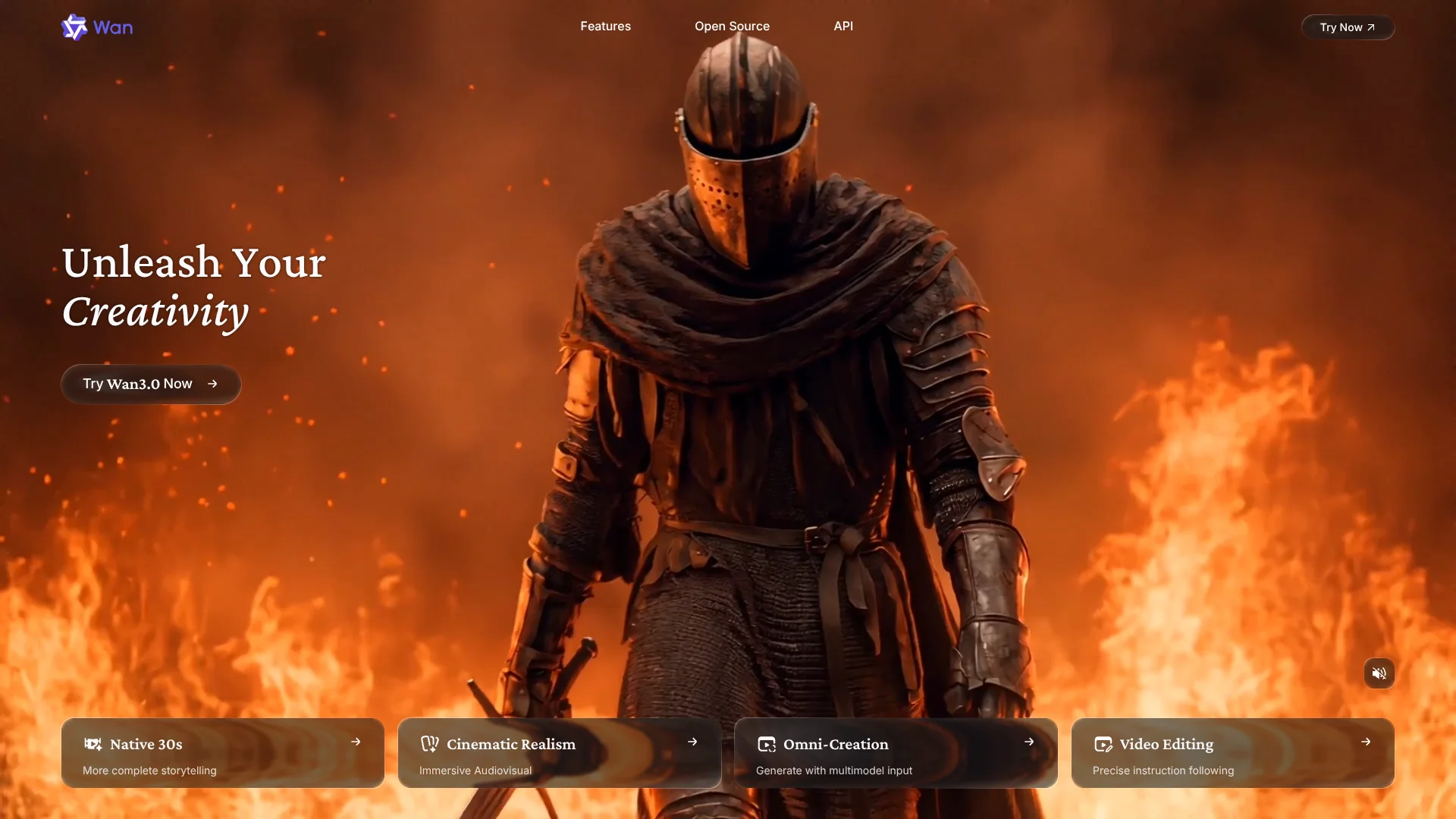
Cinematic AI video creation with synchronized dialogue, sound effects, and music.
Key Takeaways
- What it is
- Cinematic AI video creation with synchronized dialogue, sound effects, and music.
- Pricing
- Freemium · $10 per month · $40 per month
- Best for
- Text-to-Video
- Image-to-Video
- Reference-to-Video
- Rating
- 4.1/5
What is Wan?
Wan turns text, images, videos, and audio references into short AI-generated videos. Its main use is creating cinematic clips from a prompt or a starting image, with controls for motion, scene direction, dialogue, and background music. Wan 3.0 can generate videos up to 30 seconds long, while paid plans add higher resolution and longer clip options.
Wan 3.0 can generate synchronized video, dialogue, sound effects, and music in the same creation, rather than requiring a separate audio pass after the video is rendered.
Wan fits creators, marketers, and video teams who need fast concept clips, product visuals, social posts, or short narrative scenes. It is less suited to full timeline editing, team review, or automated production pipelines because the web app does not document shared workspaces, third-party integrations, or workflow automation. Wan is strongest when the goal is a polished short clip built from a specific visual reference.
Who is Using Wan?
Social video creators
Vertical and square outputs help them produce short clips for social platforms from prompts or product images.
Ad creative producers
Product photos and scene descriptions become quick advertising concepts before a larger production.
Short-film directors
Reference images, camera instructions, dialogue, and shot continuity support early story and scene development.
Product marketers
A still product image can become a moving demonstration or branded visual without filming every variation.
Visual effects artists
Video references and editing features help test motion ideas, replacements, and scene extensions.
Uncommon Use Cases
Animating a single illustration into a mood piece; testing dialogue, lip sync, and sound design before live-action production.
Key Features
Rating Breakdown
Pricing Plans
Free
Free
- Daily check-in credits
- Limited resolution and video duration
- Watermarked downloads
Pro
$10 per month
- 300 credits per month
- Annual billing has a $5.00 monthly equivalent
- Up to 60 videos or 1,200 images, depending on generation settings
- 1080p and 10-to-30-second video options
- Watermark-free downloads
Premium
$40 per month
- 1,200 credits per month
- Annual billing has a $20.00 monthly equivalent
- Up to 240 videos or 4,800 images, depending on generation settings
- More concurrent generations than Pro
- Watermark-free downloads
Which Wan plan should you pick?
Start with Free for occasional tests, choose Pro for regular short-form work, and move to Premium when higher monthly volume or more concurrent generations matters.
Free
Good for trying Wan with daily check-in credits before paying.
Pro
Good for individual creators who need 300 monthly credits, higher resolution, longer clips, and watermark-free downloads.
Premium
Good for heavier creators and production teams who need 1,200 monthly credits and more simultaneous generations.
Wan Use Cases
Product advertising
A product photo becomes a short promotional scene with camera movement, lighting, and optional sound.
Outcome: Fast ad concepts and social-ready product clips.
Image animation
A still illustration, portrait, or product image gains controlled motion from a text prompt.
Outcome: A moving version of an otherwise static visual.
Narrative scene creation
Characters, settings, camera direction, dialogue, and music can be described as part of one short scene.
Outcome: Short story clips with synchronized audio.
Reference-based character work
Reference images or videos guide the appearance and movement of a person, pet, prop, or animated character.
Outcome: More consistent subjects across generated scenes.
Video editing and extension
Existing footage can be changed or extended through instructions and reference materials.
Outcome: New variations or longer versions of source footage.
Workflow Ideas with Wan
Product ad concept
- 1Upload a clear product image.
- 2Describe the camera move, setting, lighting, and product action.
- 3Generate several short variations and export the strongest concept.
Dialogue scene
- 1Describe the characters, setting, and camera direction.
- 2Put spoken lines in quotation marks within the prompt.
- 3Review the generated lip sync, sound effects, and music.
Reference-led character clip
- 1Add reference images or a reference video.
- 2Identify each reference in the prompt and describe the new action.
- 3Generate the scene and compare subject consistency across versions.
How Wan fits into your stack
Browser video creation
Wan runs as a web-based generation workspace where prompts, references, model choices, and exports stay together.
Creative development
It fits near storyboarding, concept art, and ad ideation because a still or written idea can become a moving draft.
Audio-visual prototyping
Native dialogue, sound effects, and music make Wan useful before a separate editing or sound-design stage.
API and production systems
The Wan web subscription does not include API usage, so automated pipelines require separate access and billing through an API provider.
Pros
- +Native sound: Dialogue, music, and effects can be generated with the video.
- +Reference control: Images and videos help keep characters, products, and visual style consistent.
- +Longer clips: Wan 3.0 supports up to 30 seconds in a single generation.
- +Low entry price: The Pro plan starts at $6.50 per month when billed monthly.
- +Free access: Daily check-in credits let new users try the web generator without a paid plan.
Cons
- −Limited editing workflow: It is a generator rather than a full nonlinear video editor.
- −Credit-based usage: Each generation consumes credits, so repeated attempts can use a plan quickly.
- −Separate API billing: A Wan web subscription does not cover API usage.
Limitations & when to consider alternatives
Known limitations
- Free output limits. The Free tier uses daily check-in credits and limits resolution, duration, and watermark-free downloads.
- Credit consumption. Monthly credits are used for generations, and repeated attempts can reduce the number of clips available in a billing cycle.
- Separate API access. Subscriptions purchased for the web app cover creation on create.wan.video, while API use is purchased separately.
- No documented team workspace. The public product information does not document shared projects, roles, invitations, or enterprise workspace controls.
Look elsewhere when
- You need a full timeline editor with detailed cuts, transitions, and audio mixing.
- You need shared review, approval, and role-based project management.
- You need a documented API included in the same subscription.
- Your workflow depends on third-party integrations or end-to-end automation.
How to Use Wan
- 1
Choose the generation type
Start with text-to-video for an entirely described scene, or choose image-to-video and reference-to-video when you already have visual material.
- 2
Write the scene prompt
Describe the subject, action, setting, camera movement, dialogue, and optional background music so Wan has clear production direction.
- 3
Add reference material
Include images or videos when appearance, movement, voice characteristics, or visual style need to remain consistent.
- 4
Select duration and resolution
Free usage is more limited, while paid plans unlock higher resolution and longer 10-to-30-second videos.
- 5
Generate and review
Render the clip, check motion and audio synchronization, then revise the prompt or references for another attempt.
- 6
Export the result
Paid plans support watermark-free downloads for clips intended for commercial or public use.
Who is Wan For?
Video creators
Short-film makers and social creators can turn prompts, still images, and reference clips into finished scenes.
Marketing teams
Product and brand teams can turn product images into promotional clips, ads, and social variations.
Commercial creators
Paid plans provide higher-resolution output, longer clips, and watermark-free downloads for production work.
AI video experimenters
People comparing current video models can test text-to-video, image-to-video, reference generation, and native audio in one web app.
Frequently Asked Questions
Does Wan have a free plan?
Yes. The Free tier provides daily check-in credits for limited generation, with lower output limits and watermark restrictions.
What is Wan's lowest paid plan?
The Pro plan is $6.50 per month when billed monthly. Annual billing lists a lower monthly equivalent.
What can Wan 3.0 generate?
Wan 3.0 supports text-to-video, image-to-video, reference-driven generation, video editing, and video extension, with native audio and dialogue.
How long can a Wan video be?
Wan 3.0 supports up to 30 seconds per generation. Other Wan models may have shorter duration limits.
Does Wan support image and video uploads?
Yes. Images and videos can be used as starting material or references for generation and editing.
Does a Wan subscription include API access?
No. The web subscription covers the create.wan.video service, while API usage is billed separately.
Community reviews
Be the first to share your experience.
Sign in to leave a review for Wan.
Wan Alternatives
Looking for alternatives to Wan? Here are similar tools in the same category: