
VXT
Streamline recruitment and legal communications with integrated VoIP services.
Key Takeaways
- What it is
- Streamline recruitment and legal communications with integrated VoIP services.
- Best for
- Integrated VoIP System
- Multi-Functional Communication
- Industry-Specific Solutions
- Rating
- 4.6/5
What is VXT?
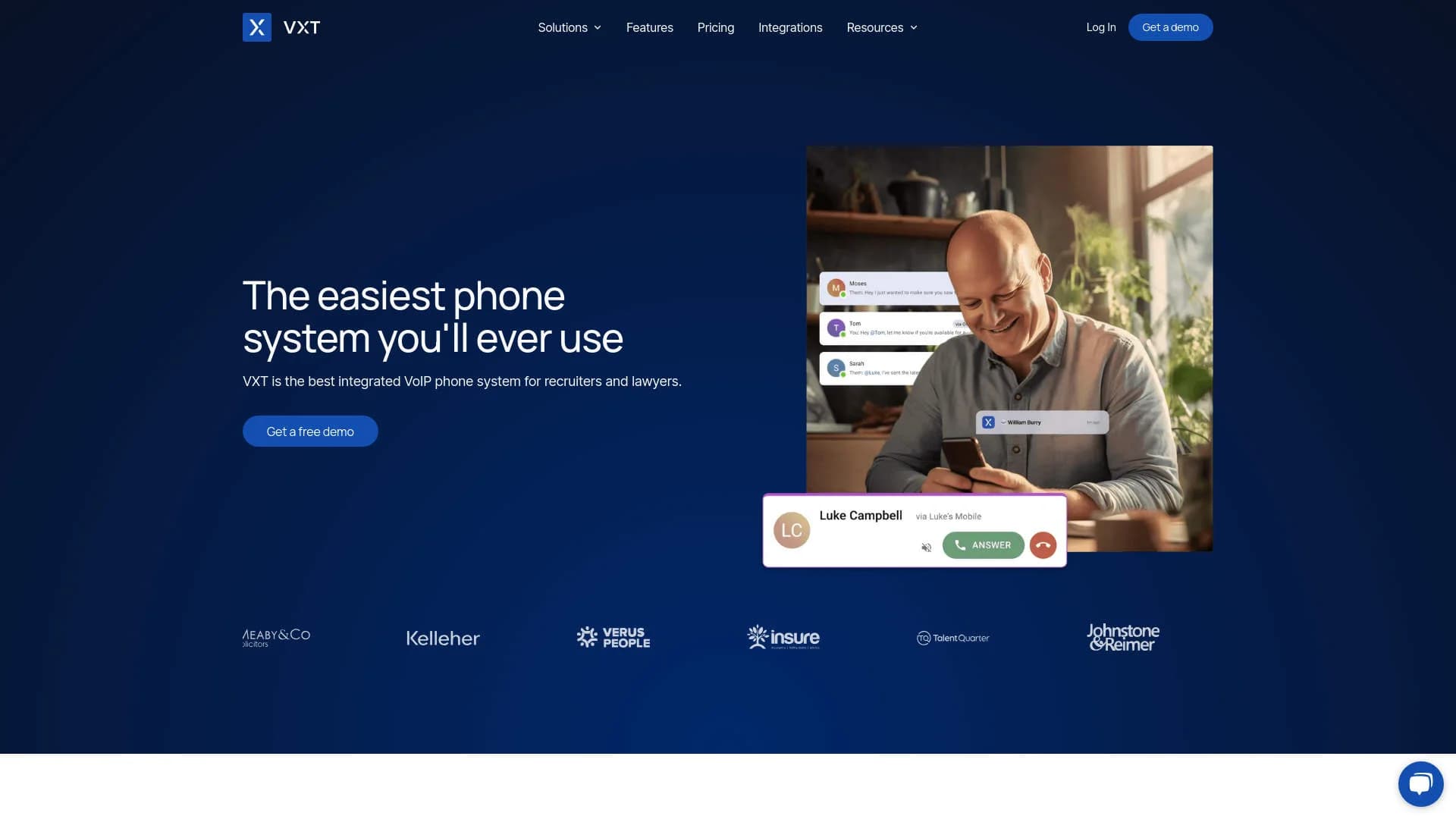
VXT is an innovative Voice over Internet Protocol (VoIP) phone system designed specifically for professionals in recruitment and legal services. With a strong focus on integration and ease of use, VXT provides a comprehensive communication solution that includes features like SMS, video conferencing, and team chat. This tool is engineered to enhance productivity and streamline communication processes, allowing users to manage their business communications effectively and efficiently.
VXT stands out due to its specialization in legal and recruitment industries, offering tailored features that directly address the specific needs of these sectors. Its ability to integrate seamlessly with a wide range of industry-standard software further enhances its utility, making it a unique solution for professional communication.
VXT excels in delivering a specialized, integrated communication solution for legal and recruitment professionals. Its comprehensive features, combined with industry-specific functionalities, provide significant advantages in managing client interactions and internal communications. The tool’s robust integration capabilities and supportive resources make it an essential tool for its target users, ensuring streamlined operations and enhanced productivity.
Who is Using VXT?
Law Firms
Utilize VXT to automatically record time and manage client communications more effectively.
Recruitment Agencies
Enhance recruiter performance by integrating call data into daily workflows.
Small to Medium Enterprises (SMEs)
Adopt VXT for its cost-effectiveness and scalability.
Remote Teams
Leverage the tool for maintaining robust communication across distributed teams.
Uncommon Use Cases
Non-profits using VXT to manage volunteer communications; educational institutions adopting it for administrative purposes.
Key Features
Rating Breakdown
Pricing Plans
Free Demo
- VXT offers a free demo to explore its features before committing
Subscription Plans
- Detailed pricing plans are available upon request through their website
Which VXT plan should you pick?
Start with Phone for calling and SMS, or Meet for meeting notetaking; add users and phone numbers as your firm grows.
Phone
Good for firms that need a phone system, SMS, call recording, AI call notes, time tracking, and legal-software integrations.
Meet
Good for firms that need AI notes and recordings for in-person or virtual meetings.
VXT Use Cases
Convert client calls into file notes
Record, transcribe, and summarize calls, then save the resulting notes to the relevant legal matter.
Outcome: Less manual post-call administration.
Create meeting notes
Record in-person or virtual meetings and generate AI notes with VXT Meet.
Outcome: A searchable record of client conversations.
Capture billable time
Automatically track time spent on calls and meetings and create time entries.
Outcome: More complete and accurate billing records.
Manage firm communications
Use calling, SMS, queues, routing, transfers, statuses, and analytics across the firm.
Outcome: More coordinated client communication.
Draft client follow-up emails
Use conversation records to generate follow-up email drafts for review, editing, and sending.
Outcome: Faster follow-up after calls and meetings.
Workflow Ideas with VXT
Client-call-to-matter workflow
- 1Receive or place a client call in VXT
- 2Record, transcribe, and summarize the conversation
- 3Save the notes and time entry to the correct legal matter
Meeting-to-follow-up workflow
- 1Record an in-person or virtual meeting with VXT Meet
- 2Generate AI meeting notes and a follow-up email draft
- 3Review, edit, and send the email
New-user onboarding workflow
- 1Install VXT on desktop or mobile
- 2Create or join the firm team
- 3Connect the firm's legal-software integration and invite teammates
How VXT fits into your stack
Software Integrations
Compatible with Actionstep, Bullhorn, Clio, and more.
Device Flexibility
Runs smoothly on various devices, ensuring accessibility and convenience.
API Access
Allows developers to create custom integrations to extend functionality.
Global Reach
Designed to support communications across North America, the United Kingdom, and APAC.
Pros
- +Enhanced Productivity: AI and automation tools are designed to improve team productivity and organizational revenue.
- +Easy Setup: Can be deployed in seconds with just a few clicks, making it user-friendly for all skill levels.
- +Customizable Communication: Offers tailored features for different industries, particularly beneficial for legal and recruitment sectors.
- +Comprehensive Support: Access to extensive resources including customer stories, podcasts, and a dedicated support team.
Cons
- −Industry Limitation: Primarily focused on legal and recruitment sectors, which may not be as beneficial for other industries.
- −Learning Curve: New users may require some time to fully utilize all advanced features and integrations.
- −Dependency on Internet: Being a VoIP system, it requires a stable internet connection to function effectively.
Limitations & when to consider alternatives
Known limitations
- Linux desktop is unsupported. VXT's desktop application supports Windows and Mac, but not Linux. Linux users must use the browser or mobile app.
- Meeting participant limit. The Meet pricing page lists a maximum of 15 participants.
- Conference-call transfer limitation. VXT supports conference calls with up to 15 participants but does not support transferring a conference call.
- International SMS availability. SMS is supported domestically in the US, UK, Australia, and Canada; international SMS may fail.
- Emergency-service limitation. VXT states it is not intended as a replacement for phone service used to contact emergency or public-safety services.
Look elsewhere when
- You need a Linux desktop application
- You need a browser extension
- You need image analysis or code generation
How to Use VXT
- 1
Explore extensive resources and tutorials available on the VXT website, designed to help users from setup to advanced feature utilization.
Who is VXT For?
Lawyers and law firms
VXT is built around legal calls, meetings, file notes, billable time, and legal-software integrations.
Accounting firms
VXT offers accounting-focused workflows for recording conversations, tracking time, and saving notes to accounting software.
Legal operations and practice administrators
Administrators can manage users, permissions, call flows, integrations, analytics, and security settings.
Frequently Asked Questions
What does VXT cost?
Phone and Meet plans are listed at $80 per user per month when billed monthly. Phone numbers cost $5 per month.
Are AI transcripts and summaries charged separately?
No. Unlimited AI transcripts and summaries are included with every VXT Phone or Meet subscription.
What integrations does VXT support?
VXT integrates with legal, accounting, CRM, document-management, and practice-management tools, including Clio, MyCase, NetDocuments, Salesforce, and Smokeball.
How many meeting participants are supported?
The Meet pricing page lists a 15-participant limit. VXT conference calls also support up to 15 participants.
Does VXT have mobile and desktop apps?
Yes. VXT provides iOS and Android mobile apps plus downloadable Windows and Mac desktop applications.
What happens after cancellation?
A cancelled workspace is saved for 90 days. Users cannot make calls or messages, but can view and export existing records during that period.
Community reviews
Be the first to share your experience.
Sign in to leave a review for VXT.
VXT Alternatives
Looking for alternatives to VXT? Here are similar tools in the same category:
Learn to Master VXT
With Skill Leap courses
Get in-depth training on VXT and 50+ other AI tools with our expert-led video courses.
Start 7-Day Free Trial