Vozo
Localize videos for global audiences with natural-sounding, lip-synced dubbing.
Key Takeaways
- What it is
- Localize videos for global audiences with natural-sounding, lip-synced dubbing.
- Pricing
- Freemium · $29 per month · $99 per month
- Best for
- Translate & Dub
- VoiceREAL and VoiceNATIVE
- Visual Translate
- Rating
- 4.2/5
What is Vozo?
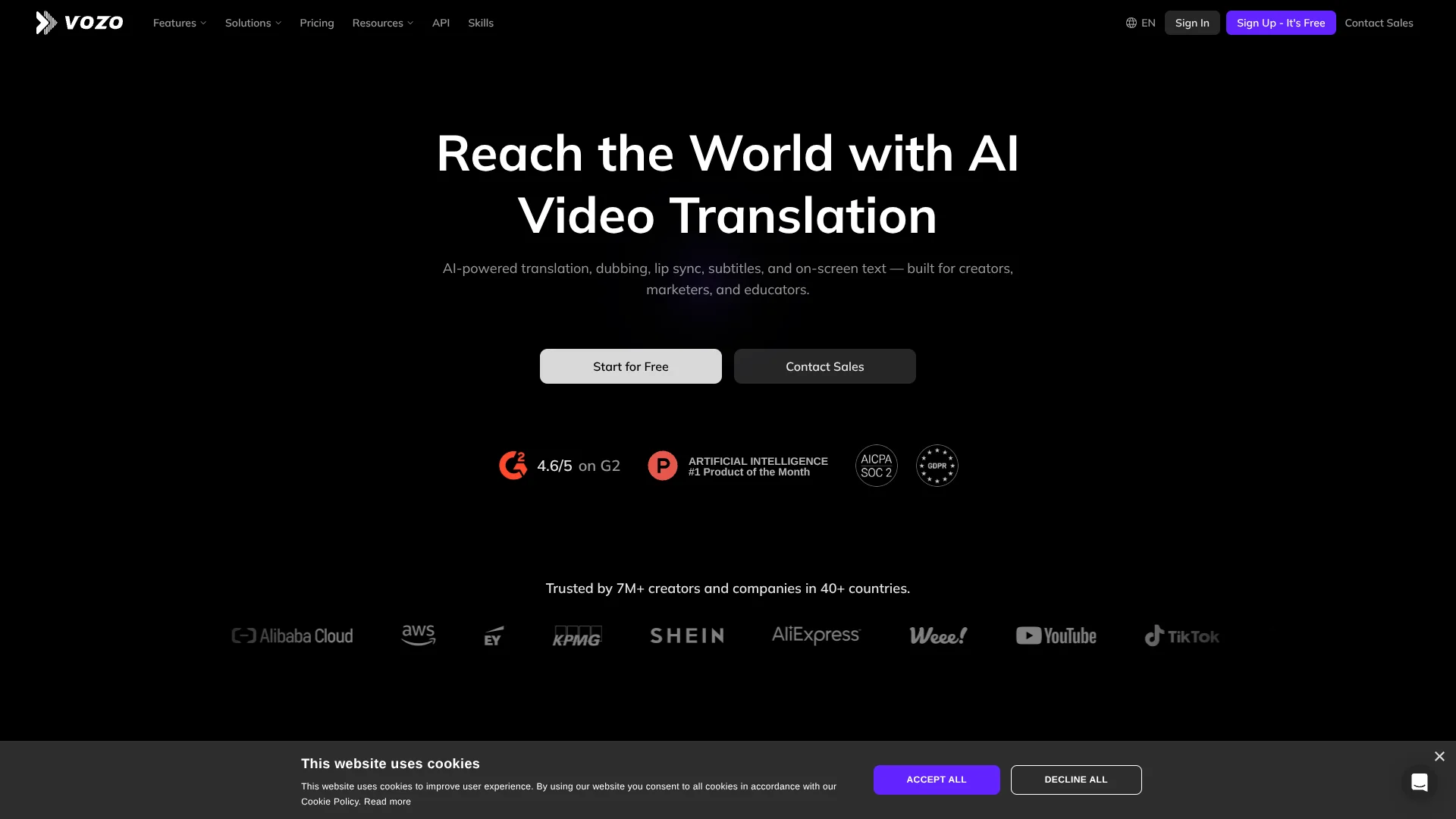
Vozo turns a finished video into versions for viewers in other languages, with translated speech, subtitles, and lip-synced dubbing. Creators, marketers, and educators can also translate text that appears inside the video, such as slide labels or product offers. Its editing tools let you review translations and adjust timing before exporting, so localization does not require recording every version from scratch.
Visual Translate can remove text embedded in a video, translate it, and rebuild the text in its original style, position, and animation. That reaches beyond spoken dialogue and subtitles to cover words that are part of the video image itself.
Vozo is a strong fit for creators and teams adapting video libraries for audiences in multiple languages, especially when keeping a speaker’s voice or translating on-screen text matters. Its AI points limit how much dubbing, lip sync, and visual translation you can produce, and some features have shorter video limits than the main translator. Think of it as a video localization and creation suite, not an unlimited translation service.
Who is Using Vozo?
Video creator
A creator can prepare dubbed and subtitled versions of a video for different language audiences.
Localization manager
A localization manager can review translation edits and use a glossary to keep terminology consistent across projects.
Learning and development specialist
A learning specialist can localize training videos, including spoken instruction and on-screen slide text.
Ecommerce marketer
An ecommerce marketer can translate product videos and on-screen offers for different markets.
Software developer
A developer can call Vozo APIs to add video translation, dubbing, or lip sync to an existing workflow.
Uncommon Use Cases
A filmmaker can create dialogue dubs for a short drama; a podcast producer can turn a long video recording into short clips.
Key Features
Rating Breakdown
Pricing Plans
Free
Free
- 20 AI points for trial use
- Up to three AI translation projects
- One seat and one concurrent task
- Up to 20 minutes per video
Creator
$29 per month
- Billed monthly and cancel anytime
- 150 AI points per month
- One seat and up to two concurrent tasks
- Up to 60 minutes per video
- API access and watermark removal
Studio
$99 per month
- Billed monthly and cancel anytime
- 600 AI points per month
- Three seats and up to six concurrent tasks
- Up to 120 minutes per video
- Bulk upload, glossary and brand governance, and faster processing
Studio XL
Free
- 1,500 AI points per month
- Six seats and up to 12 concurrent tasks
- Includes Studio features
Studio XXL
Free
- 4,000 AI points per month
- Ten seats and up to 20 concurrent tasks
- Includes Studio features
Enterprise
- Large-volume discounts and more seats or concurrent tasks
- API access and enterprise-grade SLA
- Dedicated account manager and priority customer support
- Human review and delivery available as an add-on
Which Vozo plan should you pick?
Try Free to test the video tools, choose Creator for solo work, and move to Studio when you need more points, team seats, longer videos, or bulk upload.
Free
Good for new users testing Vozo’s tools with up to three projects and 20 AI points.
Creator
Good for independent creators who need all AI tools, 150 monthly points, and videos up to 60 minutes.
Studio
Good for professional creators or teams who need 600 monthly points, three seats, bulk upload, and videos up to 120 minutes.
Studio XL
For larger-scale production with 1,500 monthly points and six seats; contact sales for pricing.
Studio XXL
For the highest production volume, with 4,000 monthly points and ten seats; contact sales for pricing.
Enterprise
For organizations that need custom high-volume terms, governance, an SLA, or dedicated account support; contact sales.
Vozo Use Cases
Localize a video for another language
A single recording can become a dubbed version with translated speech and subtitles.
Outcome: A version adapted for viewers in the target language.
Translate words inside the picture
Slides, labels, titles, and callouts can be translated while retaining their visual placement and style.
Outcome: On-screen text that reads in the target language.
Prepare bilingual subtitles
Translated subtitles can be generated alongside the original language for viewers who benefit from both.
Outcome: A video with translated or bilingual subtitles.
Match a dub to a speaker’s mouth movements
Lip Sync aligns a video speaker’s mouth movements with new audio or a script.
Outcome: A dubbed video with synchronized lip movements.
Repurpose a long video
Shorts Generator identifies highlights and creates short clips with automatic reframing and captions.
Outcome: Short-form clips made from a longer video.
Workflow Ideas with Vozo
Localize a training video
- 1Translate and dub the original recording.
- 2Translate slide text with Visual Translate.
- 3Review wording and timing in the editor, then export the localized video.
Prepare a product video for another market
- 1Translate and dub the product video.
- 2Translate on-screen labels and offers with Visual Translate.
- 3Review the new language version before publishing it.
Repurpose a recording for short-form video
- 1Add the longer video to Shorts Generator.
- 2Review the AI-selected highlights and automatic reframing.
- 3Check captions and export the short clips.
How Vozo fits into your stack
Video localization
The web app handles translated speech, dubbing, subtitles, and on-screen text. You can review the result before exporting.
Voice and short-form editing
Voice Studio supports text-based voice editing and voice generation, while Shorts Generator turns longer videos into short clips.
Team production
Paid plans with multiple seats let collaborators access and edit shared projects; Studio also includes bulk upload and glossary tools.
Developer workflows
Vozo APIs bring translation, dubbing, lip sync, and talking-photo generation into a product or workflow.
Pros
- +Video-wide localization: Handles spoken audio, subtitles, and text embedded in the picture.
- +Voice choices: VoiceREAL and VoiceNATIVE serve different dubbing goals.
- +Human review: A proofreading editor lets you revise translated text, dubbing, and timing.
- +Team workspace: Paid Studio plans include multiple seats and shared project access.
Cons
- −Point budgeting: Different jobs consume points at different rates, so the monthly allowance can run out.
- −Feature-specific limits: Short videos are required for some tools, even when the main translator supports longer files.
Limitations & when to consider alternatives
Known limitations
- Monthly points are limited. Each paid plan includes a set number of AI points, and each job uses points based on the feature and content length.
- Video duration depends on the tool. Creator supports Translate & Dub videos up to 60 minutes, while Visual Translate has a 20-minute maximum and Shorts Generator supports videos up to two hours.
- Visual Translate output resolution. Visual Translate accepts video up to 4K but outputs up to 1080p.
- Talking Photo resolution. Talking Photo output is limited to 720p.
- Paid plans are nonrefundable. Vozo says paid plan purchases are not refunded, except that points are automatically returned when a project fails because of technical issues.
Look elsewhere when
- You need desktop software that can be installed on Windows, Mac, or Linux.
- Your workflow requires a browser extension or a named third-party app integration.
- You need to create or fine-tune an AI model on your own data.
How to Use Vozo
- 1
Choose a video tool
Start with Translate & Dub for spoken content, Subtitle Translator for captions, or Visual Translate for text inside the picture.
- 2
Add your source video
Upload the video you want to process; the free plan allows up to 20 minutes per video.
- 3
Set the language and dubbing approach
Choose the target language and, where available, select VoiceREAL to preserve the speaker’s vocal character or VoiceNATIVE for localized delivery.
- 4
Review the result
Check the translation and use the editor to adjust text, dubbing, or timing before exporting.
- 5
Check point usage
Review the displayed AI point cost before generating; each job’s cost depends on the tool and content length.
- 6
Connect an API if building a product
A paid plan includes API access; create an API key and follow the endpoint guides in Vozo’s API documentation.
Who is Vozo For?
Video creators
Creators can dub and subtitle videos for audiences who speak other languages.
Marketing teams
Teams can adapt campaign and product videos, including offers and other text shown on screen.
Educators and learning teams
Training and course videos can be translated while retaining the instructor’s voice and slide content.
Professional creators and production teams
Higher-volume work can benefit from bulk upload, shared seats, glossaries, and faster processing on Studio.
Developers
Paid-plan API access brings Vozo translation, dubbing, lip sync, and talking-photo tools into a product or workflow.
Frequently Asked Questions
Does Vozo have a free plan?
Yes. Free includes 20 AI points, up to three AI translation projects, one seat, and videos up to 20 minutes.
How much does Vozo Creator cost?
Creator costs $29 per month when billed monthly. It includes 150 AI points per month and supports videos up to 60 minutes.
Can Vozo translate text that appears inside a video?
Yes. Visual Translate detects and translates on-screen text, then rebuilds it while preserving its layout, style, and animation.
Does Vozo offer an API?
Yes. API access is included with paid plans, though some advanced API capabilities require Studio or higher.
Can a team share Vozo projects?
Yes. Plans with multiple seats support a shared workspace where members can access and edit projects.
Can I get a refund for a paid plan?
Vozo says paid plan purchases are not refundable. Points used on a project that fails because of a technical issue are returned automatically.
Community reviews
Be the first to share your experience.
Sign in to leave a review for Vozo.
Vozo Alternatives
Looking for alternatives to Vozo? Here are similar tools in the same category: