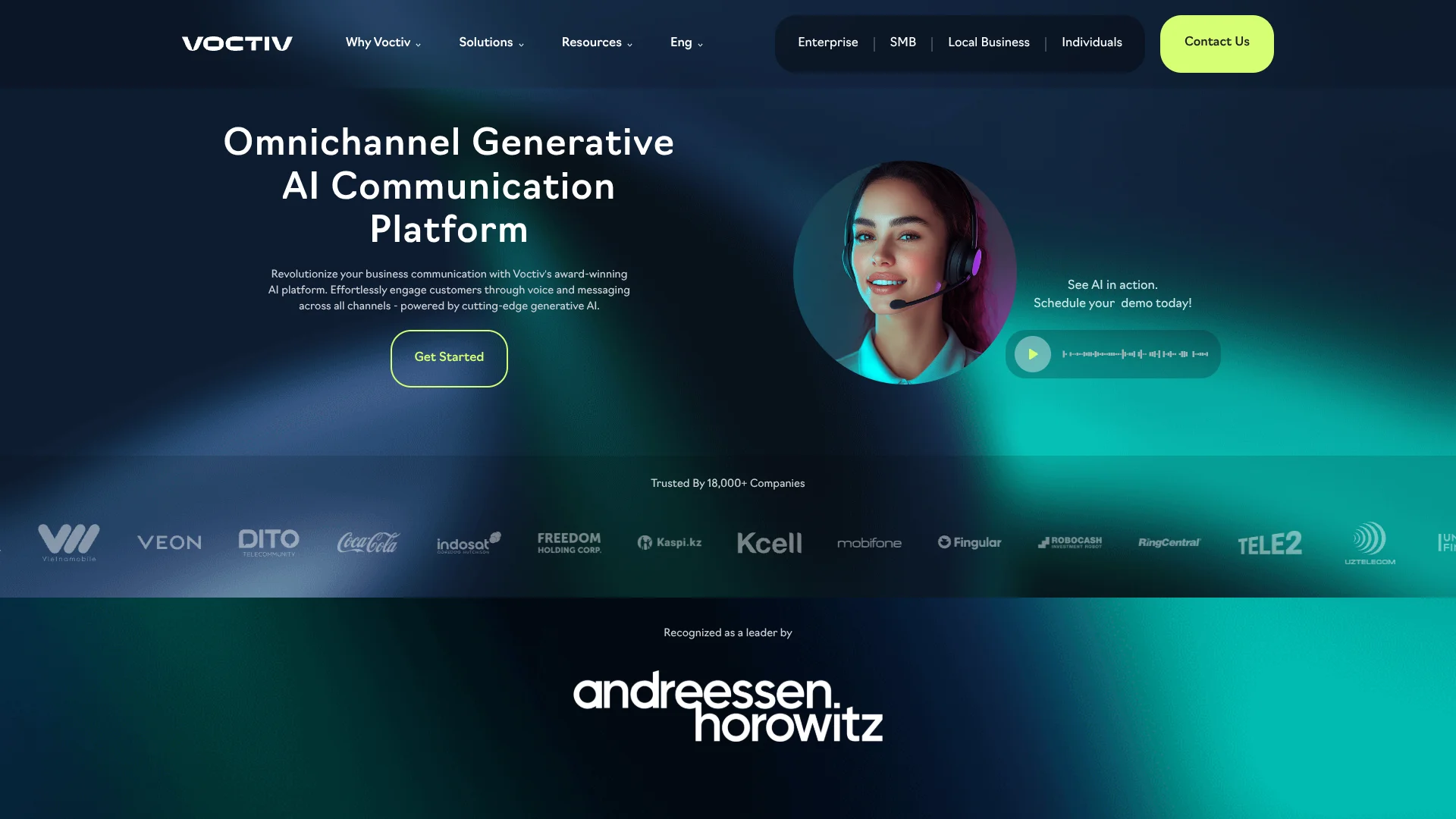
Voctiv
Small businesses get an AI receptionist that catches calls while they’re busy.
Watch Voctiv in Action
Key Takeaways
- What it is
- Small businesses get an AI receptionist that catches calls while they’re busy.
- Pricing
- $6.99 per month · $1.99 per week
- Best for
- AI Call Assistant
- AI Lead Qualification
- Appointment Scheduling
- Rating
- 3.8/5
What is Voctiv?
Voctiv’s AI Call Assistant answers incoming calls, responds to basic questions about your business, and can book appointments in Google Calendar. It is aimed at individuals and small businesses that cannot answer every call themselves, especially service providers who want to screen potential customers or capture bookings while they are busy.
In Business Mode, callers can be asked questions tailored to your services, and Voctiv can help qualify leads before you follow up. With appointments enabled, it checks your Google Calendar availability and adds bookings, reducing the back-and-forth of scheduling by phone.
Voctiv fits solo professionals and small teams that rely on phone calls for inquiries and scheduling. Its calendar integration is limited to Google Calendar, and teams larger than five are directed to a demo for custom integrations. It is most useful when missed calls mean missed business.
Who is Using Voctiv?
Home Remodelers
New lead calls can be screened and routed toward a consultation while the owner is on a job.
Massage Therapists
Appointment booking and call summaries help mobile practitioners keep client inquiries moving between visits.
Coaches
Business details and qualifying questions help screen prospective clients before a coaching consultation.
Service Providers
Call answering and appointment scheduling help providers respond to customers while they are working on-site.
Uncommon Use Cases
Personal Mode can take detailed messages and summarize calls; spam call sorting can help separate unwanted calls from important inquiries.
Key Features
Rating Breakdown
Pricing Plans
Monthly Plan
$6.99 per month
- The US App Store lists a $6.99 monthly in-app purchase with a 7-day trial.
Weekly Plan
$1.99 per week
- The US App Store lists a $1.99 weekly in-app purchase with a 7-day trial.
Enterprise & SMB
- Custom solution for organizations needing advanced AI voice capabilities.
- The pricing page invites these customers to talk to Voctiv.
Which Voctiv plan should you pick?
Try the app’s free trial to test call handling, then choose Monthly Plan for ongoing use or Weekly Plan if you prefer weekly billing.
Monthly Plan
Good for individuals and small businesses that expect to use AI call answering and scheduling regularly.
Weekly Plan
Good for callers who prefer a shorter billing cycle for the mobile app.
Enterprise & SMB
Good for larger teams that need advanced voice AI or custom integration options; the pricing page directs these customers to talk to Voctiv.
Voctiv Use Cases
Capture New Customer Leads
When a service provider cannot answer, Voctiv responds to callers and asks business-specific questions to screen potential jobs.
Outcome: Important inquiries and lead details are available for follow-up.
Book Appointments by Phone
For appointment-based businesses, the assistant checks Google Calendar availability and offers callers a time.
Outcome: Booked appointments are added to Google Calendar.
Review Calls After a Busy Day
Call summaries and transcripts give professionals a way to catch up on conversations without listening to every recording.
Outcome: A written record of calls is available for review.
Handle Personal Calls and Messages
Personal Mode takes detailed messages, asks callers for more information, and sends AI-analyzed summaries.
Outcome: Callers can leave useful messages when you are unavailable.
Separate Priority Calls from Spam
The call dashboard groups important calls separately from spam, scam attempts, silent calls, and other non-priority calls.
Outcome: Important calls are easier to spot.
Workflow Ideas with Voctiv
Qualify and Follow Up on Leads
- 1Add your services and preferred caller questions to the Business Description field.
- 2Enable Business Mode and turn off appointments if you want to screen leads before scheduling.
- 3Review call summaries and contact the callers who match your criteria.
Book Customer Appointments
- 1Connect Google Calendar and set the hours when appointments are available.
- 2Enable appointments in Voctiv settings.
- 3Review new bookings in Google Calendar and follow up with callers as needed.
Manage Calls After Hours
- 1Choose Business Mode or Personal Mode based on the calls you expect.
- 2Provide the relevant business or personal details for the assistant.
- 3Review call summaries and transcripts when you return.
How Voctiv fits into your stack
Phone calls
Voctiv sits between incoming callers and your availability, answering calls and taking messages when you cannot pick up.
Scheduling
Google Calendar is the confirmed direct calendar integration. Voctiv can check availability and add booked appointments.
Call records
The app organizes call history with AI summaries and transcripts, giving you a written record for follow-up.
Business systems
Voctiv’s enterprise and SMB offering describes custom integration options, with larger teams directed to request a demo.
Pros
- +Caller screening: Business Mode can ask questions based on your business description.
- +Calendar booking: Google Calendar availability helps the AI schedule appointments without phone tag.
- +Call follow-up: Summaries and transcripts make it easier to review what callers said.
- +Personal and Business modes: Choose between business-focused call handling and personal message-taking.
Cons
- −Calendar choice: Direct calendar integration is limited to Google Calendar.
- −Question setup: Caller questions are guided through your business description rather than a separate question editor.
Limitations & when to consider alternatives
Known limitations
- Google Calendar is the only directly supported calendar. Voctiv’s setup guide confirms Google Calendar integration and says other calendar systems are not directly supported.
- Larger teams need a demo. Voctiv directs businesses with teams over five people and custom integration needs to book a demo.
Look elsewhere when
- You need direct integration with a calendar other than Google Calendar.
- Your team needs a shared workspace with user roles and collaboration controls.
How to Use Voctiv
- 1
Install the Voctiv app
Get Voctiv from the iOS App Store or Google Play to set up and manage call handling.
- 2
Choose a call mode
Select Business Mode for customer and lead calls, or Personal Mode for personal messages and spam protection.
- 3
Describe your business
Add your services, business hours, prices if relevant, and the questions you want the AI to ask callers.
- 4
Set up appointments if needed
Connect Google Calendar and enable appointments so Voctiv can check availability and book calls.
- 5
Review handled calls
Check the call dashboard for summaries, transcripts, recordings, and calls marked important.
Who is Voctiv For?
Local Businesses
Phone-based businesses can capture inquiries and appointment requests while staff are serving customers.
Small Teams
Teams of up to five people can share call handling for customer inquiries and scheduling.
Individual Professionals
Solo operators can screen callers and manage bookings when they are away from the phone.
Enterprise and SMB
Organizations seeking advanced voice AI or custom integrations can discuss a tailored solution with Voctiv.
Frequently Asked Questions
Does Voctiv have a free plan?
The app listing offers a free trial, but Voctiv’s pricing information does not confirm a permanent free tier.
Which calendar does Voctiv support?
Voctiv’s setup guide confirms direct integration with Google Calendar.
Can I customize the questions Voctiv asks callers?
You can influence the questions by including instructions and relevant details in your Business Description.
Is there a Voctiv mobile app?
Yes. Voctiv offers an app for iPhone and Android.
Can Voctiv book appointments automatically?
Yes. With appointments enabled and Google Calendar connected, Voctiv can check your availability and add bookings.
Community reviews
Be the first to share your experience.
Sign in to leave a review for Voctiv.
Voctiv Alternatives
Looking for alternatives to Voctiv? Here are similar tools in the same category: