
vivago.ai
Turn text into videos, images, and 3D models.
Watch vivago.ai in Action
Key Takeaways
- What it is
- Turn text into videos, images, and 3D models.
- Pricing
- Freemium · $6 per month · $20 per month. Increases to 4,000 monthly fast-generation credits · $60 per month. Unlocks 15,000 monthly fast-generation credits
- Best for
- Text to Video
- Image to Video
- Magic Brush
- Rating
- 4.6/5
What is vivago.ai?
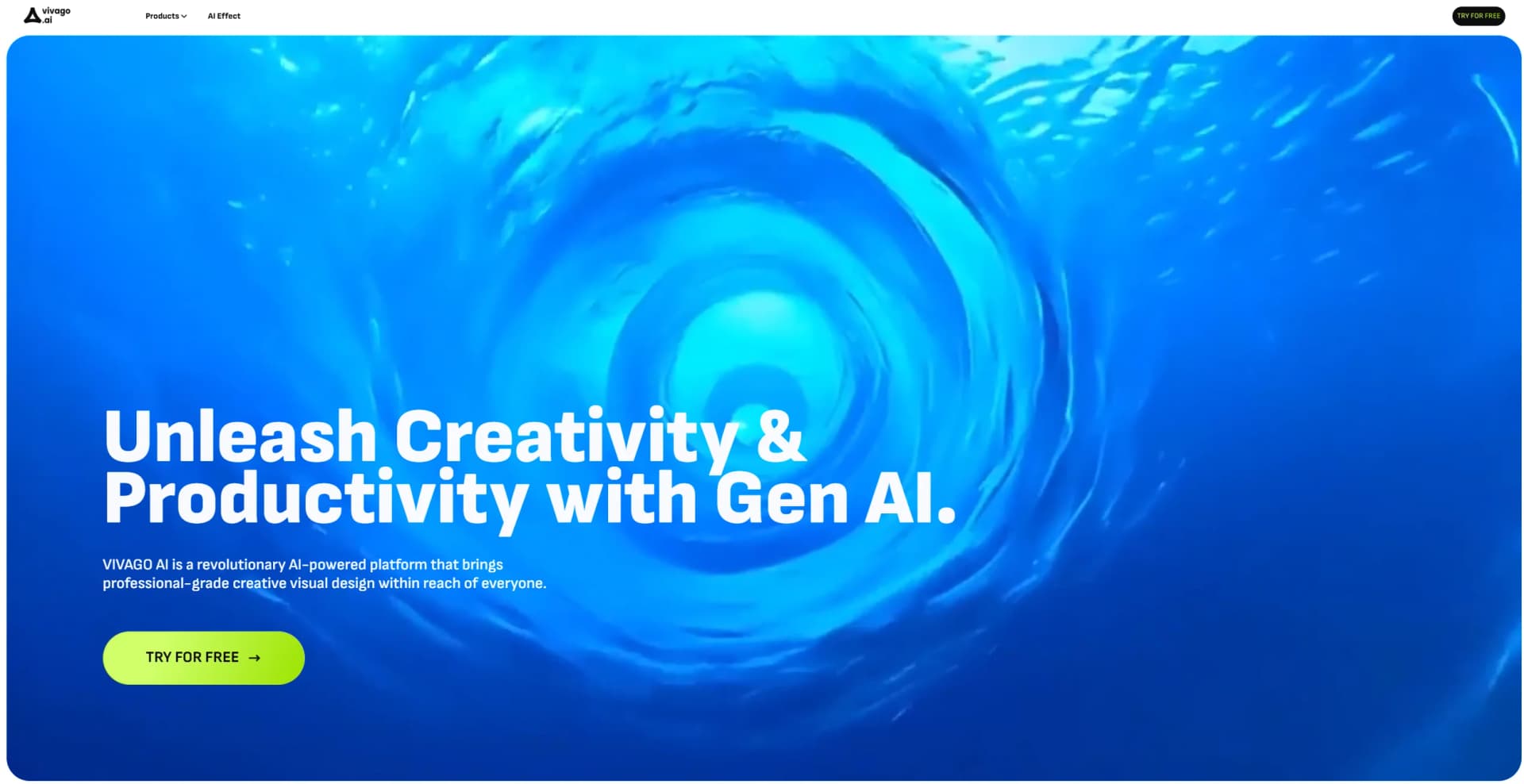
vivago.ai is a cutting-edge AI-powered creative visual design platform that aims to enhance creativity and productivity. It offers a range of tools including video generation, image generation, repainting, enhancing, and more, making it a versatile platform for various creative needs.
vivago.ai stands out with its comprehensive suite of AI-powered tools that cater to a wide array of creative needs. Its ability to transform text prompts into high-quality videos, images, and 3D models offers unparalleled flexibility. Features like Magic Brush and AI Replace provide users with precise control over their creations, setting it apart from other AI design platforms.
vivago.ai offers a robust and versatile platform for creators seeking to harness the power of AI in their visual projects. Its extensive feature set, combined with user-friendly design and high-quality outputs, makes it a valuable tool for professionals and hobbyists alike. Whether you're crafting marketing materials, educational content, or artistic endeavors, vivago.ai provides the resources to bring your ideas to life with efficiency and flair.
Who is Using vivago.ai?
Digital Marketers
Creating compelling promotional content and advertisements.
Content Creators
Producing engaging visuals for social media, blogs, and video platforms.
Educators
Developing interactive and visually rich educational materials.
Design Professionals
Enhancing design workflows with AI-generated assets.
Uncommon Use Cases
Utilized by event planners for visualizing event setups; adopted by authors for creating book illustrations.
Key Features
Rating Breakdown
Pricing Plans
Free
Free
- Includes free daily fast-generation credits, 1 task in queue, up to 2 images per generation, and 5-second video generation—ideal for casual experimentation
Basic
$6 per month
- Includes 1,000 monthly fast-generation credits, unlimited relaxed generations, 2 tasks in queue, 2 images per generation, 10-second videos, watermark-free downloads, and full access to all AI tools
Plus
$20 per month. Increases to 4,000 monthly fast-generation credits
- 4 tasks in queue
- 4 images per generation. Also includes 10-second video generation
- Watermark-free downloads
- Access to all tools
Pro
$60 per month. Unlocks 15,000 monthly fast-generation credits
- Up to 8 tasks in queue
- Everything from the Plus plan—designed for power users and creative professionals
Which vivago.ai plan should you pick?
Start with Free to test image and video generation; choose Basic for higher personal volume, Plus for commercial work and HiDreamClaw, or Pro for AI Chat Agent access.
Free
Good for testing the platform with daily credits, basic generation, templates, and watermarked output.
Basic
Good for individuals and hobbyists who need more credits, watermark-free downloads, and faster queues.
Plus
Good for creators, freelancers, and businesses who need commercial rights, more concurrent tasks, and HiDreamClaw.
Pro
Good for power users and production teams who need AI Chat Agent, priority processing, more credits, and beta-model access.
vivago.ai Use Cases
Product photo to video
Upload a product image, choose Image to Video, and describe the desired launch or marketing scene.
Outcome: A promotional product video for ecommerce or social advertising.
AI podcast video
Paste a script and use an AI presenter, lip sync, and translated audio capabilities.
Outcome: A talking-head podcast video suitable for broader distribution.
Old photo restoration
Upload a faded or black-and-white photo for colorization, sharpening, and animation.
Outcome: A restored and animated memory.
AI portrait creation
Provide a portrait or references and generate professional, natural, or conceptual portrait styles.
Outcome: New profile, headshot, or creative portrait imagery.
Automated video editing
Describe changes to existing footage through HiDreamClaw's dialogue-and-canvas interface.
Outcome: Edited footage with replaced elements, new styling, or recreated scenes.
Workflow Ideas with vivago.ai
Ecommerce product campaign
- 1Upload a product image
- 2Select Image to Video and describe the campaign scene
- 3Download the generated video for storefronts or social ads
Script to translated podcast video
- 1Paste the podcast script
- 2Generate a talking-head AI presenter video with lip sync
- 3Use Video Translator to produce additional language versions
Reference-based character content
- 1Upload multiple reference photos
- 2Generate a consistent character in a new scene
- 3Refine the result with natural-language editing commands
How vivago.ai fits into your stack
Browser
vivago.ai is primarily a browser-based visual creation platform for generating and editing images, videos, templates, and AI-agent workflows.
Knowledge and files
Users upload photos, artwork, portraits, product images, audio, and scripts for image-to-video, lip-sync, translation, enhancement, and related workflows.
Automation and APIs
The documented API exposes programmatic image and video-generation endpoints, token authentication, task results, and completion callbacks.
Pros
- +Versatile Content Creation: Supports a wide range of creative outputs, including videos, images, and 3D models.
- +User-Friendly Interface: Intuitive design makes it accessible for users of all skill levels.
- +High-Quality Outputs: Offers tools to enhance visuals to professional-grade quality, including 4K resolution.
- +Creative Flexibility: Features like Magic Brush and AI Replace provide users with granular control over their creations.
Cons
- −Learning Curve: While user-friendly, the breadth of features may require time to master fully.
- −Resource Intensive: High-quality rendering, especially for 4K videos and 3D models, may demand significant system resources.
- −Limited Offline Access: Primarily a web-based platform, which may limit functionality without an internet connection.
Limitations & when to consider alternatives
Known limitations
- Free outputs are watermarked. The Free plan includes watermarked output and a five-second maximum video length.
- Free credits depend on ads or daily refreshes. Free usage is tied to daily credits or watching advertisements rather than a large fixed monthly allowance.
- Basic lacks commercial licensing. The pricing comparison marks commercial licensing unavailable on Basic and available on Plus and Pro.
- API image references have a size limit. The image-to-video API documentation limits image files to 10MB.
- Some generations may be blocked. The API documentation says politically sensitive, violent, or explicit requests may be rejected.
Look elsewhere when
- You need a browser extension rather than a web application.
- You need a dedicated Windows, Mac, or Linux application.
- Your organization requires SSO or SAML.
- You need named third-party integrations such as Slack, Zapier, or Notion.
How to Use vivago.ai
- 1
Create an account
Sign up for the Free plan to receive daily or promotional credits without starting with a paid subscription.
- 2
Choose a creation mode
Select text-to-image, text-to-video, image-to-video, image-to-image, an AI tool, or a template based on the desired output.
- 3
Add prompts or references
Describe the scene in natural language and upload JPG or PNG references when you need image-guided generation.
- 4
Select model and settings
Choose among available models, video duration, resolution, aspect ratio, and generation parameters.
- 5
Generate and refine
Run the generation, then use prompt changes, AI agents, or editing tools such as Magic Eraser, Repaint, Enhance, or Lip Sync.
- 6
Download or share
Download the completed image or video, or share creations through the platform's community features.
Who is vivago.ai For?
Social creators
The platform offers viral templates, short-video generation, and formats designed for TikTok, Reels, and YouTube Shorts.
Small businesses
vivago.ai positions Plus and Pro as an all-in-one marketing workstation with product visuals, video ads, templates, and commercial rights.
Podcasters
Its podcast workflow combines AI podcast generation, lip sync, talking-head presenters, and video translation.
Online retailers and product sellers
Product-photo-to-video workflows create promotional videos for Amazon, Shopify, TikTok Shop, and similar storefronts.
Digital artists
Multiple image models, image-to-image editing, style transfer, and reference-image workflows support visual experimentation.
Frequently Asked Questions
What is vivago.ai?
vivago.ai is an AI visual creation platform by HiDream.ai that aggregates video and image models, templates, and AI agents.
What video models does vivago.ai support?
Supported models include OpenAI Sora 2, Google Veo 3 and 3.1, Kling models, and vivago.ai's proprietary model.
What image models does vivago.ai support?
Image models include Nano Banana Pro, Nano Banana 2, Seedream v4, Kling O1, Wan 2.6, and vivago.ai 2.0.
How much does vivago.ai cost?
The site lists Free, Basic, Plus, and Pro access. Annual pricing shown is $7.90/month for Basic, $19.90/month for Plus, and $59.90/month for Pro.
What is the HiDreamClaw AI Agent?
HiDreamClaw performs video element replacement, stylization, recreation, and anime-to-real conversion through natural-language instructions.
What is the AI Chat Agent?
The Pro-exclusive AI Chat Agent selects models, optimizes prompts, generates videos, and supports multi-turn refinement.
Community reviews
2 reviews from people who use vivago.ai.
Sign in to leave a review for vivago.ai.
Vera Martin
Vũ Đức Tuấn
vivago.ai Alternatives
Looking for alternatives to vivago.ai? Here are similar tools in the same category:
Learn to Master vivago.ai
With Skill Leap courses
Get in-depth training on vivago.ai and 50+ other AI tools with our expert-led video courses.
Start 7-Day Free Trial