
Visla
Harness AI for effortless video creation, editing, and collaboration.
Watch Visla in Action
Key Takeaways
- What it is
- Harness AI for effortless video creation, editing, and collaboration.
- Best for
- AI Video Editing and Generation
- Comprehensive Recording Options
- Editing Tools
- Rating
- 4.6/5
What is Visla?
As a seasoned reviewer of AI tools, I've had the pleasure of exploring Visla, a comprehensive video storytelling platform that's been making waves in the digital content creation landscape. Visla is designed to streamline the video creation process, offering a suite of AI-powered tools that cater to a range of users, from marketing professionals to HR departments. It simplifies the complex tasks of video editing, recording, and sharing by integrating advanced AI functionalities that automate and enhance many aspects of video production.
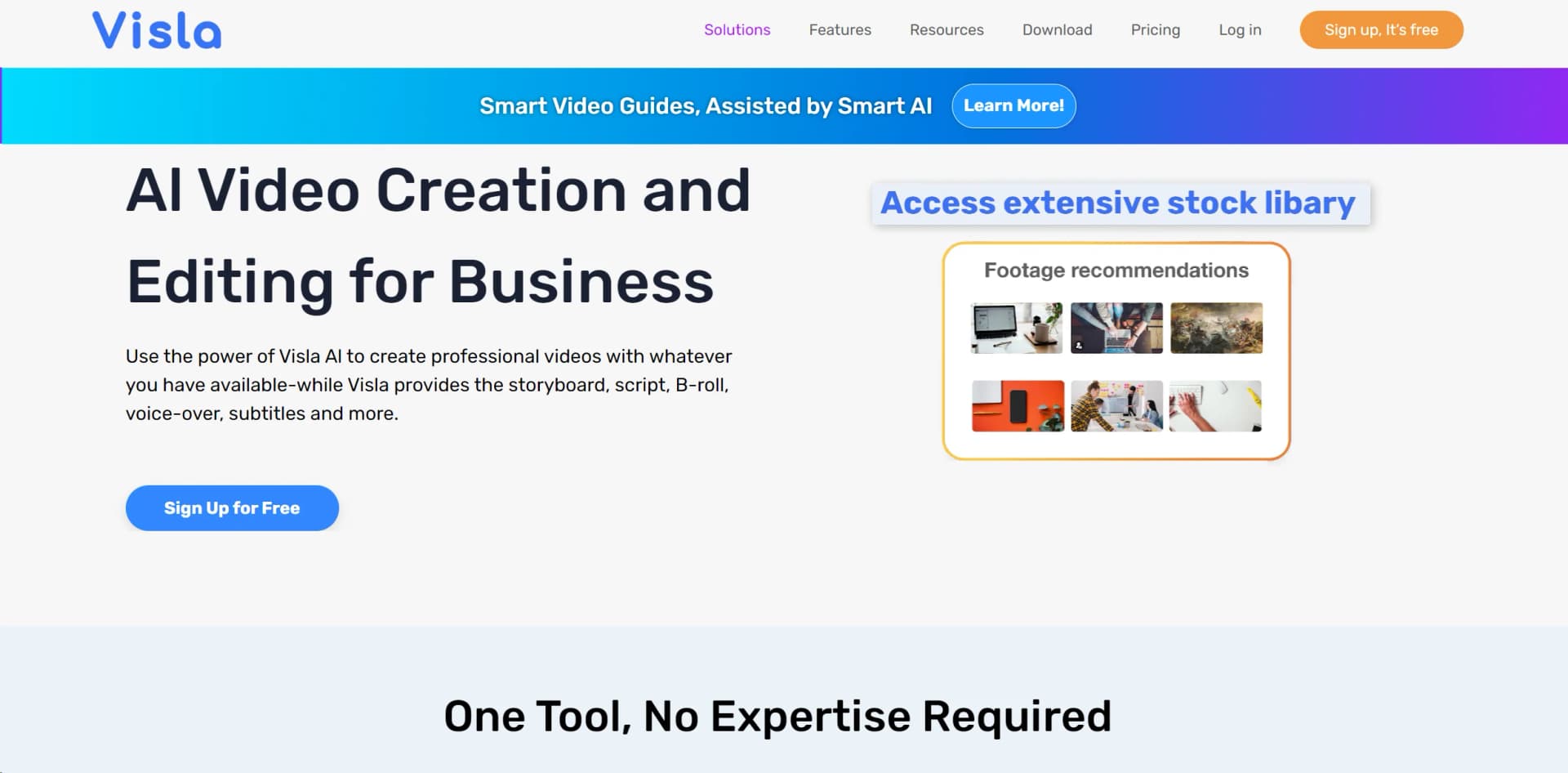
Visla's unique selling point is its all-in-one approach to video storytelling. Its AI-driven platform is not only a time-saver but also democratizes video production, making it accessible for teams and individuals without prior video editing experience. The 'Visla Private Stock' feature, which uses AI tagging and scene matching, is particularly innovative, offering smart scene recommendations for narratives.
Visla is an exceptional tool for those seeking to create high-quality video content without the steep learning curve typically associated with video editing software. Its AI-driven features and user-friendly interface make it a standout choice for a variety of users, from small businesses to large enterprises. Whether you're looking to produce marketing materials, training courses, or engaging social media content, Visla equips you with the tools to do so efficiently and effectively. Its commitment to ease of use, combined with powerful customization and collaboration features, ensures that Visla is not just another video editing tool—it's a comprehensive video storytelling partner.
Who is Using Visla?
Marketing Teams
For creating brand videos, advertisements, and product showcases.
Corporate Trainers
To develop comprehensive training programs and e-learning courses.
Sales Professionals
For crafting personalized introductions and product demonstrations.
Product Developers
To communicate internal product overviews and training.
Uncommon Use Cases
Visla is also used by YouTubers for creating shorts and by educators for producing interactive content for online courses.
Key Features
Rating Breakdown
Pricing Plans
Free Version
- Visla offers a free version that includes basic video creation and editing tools
Premium Plans
- Additional features and capabilities are available through subscription-based plans
Which Visla plan should you pick?
Start with Free to test core video creation and collaboration; upgrade to Pro for larger projects and co-editing, Business for higher limits and advanced branding, or Enterprise for SSO, custom capacity, and API-focused needs.
Free
Good for individuals who need basic AI video creation, editing, recording, collaboration, and limited monthly usage.
Pro
Good for creators and small teams who need more credits, larger uploads, watermark removal, custom avatars, and collaborative editing.
Business
Good for teams that need higher usage limits, advanced avatars and voices, brand kits, private stock, usage analysis, and 4K exports.
Enterprise
Good for organizations that need custom credit allotments, unlimited workspaces and custom voices or avatars, SSO, dedicated support, and API access.
Visla Use Cases
Marketing campaign videos
Turn campaign ideas, webpages, scripts, and brand assets into polished promotional videos.
Outcome: Faster production of branded marketing content.
Training and onboarding videos
Convert SOPs, presentations, screen recordings, and process documentation into instructional videos.
Outcome: Clearer, reusable training and onboarding materials.
Social media content
Transform scripts, webpages, images, audio, and clips into videos with platform-specific formats and aspect ratios.
Outcome: More efficient creation of social-ready videos.
Corporate presentations
Convert PowerPoint presentations and business scripts into narrated explainer videos.
Outcome: Shareable video versions of corporate presentations.
Podcast and webinar visualization
Turn recorded speech, podcasts, webinars, and other audio into videos with visuals, narration, and subtitles.
Outcome: Visual content derived from audio recordings.
Workflow Ideas with Visla
Webpage-to-video repurposing
- 1Install the Visla Chrome extension
- 2Open a webpage or highlight selected text and images
- 3Generate, customize, and review the resulting video
Team training video production
- 1Upload a script, PDF, presentation, recording, or other source material
- 2Let Visla analyze the content and assemble a video draft
- 3Collaborate in a Workspace or Teamspace, edit scenes, and share the final video
Automated marketing content pipeline
- 1Use another system or AI service to gather campaign information and generate a script
- 2Send the script or source content to the Visla API
- 3Receive a generated video for editing, publishing, or distribution
How Visla fits into your stack
Zoom and Slack Integration
Visla integrates with Zoom and Slack for easy communication and content sharing.
ChatGPT Plugin
A plugin for ChatGPT is available, enhancing the AI capabilities of the platform.
Multi-Device Recording
Supports recording from various devices, including phones used as webcams.
Pros
- +Time-Saving: The AI-driven features significantly reduce the time required to produce content, enabling users to generate videos in minutes.
- +Ease of Use: Visla's user-friendly interface makes it accessible for users of all skill levels, without the need for extensive training in video editing.
- +Customization: Users can enhance videos with calls to action, voiceovers, and branding elements, providing a personalized touch.
- +Integrations: Visla supports integrations with popular platforms like Zoom and Slack, facilitating a seamless workflow.
Cons
- −Reliance on AI: While AI simplifies the process, it may not always match the creative control and nuance a professional video editor can offer.
- −Internet Dependency: Being an online platform, Visla requires a stable internet connection, which could be a limitation in areas with poor connectivity.
- −Learning Curve: Although user-friendly, new users may need some time to fully leverage all the advanced features Visla offers.
Limitations & when to consider alternatives
Known limitations
- Upload and video-duration limits. Free and Pro tiers support uploads up to 3GB and videos up to 1 hour; Business and Enterprise support uploads up to 20GB and videos up to 3 hours.
- Free-tier credit restrictions. Free users receive monthly base credits but cannot purchase additional flexible credits when those credits are exhausted.
- Base credits do not roll over. Subscription base credits refresh monthly and do not roll over, while purchased flexible credits can roll over.
- Custom avatars are unavailable on the Free plan. The Free plan includes public avatars, while custom avatars require a paid plan.
- API access has usage restrictions. Visla prohibits reselling, white-labeling, circumventing rate limits, and presenting its API capabilities as proprietary technology.
How to Use Visla
- 1
Visla provides step-by-step video guides that help users to unlock the full potential of the AI-powered platform, available on their website and YouTube channel.
Who is Visla For?
Marketing teams
Create promotional videos, repurpose webpages and campaigns, and produce branded content faster.
Educators
Turn articles, lesson pages, presentations, and other learning materials into video explainers.
Training and L&D teams
Create videos from process pages, help documentation, SOPs, and internal resources.
Content creators
Convert online ideas, research, images, audio, and footage into social-ready video content.
Enterprise teams
Use shared workspaces, brand controls, collaboration, security features, and API integrations for scaled video production.
Frequently Asked Questions
What is Visla?
Visla is an AI-powered platform for recording, generating, editing, sharing, and collaborating on business videos.
Can I use Visla for free?
Yes. Visla offers an Always Free plan with monthly credits, 1080p exports, AI video editing, collaboration features, and limited uploads.
What can Visla use as video input?
Visla can start from ideas, text, scripts, webpages, PDFs, PowerPoint files, audio, images, video clips, and other uploaded assets.
Can teams collaborate in Visla?
Yes. Workspaces and Teamspaces let users invite members, assign roles, share assets, co-edit videos, comment, and manage project access.
Does Visla offer an API?
Yes. Visla provides documented APIs for creating videos from scripts, webpages, documents, ideas, text, speech, images, clips, and AI-generated visuals.
How does Visla charge for usage?
Visla uses base credits included with plans and flexible credits that can be purchased separately. Different video and processing tasks consume different credit amounts.
Community reviews
1 review from people who use Visla.
Sign in to leave a review for Visla.
Jasmine Partida
Visla Alternatives
Looking for alternatives to Visla? Here are similar tools in the same category:
Learn to Master Visla
With Skill Leap courses
Get in-depth training on Visla and 50+ other AI tools with our expert-led video courses.
Start 7-Day Free Trial