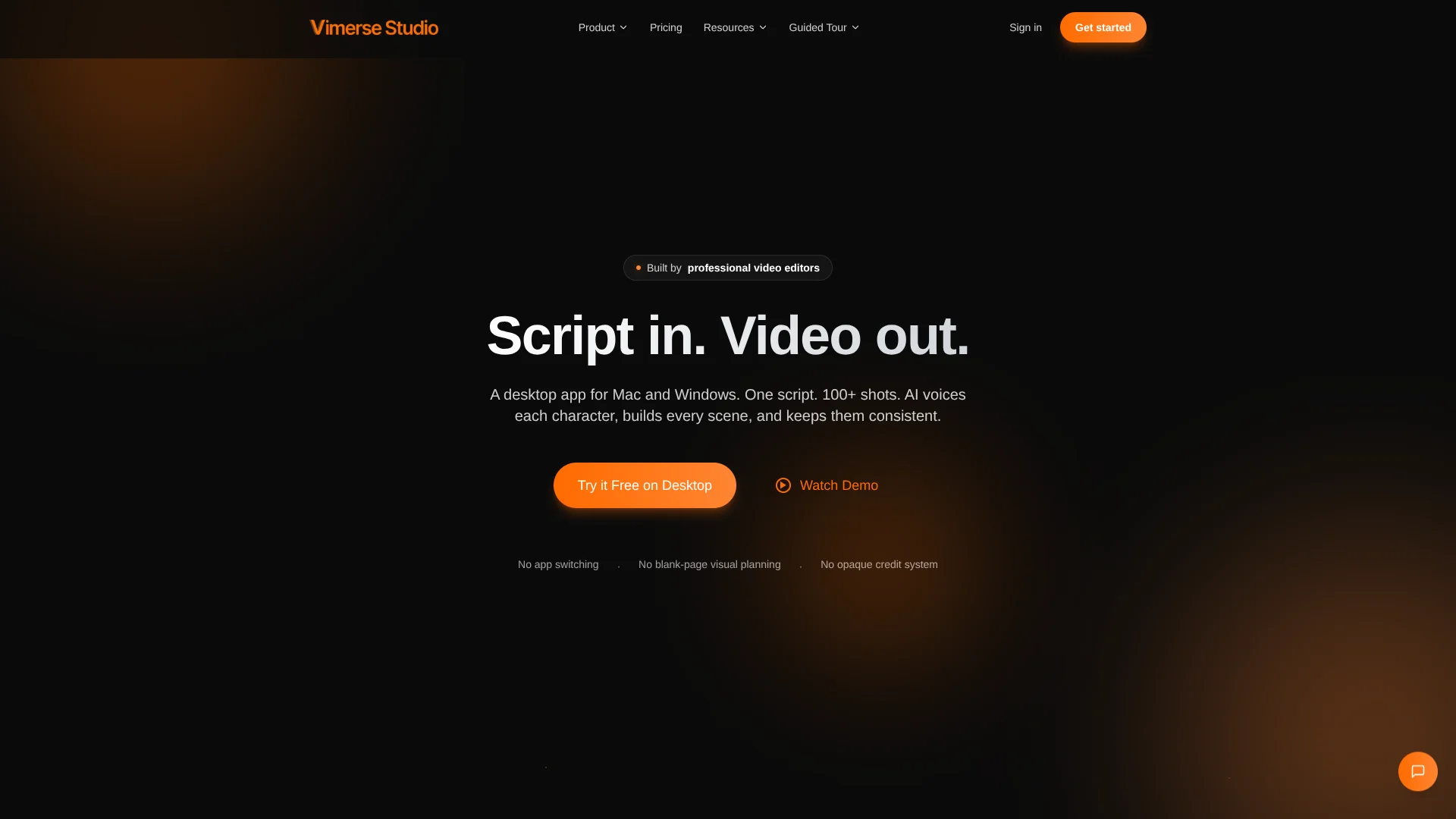
Vimerse Studio
Turns finished scripts into multi-shot videos timed automatically to generated narration.
Key Takeaways
- What it is
- Turns finished scripts into multi-shot videos timed automatically to generated narration.
- Pricing
- $49 one-time
- Best for
- Script-to-Scene Breakdown
- Character Voice-Over
- Batch Rendering
- Rating
- 4.1/5
What is Vimerse Studio?
Vimerse Studio turns a script into a multi-shot video by generating voice-over, scene timing, shot prompts, images, video clips, and lip-sync inside a desktop workflow. It is built for marketers, creators, educators, and filmmakers who need more than a short AI clip. The app can organize projects with 100 or more shots and videos up to 10 minutes.
Its defining capability is timing visuals to generated narration automatically, so each shot lasts as long as the voice-over instead of requiring manual trimming across a long timeline.
Vimerse Studio fits solo creators, small production teams, and editors who want a structured AI filmmaking process with model choice and visible generation costs. It falls short for teams seeking shared workspaces or native mobile editing. Its strongest use is turning a finished script into a coordinated, editable video project.
Who is Using Vimerse Studio?
Video Editors
Premiere Pro XML export gives editors a path from AI-generated scenes into a familiar post-production workflow.
Creative Directors
Model selection and visible generation costs help shape visual direction before expensive renders begin.
Scriptwriters
A finished script becomes a scene plan with narration, timing, and shot prompts attached.
Content Strategists
Marketing or educational concepts can move from written outline to narrated video without building every shot manually.
Independent Filmmakers
Local project storage and batch rendering support longer projects without keeping a browser tab open.
Uncommon Use Cases
Visual pitches for winning client work; character-consistency tests using LoRA training
Key Features
Rating Breakdown
Pricing Plans
Vimerse Studio
$49 one-time
- One-time lifetime license for up to two devices
- Full access to Vimerse Studio
- AI generation billed separately based on usage
- Commercial rights included
Which Vimerse Studio plan should you pick?
Start with the free trial to test the workflow, then choose Pro License when you need the full desktop app beyond the included credits.
Pro License
Good for creators, editors, and production teams who need ongoing access to the full Studio workflow and can budget separate AI usage charges.
Vimerse Studio Use Cases
Scripted Explainer Videos
A written explanation becomes a narrated sequence of timed scenes with generated visuals.
Outcome: A multi-shot explainer ready for export and editing.
Social Video Series
Recurring characters and assigned voices support connected episodes instead of isolated clips.
Outcome: More consistent narrated content across a series.
Marketing Pitches
Client concepts can be shown as visual video pitches before full production begins.
Outcome: A concrete visual pitch with fewer manual production steps.
AI Filmmaking Tests
Different image and video models can be compared across scenes while generation costs remain visible.
Outcome: A testable sequence with clearer model and budget decisions.
Premiere Pro Handoff
The generated project can continue in Premiere Pro when the final cut needs more editorial control.
Outcome: An editable project handoff instead of a finished video file only.
Workflow Ideas with Vimerse Studio
Script to Finished Video
- 1Write or generate a script in Studio.
- 2Assign character voices and generate the narration.
- 3Review shot prompts, render visuals, and export the finished video.
Client Pitch Workflow
- 1Create a short campaign or product script.
- 2Generate a narrated visual treatment with selected models.
- 3Export an MP4 for review or a Premiere Pro XML for refinement.
Character Consistency Test
- 1Define a recurring character and prepare reference material.
- 2Train a LoRA for character consistency.
- 3Render several scenes and compare the character across shots.
How Vimerse Studio fits into your stack
Desktop Production
Vimerse Studio runs as a native Mac or Windows app, with local project files and background rendering.
Scripts and Audio
Scripts, generated narration, imported voice files, and scene timing meet in the same project before visuals are rendered.
AI Model Layer
The app connects to third-party services including ElevenLabs, Fal.ai, Google Cloud, and Google AI through user-connected API keys.
Post-Production
MP4 export covers finished delivery, while Premiere Pro XML export supports a more controlled edit afterward.
Usage Billing
The license is separate from generation charges, and estimated costs appear before each generation.
Pros
- +Long-form workflow: Built around multi-minute projects with 100 or more shots.
- +Automatic timing: Matches generated visuals to the length of each narration segment.
- +Model choice: Lets creators select among image, video, voice, and lip-sync models.
- +Cost visibility: Shows estimated AI generation costs before rendering.
- +Commercial rights: Purchased licenses include rights to use, distribute, and monetize generated content.
Cons
- −Usage costs: The license does not cover AI generation charges.
- −Desktop only: There is no confirmed mobile app or browser extension.
- −Solo workflow: Shared editing spaces and team roles are not documented.
Limitations & when to consider alternatives
Known limitations
- AI Usage Is Billed Separately. The license unlocks Studio, but image, video, voice, lip-sync, transcription, and other AI operations create usage charges.
- Video Length Limit. The published license supports videos up to 10 minutes at 1080p.
- Two-Device License. Each license can be used on up to two devices.
- Payment After Trial Credits. A valid payment method is required after the initial $5 trial credits are consumed.
- Local Project Files. Project files are stored on the user's device, so backup and file management remain the user's responsibility.
Look elsewhere when
- You need a native mobile app for video creation.
- Your team needs shared projects, invites, and role-based editing.
- You want a subscription that includes a fixed monthly generation allowance.
- Your workflow depends on a documented developer API.
How to Use Vimerse Studio
- 1
Start with the Trial
Create an account to receive $5 in starting credits and test the full Studio workflow without entering a card.
- 2
Prepare the Script
Write a script, generate one from a prompt, or import a voice file for transcription and scene segmentation.
- 3
Set the Voices
Assign voices to characters so narration establishes the timing that visuals will follow.
- 4
Review the Shot Plan
Check the automatically created scene prompts and adjust the project before rendering.
- 5
Choose Models
Select image, video, lip-sync, or first-to-last-frame models while reviewing the estimated usage cost.
- 6
Render and Export
Queue the shots, let background rendering continue, then export an MP4 or Premiere Pro XML project.
Who is Vimerse Studio For?
Marketers
Marketing teams can turn campaign scripts into visual pitches, explainers, and client videos.
Social Media Creators
Creators working on narrated stories or series can manage many connected shots in one project.
Educators
Educators can develop scripted lessons and explainers with generated narration and scene visuals.
Filmmakers
Filmmakers can test story ideas, character continuity, and visual sequences before a full edit.
Frequently Asked Questions
Does Vimerse Studio have a free plan?
It offers a free trial with $5 in starting credits and no credit card required. Continued use requires a paid license and a valid payment method for usage charges.
How much does the Pro License cost?
The Pro License costs $299 as a one-time payment and covers use on up to two devices.
Are AI generations included in the license?
No. The license unlocks Studio, while AI generation is billed separately based on actual usage.
What platforms does Vimerse Studio support?
The official site identifies Vimerse Studio as a native desktop app for Mac and Windows.
Can Vimerse Studio export to Premiere Pro?
Yes. Projects can be exported as Premiere Pro XML, in addition to standard MP4 export.
Can it create videos longer than short AI clips?
Yes. The published license supports videos up to 10 minutes at 1080p and is designed for projects with 100 or more shots.
Community reviews
Be the first to share your experience.
Sign in to leave a review for Vimerse Studio.
Vimerse Studio Alternatives
Looking for alternatives to Vimerse Studio? Here are similar tools in the same category: