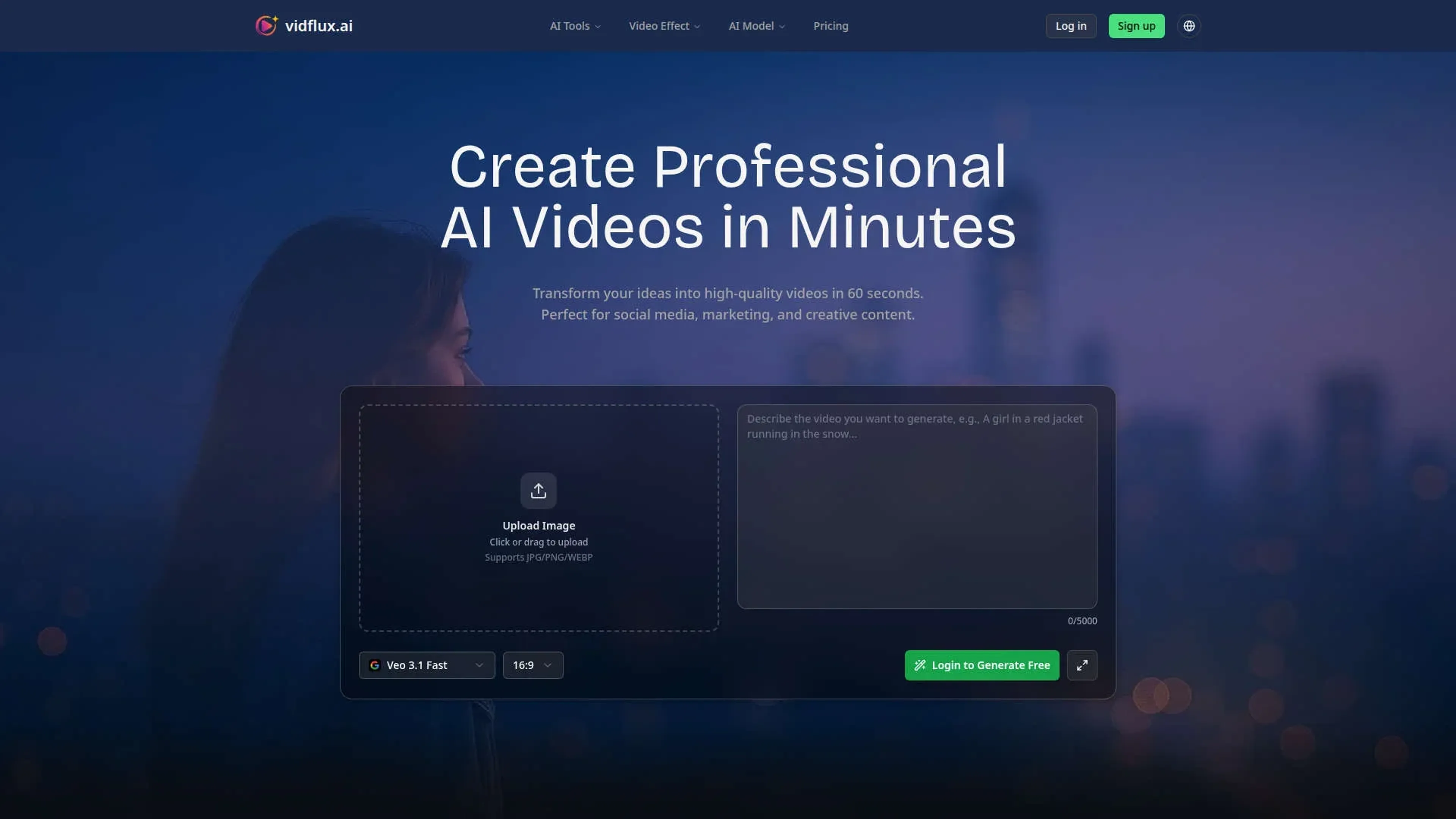
vidflux.ai turns text, images, and clips into short videos using advanced generative models. Aimed at creators, marketers, and teams, it covers text-to-video, image-to-video, video-to-video, and preset effects. Users write a prompt or upload media, choose Sora2, Veo 3.1, Kling AI, WAN, or Seedance, then download an MP4.
Key Features:
Multi model AI engine: Combines Sora2, Veo 3.1, Kling AI, WAN, Seedance and others to suit different visual styles and motion types.
Text to video generation: Converts natural language prompts into short clips, supporting realistic, animated, or stylized looks with control over aspect ratio.
Image and character animation: Turns single photos into moving characters that mimic reference video motions, including facial and body movement.
AI video effects library: Offers prebuilt effects such as kissing, hug, bikini, Ghostface, Christmas and “action figure” styles for viral social clips.
Pros
Fast results: Many clips generate in about a minute, handy for rapid testing and social posting.
Low effort workflow: Simple web interface with clear tool categories, so non editors can produce polished videos quickly.
Creative flexibility: Supports text, image, and video input, plus a busy catalog of effects and motion styles.
Business ready output: Paid plans remove watermarks, allow commercial usage, and support HD or 4K quality.
Cons
Web only access: Runs in the browser with no dedicated desktop or mobile apps for now.
Credit based mindset: Users must think in credits per video, which can feel opaque until they learn typical consumption.
Short form bias: Many templates lean toward short, viral clips, so teams seeking longer, conservative corporate content may feel limited.
Who is Using vidflux.ai?
Social media creators: Producing TikTok, Instagram Reels, and YouTube Shorts without traditional editing software.
Digital marketing teams: Spinning up ad variations, promo teasers, and product highlight clips for campaigns.
Educators and course creators: Turning lesson scripts and slides into visual explainers and micro learning content.
E commerce and DTC brands: Generating product showcases, unboxing style clips, and seasonal promos from minimal assets.
Uncommon Use Cases: Used by real estate agents for quick narrated property tours; adopted by indie game developers to prototype cutscenes and trailers.
Pricing:
Basic Plan: $6.75 per month; includes 1,000 credits per month, generation of up to 20 videos, access to all video models, no watermark, and commercial usage rights.
Pro Plan: $21.75 per month; includes 5,000 credits per month, generation of up to 100 videos, access to all video models, no watermark, commercial usage rights, and priority support.
Studio Plan: $44.25 per month; includes 11,000 credits per month, generation of up to 220 videos, access to all video models, no watermark, commercial usage rights, dedicated support, and a priority processing queue.
Disclaimer: Please note that pricing information may not be up to date. For the most accurate and current pricing details, refer to the official vidflux.ai website.
What Makes vidflux.ai Unique?
vidflux.ai combines several premium video models with social first effects in one browser tool. Creators switch models without changing workflow and still get HD or 4K output, batch jobs, and branded results. This mix of serious production options and cheeky viral presets gives it a distinct personality among AI video generators.
How We Rated It:
Accuracy and Reliability: 4.4/5
Ease of Use: 4.6/5
Functionality and Features: 4.5/5
Performance and Speed: 4.7/5
Customization and Flexibility: 4.2/5
Data Privacy and Security: 4.0/5
Support and Resources: 4.1/5
Cost-Efficiency: 4.3/5
Integration Capabilities: 3.6/5
Overall Score: 4.3/5
Quick AI Video Creation For Creators And Teams:
vidflux.ai fits creators and teams who want rapid video output from text, images, or clips, trading fine editing control for speed, variety, and straightforward pricing.