VibeScan
Prelaunch security checks for apps built with AI coding tools.
Key Takeaways
- What it is
- Prelaunch security checks for apps built with AI coding tools.
- Pricing
- $13.30 per month · $34.30 per month · $69.30 per month
- Best for
- Security Scan
- Code Quality Check
- Performance Check
- Rating
- 2.8/5
What is VibeScan?
VibeScan reviewed AI-generated application code for security vulnerabilities, performance problems, code quality issues, and launch-readiness gaps. It was aimed at builders working with tools such as Cursor, Claude, OpenAI, Lovable, Bolt.new, Replit, GitHub Copilot, Windsurf, Cline, and v0. The service addressed a common problem: shipping an AI-built app without knowing whether it was safe or ready for users.
Its LaunchReady check looked beyond source code to flag missing essentials such as payment integrations, user analytics, rate limiting, terms of service, and privacy policies.
VibeScan was most useful for independent builders and small teams who needed a second review before launching an AI-built app. It did not guarantee that scans would find every vulnerability, and the service ended on December 31, 2025, so it is no longer an active option for new scans.
Who is Using VibeScan?
Indie Founders
Launch confidence matters most when one person is responsible for both the AI-built product and its release checklist.
Startup Developers
Security and performance findings help developers review AI-generated changes before they reach users.
Product Designers
LaunchReady checks can reveal missing operational requirements that are easy to overlook during rapid prototyping.
Technical Creators
People teaching or demonstrating AI coding workflows can use scan results to show where generated code needs review.
Uncommon Use Cases
A pre-demo check for an AI-built prototype; a release checklist for payment, analytics, and policy requirements
Key Features
Rating Breakdown
Pricing Plans
Starter
$13.30 per month
- Includes lifetime 30% discount, 5 projects, 50 scans per month, all scans including security, code quality, performance, and launch checklist, AI prompts to fix your code, VibeScan Verified Badge (coming soon), up to 100K lines per scan, additional scans at $0.50 per scan, and email support
Pro
$34.30 per month
- Includes lifetime 30% discount, unlimited projects, 100 scans per month, everything in Starter, auto-fix common issues, up to 250K lines per scan, and priority support
Ultra
$69.30 per month
- Includes lifetime 30% discount, unlimited projects, 500 scans per month, everything in Pro, auto-scan every code change (coming soon), API access (coming soon), MCP server (coming soon), up to 500K lines per scan, and Discord support
Which VibeScan plan should you pick?
VibeScan's historical pricing page listed Starter for smaller projects, Growth for more projects and automated fixes, and Pro for higher scan limits, automatic scans, API Access, and MCP Server; however, the service has since shut down.
Starter
Good for smaller projects needing up to five projects and 50 scans per month.
Growth
Good for users needing unlimited projects, 100 scans per month, and automatic fixes for common issues.
Pro
Good for advanced usage requiring 500 scans per month, automatic scans on code changes, API Access, and MCP Server.
VibeScan Use Cases
Pre-launch code review
A scan gives an AI-built application a focused review before public release.
Outcome: A list of security, performance, quality, and launch-readiness issues.
Security issue triage
Security findings point builders toward exposed keys, injection risks, and other common weaknesses.
Outcome: Clearer priorities for fixing high-risk problems.
AI debugging support
Code quality findings help break repeated AI debugging loops caused by duplicated or poorly structured code.
Outcome: Cleaner code for later work with AI coding tools.
Performance review
Performance checks highlight slow pages and possible improvements such as caching.
Outcome: A more focused list of speed problems to investigate.
Launch checklist review
The LaunchReady check examines product requirements that are not always visible in the code itself.
Outcome: Fewer overlooked launch tasks around payments, analytics, rate limiting, and policies.
Workflow Ideas with VibeScan
Before a public launch
- 1Finish the first version in an AI coding tool.
- 2Submit the project for VibeScan's security, quality, performance, and LaunchReady checks.
- 3Review the findings and test each suggested fix before release.
After a major AI-generated change
- 1Scan the updated project after a large feature or integration is added.
- 2Sort findings by security, performance, code quality, and launch impact.
- 3Apply fixes and run the project through normal testing.
Prototype handoff
- 1Scan a prototype before showing it to customers or investors.
- 2Use the report to identify issues that could affect the demo.
- 3Track unresolved findings in the team's normal project workflow.
How VibeScan fits into your stack
AI coding tools
VibeScan was built for projects created with AI coding products including Cursor, Claude, OpenAI, Lovable, Bolt.new, Replit, GitHub Copilot, Windsurf, Cline, and v0.
Code repositories
The service's public FAQ referenced GitHub and GitLab connections, giving builders a way to review repository-based projects.
Security review
Its security scan added a review step after AI-generated code was written, with findings focused on common vulnerabilities.
Launch operations
The LaunchReady check fit near the end of a product workflow by reviewing payments, analytics, rate limiting, and required policies.
Pros
- +AI-code focus: Built around the risks that appear when applications are created with AI coding tools.
- +Launch review: Checked product essentials that ordinary code analysis may not cover.
- +Readable findings: Explained issues in plain language for builders who may not be experienced developers.
- +Repository support: Could connect with GitHub and GitLab according to the service FAQ.
Cons
- −Unavailable service: VibeScan ended on December 31, 2025.
- −No guarantee: The service warned that scans could miss issues or produce false positives.
- −Limited evidence: Public documentation about integrations, API usage, and operating limits was sparse.
Limitations & when to consider alternatives
Known limitations
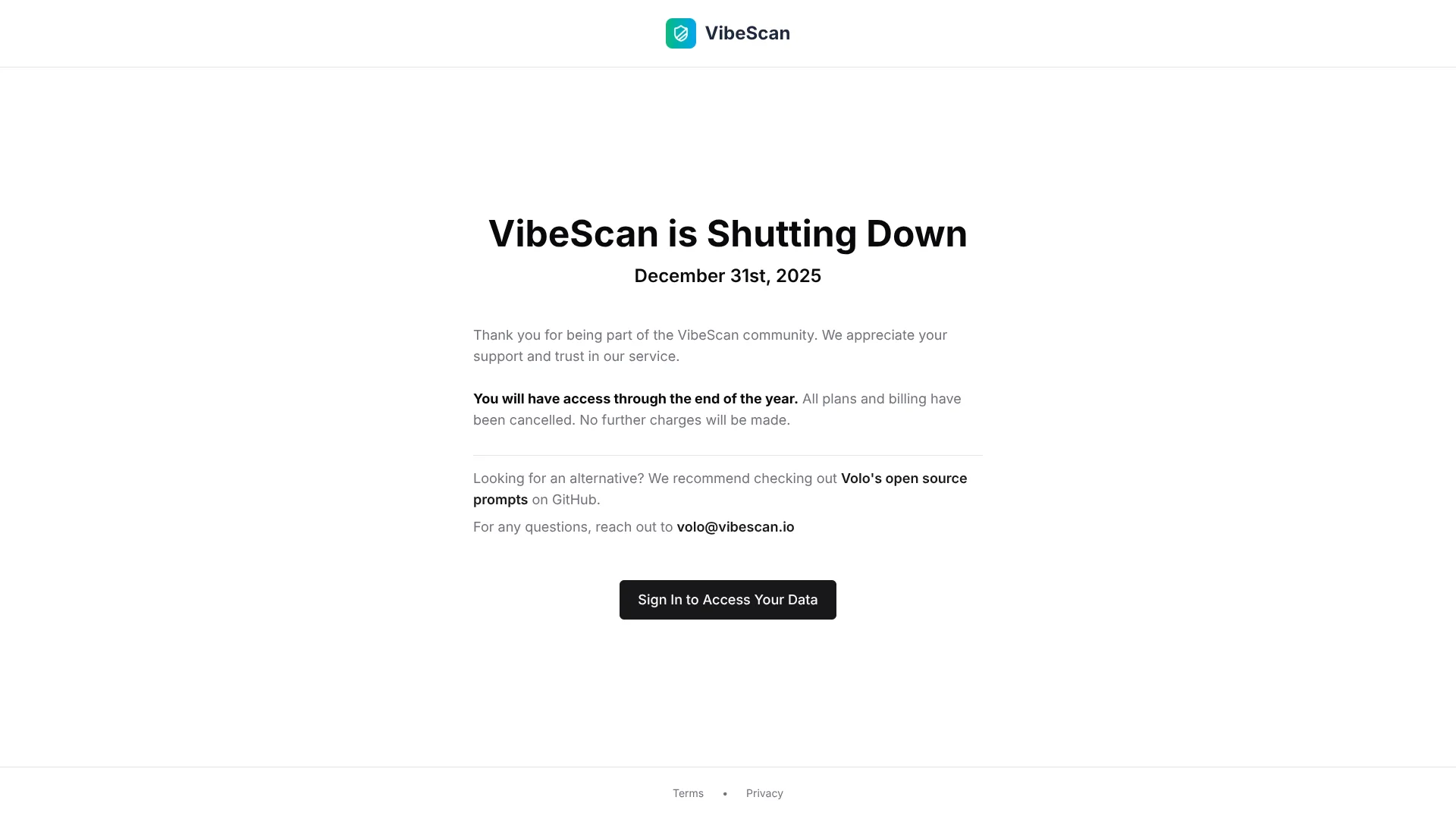
- Service ended. VibeScan announced that the service would shut down on December 31, 2025, and that all plans and billing had been canceled.
- Scans were not guarantees. The terms stated that analysis could miss issues, produce false positives, and should be tested before fixes were deployed.
- Source code handling. The privacy policy said source code was processed for analysis and deleted afterward, while scan results remained until the user deleted them or closed the account.
Look elsewhere when
- You need an active service for scanning new projects.
- You need a documented mobile app or desktop application.
- Your team needs shared workspaces, roles, or SSO.
- You need published current pricing and support commitments.
How to Use VibeScan
- 1
Prepare the project
Gather the AI-generated application code or connect the supported repository so VibeScan can review the project.
- 2
Run the scan
Start the analysis and let VibeScan check security, code quality, performance, and launch readiness.
- 3
Read the findings
Open each issue to understand what could go wrong and why it matters before deployment.
- 4
Apply and test fixes
Use the suggested prompts or automatic fixes where available, then test the changed code yourself.
- 5
Review launch gaps
Check the LaunchReady results for missing payments, analytics, rate limiting, terms, or privacy requirements.
Who is VibeScan For?
AI App Builders
People creating web applications with AI coding tools who want a production-readiness review before launch.
Indie Hackers
Solo founders could use the scans as a second set of eyes when they lacked a dedicated security or engineering reviewer.
Startup Teams
Small product teams could check security, performance, code quality, and launch basics in one review.
No-Code and Low-Code Builders
Builders with limited terminal experience could receive issue explanations and fix prompts without working through every problem manually.
Frequently Asked Questions
Is VibeScan still available?
No. VibeScan announced that the service ended on December 31, 2025.
What did VibeScan scan for?
It reviewed AI-generated code for security vulnerabilities, code quality issues, performance problems, and launch-readiness gaps.
Did VibeScan guarantee that code was safe to ship?
No. Its terms said scans could miss issues or include false positives, and users remained responsible for testing and deployment decisions.
Could VibeScan connect to code repositories?
The public FAQ referenced GitHub and GitLab connections, although detailed integration documentation was not available.
Did VibeScan have an API?
The published Pro plan listed API access, but the current site does not provide an active API service because VibeScan has shut down.
Community reviews
Be the first to share your experience.
Sign in to leave a review for VibeScan.
VibeScan Alternatives
Looking for alternatives to VibeScan? Here are similar tools in the same category: