VectorShift
Empower AI automation: no-code to code, seamless integrations, scalable.
Key Takeaways
- What it is
- Empower AI automation: no-code to code, seamless integrations, scalable.
- Best for
- No-Code Interface
- Code SDK
- Pre-built Use Cases
- Rating
- 4.5/5
What is VectorShift?
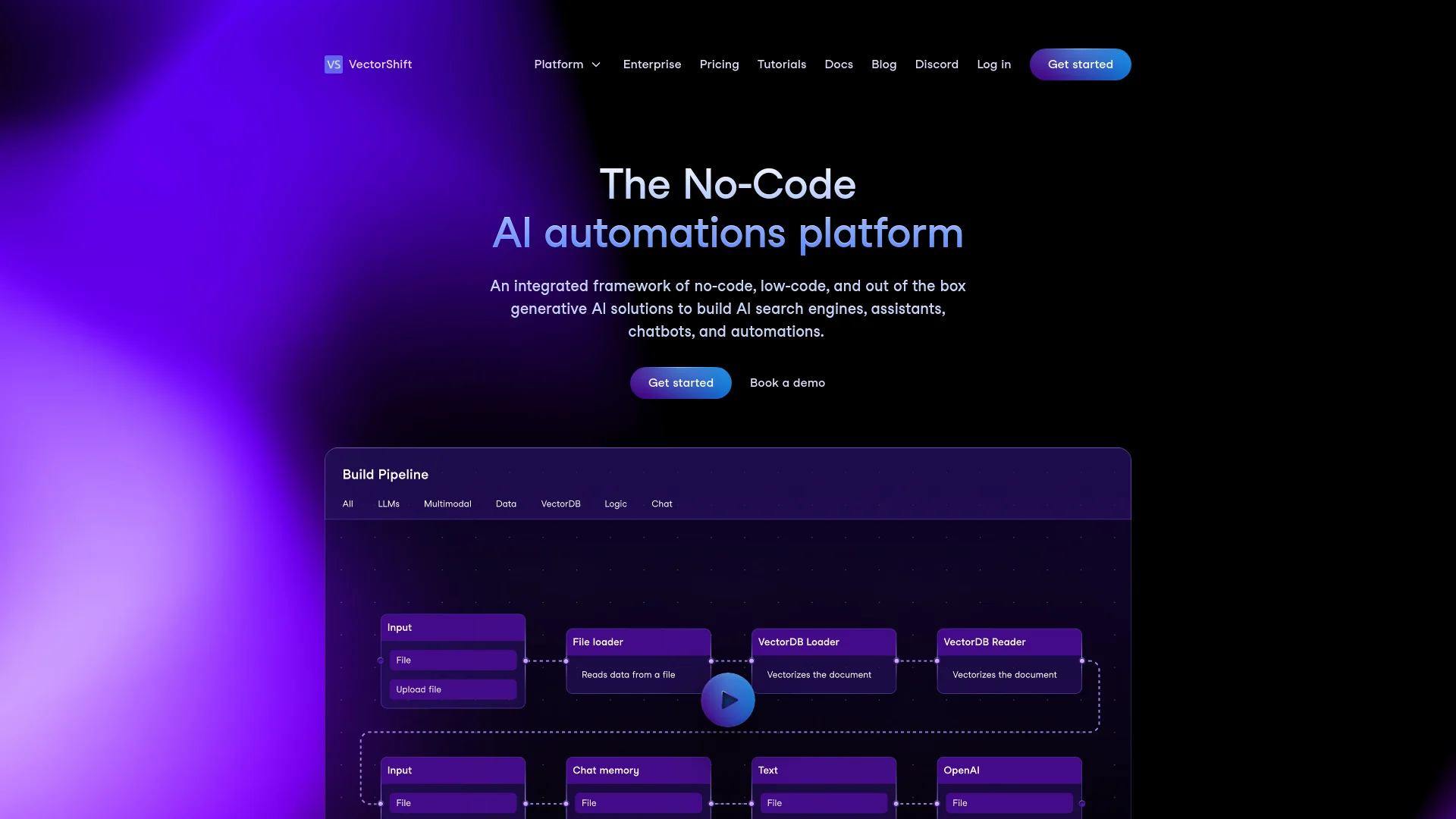
VectorShift is an innovative no-code AI automations platform designed to transform the way businesses and professionals leverage artificial intelligence within their operations. From building AI search engines and chatbots to creating sophisticated automations, VectorShift offers a comprehensive suite of tools that cater to both novice users and seasoned developers. With its user-friendly interface and powerful code SDK, this platform simplifies the process of integrating AI into various business processes, making it accessible to a wide range of industries.
VectorShift stands out due to its dual capability of supporting both no-code users and experienced developers within the same platform. This unique feature not only democratizes AI development but also bridges the gap between technical and non-technical users, fostering innovation across various levels of expertise.
VectorShift excels in providing a versatile and powerful platform for automating and integrating AI into various business processes. Its ability to cater to both no-code users and developers alike offers an unmatched advantage in the realm of AI application development. Whether you're looking to enhance customer interactions, automate data handling, or create custom AI solutions, VectorShift equips you with the tools necessary to succeed in a competitive digital landscape.
Who is Using VectorShift?
Tech Startups
Utilizing the platform to quickly prototype and deploy AI functionalities.
Educational Institutions
Integrating AI into curriculums and research projects.
E-commerce Platforms
Enhancing customer experience through personalized chatbots and search capabilities.
Healthcare Providers
Automating administrative tasks and patient data handling.
Uncommon Use Cases
Non-profits using AI to analyze and report on social issues; small businesses automating routine customer interactions.
Key Features
Rating Breakdown
Pricing Plans
Free Trial
- Get started with a no-commitment trial to explore the features
Subscription Plans
- Details on specific pricing plans are available upon request from the VectorShift sales team
Which VectorShift plan should you pick?
Start with Starter for experimentation, choose Standard for several workflows and integrations, and upgrade to Pro for unlimited workflows and interfaces.
Starter
Good for individuals testing no-code workflows, API access, one interface, one knowledge base, and limited storage.
Standard
Good for basic production use requiring five workflows, five interfaces, five knowledge bases, five integrations, and more storage.
Pro
Good for teams that need unlimited workflows, interfaces, knowledge bases, and integrations with higher usage limits.
VectorShift Use Cases
Document processing
Upload PDFs, contracts, spreadsheets, images, or other files and extract or transform their contents.
Outcome: Structured text or downstream workflow results.
Internal knowledge search
Connect company documents and integrations to a knowledge base and ask natural-language questions.
Outcome: Cited answers from internal information.
Customer support assistant
Build a chatbot connected to support documentation and deploy it on a website, Slack, or messaging channel.
Outcome: Automated answers to customer questions.
Image and chart analysis
Send images to vision models to extract text, read charts, describe visuals, or process scanned documents.
Outcome: Textual analysis and machine-readable information.
Automated business workflows
Chain nodes, agents, APIs, integrations, and code into multi-step pipelines.
Outcome: End-to-end workflow execution across business systems.
Workflow Ideas with VectorShift
Document summarization workflow
- 1Upload a document through a File or Input node
- 2Extract text with a document parser
- 3Send the processed text to an LLM and return a summary
Internal knowledge assistant
- 1Create a knowledge base from files, URLs, or integrations
- 2Connect the knowledge base to an Agent or chatbot
- 3Deploy the assistant by link, website embed, Slack, or API
Image analysis workflow
- 1Provide an image through an Input node or file upload
- 2Send it to the Image to Text node
- 3Pass the extracted analysis to downstream workflow or reporting nodes
How VectorShift fits into your stack
Cloud Storage Services
Integrates with Google Drive, OneDrive, and Dropbox for easy data management.
CRM Systems
Seamless connection with Salesforce and HubSpot enhances customer relationship management.
Productivity Tools
Works with Notion and Airtable to streamline workflow automation.
Communication Tools
Enables automation within email systems and messaging platforms like Slack.
Pros
- +Ease of Use: Intuitive design allows users of all skill levels to create and deploy AI applications quickly.
- +Flexibility: Users can switch between no-code and code environments, providing flexibility in application development.
- +Scalability: Suitable for both small tasks and enterprise-level solutions.
- +Support and Resources: Extensive documentation and a supportive community on platforms like Discord.
Cons
- −Learning Curve: While the platform is user-friendly, new users may require time to fully utilize its advanced features.
- −Dependency on Third-Party Models: Reliance on external AI models may affect performance if there are changes or issues with these models.
- −Pricing Transparency: Clearer information on pricing tiers and what each tier offers could enhance user decision-making.
Limitations & when to consider alternatives
Known limitations
- Free plan resource limits. The free Starter plan includes one pipeline, one interface, 1,000 monthly pipeline actions, 1 GB of storage, one knowledge base, and one integration.
- Knowledge-base vector limits. The Starter plan includes approximately 200 vectors, while Standard includes 5,000 and Pro includes 25,000.
- API documentation status. The API documentation is currently in beta and may change, including error codes, response formats, and endpoint behavior.
- Anonymous form rate limiting. Anonymous form runs are subject to rate limiting; high-volume use should use authenticated API access.
- Image-to-image input guidance. The Image to Image tool recommends providing one to three input images for best results.
Look elsewhere when
- You need a native iOS or Android application.
- You need a downloadable Windows, Mac, or Linux desktop client.
How to Use VectorShift
- 1
Explore a range of tutorials from basic setup to advanced feature utilization on the VectorShift YouTube channel and through detailed documentation available on their website.
Who is VectorShift For?
Teams
Organizations can share pipelines, invite members, manage permissions, and centralize billing.
Developers
Developers can use API keys, SDK interfaces, documented endpoints, and custom Python or JavaScript code.
Customer-support teams
Teams can build support assistants grounded in help-center content and deploy them to websites, Slack, or messaging channels.
Knowledge workers
Users can search documents, spreadsheets, integrations, URLs, and other business data through knowledge bases.
Organizations with compliance requirements
VectorShift documents SOC 2 Type II, GDPR, HIPAA, encryption, access controls, and role-based security features.
Frequently Asked Questions
Does VectorShift have a free plan?
Yes. The Starter plan is free, requires no credit card, and includes limited workflows, interfaces, storage, integrations, and API access.
Can VectorShift connect to external applications?
Yes. It supports named integrations such as Google Drive, Slack, Gmail, Salesforce, Notion, Airtable, and many others.
Can users upload files?
Yes. Files can be uploaded directly or referenced from VectorShift storage for document processing, search, extraction, and analysis.
Can VectorShift chatbots be deployed outside the platform?
Yes. Chatbots can be shared by link, embedded with script or iframe, deployed to Slack, connected through Twilio, or accessed through the API.
Does VectorShift support team access?
Yes. Organizations support shared pipelines, centralized billing, member invitations, and role-based access.
Is customer data used to train models?
VectorShift states that customer data is never used to train models and describes zero-data-retention agreements with model providers for organizations.
Community reviews
Be the first to share your experience.
Sign in to leave a review for VectorShift.
VectorShift Alternatives
Looking for alternatives to VectorShift? Here are similar tools in the same category: