
Upstage
Automate tasks, boost productivity, and enhance decision-making with AI.
Key Takeaways
- What it is
- Automate tasks, boost productivity, and enhance decision-making with AI.
- Pricing
- Freemium · $50 per month
- Best for
- Document AI
- Solar LLM
- Expert APIs
- Rating
- 4.5/5
What is Upstage?
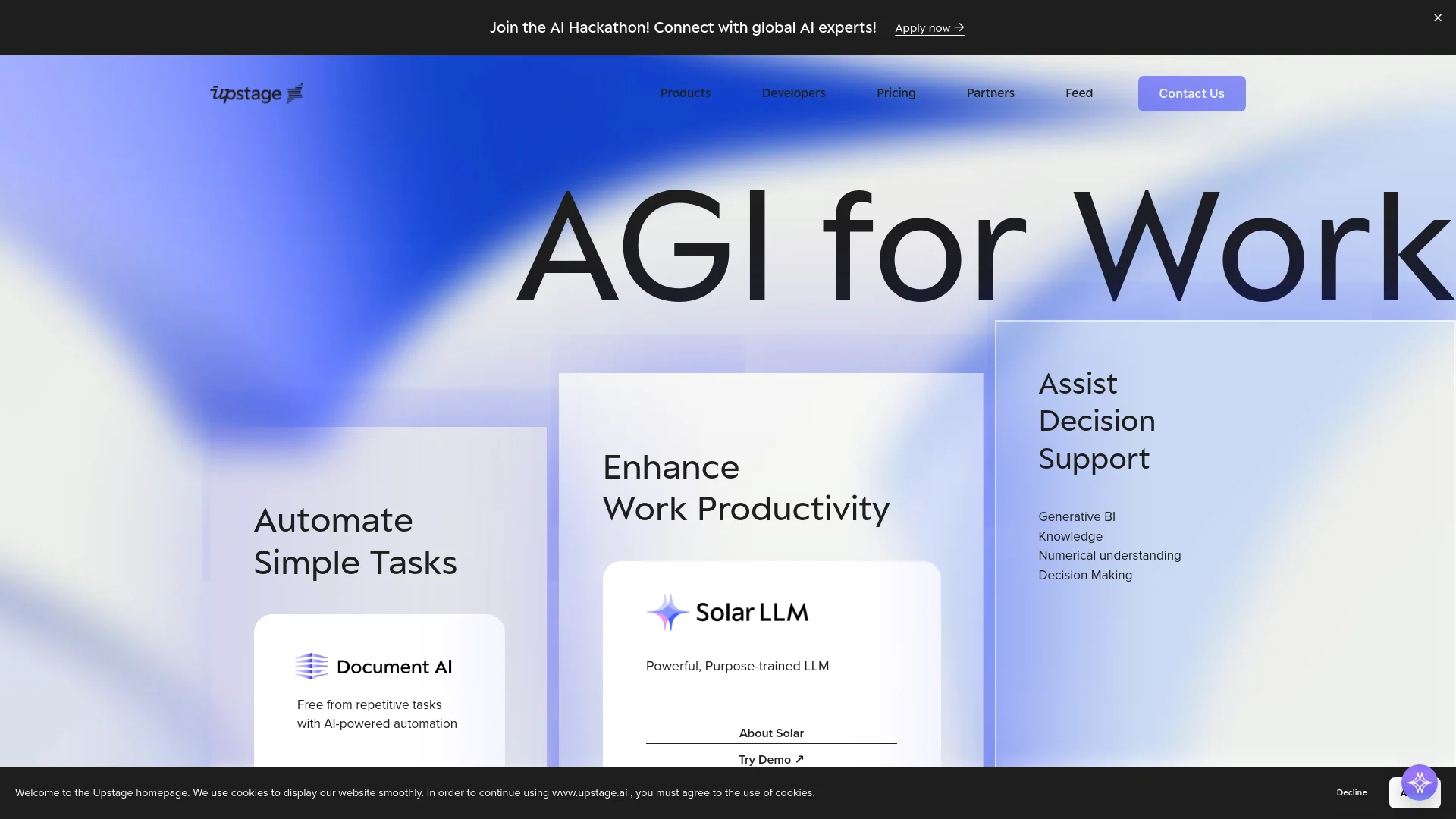
Upstage is a cutting-edge tool designed to revolutionize the way we interact with digital content and automate routine tasks. At its core, Upstage leverages advanced artificial intelligence technologies including a powerful Large Language Model (LLM) to enhance work productivity, automate simple tasks, and assist in decision-making processes. Specifically targeted at professionals across various sectors, Upstage aims to free users from repetitive tasks, enhance decision support, and improve overall efficiency in workplaces.
Upstage stands out with its Solar LLM, a game-changer for businesses seeking to harness the power of AI without substantial investments in AI infrastructure. Its ability to provide specialized APIs tailored for specific industries sets it apart, offering a significant competitive edge.
Upstage excels in providing robust AI-driven solutions, making it an essential tool for businesses and developers looking to automate and enhance productivity. Its specialized APIs and powerful Solar LLM offer unmatched advantages in automating and streamlining operations across various industries.
Who is Using Upstage?
E-commerce Businesses
Employing AI for better customer interaction and automated management of large inventories.
Healthcare Providers
Utilizing expert APIs for enhanced data analysis and patient management.
Educational Institutions
Incorporating AI tools to support administrative tasks and personalized learning experiences.
Software Developers
Integrating Upstage functionalities into various applications to enhance capabilities.
Uncommon Use Cases
Non-profits using AI for data management and analytics; startups incorporating AI for rapid scaling and operations management.
Key Features
Rating Breakdown
Pricing Plans
Free Tier
Free
- Users can explore basic features of Upstage with a limited free trial
Pro Tier
$50 per month
Which Upstage plan should you pick?
Start with Explore for prototypes and low-volume testing, then upgrade to Build, Scale, or Enterprise as usage and support requirements grow.
Explore
Good for getting started, prototypes, and lower-volume workloads needing community support.
Build
Good for small teams and early production workloads needing higher limits and email support.
Scale
Good for large or high-volume workloads needing higher limits and priority support.
Enterprise
Good for mission-critical workloads needing custom pricing, flexible limits, and dedicated support.
Upstage Use Cases
Document question answering
Users ask natural-language questions about uploaded documents and receive source-cited answers.
Outcome: Faster, traceable document review.
Invoice and form extraction
Users extract structured fields such as vendors, amounts, dates, and other key information.
Outcome: Machine-readable business data.
Document summarization
Users summarize long reports, contracts, research papers, and other complex documents.
Outcome: Shorter, easier-to-review overviews.
Compliance checking
Users validate documents against required formats and identify non-compliant sections with citations.
Outcome: More efficient compliance review.
Document comparison
Users compare versions of policies, contracts, invoices, or clinical guidelines.
Outcome: Faster identification of document changes.
Workflow Ideas with Upstage
Classify and extract mixed documents
- 1Upload a mixed document set
- 2Classify each document by type
- 3Extract structured fields from each document
Invoice processing workflow
- 1Parse invoice files into structured content
- 2Extract vendor, amount, and date fields
- 3Send the resulting data to a downstream application through the agent API
Compliance review workflow
- 1Upload contracts or policy documents
- 2Check required content and formats
- 3Review flagged sections with source citations
How Upstage fits into your stack
Microsoft Teams Compatibility
Enhances collaboration by integrating seamlessly with Microsoft Teams.
API Access
Developers can use Upstage’s APIs for custom integrations, expanding its utility across different platforms.
Plugin Ecosystem
Users can enhance their Upstage experience by exploring various plugins.
Extensive Developer Support
With detailed documentation and a demo playground, developers can easily integrate and experiment with AI functionalities.
Pros
- +Enhanced Productivity: Automates mundane tasks, allowing professionals to focus on more strategic activities.
- +High Accuracy: The AI-driven engines ensure high accuracy in tasks like information extraction and document analysis.
- +Customizable Solutions: Offers specialized APIs for different sectors, ensuring that the tool can be tailored to specific professional needs.
- +User-Friendly Interface: Intuitive design and accessible developer tools make it easy to integrate and use in various applications.
Cons
- −Complexity in Initial Setup: New users might find the initial setup and customization of advanced features somewhat complex.
- −Limited Language Support: Currently, the translation tools primarily support English-Korean, which may limit usability for global teams needing other languages.
- −Dependency on Technical Expertise: Effective utilization of developer tools and APIs requires a certain level of technical skill.
Limitations & when to consider alternatives
Known limitations
- Some Studio steps are beta. Document Classify and Instruct are listed as beta features, and their pricing may change.
- PII Masker is not generally available. The marketplace availability table lists PII Masker as coming soon.
- Marketplace availability varies. Product availability differs across AWS, Azure, and Snowflake and may vary by marketplace and instance type.
- Credits are generally non-refundable. Purchased credits are refundable only when there is no API usage history.
- VAT is excluded from listed prices. Upstage states that displayed prices exclude 10% VAT.
Look elsewhere when
- You need a native mobile app.
- You need a downloadable desktop client.
- You require SSO or SAML.
How to Use Upstage
- 1
Explore detailed tutorials available on the Upstage website, covering everything from basic setup to advanced feature utilization.
Who is Upstage For?
Insurance organizations
Upstage supports claims intake, underwriting, document extraction, and policy review workflows.
Financial services companies
Document AI helps process financial reports, invoices, forms, and other complex business documents.
Legal and compliance teams
Upstage supports legal-document digitization, compliance checks, contract review, and searchable document processing.
Healthcare organizations
Solar models and document products are positioned for high-stakes healthcare and medical-document applications.
Educational and public-interest institutions
Eligible schools, hospitals, and nonprofits can receive free access through Upstage's AI support program.
Frequently Asked Questions
What is Upstage?
Upstage provides Solar language models, Document Intelligence, AI Space, and Studio for enterprise AI and document workflows.
Does Upstage provide an API?
Yes. Upstage provides documented APIs, API keys, REST endpoints, and API-ready Studio agents.
What documents can Upstage process?
Document Parse supports PDFs, scanned images, spreadsheets, slides, tables, charts, and handwritten elements.
Does Upstage support multilingual work?
Solar models support multiple human languages, including English, Korean, and Japanese.
Can Upstage build document workflows?
Upstage Studio lets users combine parsing, extraction, classification, and instruction steps into custom workflows.
How is Upstage priced?
Console services use usage-based pricing, while Studio agents are billed according to the processing steps they run.
Community reviews
Be the first to share your experience.
Sign in to leave a review for Upstage.
Upstage Alternatives
Looking for alternatives to Upstage? Here are similar tools in the same category:
Learn to Master Upstage
With Skill Leap courses
Get in-depth training on Upstage and 50+ other AI tools with our expert-led video courses.
Start 7-Day Free Trial