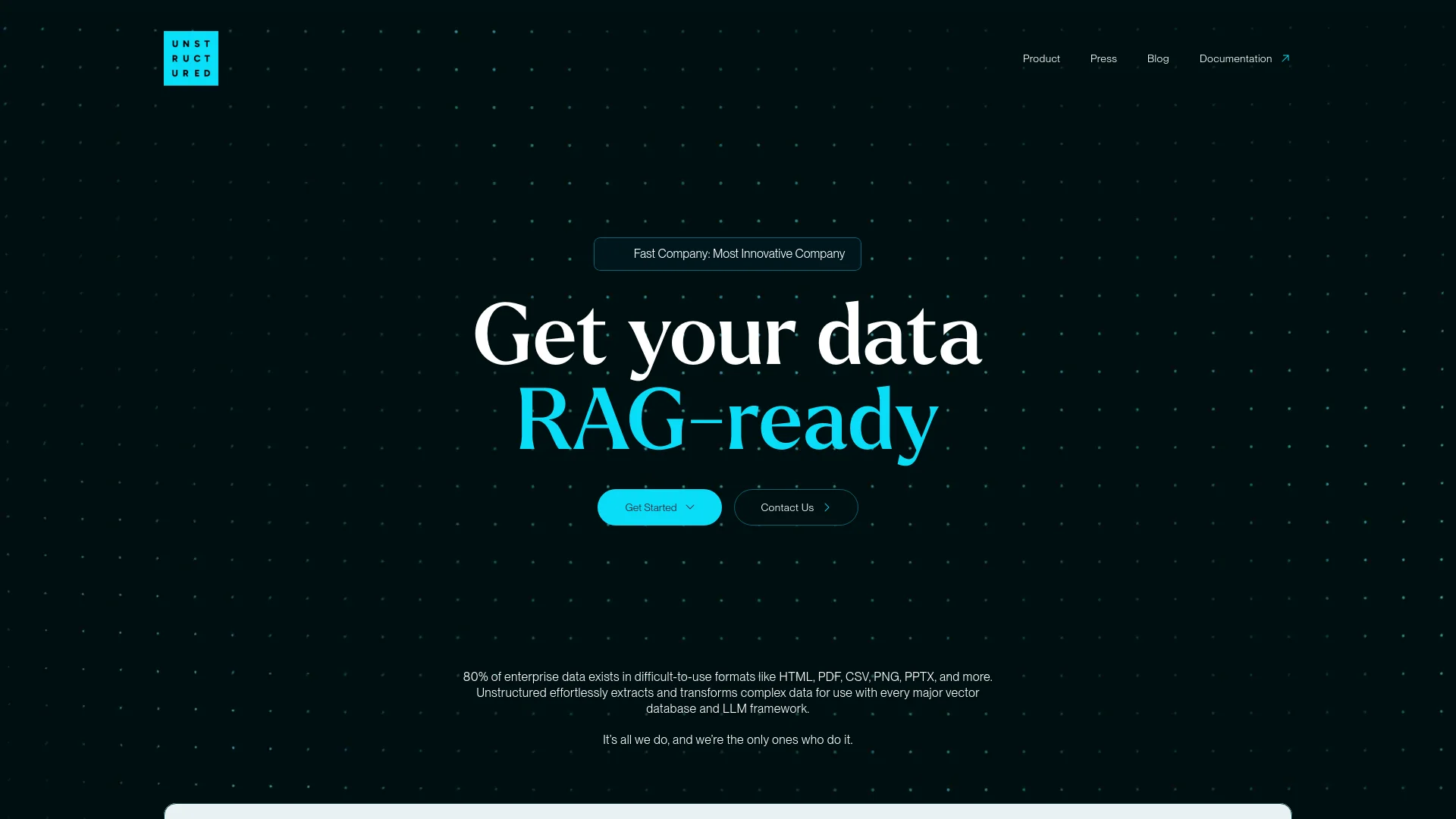
Unstructured Technologies
Transform unstructured data into AI-ready formats efficiently.
Key Takeaways
- What it is
- Transform unstructured data into AI-ready formats efficiently.
- Pricing
- $99 per month
- Best for
- Advanced Data Parsing
- Automated Workflows
- Scalability
- Rating
- 4.5/5
What is Unstructured Technologies?
Unstructured Technologies is an innovative platform designed to streamline the extraction, transformation, and loading (ETL) of unstructured data for use with large language models (LLMs). It targets data scientists, AI researchers, and businesses by automating the data handling process, thereby simplifying and accelerating the preparation of unstructured data for AI applications.
Unstructured Technologies excels with its advanced capabilities for handling unstructured data, specifically designed to integrate seamlessly with existing AI models. This direct integration allows for a streamlined workflow from data extraction to model input, eliminating the need for intermediary steps and enhancing overall efficiency.
Unstructured Technologies is a pivotal tool for enhancing the preparation and utilization of unstructured data in AI projects. Its advanced parsing capabilities and seamless integration with AI models make it indispensable for organizations seeking to optimize their data ETL processes. With its robust features and user-friendly interface, it offers significant advantages for data scientists, researchers, and businesses focused on leveraging unstructured data effectively.
Who is Using Unstructured Technologies?
AI Research Institutions
Utilized to prepare data for complex AI research and development projects.
Large Enterprises
Employed for managing extensive data sets in market analysis and customer insights.
Healthcare Providers
Used to handle patient records and clinical notes for improved healthcare outcomes.
Legal Firms
Assists in efficiently processing case files and legal documents.
Uncommon Use Cases
Adopted by non-profit organizations for analyzing large volumes of donation data; academic researchers use it for digitizing historical documents.
Key Features
Rating Breakdown
Pricing Plans
Free Trial
- Offers a 30-day free trial to evaluate the platform's features
Standard Plan
$99 per month
- Full access
Which Unstructured Technologies plan should you pick?
Start with Let’s Go for evaluation and small workloads, use Pay-As-You-Go for ongoing volume, and upgrade to Business when you need multiple users, isolation, private deployment, or dedicated support.
Let’s Go
Good for individuals evaluating document processing with a free page allowance and no credit card requirement.
Pay-As-You-Go
Good for production workloads that need usage-based billing after the included free pages.
Business
Good for teams needing multiple users, workspaces, RBAC, dedicated instances, VPC deployment, privacy controls, and dedicated support.
Unstructured Technologies Use Cases
Prepare documents for RAG
Partition, chunk, enrich, and embed documents before sending them to retrieval or vector-search systems.
Outcome: More structured and retrieval-ready AI context.
Process enterprise knowledge sources
Ingest content from systems such as Google Drive, Slack, Jira, Salesforce, SharePoint, and S3.
Outcome: Centralized, structured enterprise data for downstream AI applications.
Extract information from complex documents
Process PDFs, images, tables, presentations, spreadsheets, emails, and other semi-structured files.
Outcome: Document elements and metadata suitable for search, analysis, and automation.
Build continuous data pipelines
Use scheduled jobs, event-driven updating, change detection, and incremental processing.
Outcome: Continuously refreshed AI-ready data.
Support secure government AI workloads
Deploy document transformation pipelines in dedicated, VPC, or regulated environments.
Outcome: AI-ready data processing for sensitive mission and government applications.
Workflow Ideas with Unstructured Technologies
Enterprise source to vector destination
- 1Connect a source such as Google Drive, Slack, Jira, or S3
- 2Create a workflow with partitioning, chunking, enrichment, and embedding steps
- 3Run jobs and send processed output to a vector database or storage destination
Upload and transform a document
- 1Sign in to the Unstructured platform
- 2Upload or drag and drop a supported file
- 3Review the parsed and enriched document elements and metadata
Automated incremental processing
- 1Configure source and destination connectors
- 2Enable change detection, event-driven updating, or scheduled jobs
- 3Process only new or changed content and deliver updated outputs
How Unstructured Technologies fits into your stack
API Access
Provides an API for custom integrations, enabling developers to tailor the platform to their specific needs.
Cloud Storage Services
Integrates with major cloud storage providers like AWS, Google Cloud, and Azure for seamless data management.
AI Platforms
Compatible with popular AI platforms, facilitating direct data feed into various AI models.
Data Visualization Tools
Supports integration with data visualization tools like Tableau and PowerBI for advanced data analysis and insights.
Pros
- +Enhanced Data Accuracy: Improves the quality of data fed into AI models, leading to more precise and reliable outcomes.
- +Time-Saving: Automates manual data preparation tasks, reducing project timelines and increasing efficiency.
- +Cost-Effective: Minimizes the need for extensive human intervention, cutting down operational costs.
- +User-Friendly Interface: Features an intuitive platform that simplifies the learning curve for new users.
Cons
- −Complex Initial Setup: May require technical expertise for initial configuration and optimization of data pipelines.
- −Limited Customization Options: Some users might find the data processing workflow customization options to be restrictive.
- −Dependency on External Data Sources: The effectiveness of the tool can be influenced by the quality and accessibility of external unstructured data sources.
Limitations & when to consider alternatives
Known limitations
- Interactive uploads are limited to 10 MB. The UI quickstart states that user-uploaded files must be 10 MB or less.
- Only supported file types are accepted. The UI upload flow supports a documented list of formats such as PDF, DOCX, PPTX, XLSX, images, HTML, XML, and text files.
- Encrypted or password-protected documents can fail. Documentation identifies encrypted or password-protected files as possible causes of document-processing errors.
- Usage quotas and rate limits apply. Unstructured, source systems, destinations, and models may impose quotas, request-rate limits, or processing limits.
- Service availability varies by locale. The support documentation lists the locales where Let’s Go, Pay-As-You-Go, and Business SaaS access is available.
Look elsewhere when
- You need a native mobile app.
- You need a desktop installer.
- You need AI model fine-tuning.
- You need code generation rather than code-file parsing.
How to Use Unstructured Technologies
- 1
Access a comprehensive range of tutorials on the Unstructured Technologies website and YouTube channel, covering everything from basic setup to advanced feature utilization.
Who is Unstructured Technologies For?
RAG and GenAI application teams
Use Unstructured to transform documents and enterprise data into structured inputs for retrieval-augmented generation.
Developers
Use APIs, SDKs, connectors, workflows, and open-source libraries to build document-processing pipelines.
Enterprise data teams
Connect business systems, process data in batches or incrementally, and deliver structured outputs to storage or vector destinations.
Government and defense organizations
Use secure deployment and compliance options for regulated or mission-critical AI data workflows.
Organizations with sensitive data
Use dedicated instances, VPC deployments, private connectivity, RBAC, and data-isolation options.
Frequently Asked Questions
What is Unstructured?
Unstructured ingests and processes unstructured documents, converting them into structured, AI-ready outputs for applications such as RAG.
What kinds of documents can Unstructured process?
Supported formats include PDFs, Word documents, PowerPoint files, spreadsheets, emails, HTML, XML, Markdown, images, and more.
How can I get started?
Sign in to the Unstructured platform, choose a sample file, or upload your own supported document through the UI.
Does Unstructured offer an API?
Yes. The platform provides API keys, REST endpoints, Python and JavaScript/TypeScript SDK support, and workflow APIs.
How is pricing calculated?
Pricing is based on processed pages. The product offers a free allowance, pay-as-you-go processing, and custom Business plans.
How is data secured?
Unstructured documents TLS 1.2 or higher for communications, encryption at rest for blob storage, RBAC, isolated jobs, and private deployment options.
Community reviews
Be the first to share your experience.
Sign in to leave a review for Unstructured Technologies.
Unstructured Technologies Alternatives
Looking for alternatives to Unstructured Technologies? Here are similar tools in the same category: