
Unleash
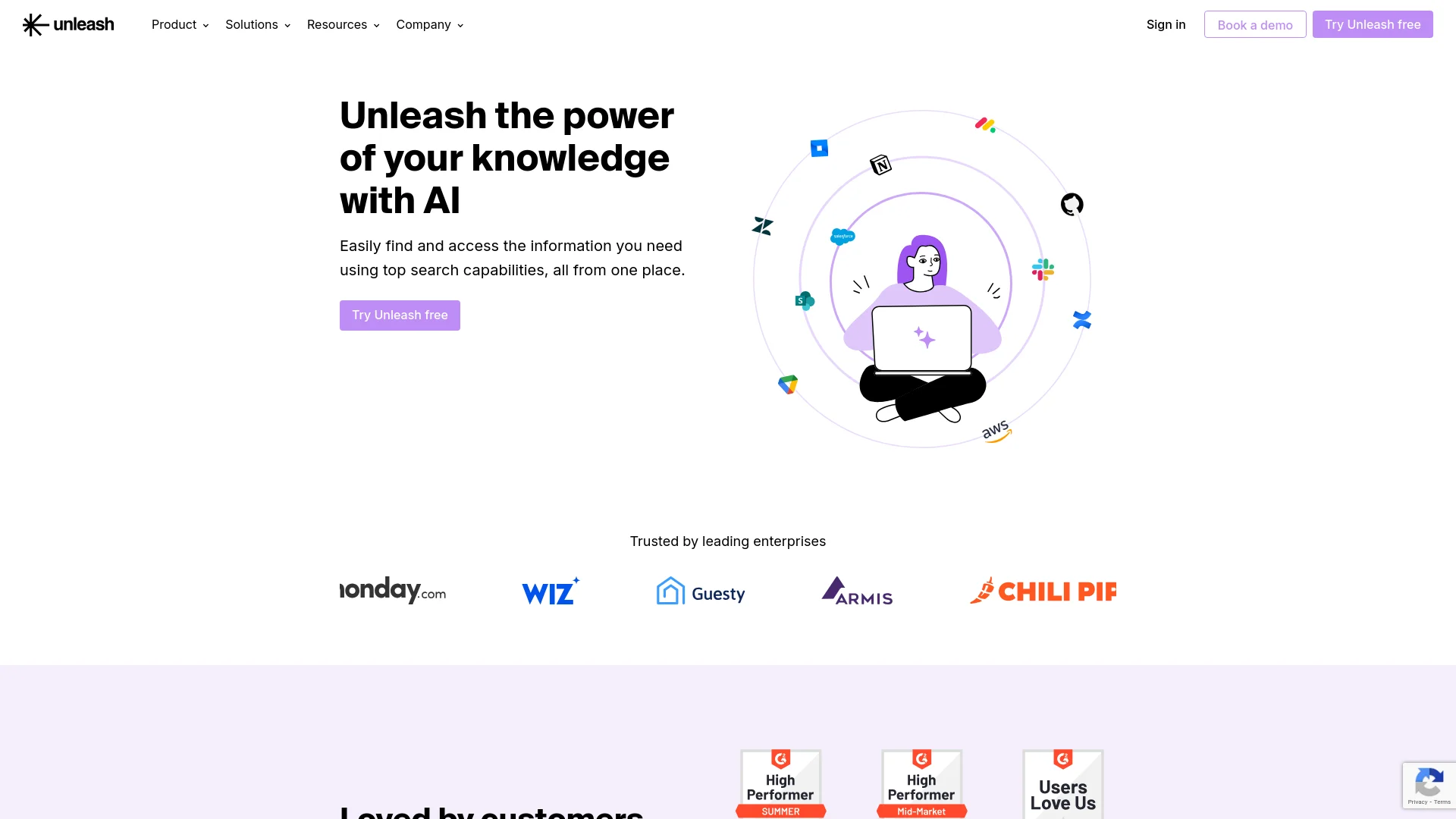
AI-powered enterprise search tool for seamless cross-platform information retrieval.
Key Takeaways
- What it is
- AI-powered enterprise search tool for seamless cross-platform information retrieval.
- Pricing
- $30 per month
- Best for
- Enterprise AI Search
- Digital Workspace Assistants
- Collections
- Rating
- 4.5/5
What is Unleash?
Unleash is an advanced AI-powered search tool designed to revolutionize the way organizations manage and access their collective knowledge. With a focus on enhancing productivity and streamlining workflows, Unleash offers a suite of features that allows users to search across all their applications from one centralized platform. This tool is particularly beneficial for businesses and teams looking to optimize their information retrieval processes and improve decision-making efficiency.
Unleash stands out due to its robust AI-driven search capabilities that not only understand user queries but also provide contextually relevant answers. Its ability to seamlessly integrate with numerous external applications and platforms sets it apart, offering a versatile solution for enterprise knowledge management.
Unleash excels in providing robust search capabilities and seamless integration, making it an essential tool for organizations looking to enhance their information management and accessibility. Its unique AI-powered search engine, combined with extensive customization and integration options, offers an unmatched advantage for users in various sectors.
Who is Using Unleash?
Engineering Teams
Gain 360° visibility of cloud resources and streamline project management.
Sales Professionals
Access client accounts and project details swiftly to enhance client relations and drive sales.
HR Departments
Centralize essential HR documents and processes for easier management and access.
Support Teams
Improve response times with instant access to necessary support documents and client data.
Uncommon Use Cases
Utilized by academic institutions for research purposes and by legal firms for quick retrieval of case-related documents.
Key Features
Rating Breakdown
Pricing Plans
Free Trial
- Experience Unleash with a 14-day free trial
Standard Plan
$30 per month
- Basic features
Enterprise Plan
- Custom pricing based on the specific needs and scale of the organization
Which Unleash plan should you pick?
Start with a sales-led Unleash deployment after requesting a custom quote, then upgrade or expand the deployment when you need more users, integrations, assistants, or enterprise controls.
Custom quote
Good for organizations that need enterprise knowledge search, connected workplace applications, custom assistants, security controls, and tailored deployment.
Unleash Use Cases
Enterprise knowledge search
Search across connected workplace applications and permission-aware company knowledge.
Outcome: Faster access to relevant internal information.
Custom AI assistants
Create assistants with customized behavior, knowledge sources, permissions, and sharing settings.
Outcome: Specialized assistants for different teams and workflows.
Customer-support ticket assistance
Summarize tickets and generate suggested resolutions inside Zendesk or Salesforce.
Outcome: More efficient ticket handling and faster responses.
Slack and Teams channel assistance
Deploy assistants that monitor channel questions and respond using connected knowledge sources.
Outcome: Reduced repetitive questions for channel managers.
Browser writing assistance
Highlight web content and use Unleash to refine, translate, or summarize it.
Outcome: Faster editing and translation without leaving the browser.
Workflow Ideas with Unleash
Automate support-ticket resolution
- 1Connect Zendesk or Salesforce as a knowledge source
- 2Configure a ticket assistant to summarize tickets and suggest resolutions
- 3Translate or apply the suggested resolution inside the ticket workflow
Create an API-powered internal action assistant
- 1Add a custom REST API tool
- 2Define authentication, arguments, endpoint, and response fields
- 3Trigger actions such as creating tickets or sending Slack or Teams messages from chat
Deploy a channel knowledge assistant
- 1Install the Unleash Slack or Teams app
- 2Invite the assistant to a channel
- 3Configure its data sources and let it respond to channel questions
How Unleash fits into your stack
Slack Integration
Directly integrates with Slack, allowing users to retrieve information without leaving the chat interface.
Zendesk Compatibility
Enhances customer support by providing quick access to necessary information directly within Zendesk.
API Access
Offers developers the ability to create custom integrations and extend functionality.
Microsoft Teams and Google Meet
Smooth integration with major communication platforms to enhance collaborative efforts.
Pros
- +Efficient Information Access: Significantly reduces the time needed to locate and retrieve information across multiple platforms.
- +Customization: Offers tailored features that can adapt to specific organizational needs, enhancing user experience and relevance.
- +Integration Capabilities: Supports a wide range of third-party apps and services, ensuring flexibility and scalability.
- +User-Friendly Interface: Designed with a focus on usability, making it easy for all team members to navigate and utilize.
Cons
- −Learning Curve: New users may require some time to fully leverage all available features.
- −Dependency on Internet Connectivity: Requires a stable internet connection to perform optimally.
- −Limited Offline Functionality: Most features are not accessible without internet access.
Limitations & when to consider alternatives
Known limitations
- File-upload limits. Assistants support up to 20 uploaded files, with a maximum of 50 MB per file and 20 MB per image.
- Model-specific file restrictions. File uploads are unavailable for some models, including Claude 3.7 Sonnet and Claude 3.5 Haiku.
- Next-Gen assistant beta status. The Next-Gen General Assistant is documented as being in beta and may require workspace-admin permission.
- Desktop local search requirements. Local PC or Mac search requires the desktop app to be installed and running on the same device.
- Pricing is sales-led. The pricing page does not publish fixed plan prices and directs prospective customers to request a custom quote.
Look elsewhere when
- You need a native iOS or Android app.
- You need model fine-tuning on your own data.
- You need a published self-serve free plan.
How to Use Unleash
- 1
Explore detailed tutorials and user guides available on the Unleash website and YouTube channel, covering everything from basic setup to advanced features utilization.
Who is Unleash For?
Knowledge workers
Unleash helps them find and access information across the organization's workplace applications.
Developers
Developers can use the REST API to build search assistants, chatbots, embedded search, and branded knowledge experiences.
IT and workspace administrators
Administrators can manage users, roles, invitations, connected applications, permissions, authentication, and assistant deployment.
Customer support teams
Ticket assistants can summarize tickets, suggest resolutions, and translate generated resolutions in Zendesk and Salesforce.
Sales teams
Unleash provides centralized access to company knowledge and connected applications for sales workflows.
Frequently Asked Questions
What is Unleash?
Unleash is an AI-based knowledge management solution that helps knowledge workers find information across workplace platforms and tools.
What languages does Unleash support?
Unleash supports common human languages and is optimized for Latin languages. Its writing tools provide translation in multiple languages.
Does Unleash train models on customer data?
No. Unleash uses retrieval-augmented generation and states that client data is not used for model training.
Can users upload files?
Yes. Users can upload files to an assistant's private knowledge base. The documented limit is 20 files per assistant, with a 50 MB file limit and 20 MB image limit.
How does Unleash handle authentication?
Unleash supports Google, Microsoft, and Slack sign-in, email magic links, and SAML authentication with providers such as Okta, Azure, and Google.
Does Unleash offer an API?
Yes. The documented REST API supports Chat and Search, API keys, permission-aware queries, and custom integrations.
Community reviews
Be the first to share your experience.
Sign in to leave a review for Unleash.
Unleash Alternatives
Looking for alternatives to Unleash? Here are similar tools in the same category:
Learn to Master Unleash
With Skill Leap courses
Get in-depth training on Unleash and 50+ other AI tools with our expert-led video courses.
Start 7-Day Free Trial