
Unify
Optimize LLM performance, cost, and speed via unified API.
Key Takeaways
- What it is
- Optimize LLM performance, cost, and speed via unified API.
- Pricing
- $50
- Best for
- Unified API Access
- Custom Routing
- Real-time Benchmark Data
- Rating
- 4.7/5
What is Unify?
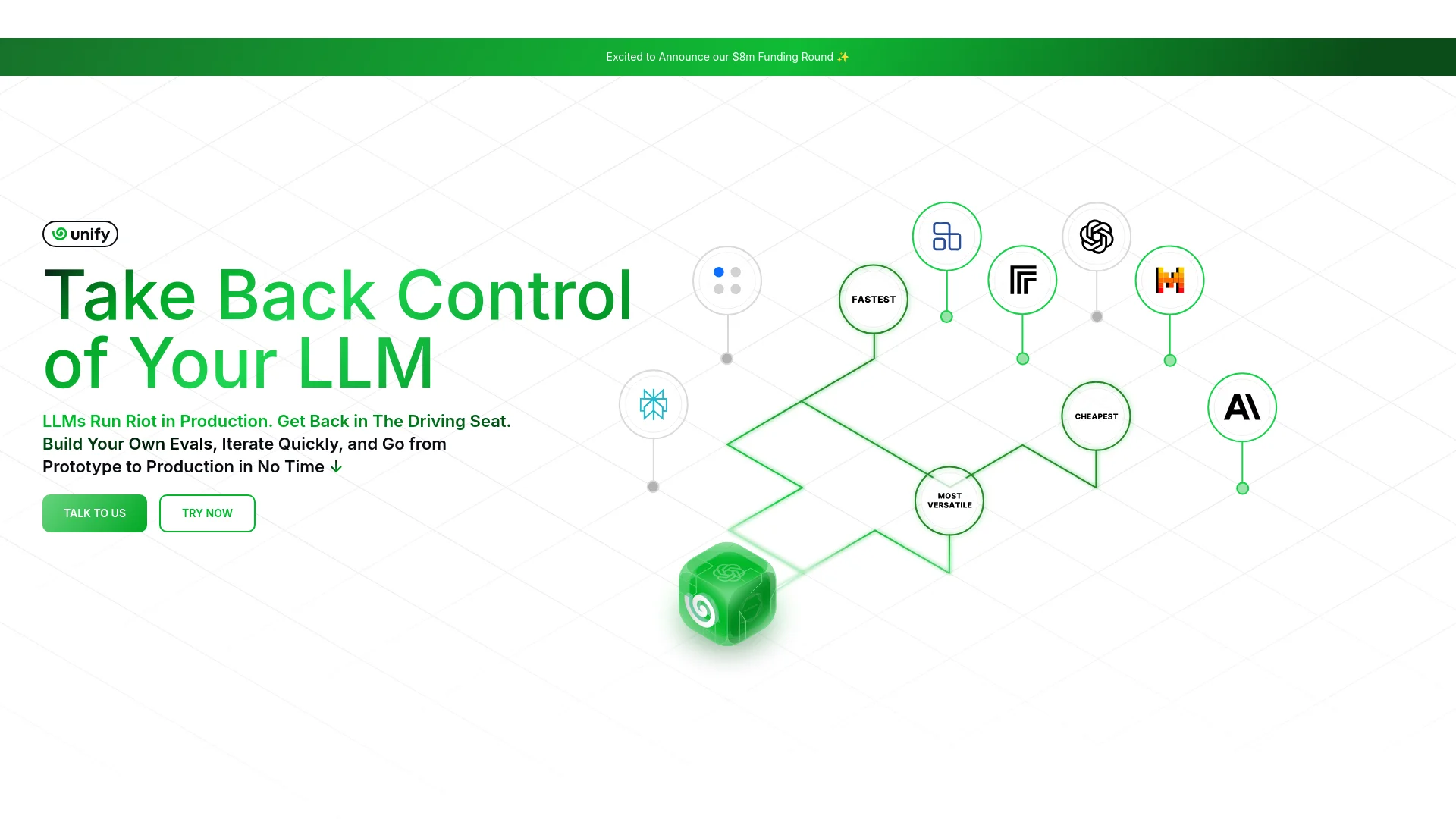
Unify is a groundbreaking AI tool designed to optimize the performance, cost, and speed of Large Language Models (LLMs). It enables users to combine multiple LLMs from various providers through a single API, ensuring the best possible response for each query. Unify is ideal for developers, data scientists, and AI engineers who need to manage and deploy LLMs efficiently, providing a streamlined solution to navigate the complexities of the LLM landscape.
Unify stands out with its ability to combine multiple LLMs into a single, cohesive system, optimizing for quality, speed, and cost-efficiency. This unique feature allows users to leverage the strengths of various models without being locked into one provider, making it a versatile and powerful tool for a wide range of AI applications.
Unify excels in providing a comprehensive solution for managing and optimizing LLMs, making it an essential tool for AI developers and engineers. Its unique ability to combine multiple models and optimize for various factors offers unmatched flexibility and efficiency.
Who is Using Unify?
E-commerce Businesses
Leveraging Unify to enhance customer service chatbots and recommendation engines.
Digital Marketing Agencies
Utilizing the tool to optimize content generation and campaign management.
AI Research Labs
Employing Unify for efficient model evaluation and deployment.
Software Development Firms
Integrating Unify to streamline AI capabilities in their applications.
Uncommon Use Cases
Adopted by financial institutions for fraud detection models; used by healthcare providers for patient data analysis.
Key Features
Rating Breakdown
Pricing Plans
Free Tier
$50
- Free credit for new signups
Unify Use Cases
Programmatic assistant messaging
Send messages to a Unify assistant through the REST API.
Outcome: Receive an asynchronous assistant response.
Document summarization
Upload a report and send it with a request to summarize the document.
Outcome: Obtain a summary from the assistant.
Message routing
Attach arbitrary tags such as source and channel metadata to messages.
Outcome: Route responses back to the relevant source or channel.
Provider fallback routing
Configure fallback providers, models, endpoints, regions, or complete queries.
Outcome: Continue processing when an earlier provider or model fails.
Workflow Ideas with Unify
Upload and summarize a report
- 1Upload the report through POST /messages/attachments.
- 2Send a message referencing the uploaded attachment and request a summary.
- 3Poll the returned message ID until the response is completed.
Route messages with metadata
- 1Create a message with source and channel tags.
- 2Send the message through the Unify API.
- 3Use the echoed response tags to route the reply.
Add provider fallbacks
- 1Choose a primary model and provider.
- 2Add fallback providers, models, or endpoints using the documented syntax.
- 3Process the response from the first successful route.
How Unify fits into your stack
Browser
The product is accessed through the Unify console, where users onboard and manage AI teammates.
Team chat and tickets
Teammates can communicate through Slack and other messaging channels, post updates, send DMs, and open action-item tickets.
Knowledge and files
Unify connects to Google Drive and Notion, reads files such as PDFs, and writes summaries or structured updates.
Automation and APIs
Scheduled tasks, multi-step workflows, named app integrations, and a documented REST API place Unify in the automation layer.
Pros
- +Time Efficiency: Significantly reduces the time required to manage and deploy multiple LLMs.
- +Cost-Effective: Optimizes cost by routing queries to the most economical models.
- +High Customizability: Offers extensive customization options to fit specific user needs.
- +Enhanced Performance: Ensures peak performance by using up-to-date benchmark data.
Cons
- −Initial Learning Curve: May require some time to familiarize oneself with all the advanced features.
- −Dependency on Third-party Providers: Performance and cost are dependent on the available LLM providers.
Limitations & when to consider alternatives
Known limitations
- Maximum of 10 attachments per message. The API documentation limits messages to up to 10 attached files.
- Fallback queries are unsupported in the Python SDK. The fallback documentation states that fallback queries currently are not supported in the Python SDK.
How to Use Unify
- 1
Get an API key
Create or access your API key and assistant ID in the Unify Console so requests can authenticate.
- 2
Send a message
POST to /messages with the assistant ID and user message.
- 3
Upload supporting files
For document-based tasks, upload files through /messages/attachments before sending the message.
- 4
Poll for completion
Use the returned message ID with GET /messages/{message_id} until processing completes.
- 5
Add routing tags
Attach source or channel tags when replies need to be routed back to another system.
- 6
Configure fallbacks
For production requests, define alternate providers, models, endpoints, or regions to improve resilience.
Who is Unify For?
Operations teams
Unify handles recurring administrative and operational work, monitoring systems and escalating exceptions.
Sales teams
It supports lead sourcing, sales qualification, CRM updates, follow-ups, and pipeline workflows.
Accounting teams
It can process invoices, reconcile line items against contracts, and surface anomalies.
Product studios
Unify can join project, time-tracking, and spreadsheet data to detect overruns before invoicing.
Ecommerce brands
It can combine commerce, marketing, and advertising data into scheduled trading reviews.
Frequently Asked Questions
How do I authenticate API requests?
Use a Bearer token containing your Unify API key. The documentation identifies the API base URL as https://api.unify.ai/v0.
How do I send a message to an assistant?
Send a POST request to /messages with an assistant_id and message, then use the returned message_id.
How do I retrieve an assistant response?
Poll GET /messages/{message_id} until the status changes from processing to completed.
Can I attach files to a message?
Yes. Upload files through POST /messages/attachments, then reference the returned metadata in the message attachments array.
How many files can I attach?
The API documentation says that up to 10 files can be attached to one message.
What are fallback queries?
Fallback queries let requests try alternate providers, models, endpoints, or complete query configurations when earlier attempts fail.
Community reviews
Be the first to share your experience.
Sign in to leave a review for Unify.
Unify Alternatives
Looking for alternatives to Unify? Here are similar tools in the same category:
Learn to Master Unify
With Skill Leap courses
Get in-depth training on Unify and 50+ other AI tools with our expert-led video courses.
Start 7-Day Free Trial