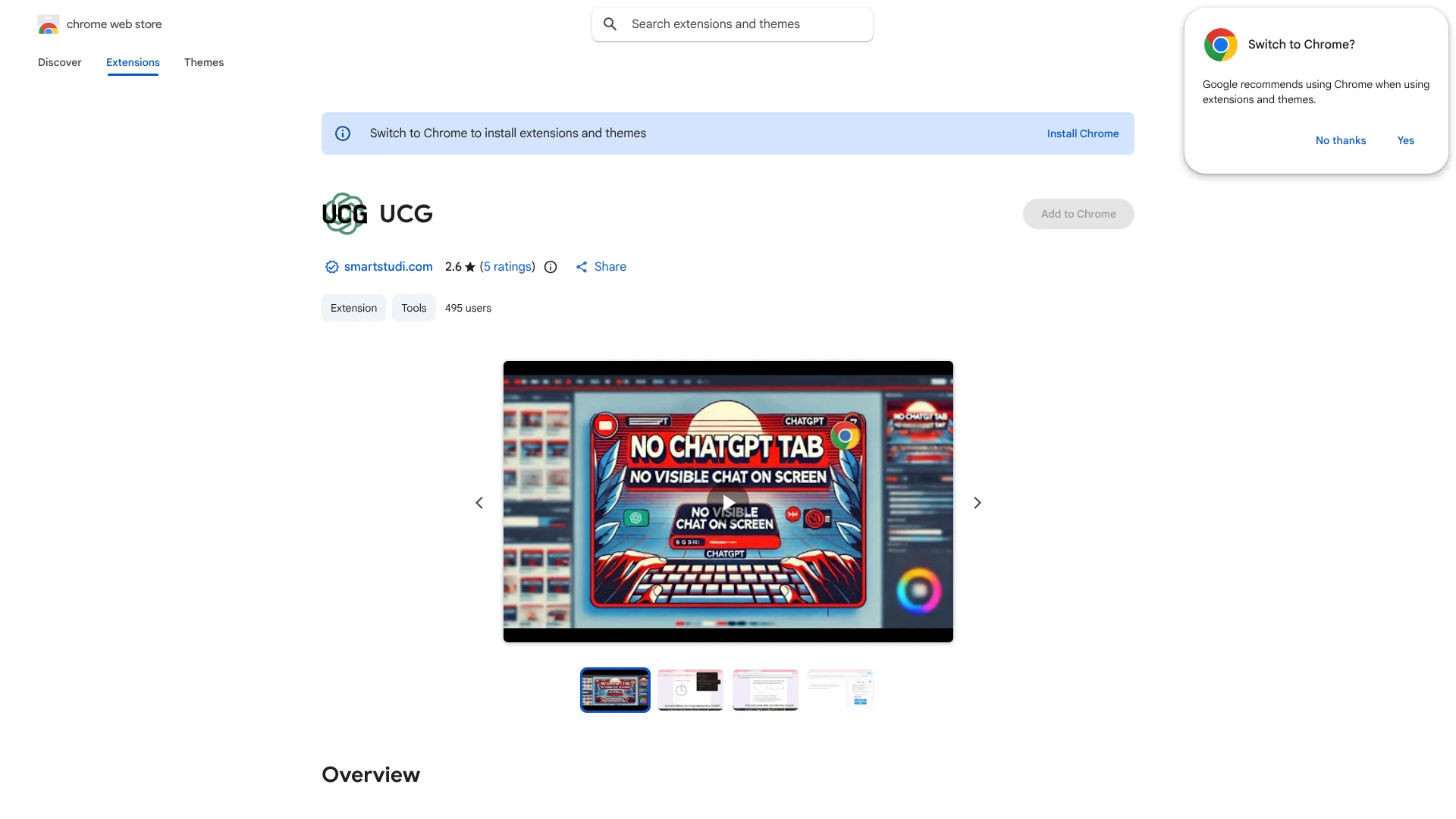
Undetectable ChatGPT Chrome Extension
Get ChatGPT help on your current page without opening a chat.
Watch Undetectable ChatGPT Chrome Extension in Action
Key Takeaways
- What it is
- Get ChatGPT help on your current page without opening a chat.
- Pricing
- Freemium · $9.99 per month
- Best for
- Current-tab screenshots
- Selected-text prompts
- Search-bar prompts
- Rating
- 3.4/5
What is Undetectable ChatGPT Chrome Extension?
Undetectable ChatGPT Chrome Extension sends a screenshot of your current tab, selected page text, or a prompt to ChatGPT, then returns the response without showing a chat on screen. It is made for people who want ChatGPT help while staying on the page they are reading or writing in. A Google Docs feature can also mimic human typing.
Its distinctive move is delivering ChatGPT responses without a visible chat window, including by simulating typing in Google Docs. That makes it different from a standard ChatGPT browser shortcut, though it does not establish that a response will evade any particular school or workplace review.
Students and writers who need help with text already open in Chrome may find the page-aware prompts useful. It requires a SmartStudi account, and using hidden AI responses may conflict with school or workplace rules. Consider it a browser workflow tool, not a way to guarantee acceptable or undetectable work.
Who is Using Undetectable ChatGPT Chrome Extension?
Students
A student can send selected text or a screenshot of a reading page to ChatGPT for help understanding it.
Academic researchers
A researcher can pass a passage from a source page to ChatGPT for discussion or clarification.
Writers
A writer can send a prompt from the search bar and view the response without opening a visible chat.
Google Docs users
Someone drafting in Google Docs can have the extension mimic typing a ChatGPT response.
Uncommon Use Cases
Sending a screenshot of a chart or page for ChatGPT to interpret; asking about a selected passage without copying it into a separate chat.
Key Features
Rating Breakdown
Pricing Plans
Free Trial
Free
- A few tries of all Unlimited features.
- Stops based on OpenAI credit usage.
- No payment method needed.
Unlimited
$9.99 per month
- Includes the Undetectable ChatGPT Chrome extension.
- Includes SmartStudi tools such as AI content scans, paraphrasing, essay generation, citations, summarizing, and grammar checking.
- No monthly limits on any tools, according to SmartStudi.
Which Undetectable ChatGPT Chrome Extension plan should you pick?
Try the Free Trial to test the extension; choose Unlimited if you need continued access to SmartStudi's tools, including UCG.
Free Trial
Good for trying a few uses of the Unlimited features without adding a payment method.
Unlimited
Good for users who want the extension and ongoing access to SmartStudi's other tools.
Undetectable ChatGPT Chrome Extension Use Cases
Ask about a page
A screenshot of the active tab gives ChatGPT visual context for a question about what is on screen.
Outcome: A response based on the submitted screenshot.
Clarify selected text
A highlighted passage can be sent to ChatGPT for an explanation or response.
Outcome: A ChatGPT response to the selected text.
Prompt from the search bar
A typed prompt can reach ChatGPT through the browser search bar.
Outcome: A ChatGPT response without opening a visible chat.
Enter a response in Google Docs
The simulated typing feature can place a response into a Google Docs document.
Outcome: A response entered through mimicked typing.
Workflow Ideas with Undetectable ChatGPT Chrome Extension
Get help with a reading page
- 1Open the reading in Chrome.
- 2Select a passage or capture a screenshot of the tab.
- 3Send it to ChatGPT and review the response.
Draft in Google Docs
- 1Write a prompt using the extension's search-bar option.
- 2Review the ChatGPT response.
- 3Use the Google Docs typing feature if it suits your workflow and follows your organization's rules.
How Undetectable ChatGPT Chrome Extension fits into your stack
Chrome browsing
The extension works from the browser and can send the active tab's screenshot or selected text to ChatGPT.
Google Docs
A listed bonus feature mimics human typing in Google Docs, making it relevant to document drafting.
SmartStudi account
The extension requires a SmartStudi account. Its Unlimited subscription includes access to the extension.
Pros
- +Page context: Send a screenshot or selected text from the tab you are already viewing.
- +Google Docs typing: The extension can mimic typing responses into a document.
- +Multiple prompt paths: Send a prompt through selected text, a screenshot, or the search bar.
Cons
- −Account required: You need a SmartStudi account to use the extension.
- −Chrome-specific: The listed extension is for Chrome, not a standalone mobile or desktop app.
- −Hidden-use framing: Its concealed-chat approach may be a poor fit where AI use must be disclosed.
Limitations & when to consider alternatives
Known limitations
- SmartStudi account needed. The Chrome Web Store listing says users need to sign up for an account at SmartStudi.
- Free access is limited. SmartStudi describes its free option as a few tries of Unlimited features, with use stopping based on OpenAI credit usage.
- No stated detection guarantee for the extension. The extension listing describes concealed ChatGPT responses but does not provide a measured guarantee that its output will pass a particular detector.
Look elsewhere when
- You need a native mobile or desktop app.
- You need a documented developer API.
- You need a tool that does not require a SmartStudi account.
How to Use Undetectable ChatGPT Chrome Extension
- 1
Create a SmartStudi account
The Chrome Web Store listing says an account at SmartStudi is required.
- 2
Install the Chrome extension
Add UCG from its Chrome Web Store listing to use its browser features.
- 3
Choose what ChatGPT should see
Send a screenshot of the current tab, selected text, or a typed prompt through the search bar.
- 4
View the response
Use Ctrl+V on Windows or Command+V on Mac to see the response.
- 5
Try the Google Docs option
The listing describes a feature that mimics human typing in Google Docs; check applicable rules before using it.
Who is Undetectable ChatGPT Chrome Extension For?
Students
The extension is aimed at people working with questions and text on school pages, though they should check their school's AI rules.
Writers
Writers can send selected text or a page screenshot to ChatGPT while keeping their current tab open.
People working in Google Docs
The simulated typing feature is intended for entering responses in Google Docs.
Frequently Asked Questions
Is Undetectable ChatGPT Chrome Extension free?
SmartStudi offers a Free Trial with a few tries of Unlimited features and no payment method required. The trial stops based on OpenAI credit usage.
What does the Unlimited plan cost?
SmartStudi lists Unlimited at $9.99 USD per month. It includes the Undetectable ChatGPT Chrome extension and says its tools have no monthly limits.
Do I need a SmartStudi account?
Yes. The Chrome Web Store listing says users need to sign up for an account at smartstudi.com.
What can I send to ChatGPT?
The extension listing says you can send a screenshot of the current tab, selected text, or a prompt typed through the search bar.
Does it work with Google Docs?
The listing describes a bonus feature that mimics human typing in Google Docs.
Community reviews
Be the first to share your experience.
Sign in to leave a review for Undetectable ChatGPT Chrome Extension.
Undetectable ChatGPT Chrome Extension Alternatives
Looking for alternatives to Undetectable ChatGPT Chrome Extension? Here are similar tools in the same category: