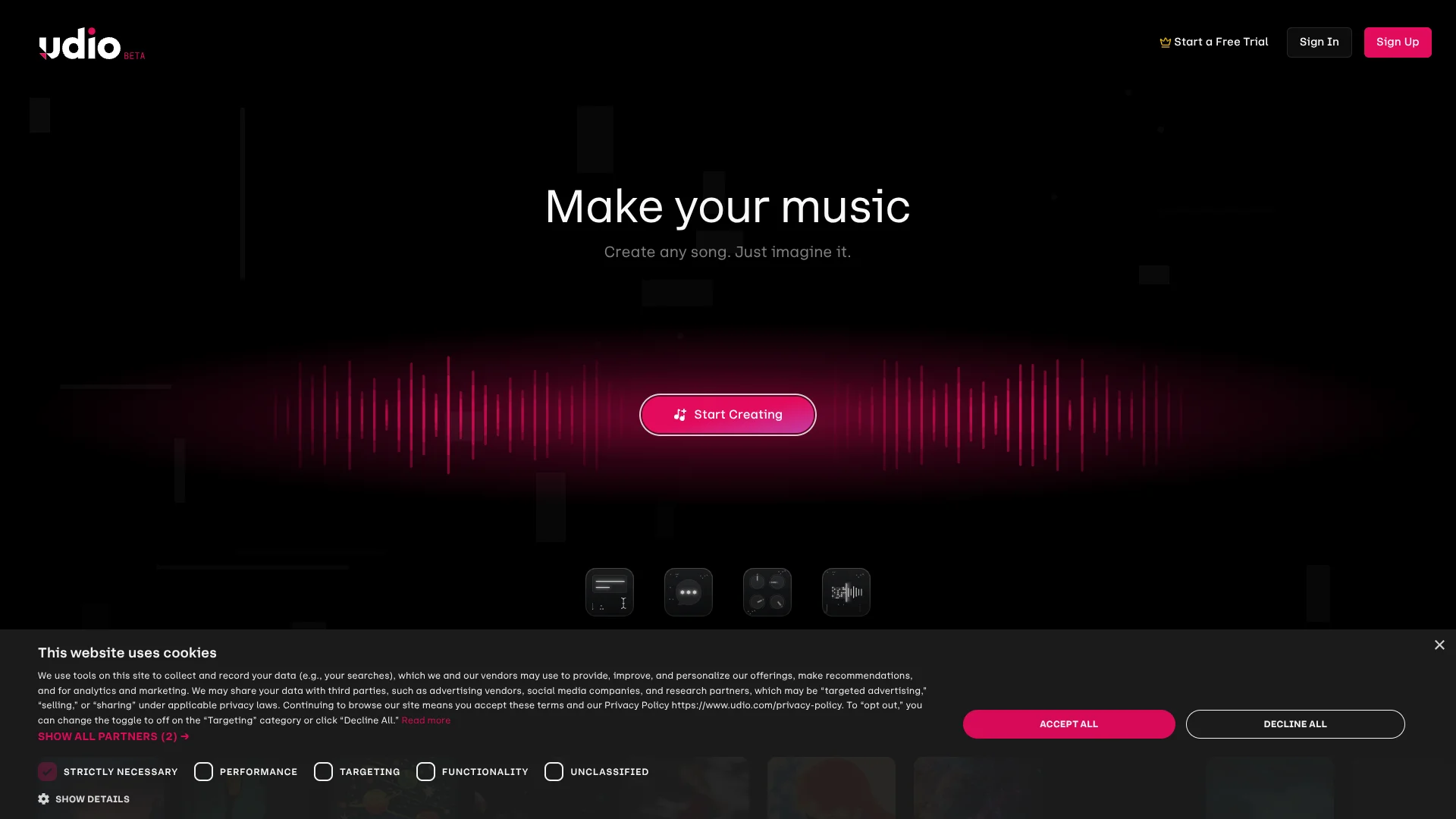
Udio
Songwriters turn written ideas into songs while steering their vocal sound.
Key Takeaways
- What it is
- Songwriters turn written ideas into songs while steering their vocal sound.
- Pricing
- Freemium · $10 per month · $30 per month
- Best for
- Prompt-Based Song Creation
- Custom Lyrics Editor
- Extend
- Rating
- 4.0/5
What is Udio?
Udio turns a written description, genre tags, and optional lyrics into two song versions, giving songwriters and music makers a quick way to test ideas. From there, Extend can add an intro or outro, while Edit and Sessions let paid subscribers revise lyrics or replace a section. Free accounts can try song creation, but have daily and monthly credit limits.
Its Voice Control can guide a new song with a voice from Udio’s Voices library or from one of your own Udio songs, and subscribers can blend two voice references. That gives creators a specific way to explore vocal direction while shaping a song.
Udio is best suited to people developing song ideas, demos, and alternate versions through repeated generations. It is a weaker fit when you need to download finished audio: Udio says audio, video, and stem downloads are disabled, so sharing happens through Udio links.
Who is Using Udio?
Songwriters
A lyric idea or custom verse becomes a full song draft they can revise section by section.
Independent Musicians
Original recordings can serve as source audio for extensions, remixes, or style experiments.
Music Producers
Sessions lets them replace a selected passage and compare alternate takes.
Vocalists
Voice references help them explore vocal direction for a new song.
Uncommon Use Cases
Recorded everyday sounds can be used as source audio; a short song section can become the starting point for an extended track.
Key Features
Rating Breakdown
Pricing Plans
Free
Free
- 10 daily credits within a 100-credit monthly limit
- Up to three 130-second songs per day
Standard
$10 per month
- Up to 2,400 credits per month
- Annual billing is listed at $96.00 per year
Pro
$30 per month
- Up to 6,000 credits per month
- Can create up to 10 songs at the same time
Which Udio plan should you pick?
Start with Free to test song creation, then choose Standard for regular editing or Pro if you need its higher monthly credit limit.
Free
Good for trying prompt-based song creation within daily and monthly credit limits.
Standard
Good for regular creators who need paid editing tools and up to 2,400 credits per month.
Pro
Good for frequent creators who need up to 6,000 credits per month and higher simultaneous generation capacity.
Udio Use Cases
Turn a Song Idea into a Draft
A prompt describing a theme and genre gives songwriters two generated versions to review.
Outcome: Two song versions to compare.
Develop Lyrics
A song description can produce lyric ideas, or the Custom Lyrics Editor can shape words the writer already has.
Outcome: Lyrics paired with a generated song.
Revise a Weak Section
Sessions lets a creator select a passage, replace it, and listen to alternate takes.
Outcome: A revised section with alternate takes.
Build from an Original Recording
Paid subscribers can use eligible audio they own as a starting point for an extension, remix, or style-based generation.
Outcome: A new song generation guided by the uploaded audio.
Explore Vocal Direction
Voice Control can reference a voice from Udio’s library or an eligible song the creator made.
Outcome: A generated song guided by a selected voice.
Workflow Ideas with Udio
Shape a Song Draft
- 1Describe the song’s theme and genre in a prompt.
- 2Compare the two generated versions and choose one to develop.
- 3Edit lyrics or extend the track with an intro, section, or outro.
Rework an Original Recording
- 1Upload audio you own with a paid subscription.
- 2Choose Extend, Remix, Inpaint, Session, or Style based on the change you want.
- 3Review the generated version and refine the relevant section.
Share a Finished Draft
- 1Review the song in your Udio library.
- 2Share its Udio link with listeners.
- 3Collect feedback before making another edit.
How Udio fits into your stack
Web Song Creation
The web app is where Udio’s song creation and advanced editing tools are available. Paid subscribers can upload source audio.
Song Library and Sessions
The library holds created tracks, while Sessions provides a timeline for extending and replacing song sections.
iPhone Listening and Creation
The iOS app supports song creation, listening, sharing, and some track extensions, but it lacks several advanced editing tools.
Sharing
Songs can be shared through Udio links that listeners can open even if they do not have an account.
Pros
- +Two versions per creation: Compare different interpretations of the same prompt.
- +Section-level editing: Replace a chosen part instead of regenerating the entire song.
- +Voice references: Shape vocal direction using Udio voices or your own eligible songs.
- +Free creation tier: Try generating songs before paying for a subscription.
Cons
- −No audio downloads: Finished work cannot currently be exported as audio, video, or stems.
- −Credits do not roll over: Unused subscription credits are lost at the end of the billing period.
- −Mobile editing gap: The iOS app does not include audio uploads, remixing, inpainting, or styling.
Limitations & when to consider alternatives
Known limitations
- Downloads are disabled. Udio says audio, video, and stem downloads are unavailable; songs can be shared through Udio links.
- Free creation has caps. Free accounts receive 10 daily credits within a 100-credit monthly limit and can create up to three 130-second songs per day.
- Credits expire at the end of the cycle. Unused subscription credits do not roll over to the next month.
- Uploads require rights. Udio says users must own the rights to uploaded audio and does not allow commercial or copyrighted tracks as source audio.
- The iOS app has fewer editing tools. Audio upload, remixing, inpainting, and styling are not available in the app.
Look elsewhere when
- You need downloadable audio files or stems for production outside Udio.
- You need an Android app for creating and editing songs.
- Your workflow depends on connecting Udio to other apps through a public API.
How to Use Udio
- 1
Create an account
Sign in to create songs; listening to and sharing Udio music does not require an account.
- 2
Describe the song
Enter a topic or scene and add genre or mood details to guide the generation.
- 3
Choose lyrics
Let Udio generate lyrics, enter your own in the Custom Lyrics Editor, or select instrumental mode.
- 4
Compare the results
Each creation produces two songs, so listen to both before deciding what to develop.
- 5
Edit or extend
Use Extend for new sections or Sessions and Edit to revise parts of a track; these advanced features require a paid subscription.
- 6
Check credits before creating more
Free accounts receive 10 daily credits within a 100-credit monthly limit, and credits do not roll over.
Who is Udio For?
Songwriters
Custom lyrics, generated lyric ideas, and section edits help turn a song concept into a listenable draft.
Music Makers
Extend, remix, and edit tools support experimentation with original recordings and Udio-generated tracks.
Creators Exploring Music
Prompt-based generation offers a way to explore song ideas without starting from a finished recording.
Frequently Asked Questions
Does Udio have a free plan?
Yes. Free accounts receive 10 daily credits within a 100-credit monthly limit. Credits do not roll over.
What are Udio’s paid plans?
Udio’s paid subscriptions are Standard and Pro. Standard includes up to 2,400 credits per month, while Pro includes up to 6,000.
Can I download songs from Udio?
Udio says audio, video, and stem downloads are disabled. Songs can be shared through Udio links.
Does Udio have a mobile app?
Yes, Udio has an official iOS app. Udio says it does not currently have an Android app.
Does Udio offer a public API?
No. Udio’s Help Center says it does not currently offer a public API.
Community reviews
Be the first to share your experience.
Sign in to leave a review for Udio.
Udio Alternatives
Looking for alternatives to Udio? Here are similar tools in the same category: