
Twin
Automate repetitive tasks effortlessly with intelligent, action-driven AI.
Key Takeaways
- What it is
- Automate repetitive tasks effortlessly with intelligent, action-driven AI.
- Best for
- Action-Driven Automation
- Advanced Computer Vision
- Natural Language Processing
- Rating
- 4.6/5
What is Twin?
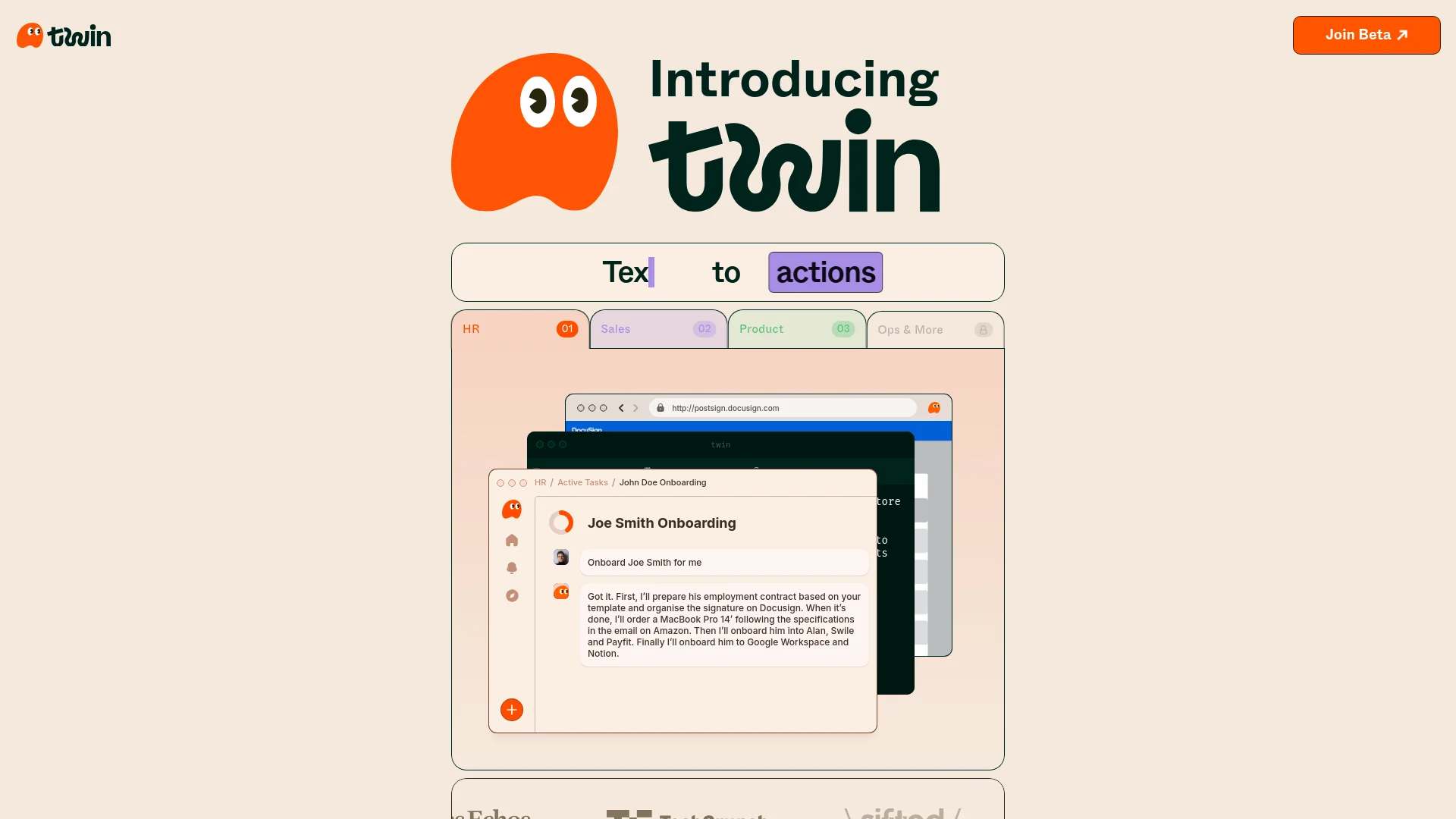
Twin is an innovative AI tool designed to act as your digital sidekick, automating repetitive tasks across various applications with the promise that you'll "never do the same thing twice." This tool leverages advanced computer vision and machine learning technologies to mimic human actions on computers, effectively handling mundane tasks so you can focus on more creative and strategic work. Founded in early 2023 by Hugo Mercier and Joao Justi, Twin aims to revolutionize how we interact with digital environments, boosting productivity and efficiency.
Twin sets itself apart with its robust action-driven approach rather than just content generation. Its capability to learn from user interactions and improve over time makes it not just a tool, but a digital collaborator.
Twin excels in transforming the way we handle digital tasks by automating repetitive actions with high precision and adaptability. It stands out as an essential tool for anyone looking to enhance productivity and focus on more strategic tasks. Its unique action-driven capabilities and user-friendly design make it a top choice in the realm of AI task automation tools.
Who is Using Twin?
Small to Medium Enterprises (SMEs)
Employing Twin to handle routine administrative and operational tasks.
Freelancers
Utilizing the tool to manage repetitive tasks like invoicing and communications.
Educational Institutions
Integrating Twin into administrative functions to automate scheduling, student communications, and record management.
Tech Startups
Leveraging Twin to streamline development operations and project management tasks.
Uncommon Use Cases
Artists and designers use Twin to automate repetitive parts of their creative processes; Event planners use it for guest list management and event scheduling.
Key Features
Rating Breakdown
Pricing Plans
Free Trial
- Twin offers a free trial allowing users to explore its features and capabilities
Subscription Model
- Post-trial
- Twin operates on a subscription basis
- Details of which can be found on the Twin website
Which Twin plan should you pick?
Start with Mini for light recurring automation, then upgrade to Mini+ or Pro when you need more monthly credits, agents, or task volume.
Mini
Good for individuals starting with approximately 2,000 monthly credits and about 20 agent tasks.
Mini+
Good for heavier individual or small-team usage requiring approximately 5,000 monthly credits and about 50 tasks.
Pro
Good for higher-volume automation requiring approximately 20,000 monthly credits and up to 10 agents.
Twin Use Cases
Lead generation
Research, enrich, and qualify leads from multiple sources.
Outcome: A qualified lead pipeline.
Customer support
Automate ticket triage, responses, and escalation.
Outcome: Faster and more consistent support handling.
Finance and invoicing
Collect invoices, reconcile data, and generate reports.
Outcome: Automated finance operations.
Reporting and analytics
Pull data from multiple sources into dashboards and summaries.
Outcome: Consolidated reporting.
Competitive intelligence
Monitor competitor websites, pricing, and job postings.
Outcome: Ongoing visibility into competitor changes.
Workflow Ideas with Twin
Scheduled email categorizer
- 1Scan the Gmail inbox on a recurring schedule
- 2Categorize messages into a Google Sheet
- 3Send a completion notification through Slack
Event-driven email responder
- 1Receive an incoming email or webhook event
- 2Process the event with a Twin agent
- 3Send the resulting response or action
Browser form automation
- 1Open a target website in Twin's cloud browser
- 2Fill out the required form fields
- 3Submit the form and continue the workflow
How Twin fits into your stack
Cross-Platform Usability
Compatible with various operating systems including Windows and macOS.
Browser-Based Integration
Works seamlessly within web browsers to perform tasks.
Extensive App Compatibility
Functions across a wide range of applications from email clients to advanced CRM systems.
API for Custom Integrations
Offers an API for developers to create custom integrations and extend functionality.
Pros
- +Increased Productivity: Automates routine tasks, freeing up time for more valuable activities.
- +High Customizability: Offers the ability to define and adjust tasks according to individual workflow requirements.
- +User-Friendly Interface: Intuitive setup and interaction, even for users with minimal technical expertise.
- +Reliable Performance: Designed to perform tasks with high accuracy and consistency, mimicking human precision.
Cons
- −Initial Setup Requirement: Users need to spend some time initially to configure and teach Twin specific tasks.
- −Dependence on UI Consistency: Performance may degrade if the underlying application's interface changes significantly.
- −Limited to Digital Tasks: Currently, Twin's capabilities are confined to digital environments and do not extend to physical task automation.
Limitations & when to consider alternatives
Known limitations
- Browser automation is expensive. The Web Agent consumes significantly more credits than API-based execution.
- Browser automation is less reliable. Twin describes browser execution as its least reliable mode and recommends APIs when available.
- Login sessions can expire. Cookie expiration varies by service, and Twin cannot control how long external services retain sessions.
- Trial access is time-limited. The free trial lasts 14 days, with daily credits available during that period.
- Complex workflows can cause failures. Conflicting constraints, changing websites, rate limits, authentication issues, and excessive retries can reduce reliability or increase costs.
How to Use Twin
- 1
Twin provides a comprehensive array of tutorials ranging from basic setup to advanced task automation, available on their official website and dedicated YouTube channel.
Who is Twin For?
Non-technical users
Build real automations from natural-language instructions without writing code.
Operators and ops teams
Replace repetitive workflows with agents that run continuously on schedules or events.
Developers
Use the REST API to integrate Twin agents into products and backend systems.
Agencies and freelancers
Build, distribute, and manage agents for clients.
Enterprises
Deploy agents at scale with dedicated support, volume pricing, and service-level agreements.
Frequently Asked Questions
What is Twin?
Twin is an AI-native automation platform for building, deploying, and managing autonomous agents and workflows.
Can I try Twin for free?
Yes. Twin offers a 14-day free trial with 1,000 starting credits and 200 additional credits per day.
What tools can Twin integrate with?
Twin can connect to any app through APIs, browser automation, or integrated OAuth connections such as Gmail, Slack, and Google Sheets.
Can Twin respond to external events automatically?
Yes. Agents can respond to Slack messages, email arrivals, webhooks, form submissions, schedules, and REST API triggers.
Does Twin use my local browser?
No. Browser automation runs in an isolated cloud computer and does not access your local browser or sessions.
What happens when I run out of credits?
Trial users continue receiving daily credits during the trial; paid users can purchase top-ups or wait for the next billing cycle.
Community reviews
Be the first to share your experience.
Sign in to leave a review for Twin.
Twin Alternatives
Looking for alternatives to Twin? Here are similar tools in the same category:
Learn to Master Twin
With Skill Leap courses
Get in-depth training on Twin and 50+ other AI tools with our expert-led video courses.
Start 7-Day Free Trial