
Tripplanner
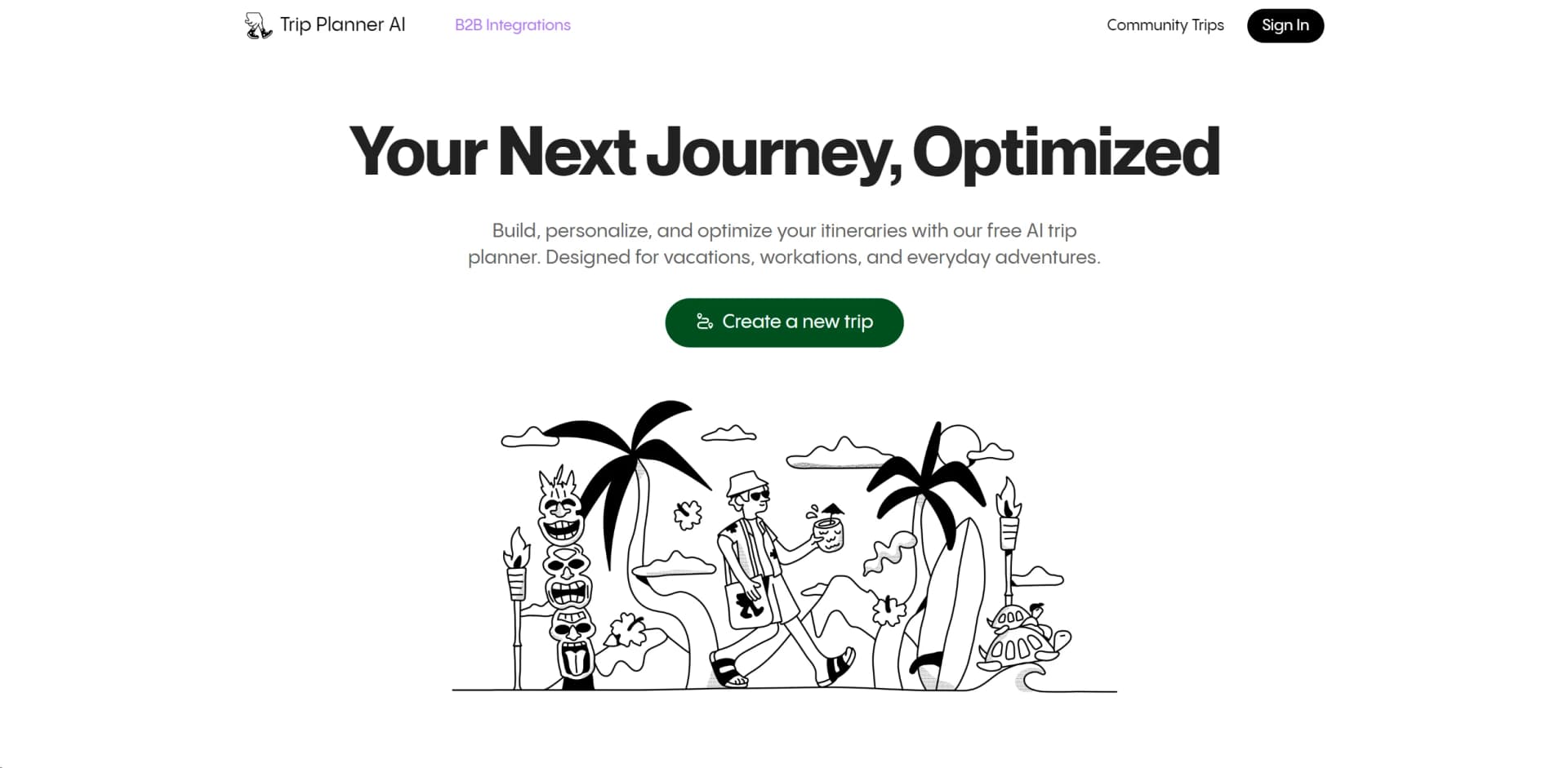
Optimizes travel with AI-driven, personalized itinerary planning.
Key Takeaways
- What it is
- Optimizes travel with AI-driven, personalized itinerary planning.
- Best for
- AI-Powered Itinerary Creation
- Optimal Route Planning
- Local Cuisine Recommendations
- Rating
- 4.7/5
What is Tripplanner?
Imagine a tool that not only helps plan your trips but also optimizes them for the best possible experience. That's what Tripplanner offers. As a frequent traveler and tech enthusiast, I've had my fair share of experiences with travel planning tools, but Tripplanner stands out with its AI-driven capabilities. Designed for everyone from vacationers to digital nomads, this tool simplifies the creation of itineraries by considering your preferences for sights, dining, and lodging to craft a personalized travel plan.
Tripplanner stands out by combining AI-driven itinerary planning with real user data to create travel plans that are not only optimized for logistics but also enriched with personal preferences and community insights. This dual approach ensures that each itinerary is both efficient and tailored to the user’s tastes.
Tripplanner excels in providing a seamless, personalized travel planning experience. Its unique blend of AI-driven optimization and user-generated content offers an unmatched advantage for all types of travelers. Whether you're planning a quick city break or a month-long expedition, Tripplanner ensures your itinerary is as efficient and enjoyable as possible.
Who is Using Tripplanner?
Solo Travelers
Utilizing the tool to craft detailed solo travel itineraries.
Business Travelers
Employing the app to schedule efficient routes for work-related trips.
Adventure Seekers
Planning unique and activity-filled journeys.
Family Vacation Planners
Using the tool to organize trips that cater to both adults and children’s interests.
Uncommon Use Cases
Utilized by travel bloggers for creating content on optimized travel itineraries; Adopted by event planners to arrange travel schedules for large groups.
Key Features
Rating Breakdown
Pricing Plans
Free Access
- Tripplanner is completely free
- Which is a major advantage for all types of travelers
Tripplanner Use Cases
Build an instant itinerary
Enter travel dates and destinations to receive a plan containing flights, hotels, and activities.
Outcome: A complete itinerary with timing, routes, and budget estimates.
Compare travel options
Research and compare destination activities, accommodations, meals, flights, and hotel options.
Outcome: A clearer view of available travel choices.
Plan a road trip
Use AI route planning to identify optimized routes, stopovers, viewpoints, and overnight stays.
Outcome: A more organized route with less excessive driving.
Plan a multi-city trip
Design itineraries involving multiple flights, trains, transfers, and hotels.
Outcome: Optimized connections and overnight stays.
Refine an itinerary
Swap activities, adjust transport, or change hotels so the itinerary recalculates travel times, costs, and suggestions.
Outcome: An updated plan that reflects changing preferences.
Workflow Ideas with Tripplanner
Create and refine a destination itinerary
- 1Enter travel dates and destinations
- 2Review suggested flights, hotels, activities, routes, and budget estimates
- 3Swap activities or adjust transport and let the itinerary recalculate
Plan a road trip
- 1Choose a road-trip destination and route
- 2Review optimized stopovers, viewpoints, and overnight stays
- 3Adjust the route to match preferred timing and activities
Research before booking
- 1Explore activities, accommodations, and meals for a destination
- 2Compare available options and live travel prices
- 3Follow referral links to Layla or third-party booking partners
How Tripplanner fits into your stack
Mobile and Desktop Compatibility
Accessible via both web and mobile platforms, ensuring you can plan on the go.
Social Media Integration
Easily import travel ideas and spots from platforms like Instagram and TikTok.
Multi-User Collaboration
Supports real-time itinerary updates from multiple users, which is ideal for group trips.
Pros
- +User-Friendly Interface: The platform is intuitive, making it easy for anyone to start planning their next journey without a steep learning curve.
- +Customization Options: Provides flexibility in itinerary planning, allowing users to add, remove, or modify activities as they see fit.
- +Time-Saving Features: From route optimization to automated itinerary suggestions, it significantly cuts down planning time.
- +Cost-Effective Planning: Helps users find the best options within their budget, potentially saving money on trips.
Cons
- −Internet Dependency: Requires a consistent internet connection to access the most up-to-date features and information.
- −Limited Offline Capabilities: While it's excellent online, offline functionalities are not as robust, which could be a drawback in areas with poor connectivity.
- −Overwhelming Options: For some users, the sheer number of features and customization options might be overwhelming initially.
Limitations & when to consider alternatives
Known limitations
- Bookings are handled elsewhere. Reservations, cancellations, and modifications are completed through Layla or third-party websites.
- Not a travel agency. Trip Planner AI states that it is not a tour operator, travel agency, or touristic service provider.
- Third-party services have separate terms. Bookings and detailed planning on Layla or partner platforms are subject to those services' respective terms.
- Users make the final travel decisions. Users are responsible for deciding which activities, accommodations, and meals to explore or book.
- Feature availability may change. The terms allow Trip Planner AI to add, remove, suspend, or stop functionalities and services.
Look elsewhere when
- You need booking management directly inside Trip Planner AI.
- You need a native iOS or Android app from this vendor.
- You need a documented developer API.
How to Use Tripplanner
- 1
For those who prefer a guided approach, Tripplanner offers a range of tutorials that help users from setup to advanced features, available directly on their platform.
Who is Tripplanner For?
Solo travelers
The site describes personalized planning for solo adventures based on individual preferences.
Couples
Couples can use tailored planning for romantic getaways and relationship-focused travel.
Families
Family vacations can be planned with pacing and downtime suited to family travel.
Groups
The site presents collaborative group planning so companions can stay informed and involved.
Road trippers
Road-trip planning includes optimized routes, stopovers, scenic viewpoints, and overnight stays.
Frequently Asked Questions
What does Trip Planner AI provide?
It helps users explore destinations, gather inspiration, and research and compare activities, accommodations, and meals.
Is Trip Planner AI free?
The Trip Planner AI Website and its documented Services are offered free of charge.
Where does detailed trip planning happen?
Detailed AI trip planning and bookings take place on Layla or third-party booking platforms.
Can users share trips?
Users can browse Community Trips and make their own trips public for other users to view.
Can Trip Planner AI book hotels, activities, or meals?
Reservations, cancellations, and modifications are handled through Layla or third-party websites and platforms.
How do users sign up?
Users create an account by signing in with a Google account and accepting the applicable terms and policies.
Community reviews
2 reviews from people who use Tripplanner.
Sign in to leave a review for Tripplanner.
Srihari Unnikrishnan
Joey Dokho
Tripplanner Alternatives
Looking for alternatives to Tripplanner? Here are similar tools in the same category:
Learn to Master Tripplanner
With Skill Leap courses
Get in-depth training on Tripplanner and 50+ other AI tools with our expert-led video courses.
Start 7-Day Free Trial