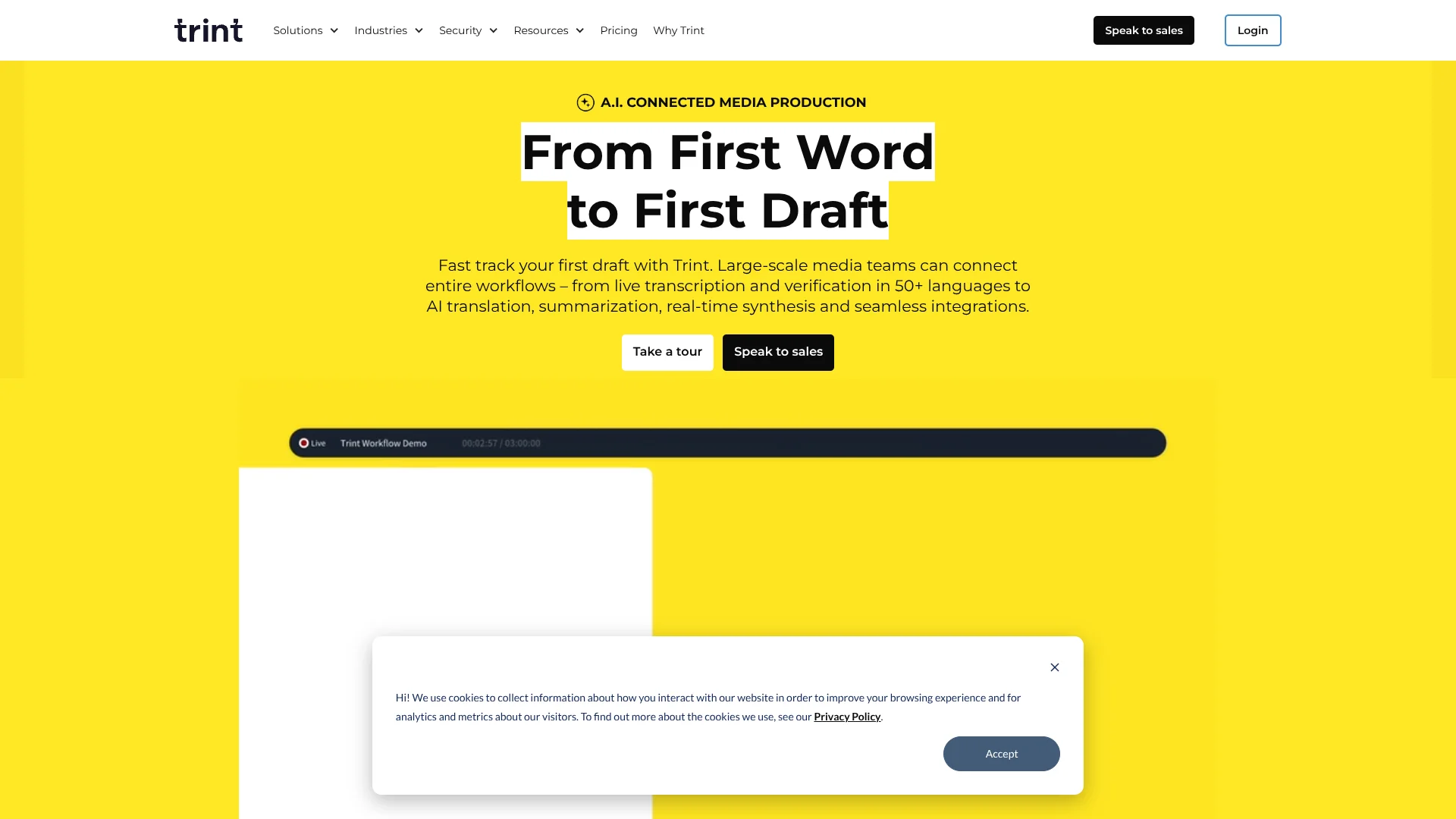
Trint
Searchable transcripts help journalists find quotes in recorded interviews.
Watch Trint in Action
Key Takeaways
- What it is
- Searchable transcripts help journalists find quotes in recorded interviews.
- Pricing
- $100 per seat per month · $90 per seat per month
- Best for
- AI Assistant
- AI Highlights
- Trint Live
- Rating
- 4.1/5
What is Trint?
Trint turns recorded or live audio and video into searchable transcripts, so journalists, producers, and other media teams can find quotes without replaying entire recordings. Its AI can summarize transcripts and suggest useful moments, while speaker labels and time codes help people check where a quote came from. Teams can then edit the transcript and shape selected quotes into content.
Trint’s suggested highlights include time codes that point back to the footage, and they stay marked as unverified until a person reviews them. That gives editors a clear way to find promising quotes while keeping human review visible.
It is best suited to teams that regularly turn interviews, broadcasts, or other recordings into publishable stories, captions, or rough cuts. The editorial workflow is more specialized than a basic speech-to-text tool, and live transcripts cannot currently be opened in Story Builder.
Who is Using Trint?
Journalists
Search interviews and press events for attributable quotes, then check each quote against its time-coded source.
News Editors
Review AI-suggested highlights and gather verified selections for a developing story.
Video Producers
Find usable lines in footage transcripts and assemble selections into a rough cut.
Podcast Producers
Locate key sections in long recordings and shape selected moments into an outline.
Uncommon Use Cases
Faculty and students can search recorded research interviews for themes; communications teams can review multilingual sports interviews for quotes.
Key Features
Rating Breakdown
Pricing Plans
Pro
$100 per seat per month
- Pricing is per seat.
Team
$90 per seat per month
- Pricing is per seat.
Business
- Contact Trint for custom pricing.
Which Trint plan should you pick?
Try the seven-day trial to test transcription on your own recordings, then choose a paid tier based on your file volume and collaboration needs.
Starter
For people who need Trint’s transcription and editing workflow; check the official pricing page for current limits and price.
Advanced
For people who need a higher tier of Trint features; check the official pricing page for current inclusions and price.
Trint Use Cases
Interview-based reporting
A searchable transcript helps reporters locate quotes and check them against the recording.
Outcome: Time-coded quotes ready for editorial review.
Live event coverage
During a press event or interview, collaborators can follow the growing transcript and mark important moments.
Outcome: A live transcript with moments ready to review and share.
Video rough cuts
Selected transcript passages can be organized in Story Builder to plan a video edit.
Outcome: A rough cut built from selected, time-coded quotes.
Podcast production
Searchable episode transcripts help producers find sections for an outline or later editing.
Outcome: Selected moments organized for production.
Translated captions
Translated transcripts can be turned into localized captions for video.
Outcome: Caption text prepared in the target language.
Workflow Ideas with Trint
From interview to verified story quotes
- 1Transcribe the interview in Trint.
- 2Review AI-suggested highlights and check promising quotes against the recording.
- 3Collect verified selections in Story Builder.
Live event to newsroom handoff
- 1Start a Trint Live session in the desktop or mobile app.
- 2Give collaborators access through a Shared Drive so they can follow and comment.
- 3Export selected transcript sections for editorial follow-up.
Recording to localized video captions
- 1Transcribe the audio or video file.
- 2Translate the transcript into the intended language.
- 3Prepare the translated text as video captions.
How Trint fits into your stack
Recording and capture
Trint accepts prerecorded audio and video, and Trint Live captures speech from a microphone or screen in its desktop or mobile app.
Transcript review
The editor links transcript text to playback, making it easier to correct wording and confirm quotes in context.
Story and caption production
Story Builder organizes selected quotes for articles, podcast outlines, and video rough cuts; translated transcripts can support captions.
Newsroom and file connections
Named integrations include AP ENPS, Mimir, LiveU, Google Drive, Dropbox, OneDrive, and Zoom.
Automation and APIs
Zapier can connect Trint with cloud apps for workflows and notifications, while Trint APIs let developers connect its services to their own platforms.
Pros
- +Quote checking: Time codes make it easier to return to the exact moment in the source recording.
- +Visible review: AI-suggested highlights remain distinct until an editor verifies them.
- +Story drafting: Story Builder can turn selected quotes into a rough cut or written draft.
- +Language reach: Transcription supports more than 40 languages, with translation into more than 70.
- +Media connections: Integrations include Mimir, AP ENPS, Google Drive, Dropbox, and Zapier.
Cons
- −Specialized workflow: Its strongest tools focus on editing and publishing recorded media, rather than general-purpose AI tasks.
- −Live session cap: A Trint Live session can run for up to three hours.
- −Plan cost: Trint offers a free trial, not a permanent free tier.
Limitations & when to consider alternatives
Known limitations
- Trint Live duration. Each Trint Live stream has a maximum duration of three hours.
- Live transcript language detection. Automatic recognition of multiple languages during a live transcription is available on custom plans.
- Live transcripts and Story Builder. A Trint Live transcript cannot currently be opened in Story Builder.
- No permanent free plan. The free access described in Trint's terms is a seven-day trial for up to three files, not an ongoing free tier.
Look elsewhere when
- You need a permanent free transcription plan.
- You need live transcripts to flow directly into Story Builder.
- Your live recording needs to run longer than three hours.
How to Use Trint
- 1
Start a trial
New users can try Trint for seven days, with transcription for up to three files during the trial.
- 2
Add a recording
Upload an audio or video file, or bring in a recording through a supported integration such as Google Drive or Zoom.
- 3
Check the transcript
Review speaker names and wording against the linked recording before relying on a quote.
- 4
Find useful moments
Search the transcript or ask the AI Assistant to surface topics, summaries, or relevant quotes.
- 5
Prepare the next asset
Move selected quotes into Story Builder, or use the transcript to prepare captions or a translation.
- 6
Share with collaborators
Invite colleagues or use a Shared Drive so they can review and edit transcripts together.
Who is Trint For?
Newsrooms
Reporters and editors can search interviews and live coverage for quotes to verify and publish.
Sport Media
Sports media teams can find and share interview moments across events and languages.
Production Teams
Video producers can search footage transcripts, select moments, and prepare rough cuts or captions.
Podcasters
Podcast teams can locate useful moments in raw recordings and move them into production.
Law Firms
Legal teams can search transcribed consultations, depositions, and strategy calls for relevant passages.
Frequently Asked Questions
Does Trint have a free plan?
No permanent free tier is confirmed. New users can start a seven-day trial that covers transcription for up to three files.
What languages does Trint support?
Trint supports transcription in more than 40 languages and translation into more than 70 languages. Trint Live supports more than 30 languages.
Can a team edit transcripts together?
Yes. Trint supports shared access, collaborative editing, and Shared Drives for team transcripts.
Does Trint connect to other tools?
Yes. Listed integrations include Google Drive, Dropbox, Zoom, Zapier, Mimir, LiveU, and AP ENPS.
How much do Trint's plans cost?
Trint's official pricing page could not be verified in the available search results, so current plan prices are not listed here.
Community reviews
Be the first to share your experience.
Sign in to leave a review for Trint.
Trint Alternatives
Looking for alternatives to Trint? Here are similar tools in the same category: