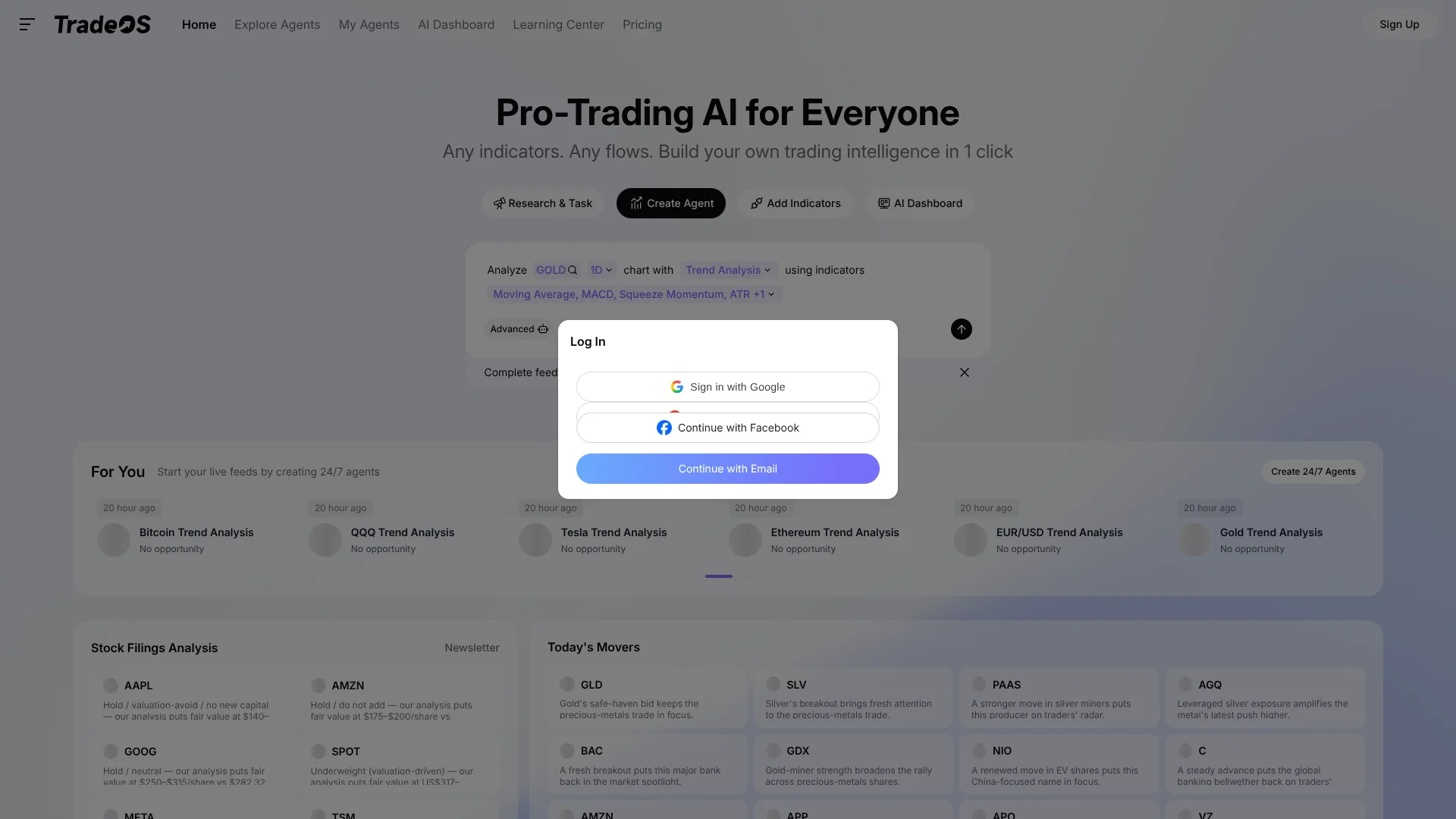
TradeOS AI
Market analysis for traders using MCP-connected AI clients.
Key Takeaways
- What it is
- Market analysis for traders using MCP-connected AI clients.
- Pricing
- Freemium · $4.50 per month · $9.50 per month
- Best for
- MCP Market Tools
- Ticker Search
- Spread Analysis
- Rating
- 3.8/5
What is TradeOS AI?
TradeOS AI lets traders bring market analysis into AI workflows through MCP, a connection standard for linking AI clients to outside tools. From a natural-language prompt, a compatible client can search tickers, compare spreads, analyze markets, and manage custom trading agents. The setup is aimed at traders and developers who want market tools available inside an AI workflow they already use.
Its documented MCP connection lets tools such as Claude Desktop and Cursor call TradeOS market-analysis functions, including a ticker comparison like NVDA against QQQ for trend, momentum, and volatility.
TradeOS AI fits traders researching markets through compatible AI clients and developers building those workflows. It is less suited to someone looking for a standalone, fully explained trading product, since using its MCP tools requires connecting a separate client and approving access.
Who is Using TradeOS AI?
Independent Traders
Market research prompts can compare instruments such as NVDA and QQQ.
Financial Analysts
Relative-strength comparisons can rank several tickers against a benchmark such as SPY.
AI Workflow Developers
The MCP endpoint and bridge provide ways to connect TradeOS tools to compatible clients.
Quantitative Researchers
Spread analysis can help examine relative market behavior across instruments.
Uncommon Use Cases
Rank a group of stocks and funds against SPY; compare NVDA and QQQ for trend, momentum, and volatility.
Key Features
Rating Breakdown
Pricing Plans
Free
Free
- 2 agents, 15 Pro-Research queries per day (2 credits), 3 Pro trials per day, access to basic AI models, Pro data sources, and full history with real-time data
Plus
$4.50 per month
- Up to 5 agents, ~500 Pro-Research queries per month (10 credits), 3 Pro trials per day, access to premium AI models, Pro data sources, and full history with real-time data
Pro
$9.50 per month
- Unlimited agents, ~1,000 Pro-Research queries per month (20 credits), unlimited Pro feature usage, access to premium AI models and institutional data sources, and full history with real-time data
Ultimate
- Everything in Pro, plus custom enterprise features, API support, and SLA with dedicated CSM
Which TradeOS AI plan should you pick?
Start with Plus for a small number of agents and moderate research, then upgrade to Pro for unlimited agents and advanced analysis; choose Pro Max or Team for higher research volume, API access, or business support.
Free Trial
Good for evaluating the workspace with two agents and limited daily research before subscribing.
Plus
Good for individual traders who need up to five agents, premium models, and about 500 monthly pro-research uses.
PRO
Good for active traders who need unlimited agents, unlimited pro features, institutional data, and about 1,000 monthly pro-research uses.
PRO Max
Good for high-volume users who need about 5,000 monthly pro-research uses and API support.
Team
Good for business usage requiring higher research limits, unlimited pro-feature usage, institutional data, and full history.
Enterprise
Good for organizations needing custom enterprise features, API support, SLA coverage, and a dedicated customer-success manager.
TradeOS AI Use Cases
Compare a Ticker Spread
A market-research prompt can compare NVDA and QQQ across trend, momentum, and volatility.
Outcome: A spread-focused market analysis in the connected AI workflow.
Rank Instruments Against SPY
Relative-strength analysis compares selected tickers with SPY and ranks their results.
Outcome: A ranked comparison of the selected instruments.
Search for a Ticker
Ticker search helps identify instruments to include in a market-analysis prompt.
Outcome: A ticker to analyze through the connected client.
Manage Custom Trading Agents
Natural-language prompts in a compatible AI client can manage custom TradeOS agents.
Workflow Ideas with TradeOS AI
Review a Relative-Value Pair
- 1Connect TradeOS to a compatible MCP client and authorize access.
- 2Ask the client to compare the chosen ticker pair.
- 3Review the spread analysis across trend, momentum, and volatility.
Rank Tickers Against a Benchmark
- 1Choose the tickers and a benchmark such as SPY.
- 2Ask the connected client to compare each ticker with the benchmark.
- 3Review the resulting relative-strength ranking.
How TradeOS AI fits into your stack
AI Client
TradeOS adds trading-analysis tools to compatible clients such as Claude Desktop and Cursor. Users submit analysis requests through the client.
MCP Connection
The documented endpoint connects an MCP client to TradeOS. A local bridge is also available for clients that need it.
Custom Agent Workflows
TradeOS MCP supports managing custom trading agents from natural-language prompts in a connected AI client.
Pros
- +AI-client access: Market analysis is available from compatible tools such as Claude Desktop and Cursor.
- +Useful comparisons: The docs show how to examine a ticker spread across trend, momentum, and volatility.
- +Developer connection options: The official MCP project documents both a direct HTTP connection and a local bridge.
Cons
- −Requires another client: TradeOS MCP tools need a compatible AI client and a connection setup.
- −Permission step: The connected client must request and receive authorization to use TradeOS analysis tools.
Limitations & when to consider alternatives
Known limitations
- Requires a compatible client. The documented MCP tools are used through a compatible AI client rather than as a standalone workflow.
- Access requires approval. The connected client must receive authorization to access TradeOS data and analysis tools.
Look elsewhere when
- You want a market-analysis tool that does not require an MCP-compatible AI client.
- Your workflow needs market tools without a separate access-approval step.
How to Use TradeOS AI
- 1
Choose a compatible AI client
Select an MCP-compatible client, such as Claude Desktop or Cursor, for the TradeOS connection.
- 2
Start the connection
Use the client’s TradeOS MCP connection option or configure the documented endpoint.
- 3
Sign in and approve access
Complete authentication in the browser and authorize the client to use TradeOS analysis tools.
- 4
Submit a market prompt
Ask for a specific task, such as comparing a ticker pair or ranking instruments against SPY.
Who is TradeOS AI For?
Traders
Market comparisons and technical analysis are available through prompts in a connected AI client.
Developers
The documented MCP endpoint and local bridge support custom client setups.
Advanced AI Workflow Users
People who already work with MCP-compatible clients can add TradeOS analysis to those workflows.
Frequently Asked Questions
Which AI clients can connect to TradeOS?
The official materials document connections with clients including Claude Desktop and Cursor. The MCP project also describes support for compatible MCP clients.
What can TradeOS do through MCP?
The documented tools cover market analysis, ticker search, spread comparison, macro context, and custom trading-agent management.
Do I need to approve access?
Yes. The integration guide says the AI client may request permission to use TradeOS analysis features, and access requires your approval.
Can I configure the connection manually?
Yes. The official integration guide provides an endpoint for manual setup in a custom agent or local client.
Community reviews
Be the first to share your experience.
Sign in to leave a review for TradeOS AI.
TradeOS AI Alternatives
Looking for alternatives to TradeOS AI? Here are similar tools in the same category: