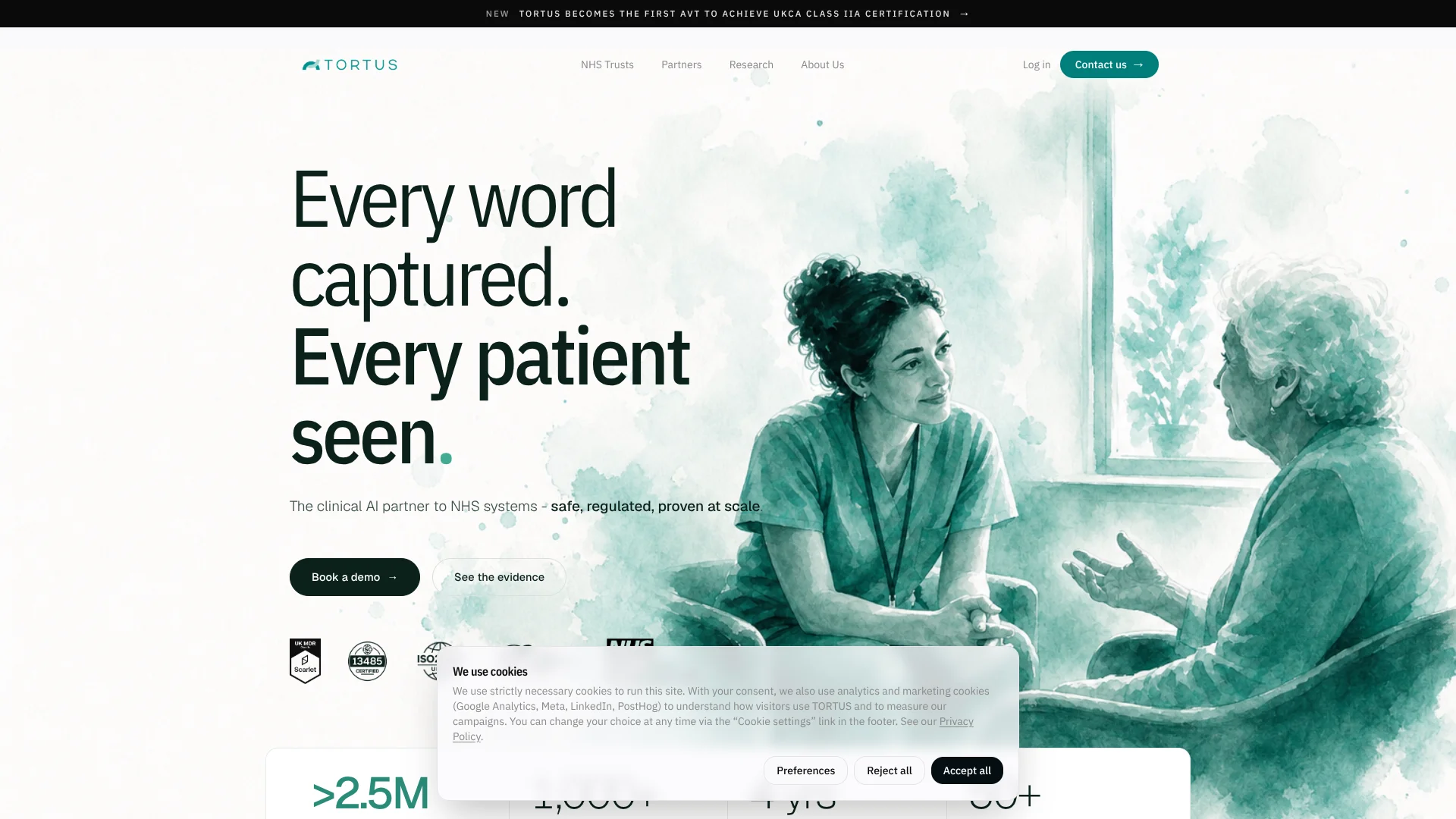
Tortus
Spoken consultations become reviewable clinical notes for healthcare professionals.
Key Takeaways
- What it is
- Spoken consultations become reviewable clinical notes for healthcare professionals.
- Best for
- Ambient notes
- The Shell
- Letters and clinical codes
- Rating
- 4.2/5
What is Tortus?
TORTUS turns spoken patient consultations into a transcript, structured clinical note, and letters for healthcare professionals. Clinicians can review and edit the drafts before adding them to the patient record. The goal is less time typing during appointments and more attention for the patient, with suggested clinical codes and links to electronic health records where configured.
Its Shell safety system checks statements in a draft against the consultation transcript and flags unsupported content for review. That gives clinicians a way to spot claims that may not match what was said before the note is approved.
TORTUS is best suited to healthcare organizations and clinicians who need consultation documentation connected to their clinical workflows. It is not a substitute for clinical judgment: professionals must check and approve its drafts, so it fits best where that review can be part of the record-keeping process.
Who is Using Tortus?
General practitioners
Patient conversations become editable notes and letters for review before they are added to the record.
Emergency department clinicians
Structured notes help clinicians document encounters while keeping their attention on patients.
Paramedics and telephone triage clinicians
Telephone consultations can be captured for clinical documentation in ambulance service workflows.
Outpatient specialists
Specialty templates help clinicians prepare notes and letters from outpatient consultations.
Uncommon Use Cases
MDT discussions and board rounds can be captured with Meeting Mode; clinical software partners can embed the TORTUS SDK in their own products.
Key Features
Rating Breakdown
Pricing Plans
Subscription Model
- Tortus offers customized subscription plans based on the size and needs of the healthcare institution
Enterprise Solutions
- Pricing is tailored for large-scale deployments with comprehensive integration support
Tortus Use Cases
Patient consultation notes
During a consultation, spoken clinician-patient interactions are transcribed and turned into an editable structured note.
Outcome: A draft note for the clinician to check and approve.
Referral letters
Consultation details can be shaped into letters and communications for the clinician to review.
Outcome: A draft letter based on the consultation.
Clinical coding support
Suggested clinical codes appear alongside the consultation note.
Outcome: Suggested codes for clinician review.
MDT and board-round documentation
Meeting Mode captures clinical discussions beyond a one-to-one appointment.
Outcome: A structured clinical note for review.
Clinical dictation
Dictation supports spoken documentation in place of legacy dictation services.
Workflow Ideas with Tortus
Document a patient consultation
- 1Start a consultation and check that the microphone is capturing audio.
- 2Finish the recording to generate a transcript, note, and any required letters.
- 3Review and edit the outputs, then approve and write the note to the EHR if integrated.
Prepare specialty-specific notes
- 1Choose an available template for the specialty.
- 2If template customization is enabled, adjust headings and style settings.
- 3Run a mock consultation and refine the template before using it in appointments.
Capture a team discussion
- 1Start Meeting Mode for an MDT, huddle, or board round.
- 2Review the resulting documentation and correct any errors.
- 3Approve the final record through the configured clinical workflow.
How Tortus fits into your stack
Browser-based clinical app
TORTUS web runs in supported browsers and uses a microphone to capture consultations.
Electronic health records
The site names Epic and Oracle Health integrations, with EMIS, TPP SystmOne, and Access connections through its SDK and partners.
Telephony workflows
The TORTUS site names X-on and Avaya integrations for clinical phone workflows.
Partner products
The TORTUS SDK lets healthcare software partners embed recording and note generation in their own products.
Mobile consultation capture
A TORTUS iOS app is available for iPhone and iPad.
Pros
- +Transcript-based safety check: The Shell flags draft statements that are not supported by the consultation.
- +Clinical document outputs: A consultation can produce a note and related letters.
- +EHR connections: Named integrations include Epic, Oracle Health, EMIS, and TPP SystmOne.
- +Purpose-built for clinical workflows: Meeting Mode and Dictation extend beyond standard patient appointments.
Cons
- −Clinician review remains essential: Draft notes and letters need checking before entering the patient record.
- −Organization-led access: Healthcare organizations and partners are directed to book a demo or contact TORTUS.
- −Browser-based core app: TORTUS web depends on a supported browser and microphone access.
Limitations & when to consider alternatives
Known limitations
- Drafts need clinician approval. TORTUS does not make autonomous clinical decisions, and its documentation must be reviewed and approved by a qualified healthcare professional.
- Recording cannot restart after generation begins. The FAQ says that after selecting “Finish and generate notes,” the recording cannot be restarted.
- Strong accents may affect transcription. TORTUS may occasionally struggle with particularly strong accents; the FAQ recommends repeating key details, especially medication names.
- Supported browser versions. The FAQ lists minimum supported versions for Chrome, Edge, Safari, and Firefox.
- Template customization depends on the organization. Clinicians can create custom templates only when their organization has enabled that option.
Look elsewhere when
- You need notes that can be added to a patient record without clinician review.
- Your workflow depends on an unsupported browser or a dedicated desktop application.
- You need the context box to give the AI custom instructions about note style or formatting.
How to Use Tortus
- 1
Check access and audio
Open TORTUS in a supported browser and confirm microphone access before starting a consultation.
- 2
Start the consultation
The consultation screen begins recording when you start; check that the timer and waveform respond to speech.
- 3
Add relevant context
The context box can hold details that should appear in the note but may not be spoken aloud; it cannot be used to instruct the model.
- 4
Generate the documentation
After the consultation, select “Finish and generate notes” to create the transcript and outputs.
- 5
Review the drafts
Check and edit the note and any letter before transferring them to a patient record.
- 6
Approve or copy into the EHR
Integrated instances can write an approved note to the record; otherwise, copy the outputs into the relevant EHR fields.
Who is Tortus For?
NHS Trusts
Trusts can apply ambient notes, Meeting Mode, and EHR integration across clinical teams.
GP practices
Primary care clinicians can reduce typing during consultations and prepare structured documentation.
Healthcare software partners
Partners can embed TORTUS into their own clinical products through its SDK.
Clinical teams
Teams handling appointments, MDTs, huddles, or board rounds can create documentation from spoken encounters.
Frequently Asked Questions
What does TORTUS generate?
It can generate a consultation transcript, a clinical note using a selected template, and required letters or communications.
Can TORTUS write notes directly to an EHR?
Integrated instances can write an approved note to the record. Otherwise, clinicians can copy the outputs into the relevant EHR sections.
Can clinicians create their own templates?
Yes, if the organization enables template customization. Clinicians can adjust headings and style settings.
Does TORTUS have a mobile app?
Yes. TORTUS has an iOS app for iPhone and iPad.
How much does TORTUS cost?
The official site directs organizations and partners to contact TORTUS or book a demo for pricing; it does not publish a standard USD price.
Community reviews
Be the first to share your experience.
Sign in to leave a review for Tortus.
Tortus Alternatives
Looking for alternatives to Tortus? Here are similar tools in the same category: