
Toma
Revolutionize auto dealership management with AI-driven efficiency.
Key Takeaways
- What it is
- Revolutionize auto dealership management with AI-driven efficiency.
- Pricing
- $100 per month
- Best for
- Inventory Management
- Customer Relationship Management (CRM)
- Analytics and Reporting
- Rating
- 4.4/5
What is Toma?
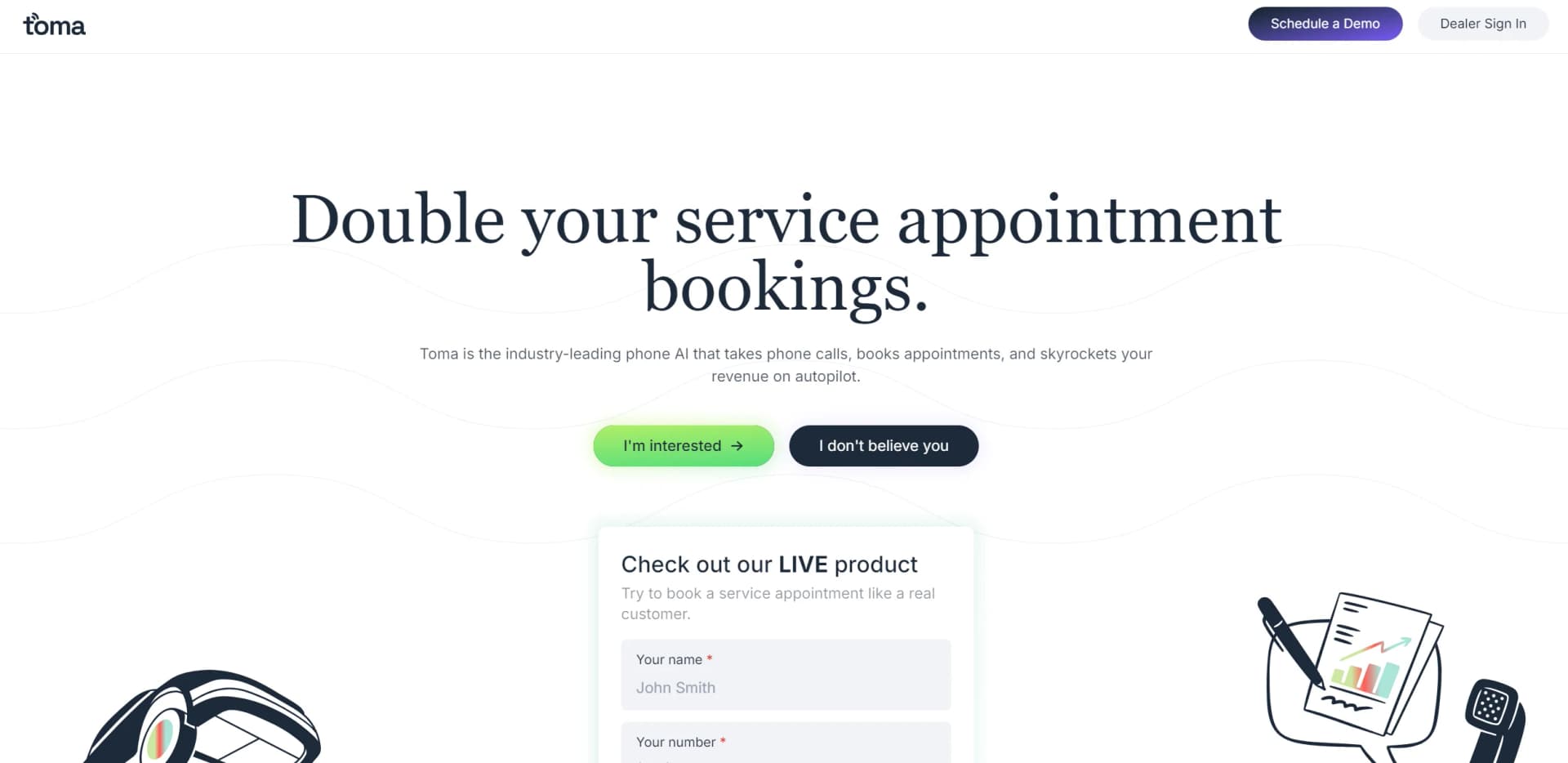
Toma is an innovative AI platform designed specifically for auto dealerships. Its primary goal is to streamline dealership operations by automating key business processes, enhancing efficiency, and reducing manual errors. By focusing on simplifying dealership management tasks, Toma becomes a crucial tool for automotive professionals aiming to optimize sales and customer service operations.
Toma is unique for its specialized focus on the auto dealership industry, providing a tailored solution that integrates sales, customer management, and marketing into one platform. Its use of AI to drive analytics and marketing initiatives gives it a competitive edge in a data-driven market.
Toma excels in providing AI-powered solutions tailored for the auto dealership industry. It enhances operational efficiency and customer engagement through its integrated features and robust analytics. Its ability to simplify complex processes and provide valuable insights makes Toma a vital tool for auto dealerships aiming to stay competitive and efficient in their operations.
Who is Using Toma?
Large Auto Dealerships
Managing extensive inventories and complex customer databases.
Small and Medium Auto Dealers
Streamlining operations and competing with larger entities.
Auto Sales Managers
Tracking sales performance and optimizing sales strategies.
Customer Service Teams
Enhancing customer engagement and satisfaction.
Uncommon Use Cases
Auto repair shops managing parts inventory; car rental services streamlining fleet management.
Key Features
Rating Breakdown
Pricing Plans
Standard Tier
$100 per month
- Offering access to CRM and inventory management features
Premium Tier
- Includes advanced analytics and automated marketing tools
Which Toma plan should you pick?
Start with Service Agent for service-call automation; upgrade to Full-Store Receptionist when you need broader dealership-wide coverage across departments and workflows.
Service Agent
Good for dealerships that need automated service calls, appointment scheduling, recalls, pricing questions, and service follow-up.
Full-Store Receptionist
Good for dealerships that need broader front-desk coverage across sales, service, parts, finance, and other dealership workflows.
Toma Use Cases
Inbound service-call automation
Toma answers service calls, handles common questions, and routes requests when human help is needed.
Outcome: Fewer missed calls and less repetitive work for service staff.
Appointment scheduling
Toma checks scheduling systems and books, modifies, cancels, or reschedules service appointments.
Outcome: More appointments booked without requiring staff to answer every call.
Recall check and reserve
Toma checks recall information, explains the issue, schedules a suitable appointment, and alerts parts staff.
Outcome: Fewer second trips caused by unavailable recall parts.
Automated appointment reminders
Toma contacts customers before appointments and handles confirmation, cancellation, or rescheduling requests.
Outcome: Improved appointment show rates.
Sales and lead follow-up
Toma responds to inbound leads and continues follow-up across the customer lifecycle until conversion.
Outcome: Higher lead-to-appointment conversion and reduced BDC workload.
Workflow Ideas with Toma
Recall appointment workflow
- 1Collect the caller's vehicle identification number or vehicle details
- 2Check for open recalls
- 3Explain the recall and book an appointment with parts lead time
- 4Email recall and appointment details to the parts department
Unanswered-transfer recovery
- 1Transfer the caller to the requested department
- 2Monitor whether the transfer is answered
- 3Pull the call back if nobody answers
- 4Take a message and email it to the appropriate team
Appointment-reminder workflow
- 1Schedule reminder calls at dealership-defined intervals
- 2Call the customer within the configured calling window
- 3Confirm, cancel, or reschedule the appointment
- 4Update the appointment workflow immediately
How Toma fits into your stack
CRM Systems Integration
Seamlessly integrates with popular CRM systems to enhance customer relationship management.
Inventory Management Systems
Connects with existing inventory management systems for real-time data synchronization.
Marketing Automation Tools
Supports integration with leading marketing automation tools for streamlined campaign management.
Financial Software Compatibility
Integrates with financial management software for handling sales transactions and customer financing options.
Pros
- +Automates inbound phone calls, SMS, and email
- +Supports dealership-specific workflows and policies
- +Integrates with major automotive service and dealership systems
- +Provides 24/7 appointment booking and follow-up automation
- +Includes encrypted tenant isolation and SOC 2 Type II controls
Cons
- −Initial Setup Complexity: The setup and integration with existing systems can be complex and time-consuming.
- −Training Required: Staff may need training to fully utilize Toma’s capabilities, potentially causing initial productivity dips.
- −Subscription Cost: The cost may be a barrier for smaller dealerships without a dedicated IT budget.
Limitations & when to consider alternatives
Known limitations
- Appointment reminders cover Toma-booked appointments only. The documented reminder feature sends reminders only for appointments booked through Toma.
- Recently changed appointments may still receive the original reminder. If a Toma appointment is manually changed in the scheduler within 10 minutes of a reminder call, the original reminder might still be sent.
- Toma can make mistakes during onboarding. The onboarding guide warns that the agent is young and may make many mistakes during early testing.
- Accurate answers depend on dealership data. Pricing, wait times, policies, and CRM information must be kept current for Toma to respond accurately.
- Human transfer remains necessary for some requests. Toma transfers calls when a request requires human expertise or when the AI cannot safely resolve the issue.
Look elsewhere when
- You need a native mobile app.
- You need a dedicated desktop application.
- You need file or image analysis.
- You need a public developer API with API keys and endpoint documentation.
How to Use Toma
- 1
Explore comprehensive tutorials on YouTube covering everything from basic setup to advanced features of Toma.
Who is Toma For?
Automotive dealerships
Toma automates customer calls, appointment scheduling, recalls, inventory questions, and service workflows.
Dealer groups
Dealer groups can use Toma across multiple rooftops to handle calls, leads, appointments, and operational workflows.
OEMs
Toma identifies OEMs among the enterprise customers it supports with automotive AI coworkers.
Fortune 500 fleets
Toma describes Fortune 500 fleets as organizations running on its automotive enterprise platform.
Service advisors and BDC teams
Toma handles repetitive inbound calls and follow-ups so staff can focus on in-person customers and higher-value work.
Frequently Asked Questions
How does Toma handle service pricing and wait-time questions?
Toma references pricing ranges and wait times provided by the dealership, then relays that information to callers.
Can Toma remind customers about appointments?
Toma can call customers at configured intervals to confirm, cancel, or reschedule appointments.
What happens if a transferred call is not answered?
Toma pulls the caller back, offers to take a message or help again, and emails the message to the relevant department.
How does Toma handle open recalls?
Toma can check a vehicle identification number against the NHTSA database, explain open recalls, schedule service, and notify the parts department.
Can Toma answer basic dealership questions?
With dealership-specific training, Toma can answer questions about car washes, wait versus drop-off, location, directions, and hours.
How does Toma improve over time?
Toma IQ analyzes resolved calls, drafts policy recommendations, and requires manager approval before changes are applied.
Community reviews
Be the first to share your experience.
Sign in to leave a review for Toma.
Toma Alternatives
Looking for alternatives to Toma? Here are similar tools in the same category:
Learn to Master Toma
With Skill Leap courses
Get in-depth training on Toma and 50+ other AI tools with our expert-led video courses.
Start 7-Day Free Trial