TollBit
Publishers set the terms for AI agents accessing their website content.
Key Takeaways
- What it is
- Publishers set the terms for AI agents accessing their website content.
- Best for
- TollBit Analytics
- Agent Site
- Bot & Agent Paywall
- Rating
- 4.0/5
What is TollBit?
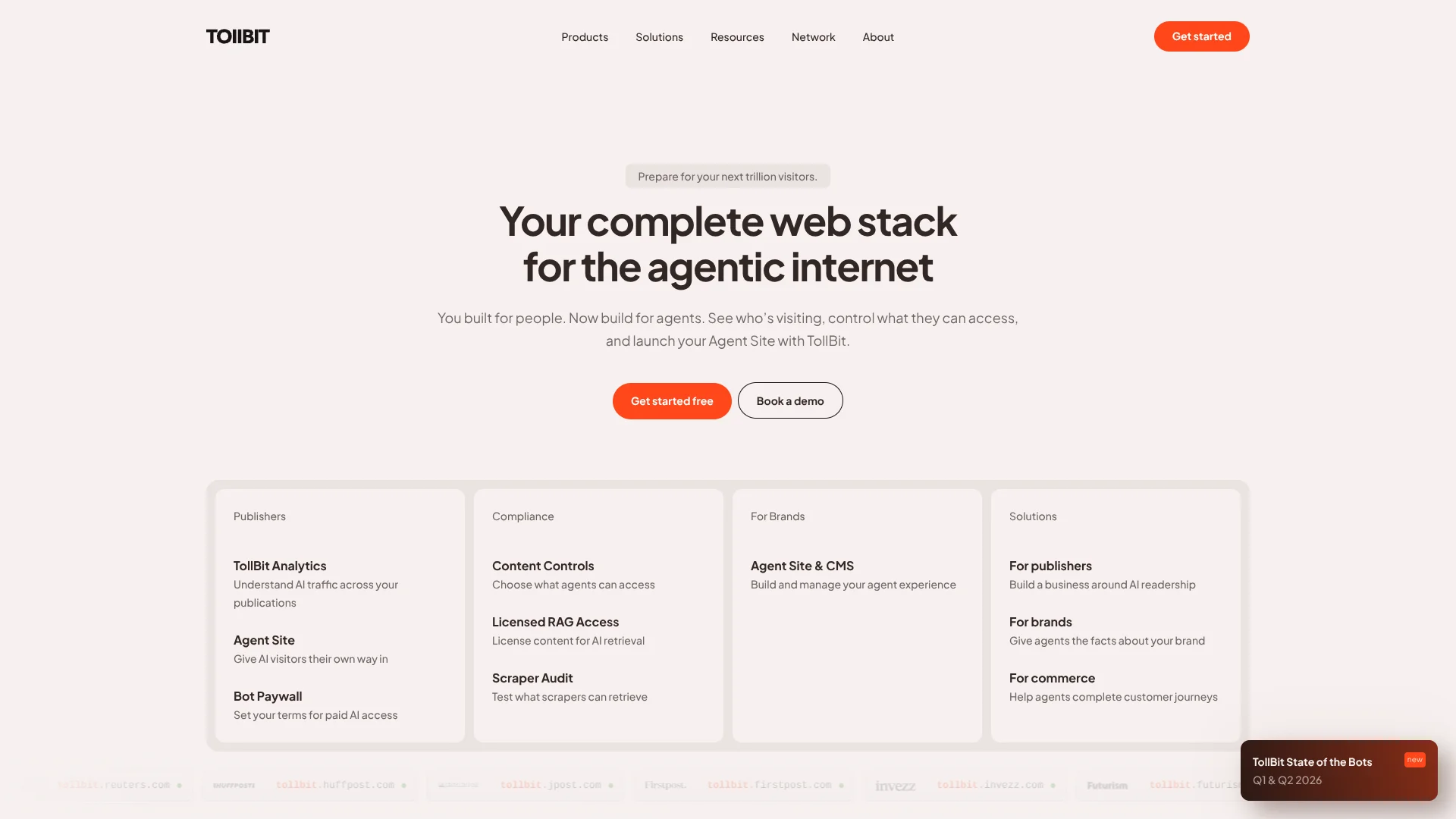
TollBit helps publishers and other website owners see how AI bots access their content, then decide what those bots can read and under what terms. Its analytics track bot activity across pages and sites, while Agent Site serves AI visitors a cleaner version of web content on a separate subdomain. This gives content teams a way to measure AI traffic and manage access without changing the experience for human visitors.
A distinctive capability is the separate Agent Site: AI visitors can receive structured content, and advanced agents can request HTML that preserves interactions such as form fills, while people continue using the main site.
TollBit is best suited to publishers and commerce platforms that manage their own web properties and want more control over AI access. Setup requires domain verification and changes to server-side traffic routing, so it is less suited to individuals looking for a general-purpose AI tool; think of it as infrastructure for managing how AI systems use your website.
Who is Using TollBit?
Audience Analytics Managers
Bot and referral reports help them understand where AI traffic is coming from and which pages it reaches.
Web Platform Engineers
CDN and server-log integrations let them route agent traffic to a dedicated site.
Content Licensing Managers
License settings and rate rules help them define permitted AI uses and track content requests.
AI Application Developers
The developer API provides a way to request publisher content with a license and rate attached.
Uncommon Use Cases
A commerce team can expose agent-facing actions separately from its human website; a publisher can test what a scraper actually retrieves with Scraper Audit.
Key Features
Rating Breakdown
Pricing Plans
Customized Pricing Plans
- TollBit offers tailored pricing depending on the scale of usage and specific requirements of the content creators and AI developers
TollBit Use Cases
Measure AI Bot Traffic
A publisher can compare bot activity across pages and properties to see where AI systems are accessing its content.
Outcome: A clearer view of bot activity, page interest, and AI referrals.
Serve AI-Readable Content
An Agent Site provides structured content for AI systems on a subdomain separate from the main website.
Outcome: AI visitors can access content formatted for retrieval without changing the human-facing site.
Set Terms for AI Access
Publishers can apply access rules and usage rates to particular bots, pages, or content areas.
Outcome: AI content access follows publisher-defined rules and rates.
Audit Scraper Results
Scraper Audit lets a publisher test a URL and inspect what a scraper retrieved, including whether it reached a paywall.
Outcome: A view of the content exposed to the tested scraper.
Query Analytics Data
Teams can ask plain-language questions or run read-only SQL through the Analytics API and TollBit CLI.
Outcome: Answers about bot activity, page requests, and AI referrals.
Workflow Ideas with TollBit
Review and Route AI Traffic
- 1Verify website ownership through DNS.
- 2Forward server-side traffic logs from a supported CDN or platform.
- 3Review bot and page activity in TollBit Analytics.
- 4Configure Agent Site and route selected AI traffic to it.
Set Rules for Licensed Access
- 1Choose which content and agents can access the site.
- 2Set rates and license terms for the relevant pages or bots.
- 3Review incoming requests and activity in TollBit.
Investigate What Scrapers See
- 1Request access to Scraper Audit.
- 2Enter a site URL and run a test.
- 3Inspect the returned content and check whether the scraper stopped at a paywall.
How TollBit fits into your stack
Website and CDN
TollBit works with server-side logs and CDN or edge settings to analyze and route AI bot traffic. Its integration guides include Cloudflare, Fastly, Akamai, and Vercel.
AI Content Access
Agent Site provides a separate endpoint for AI visitors, with content formatted for retrieval and access controls set by the site owner.
Analytics and Reporting
TollBit Analytics tracks bots, pages, and referrals across properties. The Analytics API and CLI provide additional ways to query the data.
Developer Applications
The TollBit API lets developers request content from participating publishers under available licenses and rates.
Pros
- +Separate agent site: AI traffic can receive machine-ready content without replacing the human-facing site.
- +Page-level visibility: Analytics show which bots visited which pages and where referral traffic landed.
- +Flexible access rules: Publishers can set different access and rates by bot, page, or content area.
- +Named integrations: Setup guides cover services including Cloudflare, Fastly, Akamai, AWS, and Vercel.
Cons
- −Publisher-focused: The product is built for organizations managing websites, not everyday personal AI tasks.
- −Technical setup: Connecting a site involves domain verification and server-side traffic or CDN configuration.
Limitations & when to consider alternatives
Known limitations
- Server-side logs are needed for analytics. TollBit says CDN or edge server logs are essential because many bots do not run client-side JavaScript.
- Property verification is required. A website must be verified through DNS before Analytics and Agent Site can be set up.
- Scraper Audit access is by request. The audit tool requires a TollBit account and an access request by email.
Look elsewhere when
- You need an AI tool for writing, coding, or personal research.
- Your organization cannot configure DNS or forward server-side website logs.
- You need a dedicated cybersecurity product for detecting hidden or malicious bots.
How to Use TollBit
- 1
Create an organization
Set up an account for the organization that owns the websites you plan to manage.
- 2
Verify a website
Add the site as a property and complete the required DNS verification.
- 3
Connect traffic data
Forward server-side logs through a supported CDN, platform, or storage method so TollBit can report on bot activity.
- 4
Review analytics
Check which bots and pages receive traffic before deciding how to handle agent access.
- 5
Configure Agent Site
Set access controls and content behavior for the separate site serving AI visitors.
- 6
Set licenses and rates
Choose the content terms and rates that fit your AI access policy, or allow selected content to be accessed for free.
Who is TollBit For?
Digital Publishers
Publishing teams can measure AI bot traffic and set rules for how agents access articles.
Commerce Platforms
Commerce teams can provide agents with a separate access path for measurable, agent-driven customer journeys.
Brands
Brand teams can build and manage an Agent Site and CMS for AI agents.
AI Content Developers
Developers building AI products can use TollBit's API to request content under the publisher's access terms.
Frequently Asked Questions
Is TollBit free?
TollBit describes its website tools as free to use, and offers a free signup. It does not publish a standard subscription price on the pages reviewed.
What does TollBit Analytics track?
It reports which bots access which pages, how often they visit, and where AI referral traffic lands.
Does TollBit have an API?
Yes. TollBit documents APIs for developers to request content and query analytics data.
Which platforms does TollBit integrate with?
Its setup documentation includes Cloudflare, Fastly, Akamai, Vercel, AWS, Google Cloud, Azure, DataDome, WordPress VIP, and Imperva.
Does TollBit replace bot security software?
No. TollBit describes its focus as monetization and enforcement, and recommends using specialized bot detection tools for advanced detection.
Community reviews
Be the first to share your experience.
Sign in to leave a review for TollBit.
TollBit Alternatives
Looking for alternatives to TollBit? Here are similar tools in the same category: