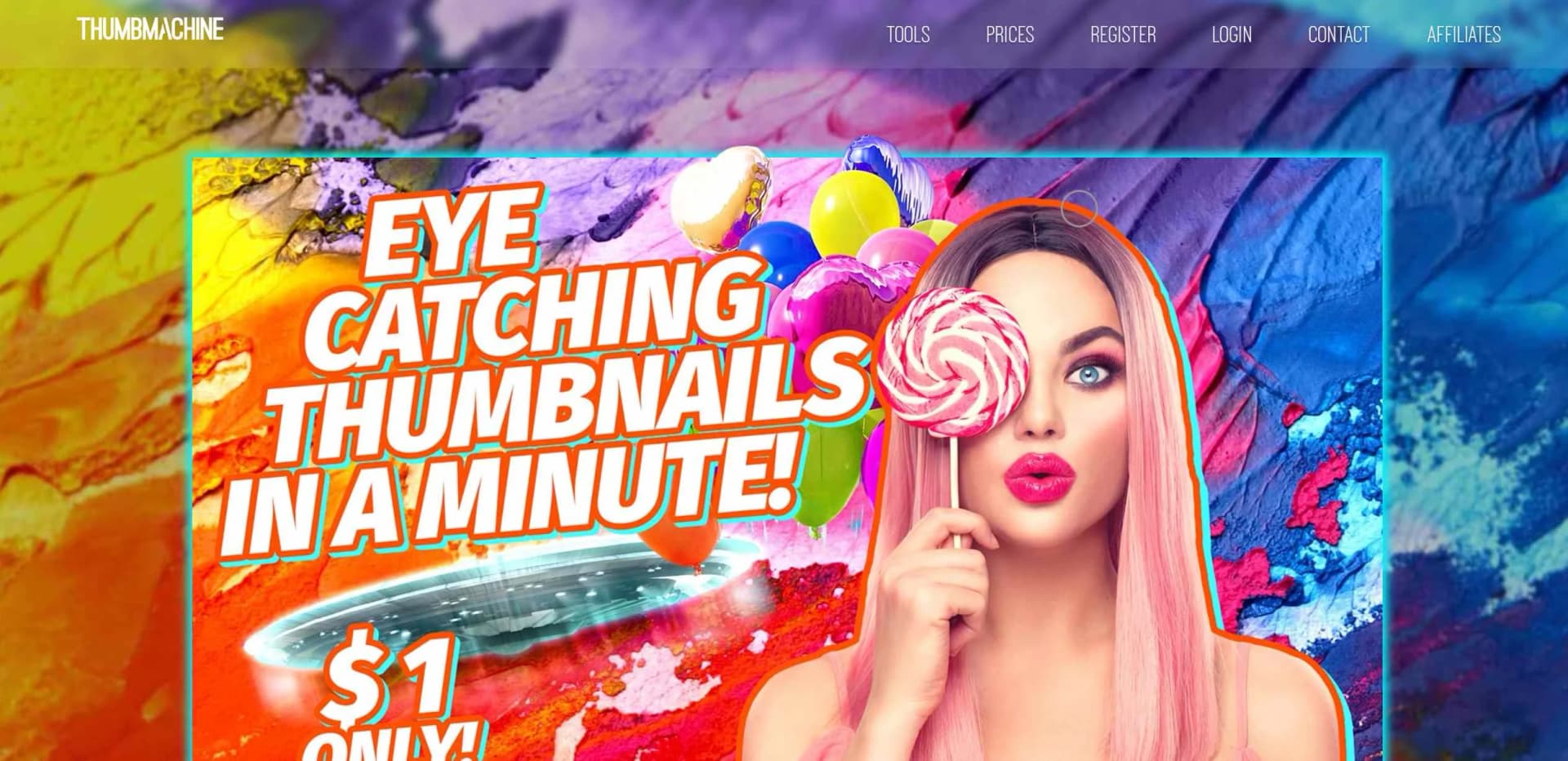
Thumbmachine
Create stunning YouTube video thumbnails effortlessly.
Key Takeaways
- What it is
- Create stunning YouTube video thumbnails effortlessly.
- Pricing
- Freemium
- Best for
- AI-generated hero images
- Customizable backgrounds
- Color selections
- Rating
- 4.2/5
What is Thumbmachine?
Thumbmachine is an AI-powered platform tailored to expedite the creation of captivating YouTube video thumbnails. It empowers users to swiftly craft visually appealing thumbnails, freeing them from mundane design tasks and enabling a focus on creativity.
Thumbmachine stands out with its AI-powered design capabilities, revolutionizing thumbnail creation for content creators. Its intuitive interface and versatile features make it a game-changer in the realm of visual content creation.
Thumbmachine excels in providing a seamless solution for creating visually captivating YouTube video thumbnails. Its AI-powered design capabilities, coupled with intuitive features, make it an indispensable tool for content creators, marketers, and small businesses alike.
Who is Using Thumbmachine?
Content Creators
Crafting compelling thumbnails to entice viewers and boost engagement.
Digital Marketers
Enhancing the visual appeal of marketing materials for higher conversion rates.
Graphic Designers
Streamlining thumbnail design workflows for efficiency and productivity.
Small Businesses
Creating professional-looking thumbnails to stand out in crowded markets.
Key Features
Rating Breakdown
Pricing Plans
Free Tier
Free
- Experience Thumbmachine with a limited free trial period
Pro Tier
- Subscription plans available starting at affordable rates for access to advanced features
Which Thumbmachine plan should you pick?
Start with Basic for occasional thumbnail and AI-image work, and upgrade to Standard, Plus, or Premium as volume and print-ready needs increase.
Basic
Good for users who need 5 thumbnails and 50 AI images with unlimited variations.
Standard
Good for users who need 10 thumbnails and 100 AI images.
Plus
Good for users who need 15 thumbnails, 150 AI images, and print-ready output.
Premium
Good for high-volume users who need 50 thumbnails, 500 AI images, and print-ready output.
Thumbmachine Use Cases
Utilized by educational institutions for teaching digital marketing courses.
Adopted by freelance photographers for streamlining image editing processes.
Workflow Ideas with Thumbmachine
Create a YouTube thumbnail
- 1Select or generate a hero image
- 2Choose a background and colors
- 3Add the title and generate design variations
Create an online advertisement
- 1Select or generate the hero image
- 2Choose a backdrop, gradient, and colors
- 3Add ad text and a call to action, then review variations
Transform a personal photo
- 1Upload a face, upper-body, or full-body photo
- 2Describe the desired persona
- 3Download the transformed artwork
How Thumbmachine fits into your stack
YouTube Integration
Seamlessly integrate with YouTube for direct thumbnail uploads.
Social Media Platforms
Share thumbnails directly to various social media platforms for enhanced visibility.
Image Editing Software
Export designs to popular image editing software for further customization.
API Access
Developers can leverage Thumbmachine's API for custom integrations and automation.
Pros
- +Enhanced engagement: Increase click-through rates by creating thumbnails that resonate with viewers.
- +Streamlined design process: Effortlessly generate multiple design options based on input parameters.
- +Ownership and control: Users retain rights to the artwork, ensuring ownership and control over final designs.
Cons
- −Screen size preference: Larger screens are recommended for optimal user experience.
- −Dependency on servers: Relies on server-based operation, potentially subject to server downtime.
- −Limited free features: Access to advanced features may require subscription or payment.
Limitations & when to consider alternatives
Known limitations
- Web-based service. Thumbmachine runs on its servers and does not require a downloadable installation.
- Paid packages. The pricing page lists pay-as-you-go packages beginning at $9.95; it states there is no subscription.
- Desktop and tablet emphasis. The site says the product was intended primarily for desktop computers and tablets, although it can be used on any device.
- No documented developer API. The dedicated API page provides a contact form but no published endpoints, keys, or API documentation.
Look elsewhere when
- You need a native mobile or desktop application.
- You need programmatic API access.
- You need shared team workspaces or collaboration controls.
How to Use Thumbmachine
- 1
Explore the comprehensive tutorial series on YouTube, covering from basic setup to advanced features of Thumbmachine.
Who is Thumbmachine For?
Content creators
Thumbmachine helps create YouTube thumbnails, social media visuals, and other engaging content graphics.
Marketers
Marketers can produce ad creatives, multiple design variations, and visuals for A/B testing.
Designers
Designers can rapidly explore typography, color, layout, and AI-generated design variations.
Businesses of all sizes
The ad-maker pages position Thumbmachine as suitable for businesses creating social media advertisements.
YouTubers
The product is designed to help YouTube creators make attention-grabbing thumbnails quickly.
Frequently Asked Questions
What kind of AI does Thumbmachine use?
Thumbmachine uses a customized Stability text-to-image model, plus background-removal and image-upscaling AI services.
Is Thumbmachine standalone software?
No. It runs on Thumbmachine’s servers, so users do not need to download or install anything.
What devices can use Thumbmachine?
It is intended primarily for desktop computers and tablets, though it can be used on any device.
Can users upload their own images?
Yes. Users can upload images, select backgrounds, add text, and customize designs.
Can users reuse design styles?
Yes. Final images are stored in the gallery, and their styles can be reused with different text and hero images.
Who owns artwork created with Thumbmachine?
Users own the rights to final artwork rendered with Thumbmachine, including artwork using images from its repository.
Community reviews
Be the first to share your experience.
Sign in to leave a review for Thumbmachine.
Thumbmachine Alternatives
Looking for alternatives to Thumbmachine? Here are similar tools in the same category: