Tensordyne
Data-center hardware for cloud providers serving AI models to many users.
Key Takeaways
- What it is
- Data-center hardware for cloud providers serving AI models to many users.
- Best for
- TDN Math
- TDN72 Pod
- TDN Link
- Rating
- 3.7/5
What is Tensordyne?
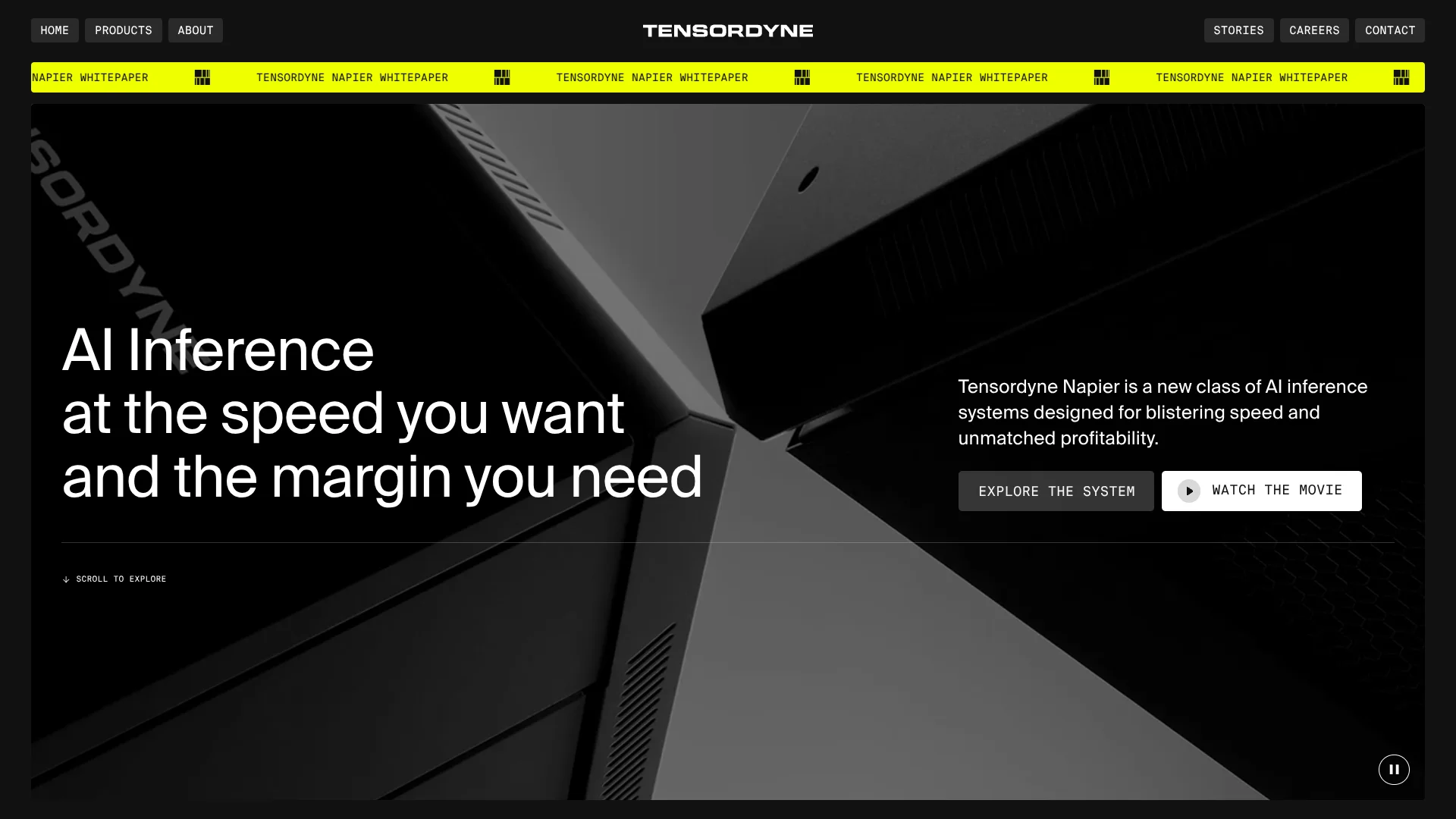
Tensordyne Napier is a data-center system built to run AI models for many users at once. It targets hyperscalers, cloud providers, and companies running AI on their own infrastructure. Its focus is model inference, the step where a trained model produces answers or other outputs.
Napier uses Tensordyne’s TDN Math, a logarithmic approach to computation, alongside its own processors, memory, and TDN Link interconnect. The company’s design combines these parts in one system aimed at serving large models quickly while limiting power use. It also supports familiar model tools such as PyTorch, Triton, and vLLM.
Napier is aimed at organizations building or operating large-scale AI services, not people looking for a personal chatbot or a cloud software subscription. The system is in a beta program, and the company does not publish a standard price. It is worth evaluating if your team can assess data-center hardware and wants a new inference option.
Who is Using Tensordyne?
AI Infrastructure Architects
Data-center system design is their focus when comparing Napier’s pod, rack, and interconnect specifications.
Inference Engineers
Their goal is to run model-serving workloads through supported tools such as PyTorch, Triton, and vLLM.
ML Platform Engineers
Kubernetes-based platform teams can assess how Napier fits alongside their existing multi-vendor serving stack.
Cloud Infrastructure Leaders
Their priority is evaluating whether Napier’s claimed speed and power profile suits a cloud inference service.
Uncommon Use Cases
Agentic AI workloads that need fast inference; real-time video generation workloads.
Key Features
Rating Breakdown
Pricing Plans
Custom Pricing Model
- Operates on a quote-based model due to its bespoke nature in various industries
Tensordyne Use Cases
Large-model inference
Serving large AI models across multiple processors is the core workload Napier is designed for.
Outcome: A shared data-center system for model inference.
Cloud AI services
Cloud providers can evaluate the system for delivering model responses to many users.
Outcome: A potential inference platform for customer-facing AI services.
On-premises AI
Organizations can consider Napier when they want model-serving hardware in their own data center.
Outcome: AI inference runs on locally deployed hardware.
Agentic AI
The company identifies agentic workloads as a target for its inference system.
Outcome: A hardware option to evaluate for multi-step AI workloads.
Video generation
Tensordyne describes real-time video generation as a workload Napier is intended to support.
Outcome: A system to evaluate for high-throughput video inference.
Workflow Ideas with Tensordyne
Evaluate a model-serving workload
- 1Select a model and inference workload your team wants to assess.
- 2Check the listed PyTorch, Triton, or Hugging Face support against your model setup.
- 3Contact Tensordyne about beta access and workload testing.
Assess data-center fit
- 1Review the TDN72 pod’s listed power, cooling, and physical specifications.
- 2Compare those requirements with available data-center capacity.
- 3Ask Tensordyne about beta availability and deployment details.
Plan a serving-stack evaluation
- 1Map how your current model server connects to its Runtime and Telemetry APIs.
- 2Check whether vLLM or another listed serving tool fits your deployment.
- 3Discuss a beta evaluation with Tensordyne.
How Tensordyne fits into your stack
Data-center inference
Napier is a rack-scale hardware system for running model inference in data centers. The TDN72 pod is listed as air-cooled.
Model development
The company lists Hugging Face, PyTorch, and Triton support for deploying or compiling models.
Model serving
Napier exposes Runtime and Telemetry APIs, and the company says vLLM and other inference servers can connect to them.
Kubernetes environments
Tensordyne describes Napier as fitting into Kubernetes-managed, multi-vendor data-center stacks.
Pros
- +Inference focus: Napier is designed specifically for serving AI models, rather than training them.
- +Existing tool support: PyTorch, Triton, Hugging Face, and vLLM are named as supported tools.
- +Air cooling: The TDN72 pod is specified as air-cooled.
- +Scale-up design: TDN Link connects processors within the system for large-model workloads.
Cons
- −Early access: The site directs interested buyers to apply for the beta program.
- −No public price: You need to contact Tensordyne to ask about cost.
- −Specialized purchase: Napier is data-center hardware, so it is not a fit for individuals seeking a ready-to-use AI app.
Limitations & when to consider alternatives
Known limitations
- Beta access. The site directs interested organizations to apply for the Napier beta program.
- Performance evidence. The whitepaper says some performance comparisons are based on Tensordyne’s internal simulations.
- Facility requirements. The TDN72 pod is listed at 30 kW, so buyers need to account for data-center power capacity.
Look elsewhere when
- You need a ready-to-use cloud AI service rather than data-center hardware.
- Your team needs a public, fixed purchase price before evaluating a system.
How to Use Tensordyne
- 1
Review the system specifications
Check the TDN72 and rack information to see whether the hardware matches your workload and facility.
- 2
Check software compatibility
Compare your model setup with the listed Hugging Face, PyTorch, Triton, and vLLM support.
- 3
Assess facility requirements
Plan around the listed pod power and air-cooling specifications before considering deployment.
- 4
Request beta access
The company’s site invites interested organizations to apply for its Napier beta program.
Who is Tensordyne For?
Hyperscalers
Large cloud operators can assess Napier for high-volume AI inference in data centers.
Neo-clouds
AI-focused cloud providers can evaluate the system for serving models to their customers.
Enterprise on-prem
Organizations running AI in their own facilities can consider Napier for local model serving.
Foundation model builders
Model developers can assess the hardware and software stack for serving their models.
Application-layer companies
Companies building AI products can explore the system as inference infrastructure behind their services.
Frequently Asked Questions
What is Tensordyne Napier?
Napier is Tensordyne’s data-center AI inference system, built from its TDN Math, processors, memory, and TDN Link interconnect.
Can Napier work with common AI tools?
Tensordyne lists Hugging Face, PyTorch, Triton, and vLLM among the tools its software stack supports.
Is Napier available now?
Tensordyne’s site invites organizations to apply for the Napier beta program.
How much does Napier cost?
The company does not publish a standard price on the pages reviewed. Contact Tensordyne for pricing information.
Does the TDN72 pod use liquid cooling?
Tensordyne lists the TDN72 pod as air-cooled.
Community reviews
Be the first to share your experience.
Sign in to leave a review for Tensordyne.
Tensordyne Alternatives
Looking for alternatives to Tensordyne? Here are similar tools in the same category: