
TeamSmart AI
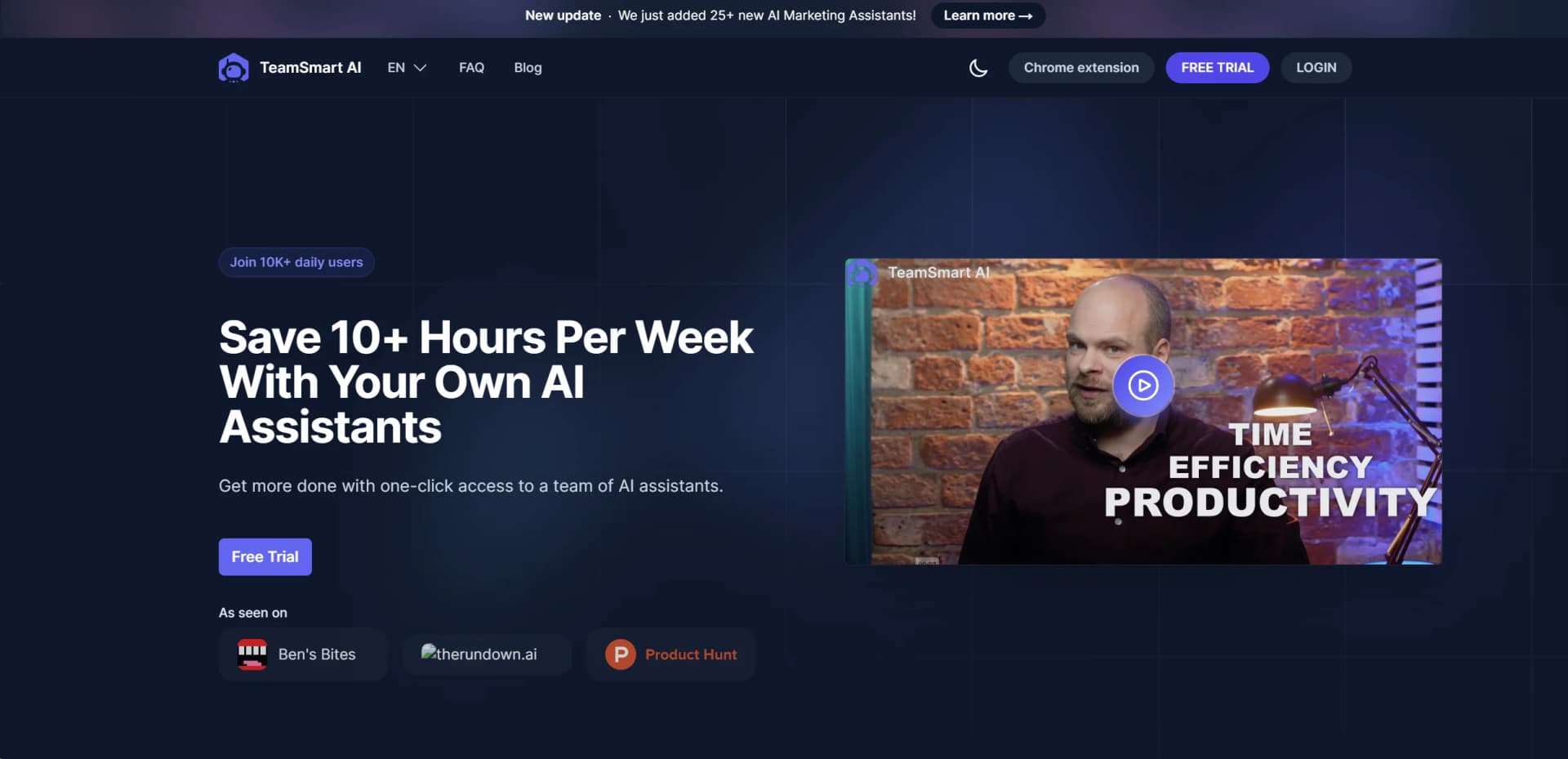
Boost productivity with customizable AI assistants in a Chrome extension.
Watch TeamSmart AI in Action
Key Takeaways
- What it is
- Boost productivity with customizable AI assistants in a Chrome extension.
- Pricing
- $30 per month · $99 per month · $650 per year
- Best for
- Chrome Extension Accessibility
- Specialized AI Assistants
- Local Data Storage
- Rating
- 4.6/5
What is TeamSmart AI?
In the rapidly evolving landscape of artificial intelligence tools designed to enhance productivity and streamline workflows, TeamSmart AI emerges as a pioneering solution. At its core, TeamSmart AI is engineered to revolutionize the way we engage with AI assistants, offering a unique blend of specialized AI capabilities through a user-friendly Chrome extension. Designed for professionals across various industries, TeamSmart AI simplifies the complexities of daily tasks, from brainstorming and drafting to code reviews, by providing one-click access to a team of AI assistants each tailored for specific tasks.
TeamSmart AI stands out with its Chrome extension accessibility, offering instant, seamless integration into the user's browsing experience. Its unique selling point lies in the specialized nature of each AI assistant, allowing users to tailor their AI team to their specific needs, thus enhancing productivity and efficiency across a wide range of tasks.
TeamSmart AI excels in enhancing productivity and efficiency, making it an indispensable tool for professionals seeking to leverage the power of AI in their daily tasks. Its unique approach of offering a customizable team of specialized AI assistants sets it apart, ensuring that every user can find precisely the support they need, when they need it. With its commitment to user privacy, seamless browser integration, and a wide array of functionalities, TeamSmart AI represents a significant advancement in the field of AI-assisted productivity tools.
Who is Using TeamSmart AI?
Software Engineers
Leveraging AI assistants for code reviews and generation.
Digital Marketers
Utilizing specialized AI for content creation, market analysis, and strategy planning.
Graphic Designers
Employing AI for art creation, design inspiration, and feedback.
Writers and Content Creators
Using AI for drafting, editing, and brainstorming content ideas.
Uncommon Use Cases
Mental coaches and startup lawyers are finding innovative ways to incorporate AI into their practices for enhanced client services and productivity.
Key Features
Rating Breakdown
Pricing Plans
Starter Plan
$30 per month
- 1,000 credits and up to 4 AI assistants
Business Plan
$99 per month
- Unlimited credits and AI assistants
Yearly Plan
$650 per year
- The most comprehensive access to TeamSmart AI features
Which TeamSmart AI plan should you pick?
Start with Free for casual use, upgrade to Pro for persistent history and uploads, and choose Max for unlimited usage and API access.
Free
Good for casual users who need basic models, writing tools, and limited daily access without a subscription.
Pro
Good for regular users who need premium models, image and PDF uploads, saved history, and higher monthly limits.
Max
Good for heavy users and teams who need unlimited questions, larger token allowances, priority access, and API usage.
TeamSmart AI Use Cases
Analyze long PDFs
Upload a contract, report, manual, textbook, or paper and ask questions in plain English.
Outcome: Receive summaries, extracted facts, and answers tied to document sections or pages.
Explain unfamiliar code
Paste code or modules for a plain-English walkthrough of logic, bugs, and anti-patterns.
Outcome: Understand code faster and prepare for reviews or debugging.
Translate multilingual content
Paste text and specify a target language, tone, or formality level.
Outcome: Get natural translations across more than 100 languages.
Create professional writing
Use writing tools for outlines, ad copy, cover letters, paraphrasing, grammar, and tone.
Outcome: Produce clearer, more polished written content.
Get specialist guidance
Choose focused assistants such as AI Lawyer, AI Accountant, AI Nutritionist, or AI Personal Trainer.
Outcome: Receive domain-scoped answers without constructing long role prompts.
Workflow Ideas with TeamSmart AI
Review a contract
- 1Upload the contract PDF
- 2Ask about obligations, deadlines, penalties, and risky clauses
- 3Request cited answers tied to sections or pages
Ship a software feature
- 1Convert plain-English requirements into SQL
- 2Use a reasoning model to debug difficult logic
- 3Generate or explain tests and code-related changes
Prepare multilingual marketing content
- 1Draft or improve the original copy
- 2Translate it into target languages with the desired tone
- 3Run the result through grammar or paraphrasing tools
How TeamSmart AI fits into your stack
Chrome Browser Integration
Designed as a Chrome extension for easy access.
Custom API Key Use
Allows users to integrate their own OpenAI API key for personalized AI capabilities.
Local Data Storage
Ensures compatibility with privacy-focused users by storing data locally on the device.
Wide Range of Specialized Assistants
From coding to content creation, TeamSmart AI supports a diverse set of tasks through specialized AI assistants.
Pros
- +Enhanced Productivity: Significantly reduces task completion time by offering specialized AI assistance for a wide array of tasks.
- +Cost-Efficiency: Eliminates the need for multiple subscriptions by consolidating various functionalities into one extension.
- +User-Centric Design: The Chrome extension and customizable AI team provide a highly personalized user experience.
- +Data Privacy: With local data storage, TeamSmart AI ensures user data remains private and secure.
Cons
- −Browser Limitation: Currently available as a Chrome extension, limiting access for users of other browsers.
- −Learning Curve: New users may need time to familiarize themselves with assembling and utilizing the AI team effectively.
- −Specialization Overload: The vast array of specialized assistants might overwhelm users initially.
Limitations & when to consider alternatives
Known limitations
- Free usage is limited. Free accounts have limited daily access and a 100,000-token starter allocation.
- Free history is temporary. Free-account activity history is automatically wiped every 24 hours.
- File uploads require a paid plan. The Free plan explicitly excludes file uploads; Pro and Max include image and PDF uploads.
- PDF uploads have a 20 MB limit. The PDF tool supports uploads up to 20 MB, and very large documents may work better when split into sections.
- API access is restricted. API keys are available to Pro and Max customers after the first payment clears; trials do not include API access.
Look elsewhere when
- You need a native iOS or Android app
- You need shared workspaces with multiple named users
- You need named third-party integrations
- You need fine-tuning or model-weight training
How to Use TeamSmart AI
- 1
Explore the comprehensive tutorial series on YouTube, covering everything from basic setup to advanced features of TeamSmart AI, ensuring users can maximize the tool's potential.
Who is TeamSmart AI For?
Students and academic researchers
They can upload research papers and textbooks, ask targeted questions, extract evidence, and request summaries.
Legal professionals and contract reviewers
They can upload contracts and ask about obligations, deadlines, penalties, and clauses to flag.
Business and market researchers
They can analyze reports, extract metrics, and locate competitive or executive-summary information.
Developers
They can explain code, generate SQL, create tests, and investigate errors using programming-focused tools.
Content creators and marketers
They can create ad copy, outlines, translations, social content, and other writing assets.
Frequently Asked Questions
Is TeamSmart AI free to use?
The current official platform offers a Free plan at $0 forever, with anonymous access and limited usage.
Which AI models does the platform support?
The platform provides access to ChatGPT, Claude, Gemini, DeepSeek, Perplexity, and other model families.
Can I upload files?
Pro and Max users can upload image and PDF files. The dedicated PDF tool supports document questions, summaries, and cited answers.
Does it have an API?
The Max plan includes API access, while the API documentation provides an OpenAI-compatible endpoint and code examples.
Do I need to install an app?
The current platform works in a web browser without a desktop or mobile app installation.
What happens to free-account history?
Free-account activity history is wiped every 24 hours; paid plans retain history.
Community reviews
1 review from people who use TeamSmart AI.
Sign in to leave a review for TeamSmart AI.
Nitin Sarkar
TeamSmart AI Alternatives
Looking for alternatives to TeamSmart AI? Here are similar tools in the same category:
Learn to Master TeamSmart AI
With Skill Leap courses
Get in-depth training on TeamSmart AI and 50+ other AI tools with our expert-led video courses.
Start 7-Day Free Trial