
SupplyScope
Streamline product lifecycle, enhance compliance, boost quality management.
Key Takeaways
- What it is
- Streamline product lifecycle, enhance compliance, boost quality management.
- Best for
- Product Information Management
- Workflow & Project Management
- Compliance Management
- Rating
- 4.3/5
What is SupplyScope?
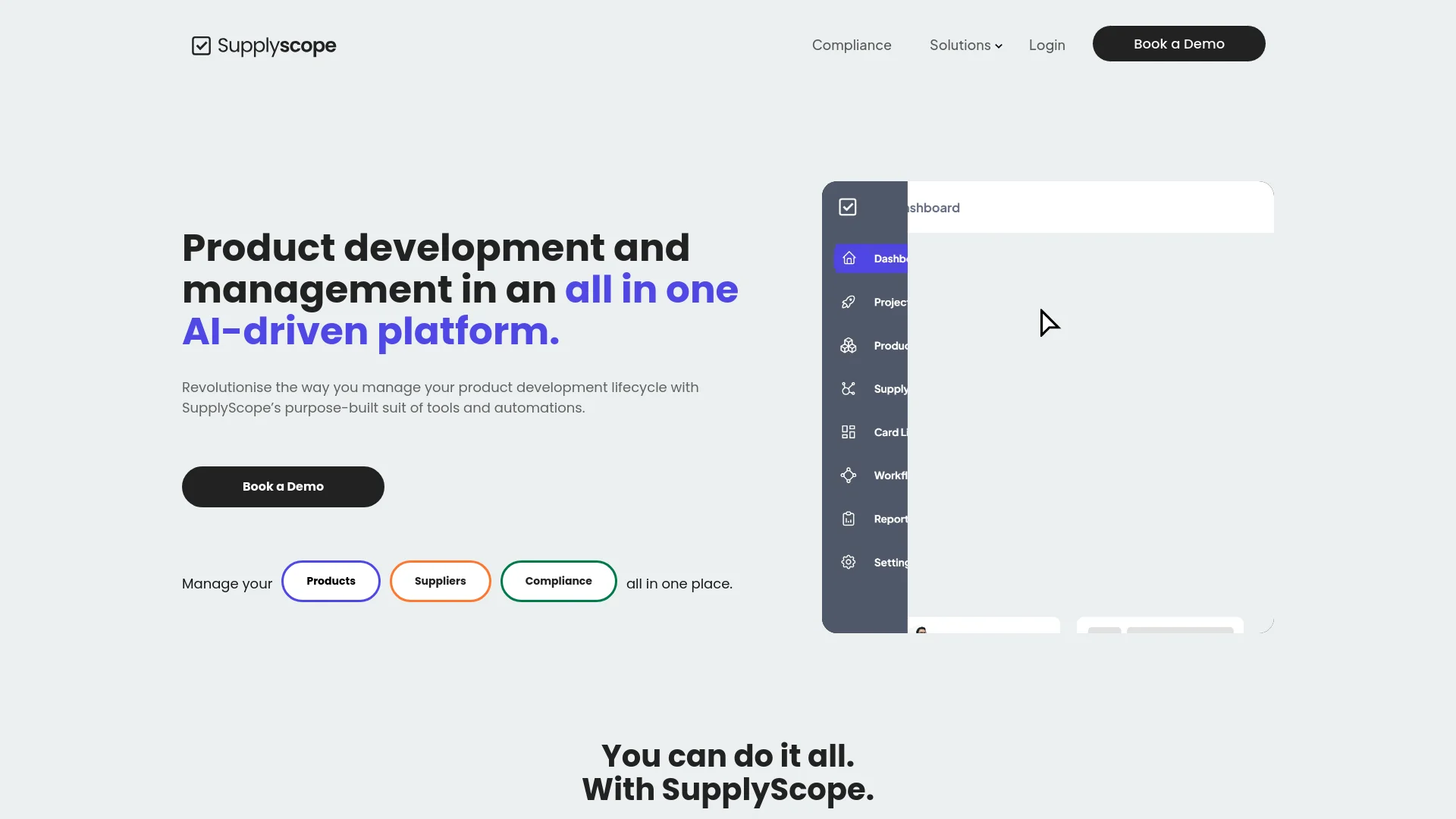
SupplyScope is an AI-driven platform designed to transform product lifecycle management for brands, retailers, and manufacturers. It focuses on enhancing transparency and efficiency across the entire product lifecycle, from development to compliance. SupplyScope aims to improve efficiency and ensure quality in supply chain processes with its comprehensive management frameworks.
SupplyScope’s uniqueness lies in its comprehensive approach to product lifecycle management. It combines transparency, efficiency, and compliance into a single platform, making it essential for businesses aiming to enhance their product development and supply chain processes.
SupplyScope offers a comprehensive solution for managing the entire product lifecycle. It enhances transparency and efficiency, especially in compliance and quality management. With its robust features and reliable performance, SupplyScope is a valuable tool for brands, retailers, and manufacturers looking to improve their product management processes.
Who is Using SupplyScope?
QA Managers
To stay updated on product compliance and changes.
Product Developers
For streamlining product development processes.
Factory Merchandisers
To manage products from inception to delivery.
Uncommon Use Cases
Used by educational institutions for teaching supply chain management and by startups for managing rapid product development cycles.
Key Features
Rating Breakdown
Which SupplyScope plan should you pick?
Start with the trial environment or a tailored demo, then choose the Subscription & Billing tier that matches your active users, products, requests, and AI usage credits.
Subscription & Billing
Good for organizations selecting a paid tier based on active users and account thresholds.
SupplyScope Use Cases
Supplier onboarding
Invite suppliers to complete technical, ethical, capacity, and compliance questionnaires, then assess and grade their responses.
Outcome: A centralized, comparable supply network.
Product development
Create digital product files containing specifications, components, measurements, artwork, and product variants.
Outcome: A single up-to-date product specification.
Compliance management
Create test plans, attach test reports and compliance documents, and track requirements by product, region, retailer, or component.
Outcome: Better visibility into completed and outstanding compliance requirements.
Workflow and project management
Manage new product development, sourcing, purchase orders, sampling, inspections, and approvals with milestones, tasks, and gateways.
Outcome: Fewer missed steps and clearer accountability.
E-commerce product enrichment
Use the Product Enrichment Agent to extract and enhance product data, improve metadata, and push updates to Shopify.
Outcome: Richer, Shopify-ready product listings.
Workflow Ideas with SupplyScope
New product development
- 1Create or import the product and add specifications
- 2Attach reusable components, measurements, and compliance documents
- 3Assign milestones, tasks, approvals, and contributors
Supplier onboarding and grading
- 1Add or invite the supplier through the Supply Network
- 2Select or customize onboarding questionnaires
- 3Review responses and grade the supplier
Compliance document renewal
- 1Upload test reports and compliance documents to the library
- 2Link documents to products or components
- 3Use expiry notifications and automatically created renewal tasks
How SupplyScope fits into your stack
API Access
Custom integrations with other business systems.
Third-Party Integration
Supports a variety of third-party tools to extend functionality.
Data Management
Robust data handling and security features to ensure information integrity and safety.
Pros
- +Enhanced Transparency: Provides real-time visibility across all stages of the product lifecycle.
- +Increased Efficiency: Automates tasks, reduces manual work, and minimizes errors.
- +Cost Reduction: Optimizes processes and eliminates waste, helping to cut unnecessary costs.
- +Quality Assurance: Improves product quality with advanced compliance and quality management tools.
Cons
- −Learning Curve: New users may need time to understand the extensive features and best practices.
- −Integration Capabilities: While robust, there may be room for improvement in integrating with existing systems for seamless data flow.
Limitations & when to consider alternatives
Known limitations
- Full implementation can take four to six weeks. SupplyScope says full setup includes onboarding support, data migration, workflow configuration, and training, and typically takes four to six weeks.
- Bulk product imports are limited to 200 products per upload. The bulk import tool supports up to 200 products at a time.
- Some integrations require manual credential setup. The Shopify integration requires creating a Shopify app, configuring API scopes, generating an access key, and entering the credentials in SupplyScope.
- Pricing is tied to account thresholds. Terms state that fees depend on active users and other thresholds, including products, requests, and AI usage credits.
Look elsewhere when
- You need a documented public developer API.
- You need SSO or SAML.
- You need a desktop installer for Windows, Mac, or Linux.
How to Use SupplyScope
- 1
Detailed tutorials and resources are available on the SupplyScope website and through dedicated support channels to help users maximize the platform’s capabilities.
Who is SupplyScope For?
Brands
Brands can manage product development, specifications, suppliers, workflows, and compliance in one connected workspace.
Retailers
Retailers can manage product information, compliance requirements, supplier data, and product lifecycle processes.
Manufacturers
Manufacturers can collaborate on product specifications, workflows, sampling, approvals, and compliance documentation.
Product, supply chain, and compliance managers
These teams can centralize product data, automate supplier processes, monitor compliance, and coordinate operational workflows.
Frequently Asked Questions
What is SupplyScope and who is it for?
SupplyScope is a product and compliance management platform for brands, retailers, and manufacturers. It supports supplier onboarding, product development, compliance, and distribution.
How is SupplyScope different from other tools?
It combines AI Agents with structured product infrastructure to automate administrative work, improve product quality, and support collaboration with suppliers and customers.
How long does it take to get set up?
Teams can begin using key features within days of onboarding, while full setup typically takes four to six weeks, including migration, workflow configuration, and training.
Is my data secure in SupplyScope?
SupplyScope states that it is ISO/IEC 27001:2022 certified and supports account permissions, customizable external access, and supplier access controls.
Can I try SupplyScope before committing?
SupplyScope offers tailored walkthroughs or access to a trial environment after booking a demo.
Community reviews
Be the first to share your experience.
Sign in to leave a review for SupplyScope.
SupplyScope Alternatives
Looking for alternatives to SupplyScope? Here are similar tools in the same category:
Learn to Master SupplyScope
With Skill Leap courses
Get in-depth training on SupplyScope and 50+ other AI tools with our expert-led video courses.
Start 7-Day Free Trial