SuperDial
Automates payer phone follow-ups for healthcare revenue cycle teams.
Key Takeaways
- What it is
- Automates payer phone follow-ups for healthcare revenue cycle teams.
- Best for
- Voice Agent
- Portal Automation
- Structured Results
- Rating
- 4.1/5
What is SuperDial?
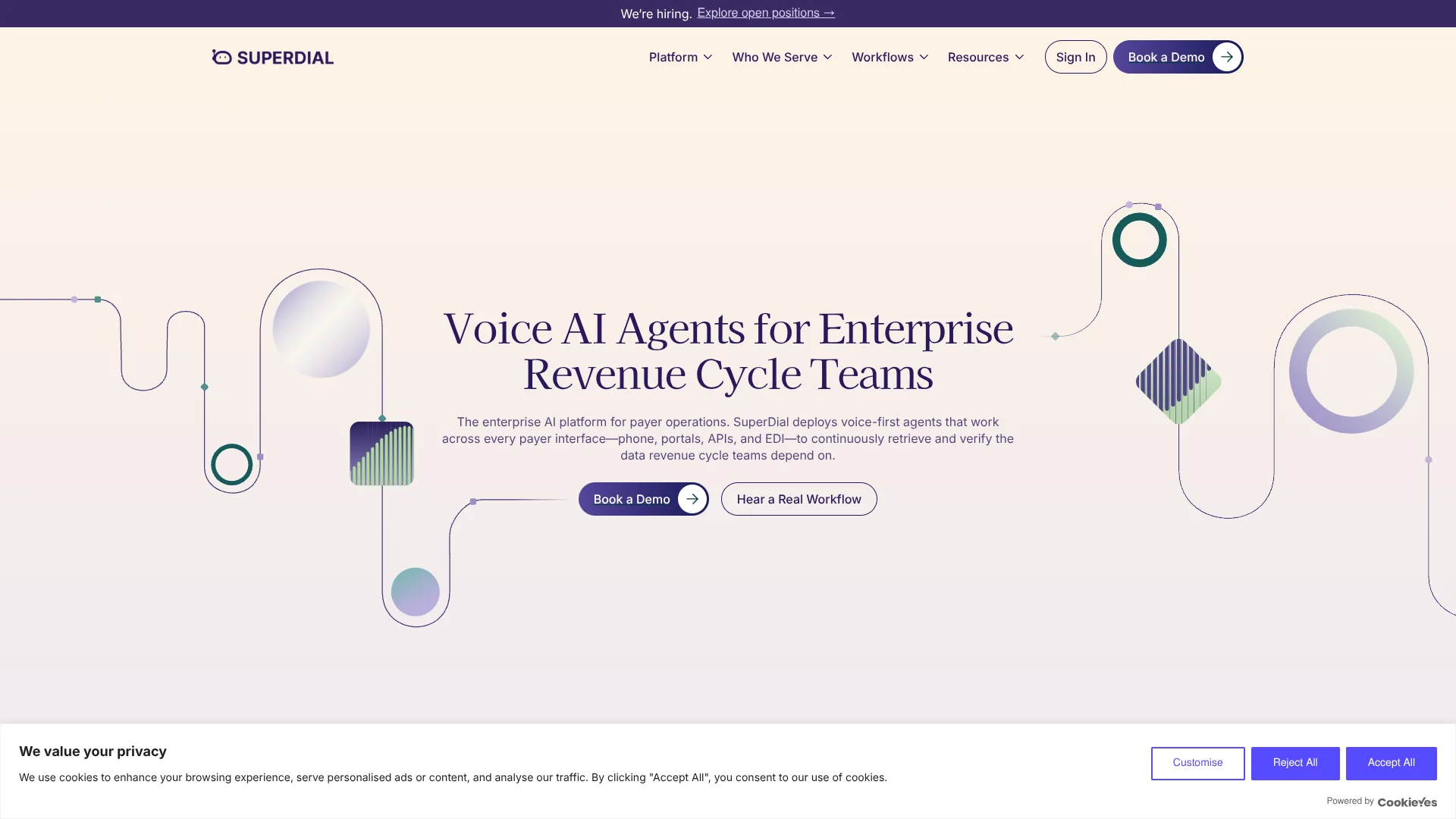
SuperDial’s AI agents handle repetitive healthcare payer work, such as checking claim status, verifying benefits, and following up on prior authorizations. They call payers, navigate phone menus, wait on hold, and can also check portals or use electronic data sources. The results come back in structured fields that revenue cycle teams can review or pass into their existing workflows.
When digital sources do not provide a complete answer, SuperDial can continue the workflow by phone and return the response with evidence such as a call recording or transcript. That gives teams a documented result, not only a status update.
It is best suited to healthcare organizations with high-volume payer or provider follow-up queues. It is not a general-purpose AI tool, and unusual cases may still need staff to review an exception and decide what to do next.
Who is Using SuperDial?
Medical Billing Specialists
Claim status, payment details, and denial reasons help them decide which accounts need follow-up.
Benefits Verification Staff
Coverage, deductible, copay, and network details arrive in structured fields for review.
Prior Authorization Coordinators
Authorization status, missing information, and next steps help them move pending cases forward.
Digital Health Product Teams
API and webhook results let teams route payer exceptions through their existing product workflows.
Uncommon Use Cases
Credentialing and enrollment follow-up; provider directory and panel-status checks.
Key Features
Rating Breakdown
Pricing Plans
Subscription-Based Model
- Offers a subscription model
- Details available directly from their sales team
Custom Pricing
- Pricing is customizable based on call volume and specific requirements
Which SuperDial plan should you pick?
Start with a pilot on one real workflow, then discuss a broader deployment once the output, exception handling, and volume fit your operation.
SuperDial Use Cases
Claim Status Follow-Up
Aged or unanswered claims get checked for processing status, payment details, denial reasons, and the next action.
Outcome: A structured claim result with supporting evidence.
Benefits Verification
Coverage checks gather eligibility, deductible, copay, authorization, and network information.
Outcome: A structured result for each eligibility check.
Prior Authorization Follow-Up
Pending cases are checked for approval status, missing information, effective dates, and next steps.
Outcome: Authorization status and recommended next action.
Credentialing and Enrollment
Payer follow-up tracks enrollment progress, effective dates, outstanding requirements, and next actions.
Outcome: Structured payer-side status information.
Provider Data Checks
Payer and provider details can be verified across workflows that need current directory or panel information.
Workflow Ideas with SuperDial
Clear an Aged Claims Queue
- 1Send a claim work queue through CSV or an API.
- 2Have SuperDial retrieve claim status and payment or denial details.
- 3Route structured results and exceptions to the appropriate follow-up team.
Track Pending Authorizations
- 1Choose an authorization follow-up queue and define the fields the team needs.
- 2Let SuperDial check status and identify missing information.
- 3Review the returned next action and call evidence.
Resolve Digital Eligibility Gaps
- 1Keep existing eligibility checks in place.
- 2Send incomplete or unresolved cases to SuperDial.
- 3Receive structured results through an API, webhook, or connected workflow.
How SuperDial fits into your stack
Payer Phone Calls
SuperDial handles outbound payer calls, including phone menus and hold time, for defined healthcare workflows.
Portals and Electronic Data
It can check payer portals and use APIs or EDI where those sources are available, then continue by phone when more information is needed.
Work Queues and Batch Files
Teams can start with work from an existing queue and submit it in a batch.
APIs and Webhooks
Digital health products and operations systems can trigger workflows and receive structured results or status updates.
Downstream Records
Results can be sent as CSV or written back to an EHR or practice management system where an integration is in place.
Pros
- +Payer phone work: Handles IVR menus and hold queues that keep staff tied up.
- +Evidence with results: Recordings, transcripts, and source details help teams review payer answers.
- +Multiple retrieval channels: Can work through phone calls, portals, APIs, and EDI.
- +Workflow-ready outputs: Results can be delivered through API, webhooks, CSV, dashboard, or system write-back.
Cons
- −Healthcare-specific: Its workflows focus on payer, provider, and patient-access operations.
- −Sales-led evaluation: The site directs prospective customers to book a demo or discuss a pilot.
- −Exception review remains: Staff may need to handle cases the agent cannot complete.
Limitations & when to consider alternatives
Known limitations
- Incomplete payer answers become exceptions. When a payer cannot provide a complete answer, the case returns to the team with a summary and recommended next action.
- System write-back depends on an integration. Results are written to an EHR or practice management system only where an integration is in place.
- A workflow must be defined. Teams need to identify the questions, required information, and desired output for the pilot workflow.
Look elsewhere when
- You need a general-purpose AI tool for work outside healthcare operations.
- You need a self-serve product with public subscription pricing.
- Your team needs an answer that does not require review of payer exceptions.
How to Use SuperDial
- 1
Choose a real workflow
Start with a repetitive queue such as claim status or authorization follow-up so the pilot tests work your team already handles.
- 2
Define the result you need
Specify the questions, required fields, and success criteria for the workflow.
- 3
Provide a batch or connect through the API
The site describes starting with a CSV batch or API connection, depending on how the work is managed.
- 4
Review results and exceptions
Check structured fields and supporting call evidence, then decide how staff should handle cases that could not be completed.
- 5
Expand the workflow
After validating the pilot, teams can move toward API-triggered work, webhooks, or system write-back.
Who is SuperDial For?
RCM Companies
Revenue cycle management teams can reduce time spent on claim follow-up and benefits checks.
Provider Groups
Healthcare practices can automate repetitive payer calls tied to coverage, authorizations, and claims.
Health Systems
Larger operations can use structured results to manage payer queues and review exceptions.
Digital Health
Healthcare technology teams can send unresolved payer cases through an API and receive structured answers.
Payers and Pharma
Payer operations and patient-access teams can automate follow-up across provider and coverage workflows.
Frequently Asked Questions
What kinds of healthcare work does SuperDial handle?
Its workflows include benefits verification, prior authorization, claim status, credentialing and enrollment, and provider data follow-up.
How does SuperDial return results?
Results can come through the API, webhooks, CSV, dashboard, or system write-back where an integration is in place.
Can SuperDial work with payer portals as well as phone lines?
Yes. It can check portals and use APIs or EDI where available, and continue by phone when those sources do not provide a complete answer.
Does SuperDial provide call recordings and transcripts?
For workflows that involve calls, the result can include the recording and transcript.
Is SuperDial designed for healthcare data?
The company states that SuperDial is HIPAA compliant, SOC 2 Type II attested, and HITRUST e1 certified, with a BAA before PHI is exchanged.
Community reviews
Be the first to share your experience.
Sign in to leave a review for SuperDial.
SuperDial Alternatives
Looking for alternatives to SuperDial? Here are similar tools in the same category: