
SuperCreator
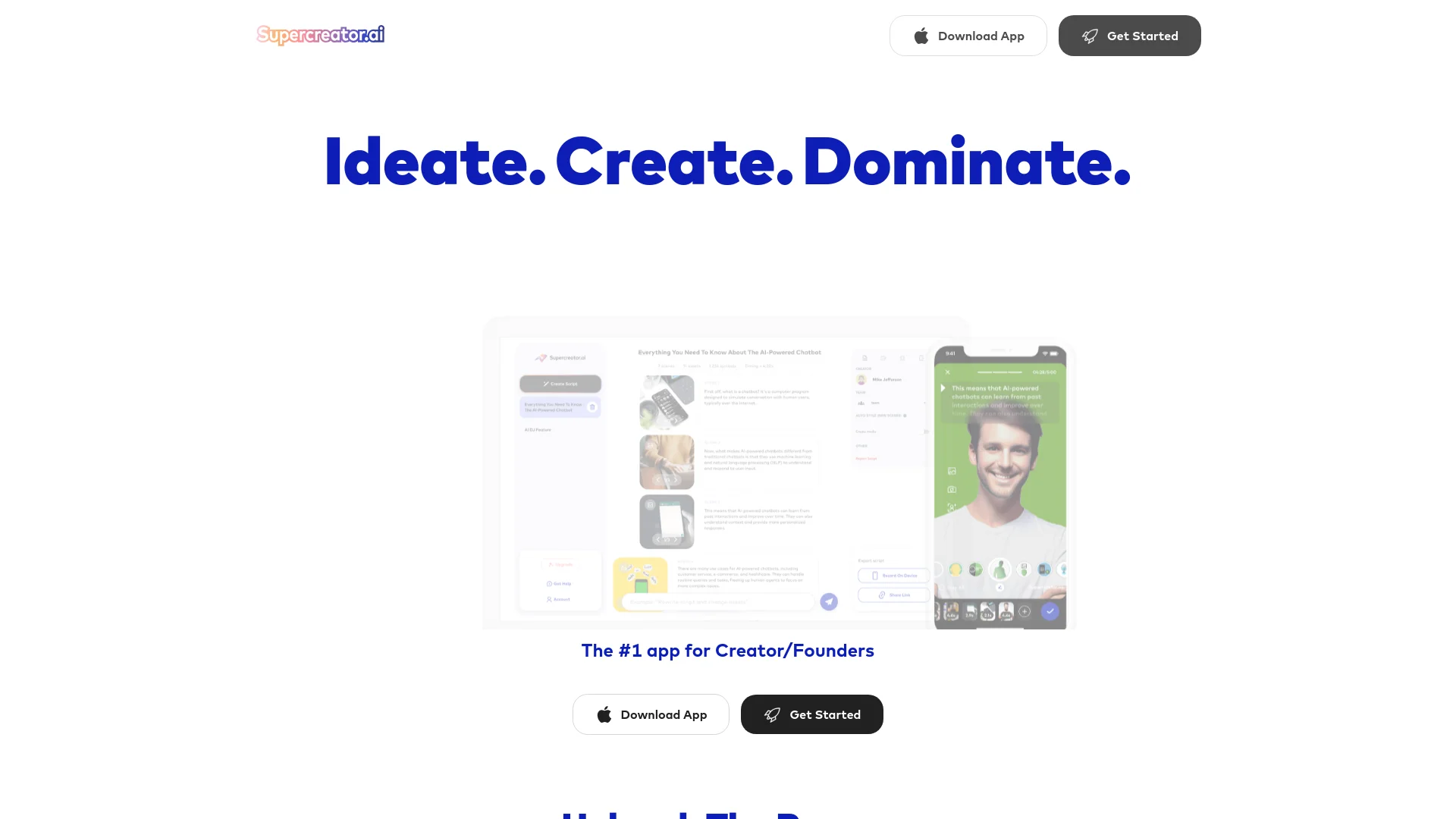
Transform articles into engaging videos with AI-driven efficiency.
Key Takeaways
- What it is
- Transform articles into engaging videos with AI-driven efficiency.
- Pricing
- $19.99 per month
- Best for
- AI-Powered Video Creation
- Comprehensive Editing Suite
- Rapid Content Production
- Rating
- 4.7/5
What is SuperCreator?
SuperCreator is an advanced AI-driven platform that has revolutionized the way videos are created. Designed for brands, businesses, and individual creators, SuperCreator simplifies the video production process by automating over 100 tedious tasks into one streamlined application. The core appeal of SuperCreator lies in its ability to dramatically reduce the time it takes to produce engaging, high-quality short-form videos, making it an indispensable tool for anyone looking to enhance their digital presence.
SuperCreator stands out by offering an unparalleled blend of speed, efficiency, and quality. Its AI-driven capabilities allow users to transform simple ideas into compelling video content in a matter of minutes, a game-changer for anyone looking to scale their video output without compromising on quality.
SuperCreator excels in transforming the complex video production process into a quick, enjoyable, and highly productive endeavor. Its robust AI capabilities, combined with user-friendly design and a range of customizable features, make it an essential tool for anyone serious about video content creation. Whether you are an aspiring influencer, a seasoned marketer, or a business owner, SuperCreator provides the tools you need to produce high-quality videos that are sure to captivate your audience.
Who is Using SuperCreator?
Content Creators
Individuals creating daily content for platforms like TikTok, YouTube, and Instagram.
Marketing Professionals
Crafting compelling video advertisements and social media posts.
Educators and Trainers
Creating instructional and training videos quickly.
Small Business Owners
Producing promotional content without needing extensive video editing skills.
Uncommon Use Cases
Financial advisors creating educational content; chefs and bakers showcasing recipe tutorials.
Key Features
Rating Breakdown
Pricing Plans
Free Trial
- Start with a robust free version to explore basic features
Pro Plan
$19.99 per month
- Offering full access to all advanced features and tools
Which SuperCreator plan should you pick?
Start with CRM Lite for basic CRM needs, upgrade to CRM Premium for copilots and analytics, and choose Super AI when you need Izzy autopilot and full automation.
CRM Lite
Good for creators or small teams who need basic CRM, fan management, and team tools at no cost for up to 10 accounts.
CRM Premium
Good for users who need message, inbox, and pricing copilots, advanced analytics, and manager tools from $15 per account per month.
Super AI
Good for creators and agencies who need Izzy on autopilot, automated Message Flows, unlimited bumps, follow-back automation, and larger AI-message allowances from $99 per account per month plus 5% of AI net sales.
SuperCreator Use Cases
AI fan chatting
Use Izzy AI to chat with fans, maintain an authentic voice, qualify buyers, and sell content.
Outcome: More consistent fan engagement and automated sales conversations.
Fan CRM management
Track fan history, spending behavior, content preferences, and lifetime value.
Outcome: More informed messaging and pricing decisions.
Automated fan re-engagement
Use online-fan bumps, expired-fan follow-backs, Message Flows, and mass messaging.
Outcome: More automated outreach and recurring fan engagement.
Personalized PPV pricing
Use Pricing Copilot and PriceGuard to recommend prices based on each fan’s spending behavior.
Outcome: Better-targeted content pricing.
Agency team management
Invite team members, assign roles, restrict sensitive access, and monitor chatter performance.
Outcome: Centralized management of creators, chatters, and account access.
Workflow Ideas with SuperCreator
Automated fan sales flow
- 1Create a Message Flow for a fan segment
- 2Add scheduled messages and PPV offers
- 3Monitor replies, sales, and conversion analytics
Agency onboarding
- 1Download and install the Windows or Mac desktop app
- 2Connect creator accounts to the Console
- 3Invite team members and assign roles and permissions
Personalized PPV campaign
- 1Segment fans using CRM data and spending behavior
- 2Use Pricing Copilot to select personalized prices
- 3Send targeted Super Mass messages and review results
How SuperCreator fits into your stack
Social Media Platforms
Direct integration with platforms like TikTok, Instagram, and YouTube.
Cloud Storage Services
Seamless compatibility with Google Drive and Dropbox for easy access and storage.
Content Management Systems
Can be integrated into various CMS for streamlined content scheduling and posting.
Collaborative Features
Supports multiple users and delegate roles, enhancing team collaboration.
Pros
- +Time Efficiency: Reduces video production time by up to 75%, allowing creators to focus on content rather than editing.
- +Ease of Use: Intuitive interface caters to both novice and experienced users.
- +Quality Output: Maintains high-quality video standards even with rapid production times.
- +Versatile Usage: Effective for personal branding, business marketing, and educational content.
Cons
- −Learning Curve: New users may need some time to fully exploit the advanced features.
- −Internet Dependency: Requires a stable internet connection for all functionalities.
- −Limited Offline Capabilities: Most features are not accessible without an online connection.
Limitations & when to consider alternatives
Known limitations
- CRM Lite excludes Izzy AI. The free CRM Lite plan includes no AI messages and does not include Izzy.
- CRM Premium AI-message cap. CRM Premium includes 500 AI messages per account per month, and additional messages cannot be purchased on that plan.
- Billing is per OnlyFans account. Each connected OnlyFans account is billed separately, even when accounts belong to the same creator.
- Account switching limitation. Switching between accounts within the same OnlyFans profile is not supported; accounts must be added individually.
- Desktop operating-system scope. The documented desktop application supports Windows and macOS; Linux is not listed.
How to Use SuperCreator
- 1
Explore a variety of tutorials available on the SuperCreator website and YouTube, covering everything from basic setup to advanced features.
Who is SuperCreator For?
OnlyFans creators
Creators can manage fans, chats, sales, pricing, automations, and account performance from one platform.
OnlyFans assistants
Assistants can manage multiple accounts, use AI-generated reply suggestions, prioritize chats, and automate outreach.
Agencies
Agencies can manage multiple creator accounts, invite team members, assign roles, monitor performance, and track revenue.
Chatters
Chatters can work in assigned OnlyFans sessions, use message copilots and libraries, and access account-specific metrics.
Frequently Asked Questions
What is Supercreator?
Supercreator is an AI-powered platform for OnlyFans creators and agencies, combining AI chatting, CRM, automations, analytics, and team-management tools.
What plans does Supercreator offer?
The plans are CRM Lite, CRM Premium, and Super AI. CRM Lite is free for up to 10 accounts; paid plans start at $15 and $99 per account per month respectively.
Can I mix different plans?
Yes. Different plans can be assigned to different creator accounts, although CRM Lite cannot be combined with a paid plan.
Do I need to pay extra for chatters or team members?
No. The license is tied to each OnlyFans account, and unlimited devices and team members are supported.
What are AI messages?
AI messages power Izzy and Copilot-generated replies. CRM Premium includes 500 AI messages per account monthly; Super AI includes a larger tier-based allowance.
How do I download Supercreator?
Download the desktop application for Windows or Mac from the official download page.
Community reviews
Be the first to share your experience.
Sign in to leave a review for SuperCreator.
SuperCreator Alternatives
Looking for alternatives to SuperCreator? Here are similar tools in the same category:
Learn to Master SuperCreator
With Skill Leap courses
Get in-depth training on SuperCreator and 50+ other AI tools with our expert-led video courses.
Start 7-Day Free Trial